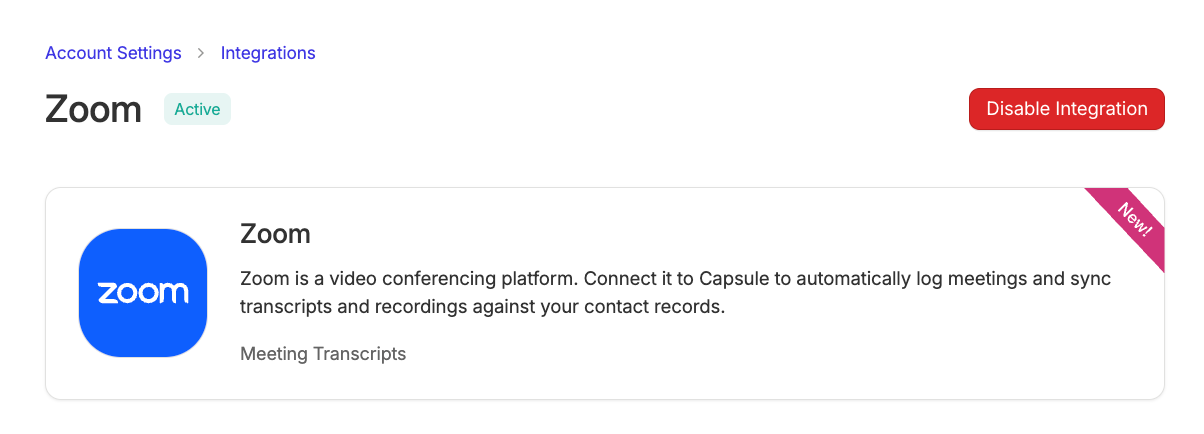
Your Zoom meetings, documented automatically inside Capsule.

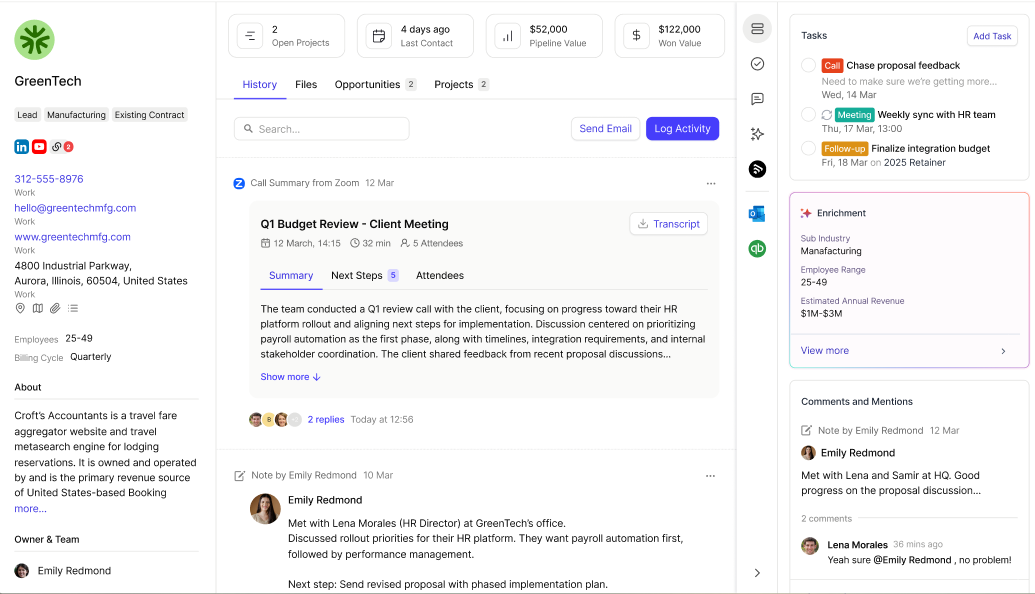
What does the Zoom Integration do?
The Zoom integration lets you automatically turn your Zoom meetings into organized Capsule updates. Meeting summaries, next steps and transcripts are synced directly to the right contact record for each attendee, so you have the full conversation history without having to manually take any notes.
Learn more about how this works in our Zoom Integration FAQ.
How to set up the Zoom Integration
To set up the integration, you will need to be an Administrator in Zoom and Capsule.
To enable the integration:
- Go to Account Settings > Integrations
- Click on the Zoom tile
- Click the Enable Integration button
- Select Connect to Zoom and enter the login details for your Zoom account. When asked, choose Allow to give Capsule the necessary permissions to Zoom.

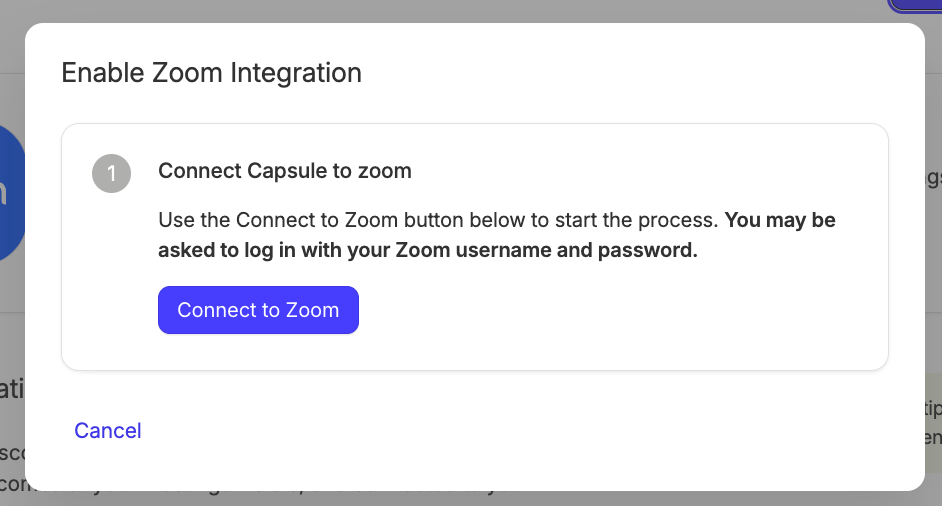
5. Choose your sync settings as below
- Yes, sync summaries and transcripts: This will log the Zoom activity, including both the summary and downloadable transcript.
- No, don't sync summaries and transcripts: This will only log the Zoom activity with the main details of the event, including name/description/list of attendees, as well as the date and time. The summary and transcript will not be stored.

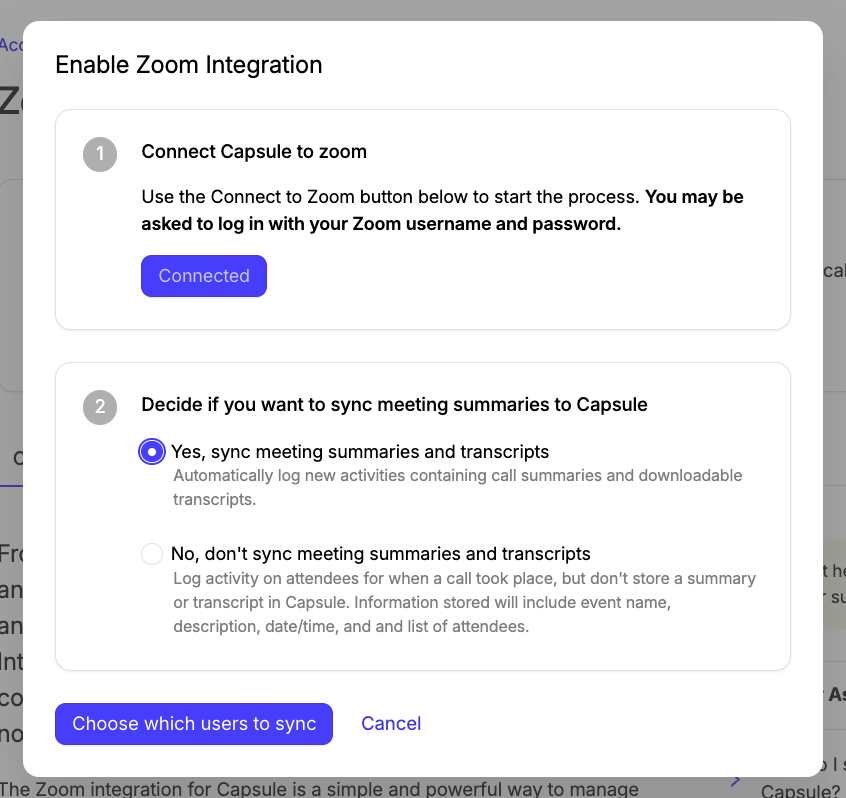
6. Once you are happy with your selection, click Choose which users to sync.
7. When you first enable the integration, it attempts to match Capsule users to Zoom users by email address. If this isn't successful, you can match them up manually:
- Under the User Sync Permissions heading, choose Add User next to their name
- Use the "Zoom User" drop-down to select the Zoom user
- Choose Add User

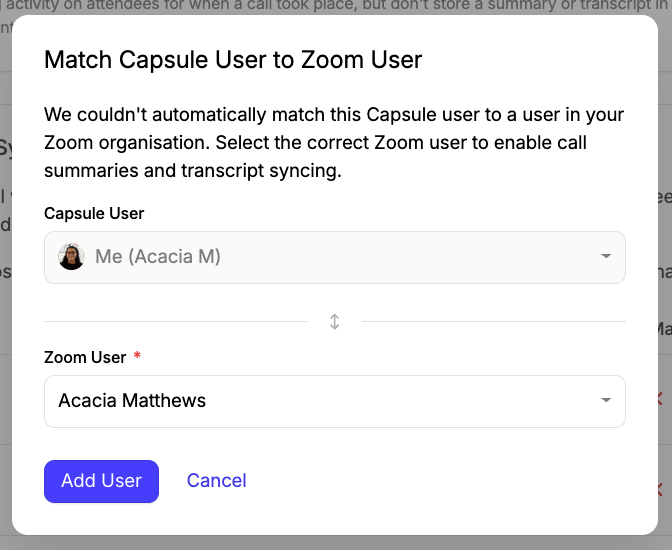
8. Once you have matched your chosen users, the integration is up and running. Learn more about User Sync Permissions.
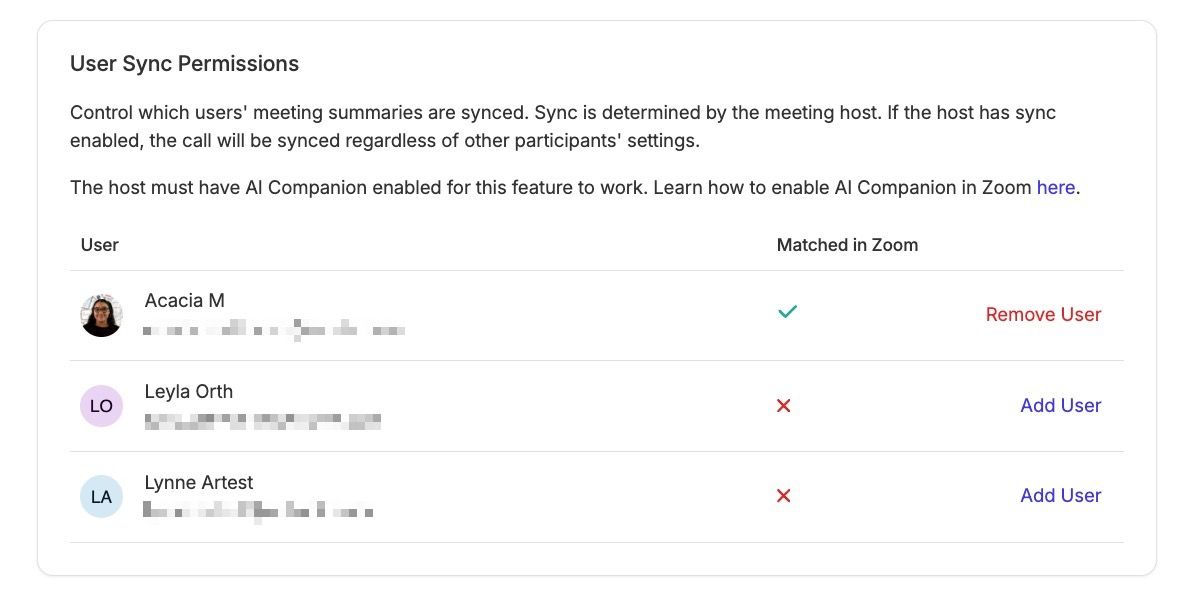
User Sync Permissions
After enabling the integration, the meeting summary sync is determined by the Zoom meeting host. If the meeting host has sync enabled, then the meeting details will be synced regardless of any other participants' settings.
If you add new users in the future to either place (or need to match them to a different Zoom email), this is done in Account Settings > Integrations > Zoom > Settings tab > User Sync Permissions area.
If you choose the remove user action, new meeting summaries for that user will no longer be logged, but any of their existing summaries will remain in Capsule.

Zoom Integration FAQ
How does matching attendees work?
A summary will be stored against meeting attendees only if they already exist as Capsule Contacts. Attendees are matched to Capsule Contacts using their email address and participant names.
Does the Zoom integration work if I share booking links with contacts?
If you want to share links with your contacts to book a meeting, we recommend using Zoom’s Scheduling feature. This will make sure that Capsule can read any meeting attendee details to successfully store your Zoom summary or transcript against the Capsule contact.
How to disable the Zoom Integration
- Go to Account Settings > Integrations
- Next to the Zoom Integration, choose Manage
- Click Disable Integration and confirm.