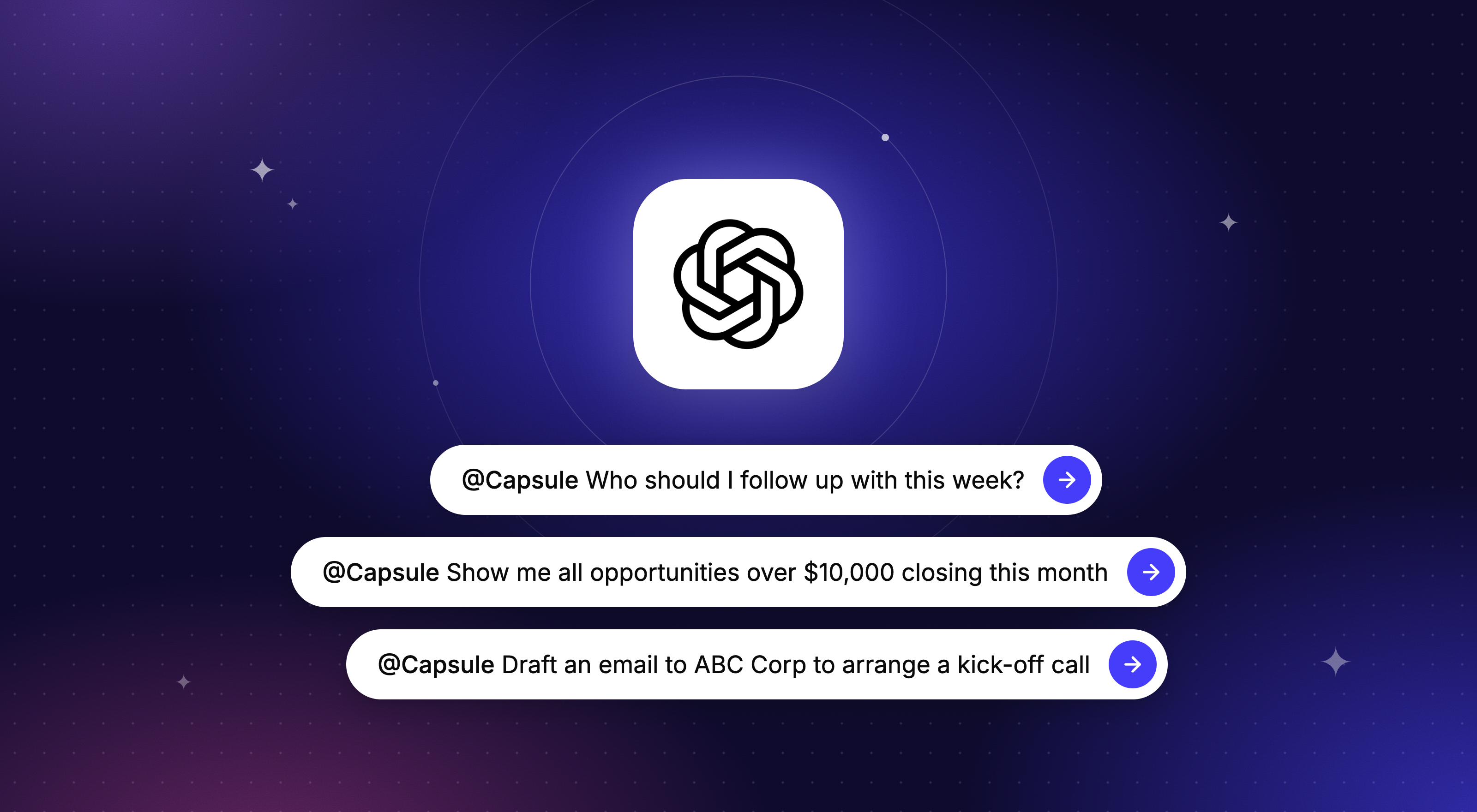
Imagine opening ChatGPT and typing: "Which deals are closing this month but have not had activity in the past two weeks?", and getting a straight answer pulled live from your CRM: no reports to build, no filters to set up.
That's now possible with Capsule CRM, thanks to a new capability called the Capsule MCP, available today via the ChatGPT plugin and in early access beta with Cursor.
Here's what it is, how it helps you, and how to get access.
First, what is MCP?
MCP stands for Model Context Protocol. It's quickly becoming the standard way that AI tools, like ChatGPT, Claude, and Cursor, connect to the apps and data you already use. Think of it as a universal adapter: instead of every AI tool needing a bespoke, custom-built connection to every piece of software, MCP gives them a shared language for talking to each other.
Simply put, MCP is what lets an AI tool actually see and understand your Capsule CRM data, so you can ask it questions directly rather than copying and pasting information.
Using Capsule MCP: What are the benefits?
The Capsule MCP connects your CRM account to your AI tool. Once it's set up, you can ask questions about your contacts, pipeline, tasks, and projects in everyday language and get answers drawn straight from your live CRM data.
Spend your precious time on building relationships
Let your AI tool answer your burning questions in seconds, while you focus on building relationships and delivering your best service.
So, what kind of questions can you ask?
Here are just a few suggestions to get you started:
Dig deeper into your customers by asking:
- “What’s the last note we logged for Meridian Corp?”
- “Show me every technology sector organization we’ve added this year.”
- “Find all contacts tagged as warm leads who haven’t been contacted in the last 30 days.”
- “Give me a snapshot of all my customer interactions from the past week.”
Get instant insight into sales performance by asking:
- “Which of my deals are most likely to close this week?”
- “Which deals are stalling this month and need extra attention?”
- “Where in the sales process do deals get stuck the longest?
- “What do the opportunities we have won in the past year have in common?”
Understand how your Projects are running by asking:
- “Which projects are stuck this month?”
- “Which projects are missing an owner?”
- “Which projects are overdue this week?”
Get a bird’s-eye view into your team’s performance by asking:
- “Which team members logged the most and the least activities in the past month?”
- “Give me a report on all the overdue tasks by owner, account, and team.”
- “Who has created the most opportunities in the past year?”
Simply type your question into your AI tool, let it do the digging for you, and get an answer back in plain language. It's nice and easy, freeing up your time and mental capacity.
What AI tools work with Capsule's MCP connection?
Right now, the MCP connection with Capsule CRM is available for ChatGPT via their plugin directory, and for Claude and Cursor via the Capsule MCP beta - see below. We are actively working on building more connections, so we'll keep you posted - watch this space!
How to get early access as a Capsule customer
The ChatGPT Connector is now live. Open ChatGPT and visit Plugins, and browse in the top-right corner of the box, where you can find and enable the Capsule CRM plugin for ChatGPT.
Capsule MCP for Cursor is currently available through an exclusive private beta, and access is by request. Here's how to get in:
- You'll need to be a Capsule CRM customer on a Growth plan or above during the beta.
- To request beta access, first log into your account and head to 'Integrations' in the drop-down menu below your username. Search 'Capsule MCP Server' and tap into the listing page.
- Here, you just need to click 'Request early access'.
We aim to review every application within a couple of business days and will let you know either way.
The MCP integration itself is completely free throughout the private beta. Keep in mind the AI tools you connect, such as ChatGPT, may have their own usage limits depending on your plan with them.
Not a Capsule customer yet?
Not to worry, we are offering early access to new customers, too! Simply sign up for a free trial of the Growth plan or above to get started, then follow the steps above to request beta access.
Frequently asked questions
The Capsule MCP integration connects your Capsule CRM account to AI tools like Claude, so you can ask questions about your contacts, deals, tasks, and projects in plain language and get answers pulled directly from your live CRM data.
MCP stands for Model Context Protocol: it's a standard that allows AI tools to 'talk' to external apps and services without needing custom-built connections.
Currently, the Capsule MCP integration works with Claude and Cursor. Capsule CRM is actively working on expanding support to additional AI tools, so more options will be available in the future. Sign up to our newsletter below this blog to get updates.
Yes, the MCP integration itself is free to use throughout the private beta. Keep in mind that the AI tools you connect it to, such as Claude, may have their own pricing or usage limits depending on the plan you're on with them.
You'll need to be on a Growth plan or above to access the Capsule MCP beta. This applies to both existing customers and new customers signing up specifically to try the integration.
Access is by request during the private beta. To make your interest known, first log into your Capsule CRM account, and go to Integrations from the drop-down menu under your username.
Then search for "Capsule MCP Server", and click "Request early access". Capsule CRM aims to review applications within a couple of business days.