Much of what we’re revealing in today’s newsletter came straight from your feedback: the AI tools you use, which CRM capabilities matter most to your workday, and, simply, how you prefer to work.
With the final quarter underway, these updates are here to make work easier and save you time when it matters most. First though…
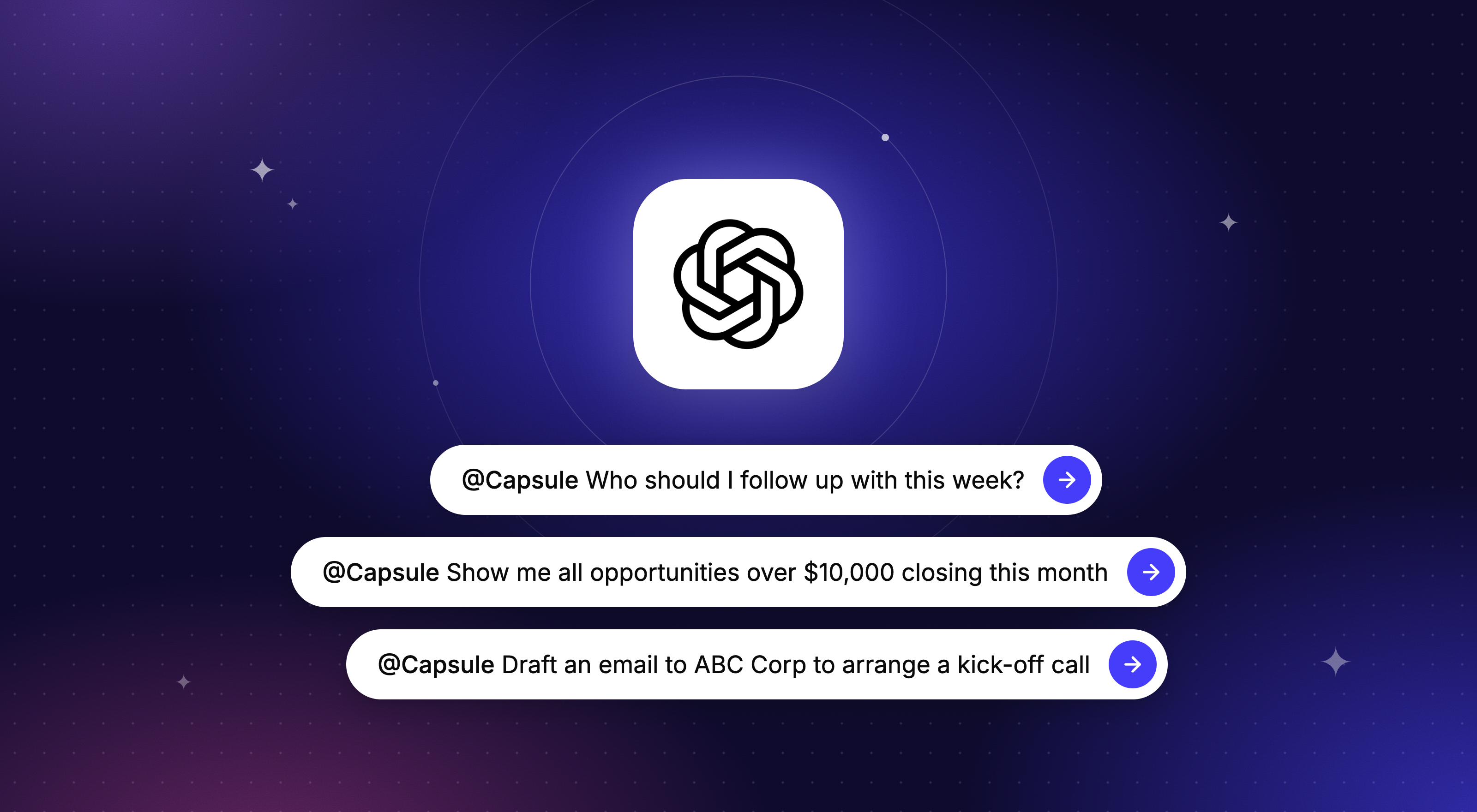
You can now connect Capsule to ChatGPT


When we asked how you're using AI, ChatGPT came out on top, so we made sure you can plug in Capsule. Connect Capsule to ChatGPT, and you can update your CRM and get answers from it just by chatting.
You can:
- Get a prioritized list of who to follow up with, so you know where to start each day
- Log activities and set follow-up Tasks straight after a call, while the details are fresh
- Check how Opportunities and Projects are progressing, and update their Custom Fields as things change
- Draft follow-up emails based on your previous conversations with a client
Connect Capsule to ChatGPT or read our ChatGPT blog for plenty of ideas to get you started.
Available on Growth plans and above.
Fancy connecting Capsule with another AI tool?
Capsule CRM can connect with more LLMs, so if you’re using another tool, like Claude, you can set it up as a custom connector: our guides cover everything you need to set up the connection with Capsule CRM.
Keep a complete history of every client conversation (and reply inside your CRM)
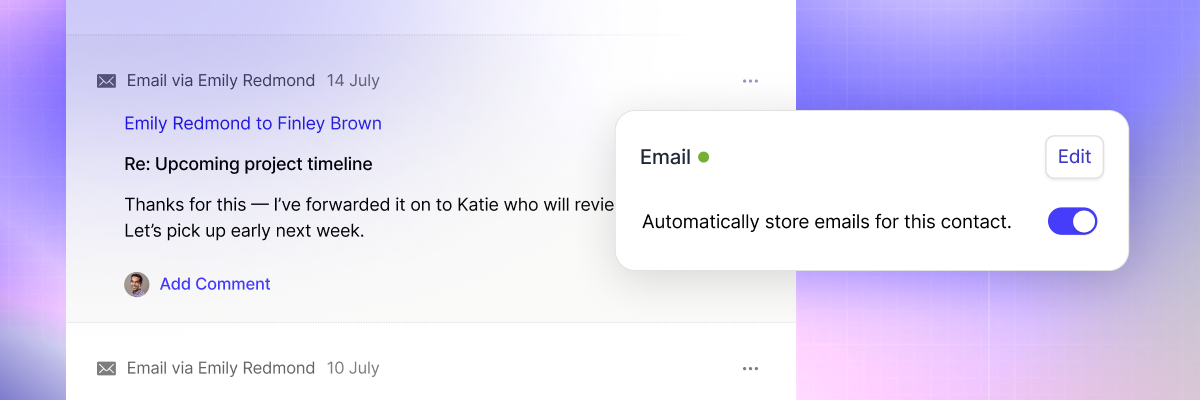
Imagine opening a contact and seeing every email you've exchanged with them, without having to copy, paste, or store a single one. With Email Sync and Reply, you can bring your past emails into Capsule and make sure new ones land there automatically, so there are no more gaps in your client history.
When it's time to reply, you can do it from Capsule, with your notes and open Opportunities right beside you.
It works for your whole team, too. Everyone can sync their own emails with a client, so relationships don't live in one person's head (or inbox), and your customers get the same consistent service whoever they speak to.
Available on Growth plans and above.
Find your way around Capsule with the new menu

Have you seen the new left-hand menu? The main navigation now sits down the side of your screen, putting every feature within easy reach and giving us room to keep adding helpful tools in the future.
We've also added Tasks and Goals to the menu, so they're only a click away whenever you need them.
Still getting used to it? Our support guide walks through where everything lives now.
Set yourself up for a strong final quarter
Set Goals your team can see every day: Track Opportunities created, won, or moved to a milestone, plus activity goals like calls and meetings logged, right alongside your daily work.
Find out if your pipeline is doing too much: Spot the signs you've outgrown a single pipeline, and how to set up more without adding complexity.
Review your year so far and plan the rest: Nine practical questions and a free template to turn your results into a plan for the final quarter.
Discover more guides and best practices.
Integrations in the spotlight this month
Take the stress out of accounting with Crunch


Crunch is accounting software built for small business owners, so you won't need any accounting experience. Connect it to Capsule to see client invoices on their records, and set up invoicing in one click when you win an Opportunity.
As a Capsule customer, you get an exclusive 25% off your first three months: sign up to Crunch here.
Our top prospecting integrations for sales teams
Find the right people, reach out, and automatically keep it all logged in Capsule.

lemlist: Find new B2B leads that fit your ideal customer profile and reach them with personalized outreach across multiple channels. When a lead shows interest, lemlist creates the contact and Opportunity in Capsule automatically, so you can spend your time converting them instead of updating records. Explore lemlist.
Lusha: Find verified email addresses and phone numbers for the people you want to reach, then add them straight to Capsule. Your team spends less time hunting for contact details and more time talking to prospects. Discover Lusha.
Add to CRM: Already a customer favorite, use this Chrome extension to turn LinkedIn and XING profiles into Capsule contacts in a click. You can also look up contact info from a database of 220 million people, so you're reaching the right inbox first time. Try Add to CRM.
What’s new in Transpond?
Build Landing Pages without waiting on a developer
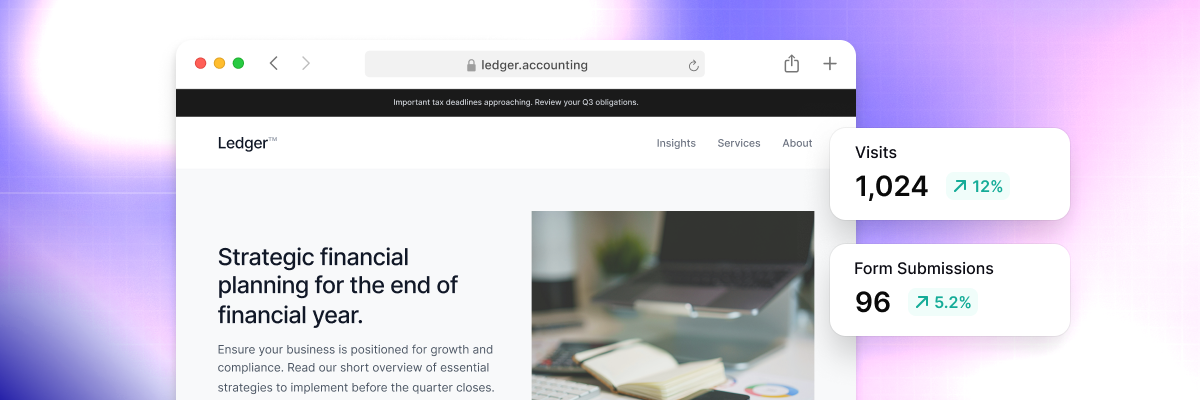
Create dedicated web pages for event signups, lead capture, or call bookings, and publish them yourself. Landing Pages are ready for you to try in Transpond.
Build your first Landing Page.
Get early access: ask your AI tool about your marketing

Connect Transpond to your AI tool to ask which contacts opened your last email but didn't click, or describe an automation and let it build it for you.
Get early access and help shape what comes next in Transpond.
Feeling overwhelmed by your marketing?

Between emails, social posts, and figuring out what's actually working, there's a lot to juggle. Our ‘Marketing Made Manageable’ webinar is worth an hour of your week.
James Keeler, Customer Success Manager at Transpond, covers how to:
- Create and manage email campaigns, so you stay in touch with customers without starting from scratch each time
- Bring SMS and social media into your marketing to reach people who don't check their inbox
- Automate the marketing tasks you repeat every week
- Create engaging content without specialist design or copywriting skills
- Work out whether your campaigns are actually working and what you can do more of
You'll come away with practical ideas you can put into action straight away.
We'd love to hear how you're using ChatGPT or the Custom MCP Connection with Capsule CRM - share your top prompts with us at hello@capsulecrm.com for a shout-out and to shape future features.
If you have any questions about these features or your account, you can get in touch with our friendly support team at support@capsulecrm.com.
Here's to a strong end to the year.
Take care,
– Liv at Capsule CRM