Small teams are already stretched thin. The same person may handle sales calls, client follow-ups, invoicing questions, onboarding, and the “quick thing” that somehow takes half a day.
So the last thing they need is an ill-suited CRM that makes life even harder.
The best CRM for small teams makes customer work easier from the first week, but this isn’t always the case. Some tools look impressive in demos, but feel too complicated or time consuming once a small team has to use them every day. Others are simple at first, then start to fail when the team adds more customers, more deals, or more people.
This guide looks at the best CRM for small teams in 2026, focusing specifically on easy-to-use tools that support your business as it scales.
Do small teams even need a CRM?
Yes, once customer work starts living in too many places.
At first, a small team can get away with inboxes, spreadsheets, and memory. Everyone knows the clients. Everyone roughly knows what is happening.
Then a few more leads come in. One client asks for something while the person with the context is on another call. And then, a deal goes quiet because nobody owns the next step.
The spreadsheet is still there, but nobody fully trusts it. That’s usually the point where a CRM starts becoming useful.
A CRM doesn’t need to be a huge system. It should give people one clear place to check the customer history, see the next action, and understand where each opportunity stands. The value isn't in having more software but making sure good conversations don't disappear just because the team is busy.
There’s also a business case for getting this right. Nucleus Research’s well-known CRM ROI study found an average return of $8.71 for every dollar spent, though it is worth noting this figure comes from 2014, not a new 2024 report. Businesses using CRMs see sales increase by up to 29%, partly because teams spend less time searching for information and chasing updates.
So yes, small teams often need a CRM. They just need one that fits the stage they are actually in: quick to set up, easy to keep updated, and useful before it becomes another thing people avoid.
The best CRM for small teams in 2026
Capsule CRM
Capsule is a natural fit for small teams because it doesn’t ask them to become CRM experts before they can get value from it.

Small teams usually need one thing first: a cleaner way to keep customer work moving.
Leads need follow-ups. Deals need owners. Clients need context. Nobody has time to search five inboxes before a call or maintain a CRM that feels heavier than the work itself.
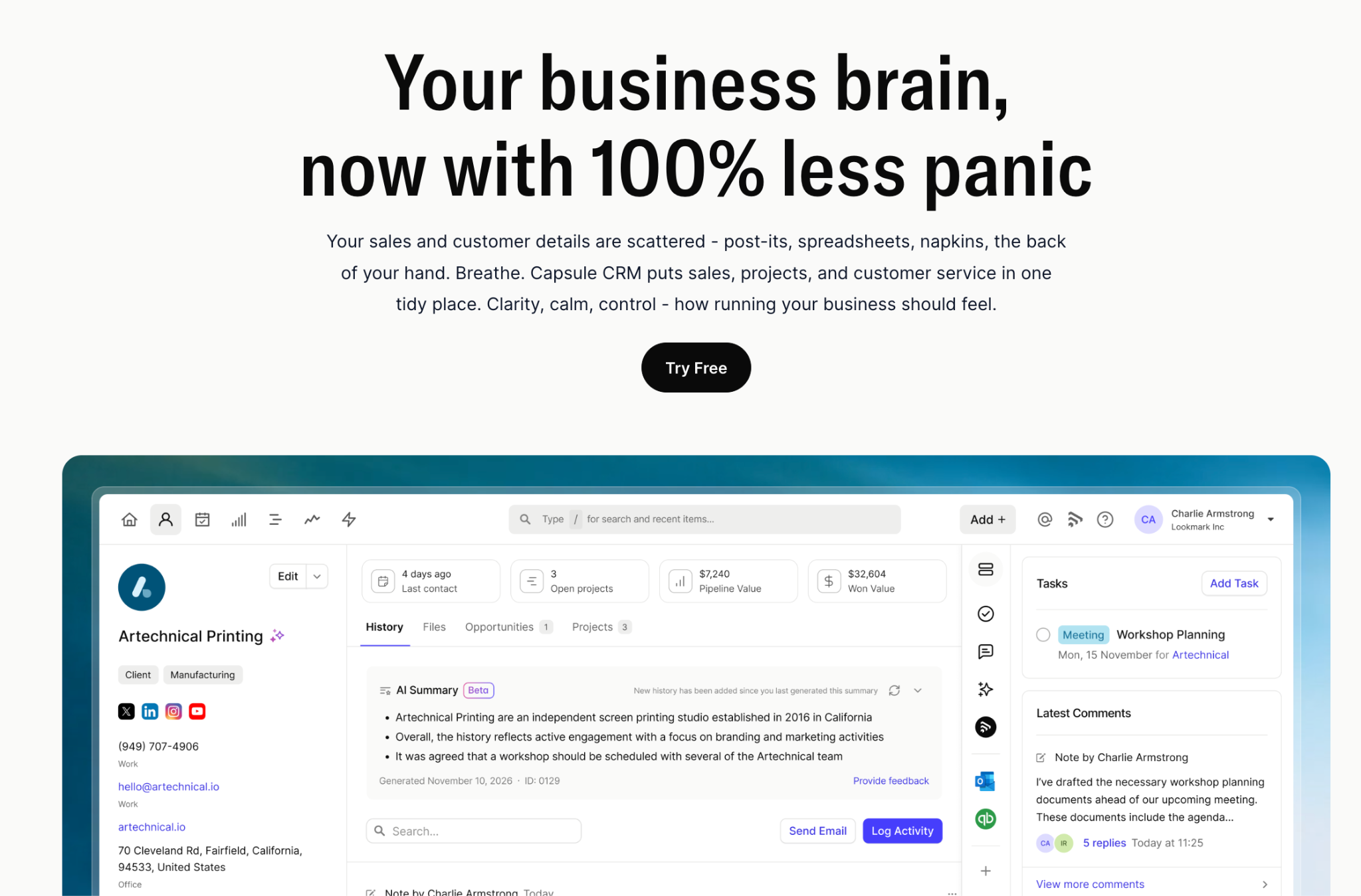
Capsule keeps that work in one place. Contacts, emails, notes, tasks, opportunities, and projects all sit close to the customer record, so the team can see what happened and what needs to happen next. That sounds simple, but for a small team, it’s often the difference between “we’ve got this” and “who was meant to follow up?”.
Key features for small teams
Start with the customer record
Capsule gives the team one place to check the relationship before they act. Emails, notes, tasks, files, past activity, and open opportunities can all sit against the contact, so you don’t have to rebuild the story on your own.
Make the pipeline useful, not performative
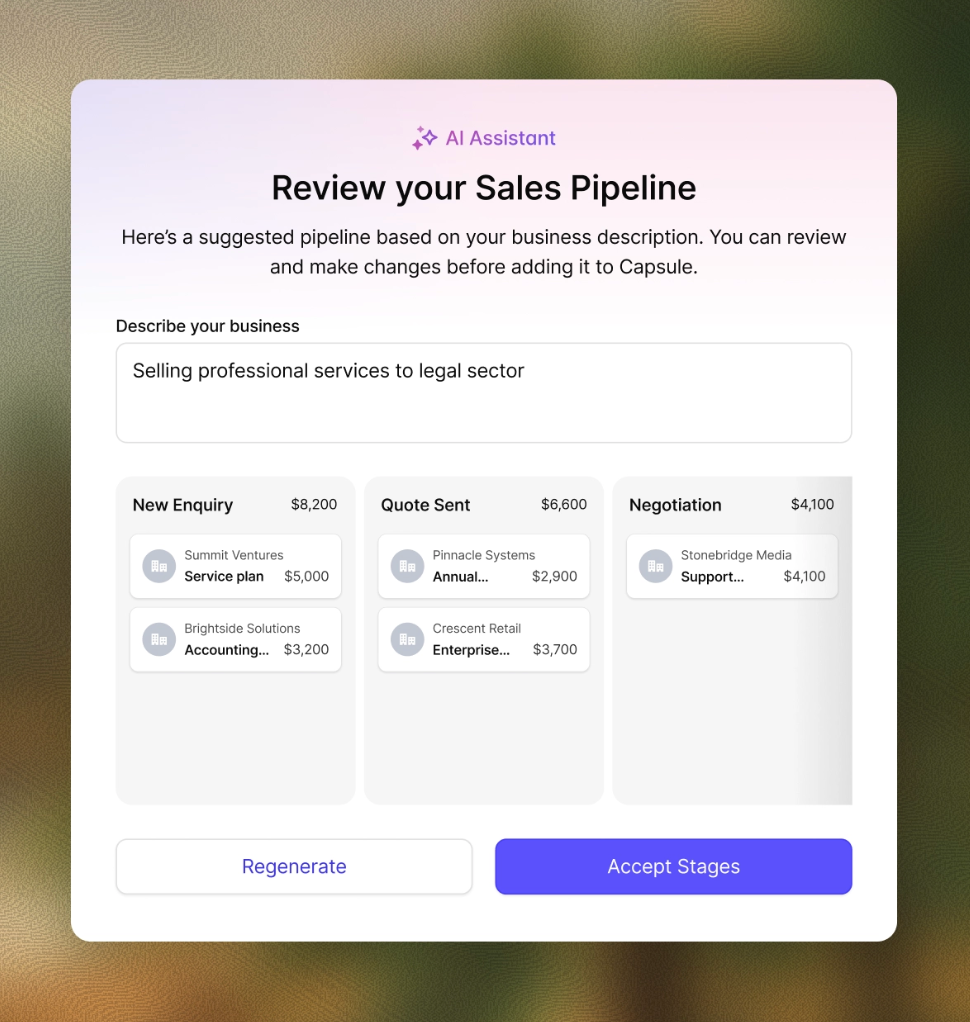
A small team’s pipeline should answer one question fast: what needs attention? Capsule lets teams shape their own sales stages, then track opportunities in a clear visual pipeline. The setup can stay simple at the start, but still give enough structure to spot stalled deals and plan the week.
Keep the next step attached to the customer
This is where small teams often lose time. Someone sends a proposal, gets pulled into client work, and the follow-up quietly slips. Capsule’s tasks and reminders keep next actions connected to the relevant contact or opportunity, so the CRM becomes a working prompt.
Use Projects when the work continues after the sale
Many small teams don't hand a closed deal to a separate delivery department. The same people may sell, onboard, and manage the client. Capsule’s Projects feature helps keep post-sale work close to the customer relationship, which is especially helpful for agencies, consultants, and service teams.
Connect the tools already in use
Capsule works with Gmail and Outlook, and its integrations include Xero, QuickBooks, Mailchimp, Zapier, Google Workspace, and Microsoft 365. The CRM should fit into the tools they already open every day – and Capsule does.
How Capsule AI helps small teams move faster
Capsule’s AI features work best because they deal with ordinary CRM friction.

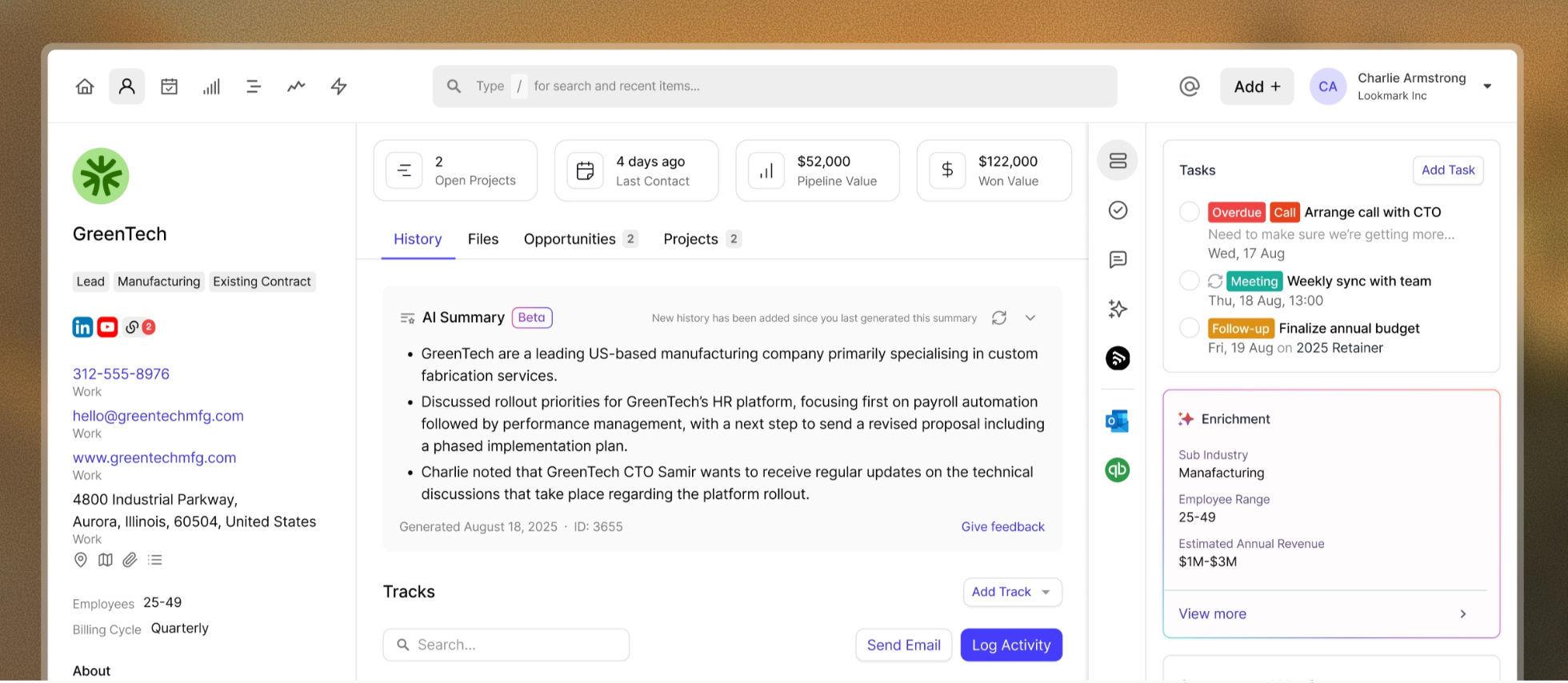
Capsule helps in the everyday moments where small teams usually lose time.
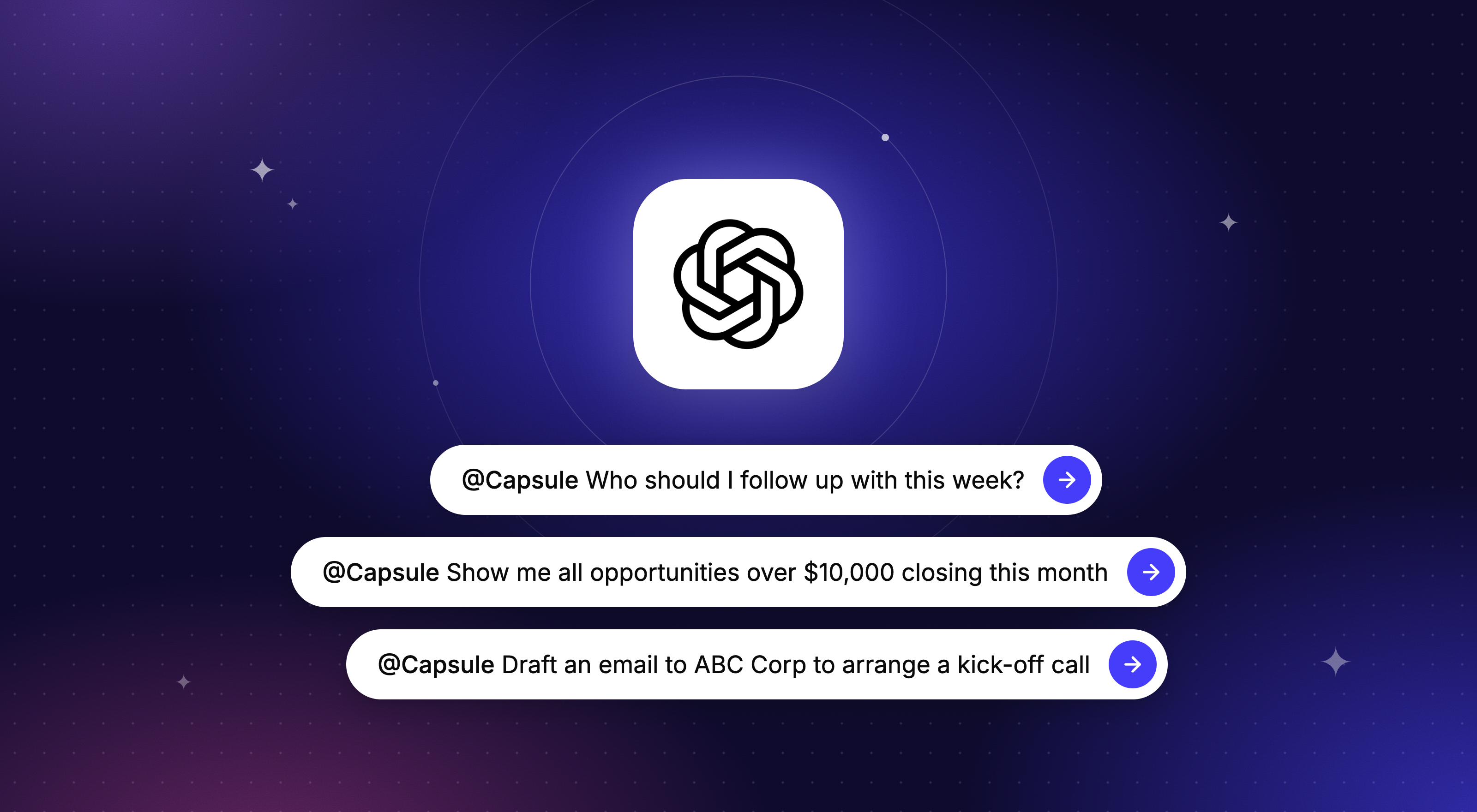
Before a call, AI Summaries can turn recent notes and activity into a quick brief, so the team can get back up to speed without opening every record. After the call, AI Email Assist can help draft the follow-up while the details are still fresh. And when a team is setting up Capsule for the first time, the AI Pipeline Generator can help shape a sales process instead of starting from a blank screen.

What users say about Capsule
Capsule’s review pattern is very consistent: users like that it’s clean, quick to learn, and easy for non-technical teams to adopt.
One G2 reviewer describes Capsule as “simple and user-friendly,” with a clean UI that made onboarding quick even for non-technical users. The same review calls out easy contact updates, deal tracking, note organization, and email integration – basically the small-team use case in one paragraph.

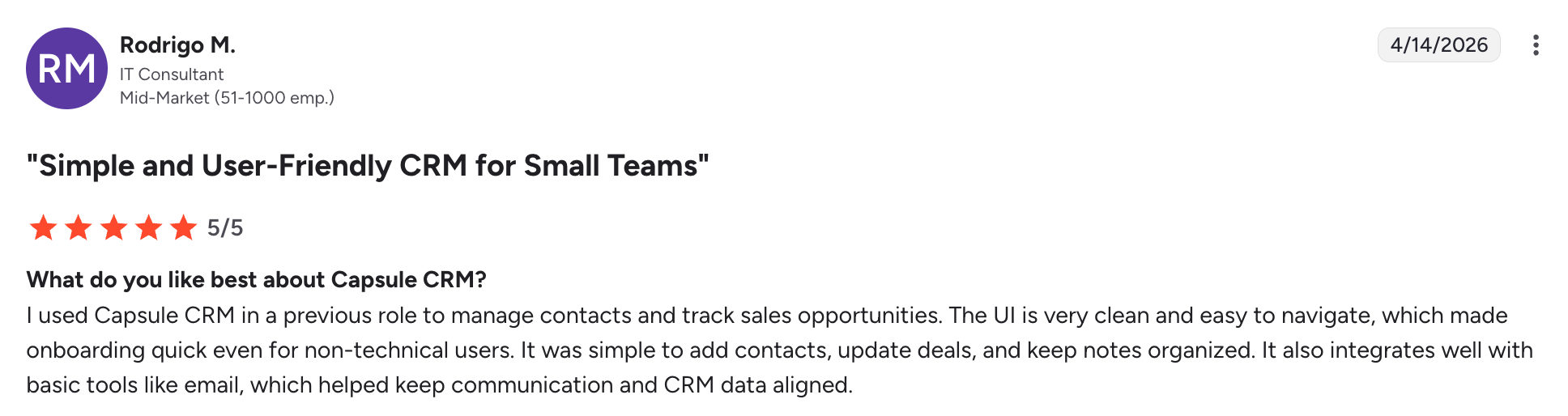
Another review points to the same thing from a daily-use angle: fast setup, no endless training, easy access to contacts, and drag-and-drop pipeline updates. That’simportant because small teams usually fail with CRM when the tool takes too much effort to keep current.


The third review headline says it plainly: “Perfect CRM for Small Business Needs.” That’sthe story Capsule should own here. It’snot trying to be the biggest CRM in the room. It's trying to be the one a small team can actually keep using.

Pricing
Capsule has a free plan for up to two users and 250 contacts, which gives very small teams a real place to start. Paid plans begin at $18/user/month on annual billing, with the Starter plan expanding contact limits and adding features like premium integrations and reporting. Growth starts at $36/user/month and includes more advanced features, including enhanced AI tools.

Bigin by Zoho CRM
Bigin is Zoho’s lighter CRM for small teams that want a visual pipeline yet without taking on the full Zoho CRM setup.

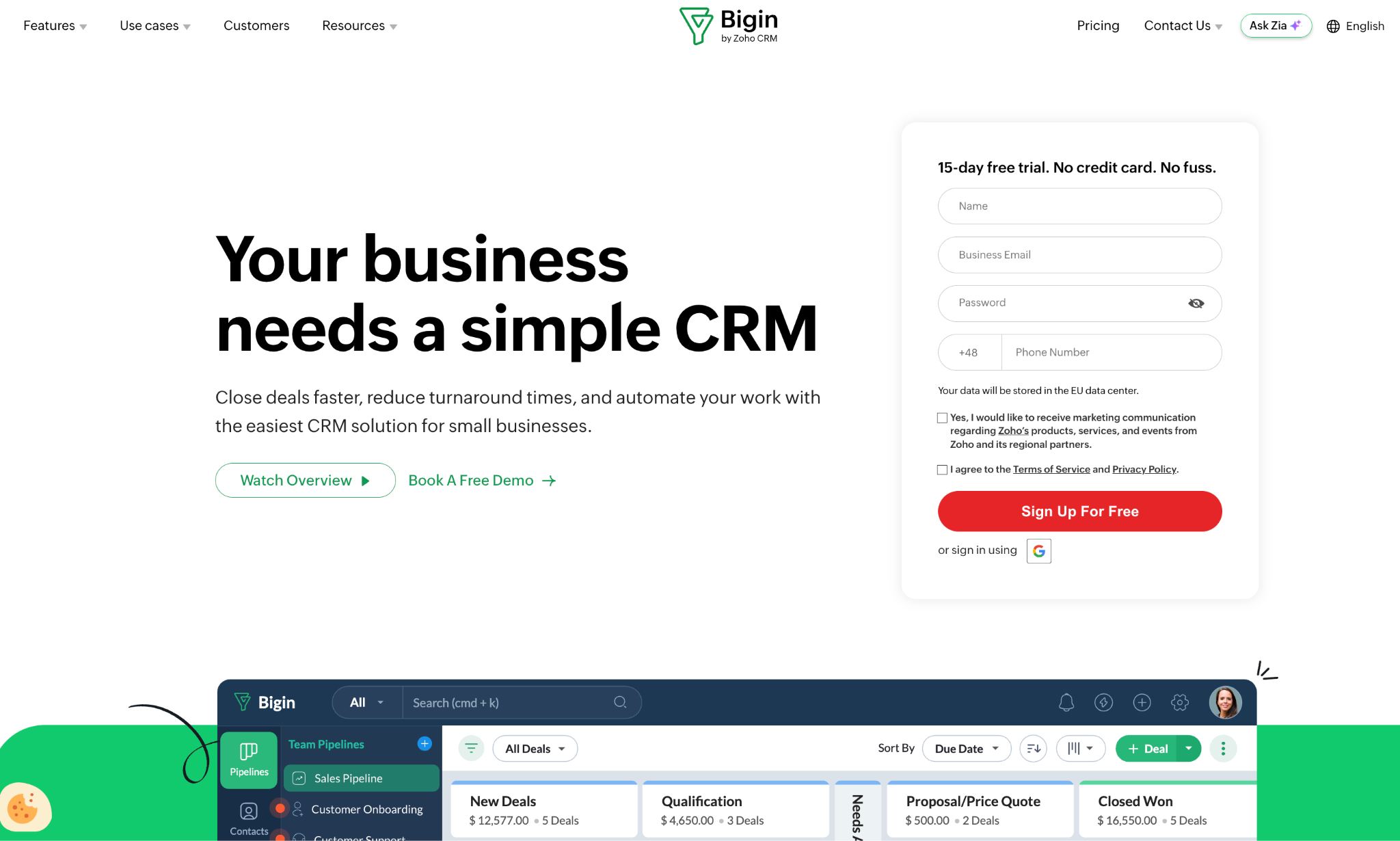
It’s built around pipeline-based customer management. Teams can track contacts, companies, deals, emails, calls, activities, and workflows in a simpler interface than Zoho CRM. That makes it a better fit for micro-businesses, solo operators, and small sales teams that mainly need to see what is active and what needs a follow-up.
The main appeal is price and simplicity. Bigin has a free plan for one user, while paid plans start at $7/user/month on annual billing. It also connects with tools such as Gmail, Microsoft 365, Google Contacts and Calendar, Zapier, Mailchimp, Shopify, Zoho Books, Zoho Desk, and Zoho Campaigns, although feature access depends on the plan.
The limitation is ceiling. Bigin is easier to adopt because it’s narrower than a full CRM, but that also means growing teams may eventually want deeper reporting, more advanced automation, or a more flexible sales process.
Bigin is a sensible option when a small team wants a low-cost CRM with a clear pipeline view. If the team expects to grow into more structured sales management, it's worth thinking ahead about pipeline setup and long-term CRM habits.
Pricing: Free plan for one user. Express from $7/user/month. Premier from $12/user/month.
Pipedrive
Pipedrive works best when a small team wants the CRM to stay close to the sales pipeline.

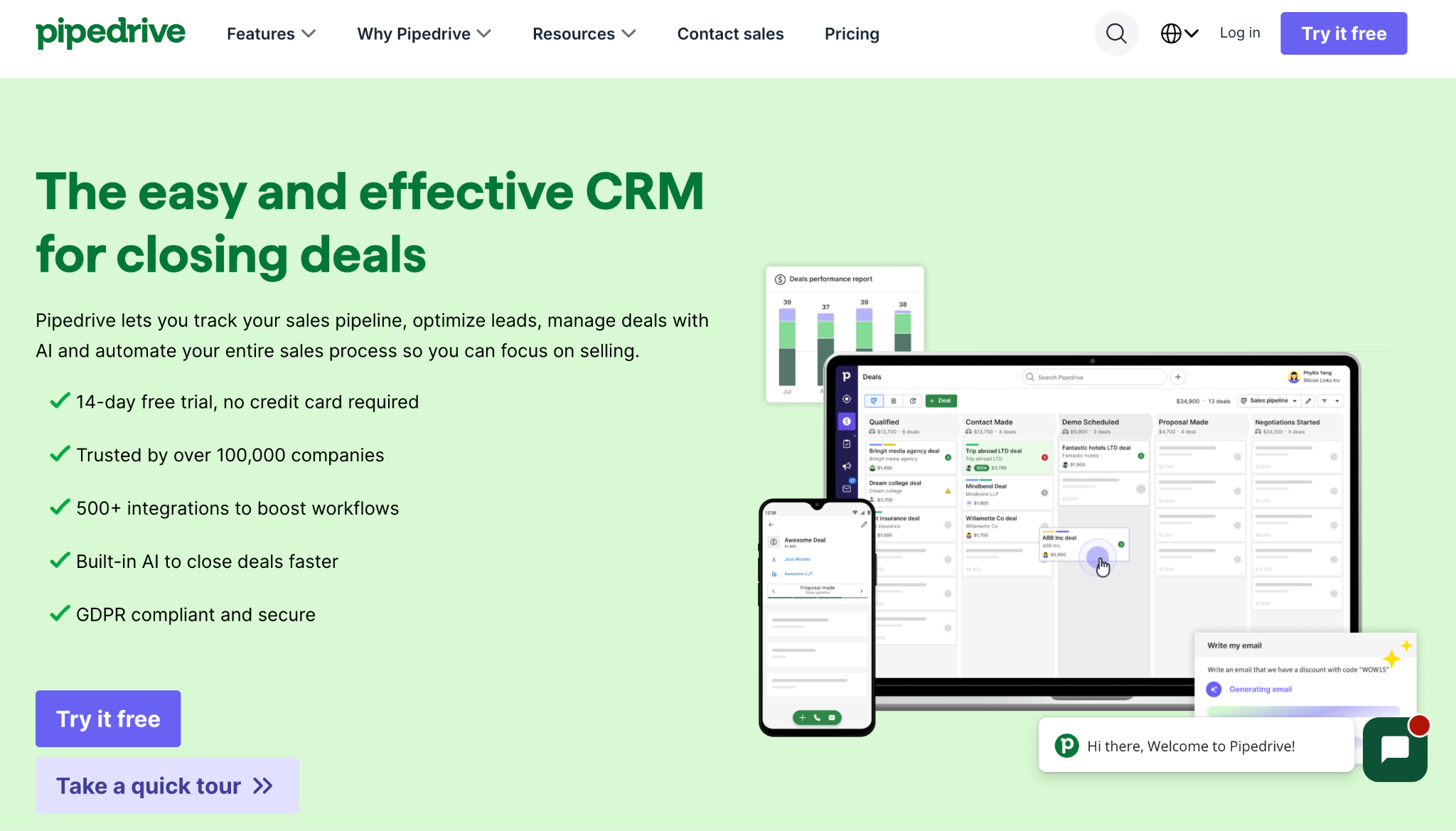
The product is built around a visual, drag-and-drop pipeline, so it’s easy to see which deals are moving and which ones need attention. That makes it a good fit for sales-led teams with a fairly clear process from first conversation to close. Pipedrive describes the pipeline as its primary view, designed to help teams stay organized and keep control of sales activity.
TheAI Sales Assistant adds another layer to that sales focus. It can point out deals without scheduled activity and help sales teams understand where to focus next. Pipedrive also supports AI help for summaries, notes, email text, and product guidance, depending on the plan and setup.
The fit becomes less obvious when the CRM needs to support more than sales. Pipedrive can connect with other tools and offers add-ons, but marketing automation, post-sale workflows, and broader customer communication may require extra setup or extra cost.
So, Pipedrive is a sensible choice for small teams that live in the pipeline every day. It’s less ideal when the team wants one CRM to carry sales context, customer history, delivery work, and relationship management in a more connected way.
Pricing: Plans start from $14/user/month. Pipedrive does not offer a free plan, but it has a 14-day free trial.
Monday CRM
Monday CRM makes the most sense for small teams that want their CRM close to the rest of their work.

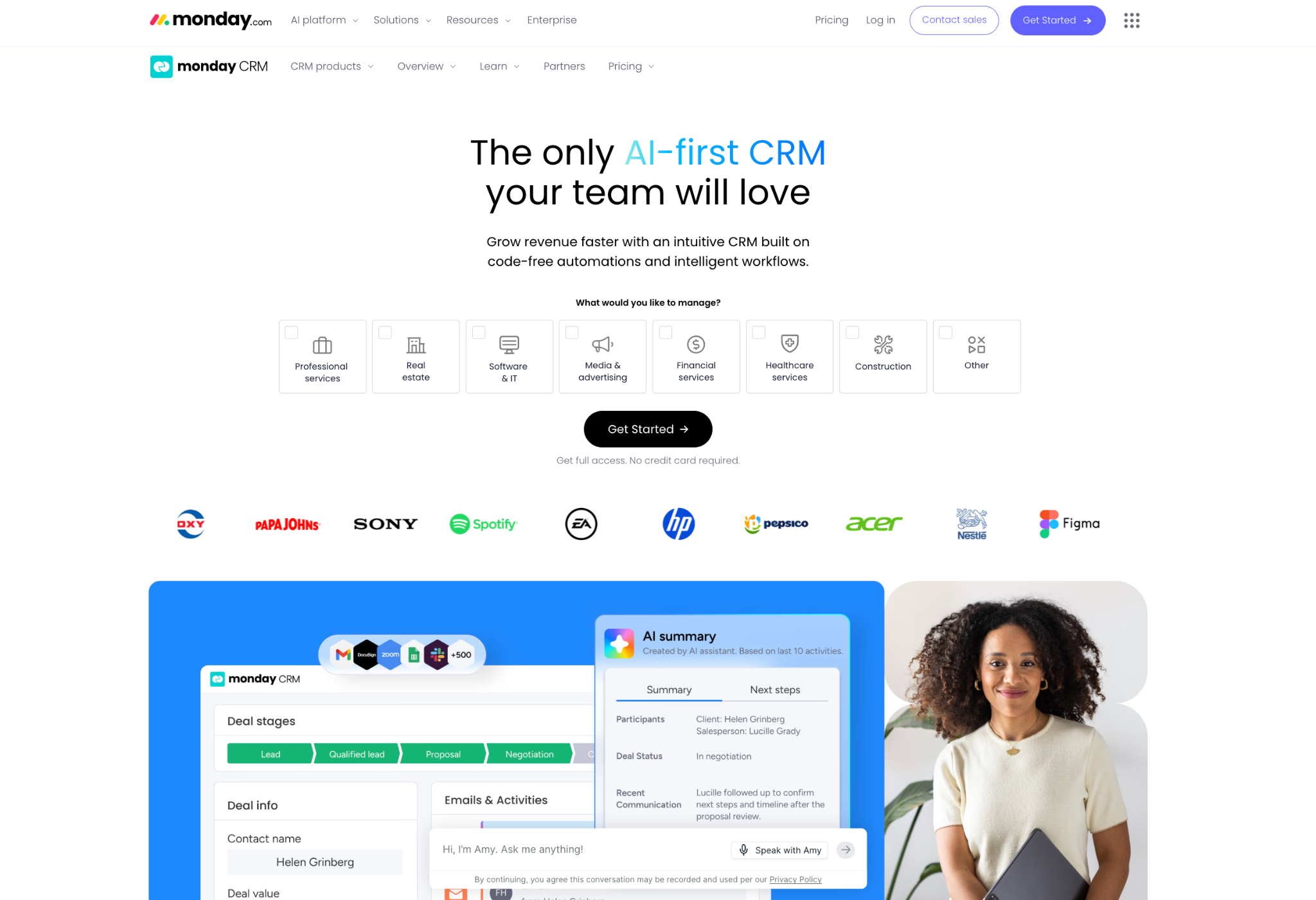
It sits inside the wider monday.com work OS, so the experience feels less like a traditional sales database. That can come in handy for teams where a new deal quickly turns into onboarding, delivery, internal tasks, or client updates.
The CRM itself supports customizable boards, fields, views, automations, and dashboards. Monday also positions itself as a no-code CRM, so teams can adjust pipelines and workflows without needing a developer or IT support.
This is where Monday can work well for small teams that already think in boards and statuses. A lead can move through a sales pipeline, then trigger the next layer of work, from internal tasks to client updates. Managers get a visual view of what is moving, while the team can keep day-to-day work in the same environment.
The main caution is focus. Monday CRM is flexible because it belongs to a broader work platform. That flexibility can be useful, but teams looking for a pure sales CRM may find it wider than they need.
Packages and tiers also need a close look. Monday CRM lists plans from Basic through Ultimate, with CRM pricing starting from $10/user/month on annual billing, while other 2026 pricing summaries put Basic at $12/user/month and Pro at $28/user/month. There’salso typically a minimum seat count, so the monthly cost can rise faster than the per-user number suggests.
Pricing: Basic from $12/user/month. Pro from $28/user/month. Advanced features sit on higher plans.
Common mistakes small teams make when implementing a CRM
Choosing the right tool is only half the job. The other half is getting the team to use it consistently; and that's where most small business CRM implementations go wrong.
Buying more CRM than the team needs
A five-person team that purchases enterprise customer relationship management software because it has the most features will spend more time configuring the platform than using it. Complexity kills adoption. The best CRM for a small team is usually the simplest one that covers the core requirements, not the most powerful one on the market.
Not migrating existing data properly
Moving existing data from various sources, or a previous CRM, into a new system requires care. Contacts imported with missing fields, duplicate records, or no communication history create a CRM data problem from day one. Teams that don't invest time in cleaning their data before migration end up with a system that's less reliable than the spreadsheet it replaced.
Skipping the setup of sales processes
A CRM that isn't configured to reflect how the team actually works is just a contact list. Small teams often skip the step of mapping their sales funnel into the platform (deal stages, task automation, lead tracking rules) because it takes time upfront. That shortcut costs more time later. The goal is to optimize processes through the CRM.
No accountability for logging
A CRM for small business works only if the team uses it consistently. If some team members log every customer interaction and others use email exclusively, the contact database becomes unreliable. That unreliability is usually what causes teams to abandon a CRM six months in and conclude that "CRM doesn't work for us." It isn't the tool – it's the habit.
Treating the CRM as a reporting tool rather
Sales reps who feel the CRM exists to give their manager visibility, rather than to help them manage better customer relationships and close deals, will use it as little as they can get away with. The platforms that earn consistent adoption are the ones where the team benefits directly from keeping the data current: better follow-ups, better context before calls, better pipeline visibility for their own planning.
A final word for small teams
Small teams feel CRM pain quickly. One missed follow-up, one lost client note, one unclear handoff… and suddenly a “simple” customer process starts costing time.
The best CRM for a small team should make the next step easier to see and the customer history easier to trust. It should help people work from the same context during a busy week.
Capsule fits that stage well. It gives small teams contact history, pipeline visibility, tasks, projects, and practical AI support in one focused system. The free plan covers up to two users and 250 contacts, and paid plans come with a 14-day free trial with no card required.
Choose the CRM your team can open on a busy Tuesday and understand within minutes. That is usually the one that becomes part of the work instead of another tab everyone avoids.
Frequently Asked Questions
Capsule is a strong starting point for a team of two or three people because the free plan supports up to two users and 250 contacts. It gives a small team the basics they need early: contact records, a sales pipeline, opportunities, and projects. Paid plans are available once the team needs more contacts, more users, or extra features.
A free CRM makes sense when the team is moving away from spreadsheets or shared inboxes. The key is checking the limits before the team depends on it. Capsule’s free plan includes up to two users and 250 contacts, while paid plans can be tested free for 14 days with no card required.
Not always. Early on, most small teams need a reliable place to manage customer context and follow-ups before they need campaign workflows. Marketing automation becomes more useful once the team has repeatable lead nurture or email activity to manage.
A small team can usually get a lightweight CRM working quickly if the starting setup is simple. The first version should cover contact import, basic pipeline stages, and clear task ownership. More advanced reporting, integrations, and automation can come later.