Selling machinery is rarely a quick “book a demo, close next week” process. One deal can involve a dealer, an end customer, a custom quote, a few follow-ups, a financing question, a service handover, and someone asking for the same spec sheet three months later.
That’s exactly where a CRM can either help or quietly become another admin task nobody wants to touch.
For machinery manufacturers, CRM value shows up in the messy middle of the sales process: knowing which dealer asked about which model, what was quoted last season, which machines a customer already runs, and when a quiet opportunity is still worth following up.
This guide looks at what machinery manufacturers should prioritise in a CRM, what to avoid, and how four popular options compare for teams that need structure.
What to prioritise when choosing a CRM for machinery manufacturers
Ease of adoption
The single biggest predictor of CRM value is daily usage by the commercial team. A rep should be able to log a contact, attach a note and move a deal to the next stage in under a minute. If any of those actions require remembering where to click, the system has lost. Reps will go back to their inboxes and the CRM becomes a $300 per month spreadsheet.
Look for a tool a new starter can pick up in an hour. Forget any certification programmes or mandatory training videos. The interface should explain itself.
Shared visibility across the team
In a small commercial team, the whole point of a CRM is one view of the work that anyone can see. Account history and pipeline stage should be visible across the team by default. Permission settings should restrict access only where there's a clear reason.
Tools designed for large enterprise sales teams often default to individual ownership of records, where each rep has their own dashboard. For a machinery business where reps cover territories, take holidays and travel to site visits, the team needs to pick each other up with no friction. Individual-ownership models add it back in.
Accounts and contacts at the dealer level
Machinery sales work at the account level: a dealer is the account.
A buying contact and a technical contact attach to the same dealer record, with all activity history shared across contacts. Tools that treat each individual as a separate record fragment the relationship and force reps to look in two or three places to get the full picture.
The same applies to direct buyer accounts, where multiple stakeholders are typical: procurement and engineering teams often weigh in on the same deal alongside operations.
What to avoid
The wrong tool for a machinery business is one that goes unused because setup was too complex or daily use requires too much effort.
Four red flags appear consistently.
Tools built for large enterprise sales teams
Enterprise CRMs are designed for sales operations functions and dedicated admins, with multi-month implementation projects baked in. They're powerful, but the power comes from configurability that requires someone to configure it. A 10 to 100 employee machinery business rarely has a full-time CRM admin. The tool ends up either under-configured and frustrating, or over-configured and unused.
Anything requiring a long implementation
If the sales process for a CRM includes a six-week implementation plan and a $1,500 to $20,000 onboarding fee, that's a signal the tool isn't a fit for an SMB machinery business.
SMB CRMs are designed to be live within hours. Anything longer means the vendor expects you to bring consultants, and teams that buy enterprise tools at this size often end up with a half-finished rollout that nobody quite trusts.
The implementation cost is also a sunk anchor: once $15,000 has been spent on configuration, the business is far less willing to switch even when the tool clearly isn't working.
Per-feature pricing that escalates
Some CRMs advertise low entry pricing and then gate the features a machinery business will need behind higher tiers or paid add-ons. Quoting modules and email automation often live in higher-priced editions, with custom reports gated further up the pricing ladder. The headline $20 per seat figure becomes $100 to $200 per seat once the missing features are added. Always read the pricing page top to bottom.
Annual lock-ins with auto-renewal
Some enterprise CRMs require annual contracts with automatic renewal. The team commits to 12 months on day one, before anyone has tested adoption. If the rollout stalls, the business is paying for software nobody uses until the renewal window opens. SMB-friendly CRMs offer monthly billing or short trial periods that protect against this. Check the contract terms before any other consideration.
Why simpler CRMs outperform feature-heavy ones for small commercial teams
The thinking that pushes machinery businesses toward feature-heavy CRMs goes something like this: we're going to grow, we'll need predictive scoring and conversation intelligence eventually, so let's buy the platform that can do it all.
The problem is the time gap between buying capability and using it.
Machinery businesses adopting enterprise CRM often need a long change-management period before users consistently log accounts and activities, especially in complex organizations. The advanced features go untouched while basic adoption is still being fought for. Two years in, the business is paying $100 to $175 per seat for a system the team uses like a contact database.
Simpler tools win on adoption, which is what unlocks the value. A team that uses a CRM every day for two years builds rich account history and accurate pipeline forecasts.
That data quality is worth more than any feature shelf.
Shared visibility drives better results than feature depth. A small commercial team where everyone can see the same accounts and the same pipeline catches missed follow-ups, prevents duplicate outreach to dealers, and makes handovers between reps painless. None of that requires advanced AI or predictive scoring. It requires a tool the team uses consistently and a record structure that fits how machinery sales work in practice.
Once the basics are in place and the team is logging consistently, advanced features become useful. A machinery business is usually years away from needing the deeper capabilities, and the team can upgrade or migrate later. They can't recover the two years lost to non-adoption.
Best CRM for machinery manufacturers
Below is a practical comparison of four common options for machinery manufacturers, with pricing as of 2026.
Capsule CRM
Capsule is a CRM built specifically for small and mid-sized businesses. It's the closest fit for a 10 to 100 employee machinery manufacturer on this list, because it was designed around the constraints that define this segment: zero dedicated admin, implementation project, or learning curve.

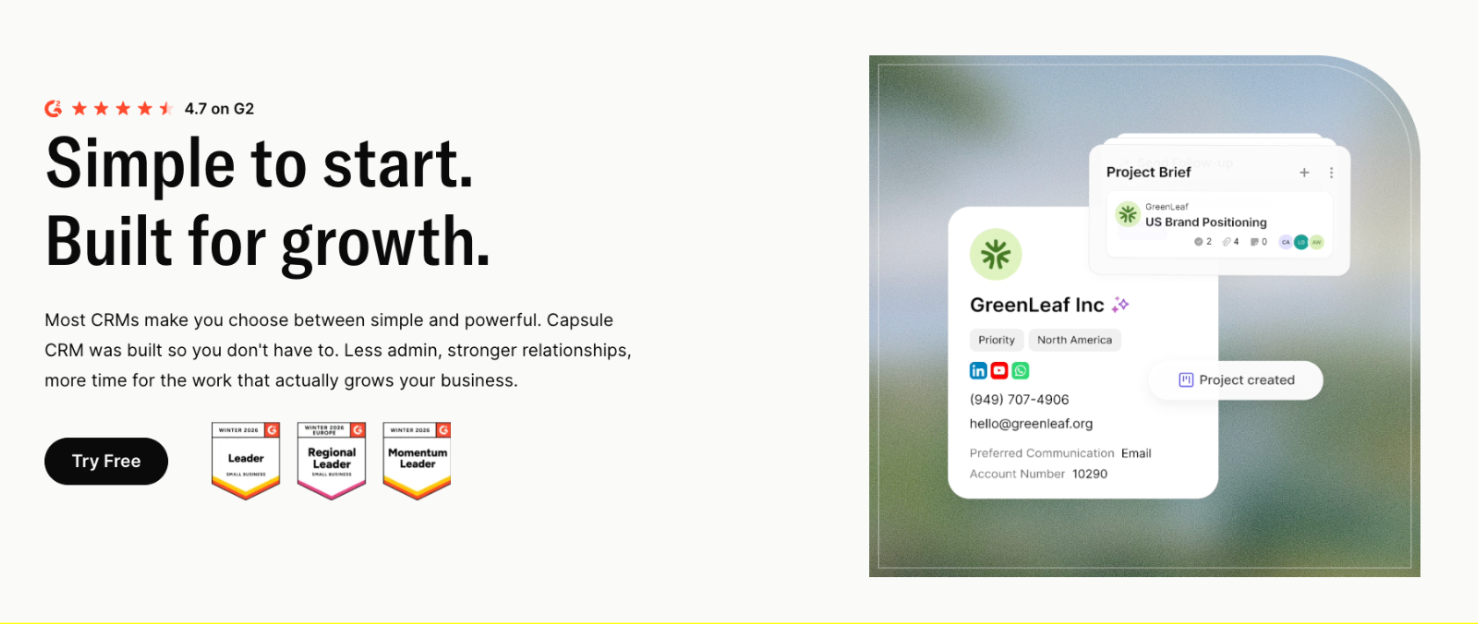
Pricing runs across three tiers. The free plan covers two users and 250 contacts, suitable for a very small team running an initial test. The Starter plan at $18 per user per month adds custom fields, multiple pipelines and the AI Pipeline Generator. The Growth plan at $36 per user per month opens up the full AI feature set: AI Summaries, AI Email Assist and AI Business and Contact Enrichment.

The AI Pipeline Generator builds pipeline stages from a plain-language description of the sales process. A machinery business can describe its dealer enquiry-to-order flow and have the pipeline configured automatically. This removes the setup blocker that stalls many CRM rollouts, where teams can't agree on stage definitions before going live.
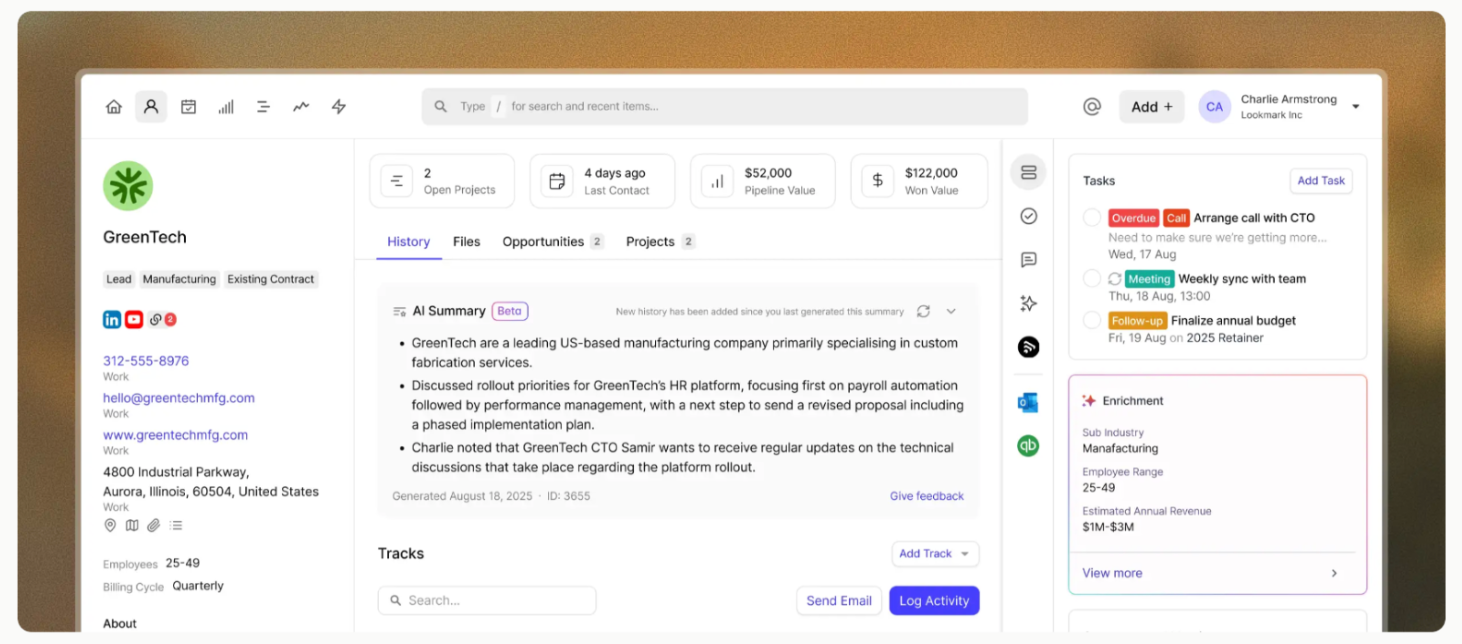
AI Summaries condense an account's last 50 activities into a paragraph before a follow-up call. AI Email Assist drafts emails from a short prompt against the account context, so the rep starts a follow-up email with a usable draft instead of a blank page. AI Business and Contact Enrichment fills in company data from public sources, so new dealer enquiries arrive with the basic background already attached.
Setup is a same-week exercise.
Import contacts from a spreadsheet or accounting system, configure pipeline stages, invite the team.
The 14-day trial on paid plans requires no credit card. If you run a machinery business and want to formalise dealer and direct buyer pipeline management with no disruption to how the commercial team works, Capsule fits cleanly. The pricing model is flat-seat with no usage-based credits or paid AI add-ons, so the total cost is predictable from day one.
HubSpot
HubSpot is the most common alternative considered alongside Capsule. The Sales Hub Starter plan starts at $15 per seat per month and looks attractive on paper. The complications appear at the Professional tier, which is where many machinery businesses end up needing to be.

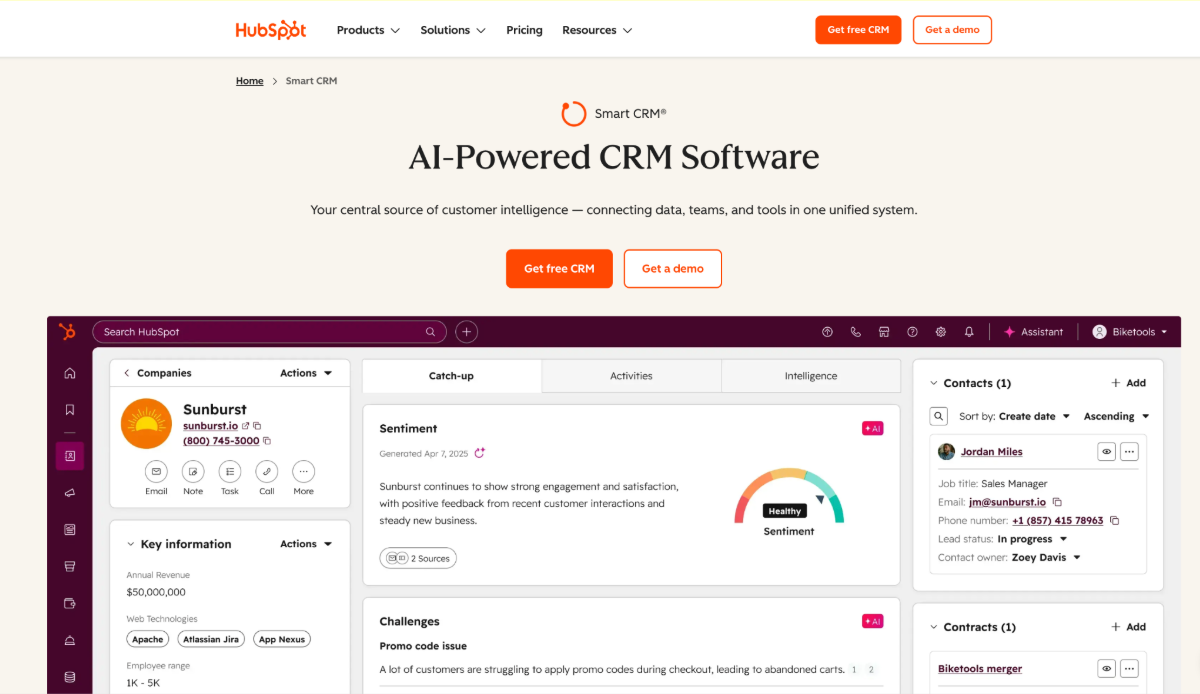
Sales Hub Professional costs $100 per seat per month and carries a mandatory $1,500 onboarding fee. Quoting capability isn't included at any tier and requires a paid add-on at approximately $84 per seat per month. For a five-person commercial team that needs quoting, the real Professional cost lands around $920 per month plus the $1,500 onboarding in year one, before any other add-ons.
HubSpot is built for sales teams that integrate marketing automation and customer service into the same platform. For a machinery business that mainly needs dealer pipeline management and quote tracking, much of what HubSpot offers goes unused. The cost reflects features the team isn't using.
Pipedrive
Pipedrive is a lighter, sales-focused CRM with a transparent per-seat pricing model. Plans run from Lite at $14 per seat per month, through Growth at $24, Premium at $49 and Ultimate at $79, all billed annually.

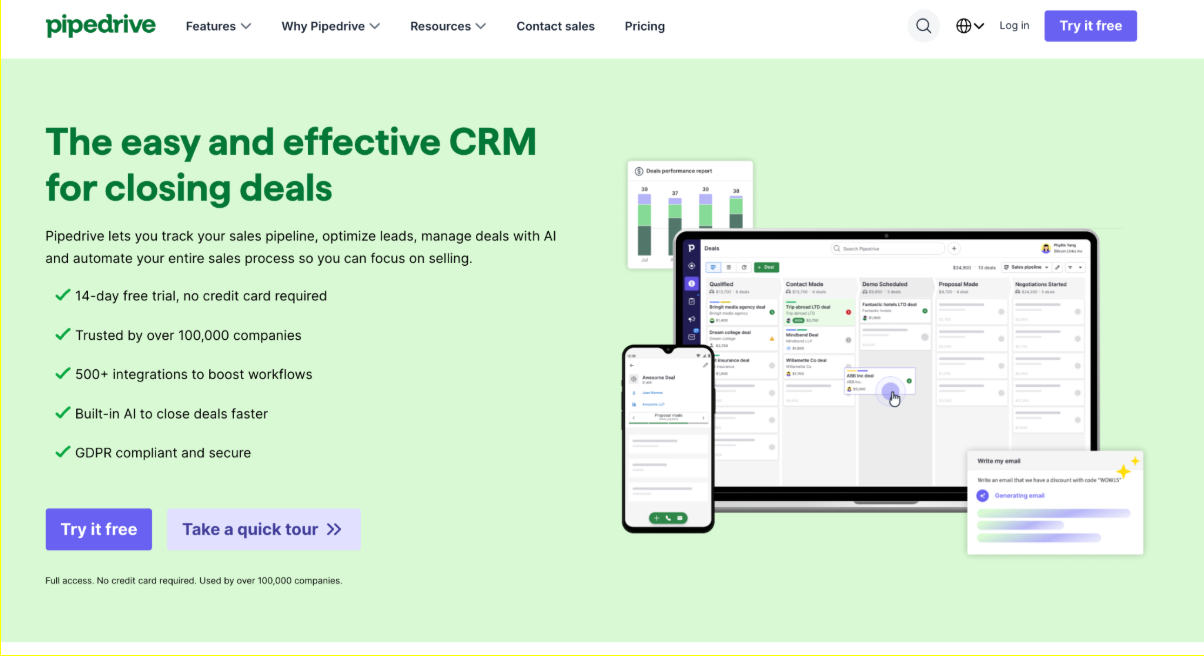
Pipedrive does pipeline management well. The interface is clean and the deal-stage view is one of the better implementations on the market. For a small B2B sales team selling to direct buyers, it's a strong option.
Where Pipedrive falls short for machinery manufacturers is the account-level depth.
The tool is built around deals and contacts more than accounts. A dealer with multiple contacts, ongoing quote revisions and a long relationship history is harder to manage cleanly. Add-on costs also stack up: LeadBooster and Smart Docs each add monthly fees that push the total well above the headline figure.
Salesforce
Salesforce is the enterprise standard. The Starter Suite at $25 per user per month and Pro Suite at $100 per user per month look comparable to the other options at first glance. The full picture is different.

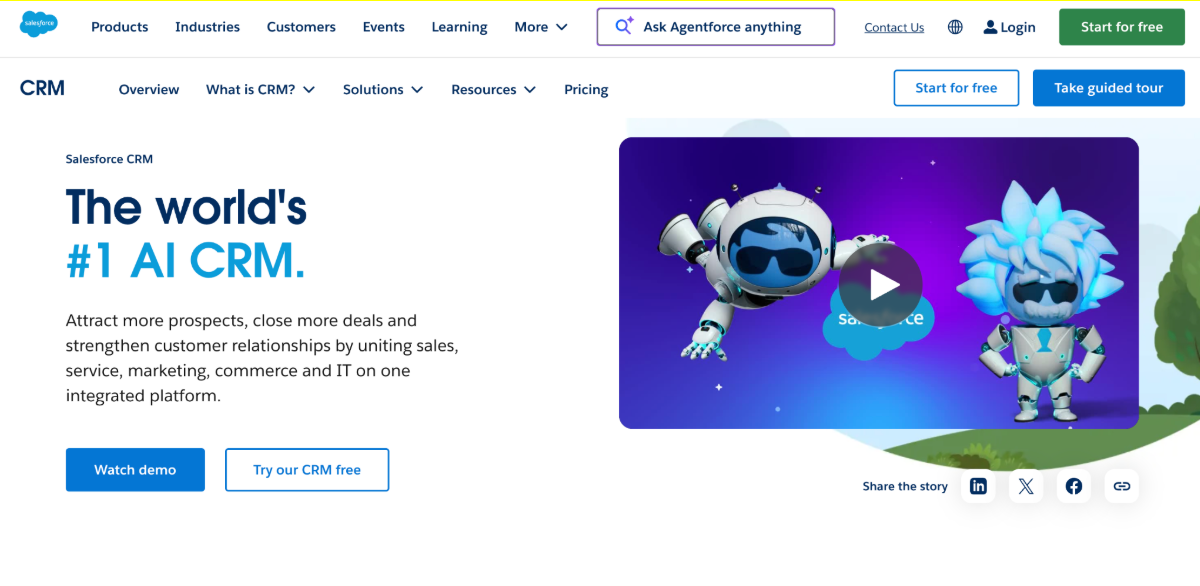
Salesforce expects ongoing administration. Implementation for a small business typically runs $10,000 to $20,000 even at the Starter tier, and the platform's value is unlocked through customisation that requires either an in-house admin or a consultant on retainer. The Premier Success Plan adds another 30% of net licence fees on top.
Mid-market machinery businesses with dedicated sales operations functions can absorb that overhead. A 10 to 50 employee commercial team rarely can. The most common pattern is a Salesforce instance that's expensively configured, partially adopted, and quietly resented by the reps who have to use it.
Which CRM fits which machinery business?
The shorthand for matching tool to team size and complexity:
- Capsule fits 10 to 100 employee machinery businesses with small commercial teams that need shared dealer management and pipeline visibility with no admin overhead. Quick setup. AI features included from the Starter plan upward.
- HubSpot fits machinery businesses that already use HubSpot for marketing and want a unified platform, with budget to absorb $100 per seat plus add-ons and onboarding.
- Pipedrive fits machinery businesses with deal-focused sales cycles that work primarily at the individual contact level, with limited reliance on dealer-network account structures.
- Salesforce fits mid-market machinery businesses with dedicated sales operations capacity, the budget for $10,000 plus implementation, and the appetite for ongoing customisation.
ERP vs CRM: what to choose?
ERP vendors often come up in CRM conversations.
SAP Business One, Epicor Kinetic, Infor CloudSuite and Sage X3 all offer CRM modules as part of broader platforms. Machinery businesses already using one of these ERPs occasionally ask if the bundled CRM is enough.
In practice, ERP-bundled CRM modules are designed for the post-order operational side of the customer relationship: order history, service contracts and warranty records. They're not built for pre-sale pipeline work or dealer relationship management. The commercial gap remains, and standalone CRM is the tool that closes it.
How to test CRM fit in a 14-day window
SMB CRMs typically offer a 14-day trial. Use it for a real test. Here’s how:
- Set up the account with the basic pipeline stages that match the dealer enquiry-to-order workflow.
- Import a small set of real contacts: 50 to 100 active accounts is enough.
- Give two or three reps access and ask them to log every relevant activity for the trial period.
At the end of two weeks, the questions to answer are:
- Did the reps log activity consistently, or did they avoid the tool?
- Could anyone on the team pick up an account record and understand what was happening with the deal?
- Did the pipeline view answer the question of what's currently in play?
- How much manual configuration was needed before any of that was possible?
A CRM that passes those four checks in 14 days will pass the same checks in 14 months. A CRM that fails them in 14 days won't improve once the bill arrives.
What to evaluate beyond the trial
Two factors are hard to test in 14 days and matter for the long-term decision.
The first is data portability. If the team decides to switch CRM in two years, how easy is it to export account history and pipeline data in a usable format? Closed platforms with proprietary export formats create lock-in. SMB-friendly CRMs offer clean CSV or API-based export with no surcharge.
The second is support quality. During the trial, ask a real question through the vendor's support channel and measure the response time and the depth of the answer. A CRM that takes three days to answer a basic question during a paid trial will take longer once you're a committed customer. The best SMB CRMs respond within hours, with answers from staff who understand the product instead of routing through tiers of support agents.
The CRM that sticks is the one the team doesn’t have to fight
Feature lists are easy to evaluate.
Adoption is harder, and it's the deciding factor on if the investment paid off.
Machinery sales rarely move in a straight line. A dealer may ask about a model in March, request a revised quote after a site visit in May, go quiet for two months, then come back when the customer’s budget is approved. The right CRM keeps that trail usable, so the next call starts with context instead of detective work.
Capsule is built for exactly that. Same-week setup, no admin layer, account-level structure that fits dealer relationships, and AI features that work on day one. The starting point is the free plan or a 14-day trial on Starter or Growth.