
Small sales teams don’t fail from lack of effort: they fail from scattered focus.
Leads live in inboxes, follow-ups in notebooks, and customer details in someone’s head. Deals get lost not because prospects say no, but because no one remembers who said what.
It’s frustrating. You finally win a meeting, only to find the last conversation note buried somewhere you can’t find. You try to keep the team aligned, but everything moves faster than your tools. Growth should feel exciting, not terrifying.
That’s why smart CRM software exists: to bring order and clarity to a small sales team.
In this guide, we’ll look at the best CRM tools for small sales teams that help you strengthen client management.
What small sales teams need in a CRM
For a small sales team, the right CRM system should take the pressure off, not add more of it. It needs to handle everyday tasks quietly in the background so the team can spend more time on winning more business.
Here’s what really counts when choosing a CRM platform:
- Ease of use. A tool only works when people actually use it. The interface should be clean enough to understand at first glance. You should be able to log in and start managing leads straight away.
- Fair pricing. Small teams often work within a limited budget. The best CRM solutions grow with you, offering flexible plans that don’t punish you for adding a few more users.
- Integrations that fit your flow. Your CRM should connect naturally with the tools you already use, like email, accounting, or marketing apps. Everything should run from one dashboard instead of being scattered across platforms.
- Clear pipeline view. Sales visibility matters. A good CRM shows what’s open, what’s waiting, and what’s done, so you always know where to focus.
- Access anywhere. When your work happens on the move, mobile access is a must. Quick updates and contact lookups shouldn’t depend on being at your desk.
With the right CRM, your team works faster, talks to customers more, and grows without the chaos that usually comes with scaling.
Best CRM solutions for small sales teams
Ready to level up your sales game? Below you’ll discover the best CRM solutions for small sales teams: tools engineered to let your people close deals faster.
#1 Capsule CRM
Best for: small sales teams that want visibility without complexity.
Key features for small sales teams
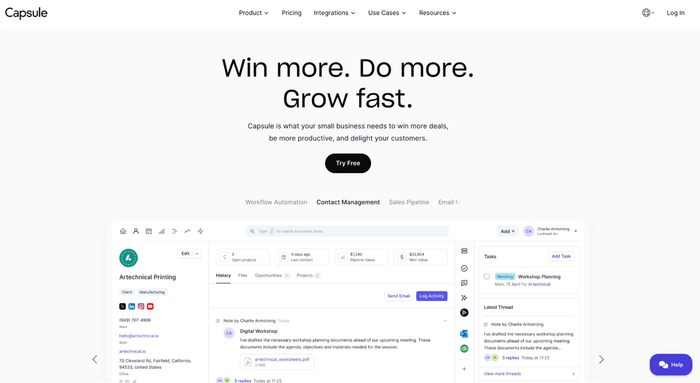
- Clean UI and intuitive sales pipeline: you can see all open opportunities in one page and drag deals forward with ease.
- Contact management with linked communication history and tasks: all your interactions, emails, calls and notes stay connected to each customer.
- Integrations with QuickBooks, Xero, Gmail, Outlook and Mailchimp: it fits with your existing tools instead of forcing you to switch everything.
- Automated workflows and task reminders: set follow‐ups, notifications, and stage changes.
- Mobile app for on-the-go updates: manage your pipeline and contact tasks even when you’re away from your desk.
- Affordable and scales with team size: you can begin modestly and grow without high overhead.
- Customizable fields, tags and milestones: tailor the CRM to your unique sales process instead of fitting yourself into someone else’s.
- Visual reporting and dashboards: gain insights into where deals are stalling, how your team is performing, and what you should prioritise next.
Superstar feature
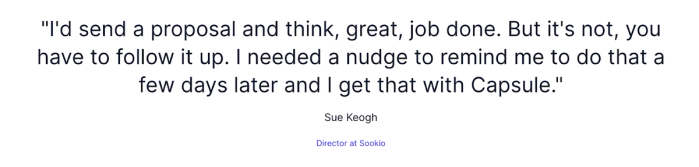
Many users highlight the visual pipeline combined with automated task reminders as a standout. One reviewer said they sent a proposal, thought the job was done… only to realise they needed a nudge. Capsule delivered that.
Pricing
There’s a free version (2 users, up to 250 contacts) so you can try it without risk. Paid plans begin at $14 per user/month for the Starter tier and rise depending on features and contacts.
Capsule CRM lets a small sales team operate like a well-oiled machine – organised, data-driven and efficient – without becoming heavy or convoluted. If your goal is to move faster, keep clients close, and scale smoothly, it’s worth giving Capsule a test run today.
Start your free trial and see how it fits your workflow.

HubSpot CRM
Best for: small teams needing a solid customer relationship management system that covers sales and marketing.
Key features
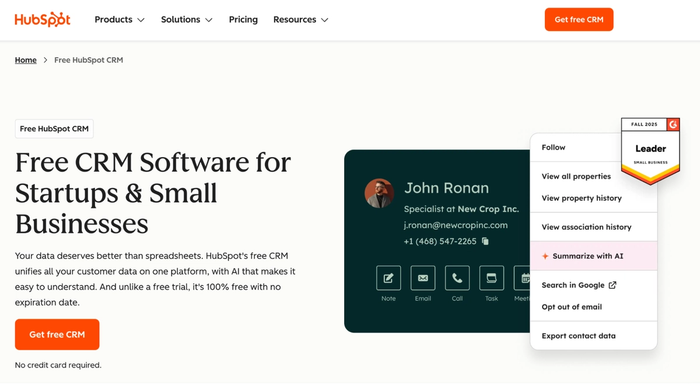
- Deal tracking for keeping all customer data and interactions in one place so you don’t lose sight of what each lead or client has done.
- Visual pipeline management allows you to move deals through stages and quickly see what’s next.
- Built-in marketing tools like email tracking, templates and automation help you nurture leads without switching between systems.
Considerations
- As your team grows, the cost of higher tiers can add up.
- It’s powerful, but for very simple use-cases you might find some features overkill or less tailored than a leaner tool.
Pricing
Free for unlimited users with core features. Paid plans begin from US $20 per user/month for the Starter tier.
For a small team trying to move fast, HubSpot CRM gives you a unified platform for managing contacts and supporting marketing efforts, which means fewer hand-offs and fewer dropped leads.
That said, if you want something even more focused on pure sales-pipeline management without the marketing baggage, Capsule CRM remains the more balanced and practical choice overall for many small-sales teams.
Zoho CRM
Best for: small sales teams on a budget who want a full-featured platform to support sales and marketing campaigns.
Key features
- With contact and opportunity tracking, your team can manage customer details and deals from a single dashboard.
- Workflow automation lets you automate routine follow-ups, reminders and tasks so you spend less time on monotonous work.
- Integrated support and service tools with customer support solutions to capture every customer interaction.
Considerations
- Because it does many things, the initial setup and learning curve can be steeper than very lightweight tools.
- If your primary need is a highly simplified sales pipeline tool, you might find the full suite more than you require.
Pricing
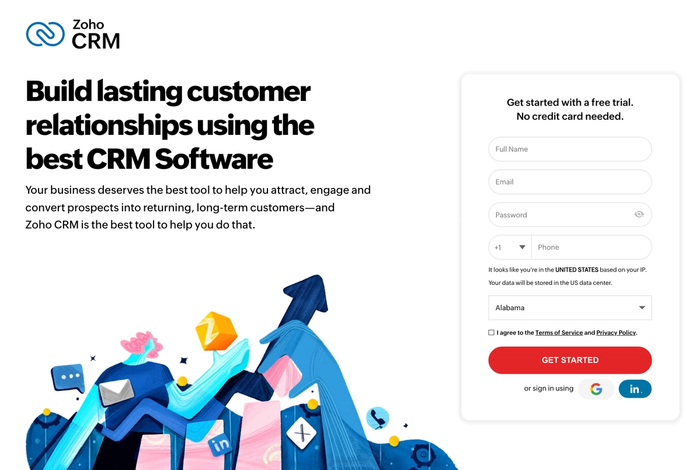
Free plan available for up to 3 users with essential features. Paid plans begin at around US $19 per user/month, scaling up as you add users and advanced features.
Zoho CRM gives teams a strong platform to manage sales pipelines and run marketing campaigns without needing multiple niche tools. It’s especially useful if you’re growing and want a system that can expand with you. Capsule CRM stands out as a practical pick for small sales teams that want to get started quickly without added complexity.
Pipedrive
Best for: sales teams that want to steer the entire sales cycle with clarity and consistency.
Key features
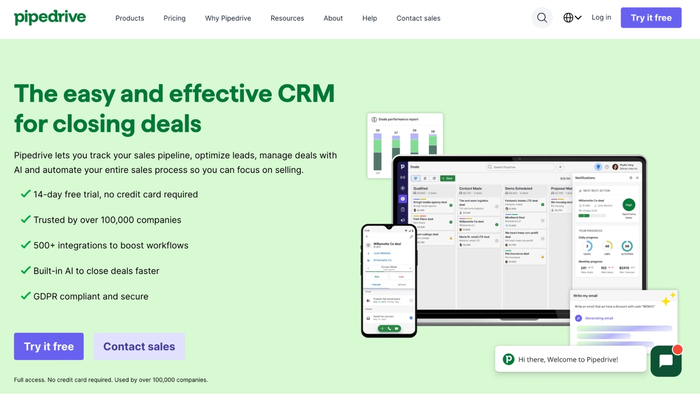
- Activities and deals linked to contacts so you can manage customer data and monitor all track sales activities in one place.
- Visual deal pipelines you can customise so you always know where each opportunity stands.
- Simple automations that trigger tasks: savings on repetitive work and more time for selling.
Considerations
- It’s heavily sales-pipeline focused, so it might lack deep built-in functions for things like advanced marketing automation or service workflows.
- Some features (such as more complex automation or custom reporting) come only at higher pricing tiers: you might outgrow the entry plan.
Pricing
Plans start at about US $24 per user/month for the Essential tier and range upward depending on features. There is a 14-day free trial available.
For a small sales team focused on deals, Pipedrive delivers a clear and visual path from lead to close. Your sales manager doesn’t need to fight with the tool; it fits the process. Teams that care about broader customer relationships and simpler tool stacks often find Capsule CRM the most practical fit.
Insightly CRM
Best for: teams that manage deals and delivery together and want a system that spans the full workflow.
Key features
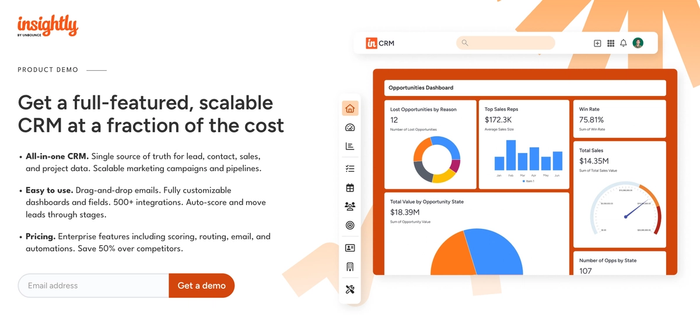
- Built-in project and task management so you don’t just track leads; you track what happens after they convert, linking CRM and delivery.
- Customisable pipelines to map out the sales process, making it clear where deals are, what’s next, and when they need attention.
- Workflow rules that help you avoid manual data entry bottlenecks.
Considerations
- Because it covers more than just sales pipelines, some users say the initial setup requires effort and the interface isn’t quite as lightweight as the simplest tools.
- Some reporting and advanced features sit only at higher tiers, which means teams expecting “everything out of the box” may find they pay more.
Pricing
Plans begin at around US $29 per user/month for the basic Plus tier, moving up for additional automation, customisation, and project-management features.
If your small sales team also handles delivery or post-sale work, Insightly gives you a platform where the sales funnel flows into execution: one tool for deals, tasks, and client follow-up. That means fewer missed hand-offs, fewer disparate systems, and more continuity. When deal management is your top priority, Capsule CRM provides the simplest path forward for small teams.
Nimble CRM
Best for: teams that rely on personal relationships and want a CRM built around connection and context.
Key features
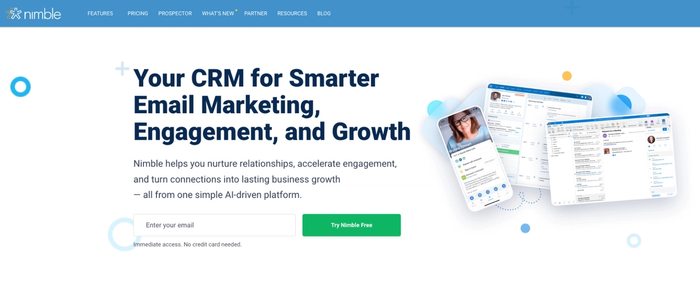
- Automatically enriches contact profiles with social media details and business insights, so you don’t spend hours assembling each record.
- Deal pipelines and activity tracking let you monitor your progress and track sales efficiency in a user-friendly board or list view.
- Works across email, calendar, linked accounts and social platforms so you can capture customer interactions wherever they happen.
Considerations
- While solid, Nimble’s automation is not as advanced as some newer CRM tools, and some teams may find limitations as they scale.
- Pricing starts at a higher entry point compared to some very basic options, and additional features may require add-ons.
Pricing
One plan: US $29.90 per user/month.
If your team thrives on connection rather than rigid processes (building real client relationships across networks, understanding their customer behavior, and staying responsive), then Nimble CRM offers a clean, well-designed platform to make that happen.
If your priority is clarity in the sales process and long-term scalability, Capsule CRM remains the smarter choice.
Conclusion
In the end, the right customer relationship management software should free your team from tedious work – not add to it. With its intuitive setup and clear focus on the essentials, Capsule CRM helps small teams sell smarter and grow faster. If you’re ready to upgrade to truly essential business tools, explore Capsule CRM and start managing your sales pipeline more effectively today!
Frequently Asked Questions
A well-chosen CRM helps automatically handle repetitive tasks like logging contacts or scheduling follow-ups, freeing up your team to focus on selling and delivering strong customer experience.
When your CRM system gives you instant access to reliable contact details and centralized customer information, it becomes the foundation of your business processes: enabling better decisions and ongoing support for growth even with limited resources.
Yes! By tracking all customer interactions in one place and making data available to the team in real time, a CRM system cuts out delay and helps you seize sales opportunities with timely responses.
Good CRM options bring together data from your contact management, sales funnel and email marketing channels, helping you understand customer behavior and make data-driven decisions that align with your business goals.
Most modern CRMs are built for small business owners and don’t require weeks of CRM training; they offer basic features out of the box, and as your business grows and secures more deals, they support more advanced functionality without major disruption to your tech stack.