
Small accounting firms rarely suffer from a shortage of clients; they suffer from a breakdown of systems. Managing more than a handful of accounts turns the search for deadlines and document trails into a source of constant friction.
A CRM won't reduce the workload, but it does eliminate the "memory tax" that leads to missed filings and buried emails. Here is what a small firm needs from a CRM and the specific tools worth considering in 2026.
Why small accounting firms need a CRM
Access to centralized knowledge
Accounting firms need access to long-term records. When client data lives in isolated inboxes or paper notes, any staff absence creates an immediate information gap. A CRM stores every email, document, and past filing in one place, allowing any team member to understand a client's status in seconds.
Deadline security
Accounting is a compliance-driven industry and firms can’t afford to miss deadlines.. A CRM manages the operational load by tracking project stages and automating reminders for upcoming filings. This shift away from manual tracking reduces errors and delays.
Professional consistency
The goal is to make every client feel like a priority. Having instant access to a discussion from months ago – without searching through old threads – creates a seamless customer experience. This level of responsiveness builds the trust required to generate referrals and maintain high satisfaction levels.
Reputation insurance
Small firms can’t easily recover from a lost file or a late submission. While large practices are better equipped to overcome an occasional mistake, a boutique firm survives on its reputation for reliability. The right system acts as a safety net, protecting the firm from the human errors that put client retention at risk.
The best CRM tools for small accounting firms in 2026
1. Capsule CRM: best for small accounting companies
Capsule is a general-purpose CRM platform that works particularly well for accounting practices that don't need an all-in-one practice management suite, or simply want something they can get running in a day.

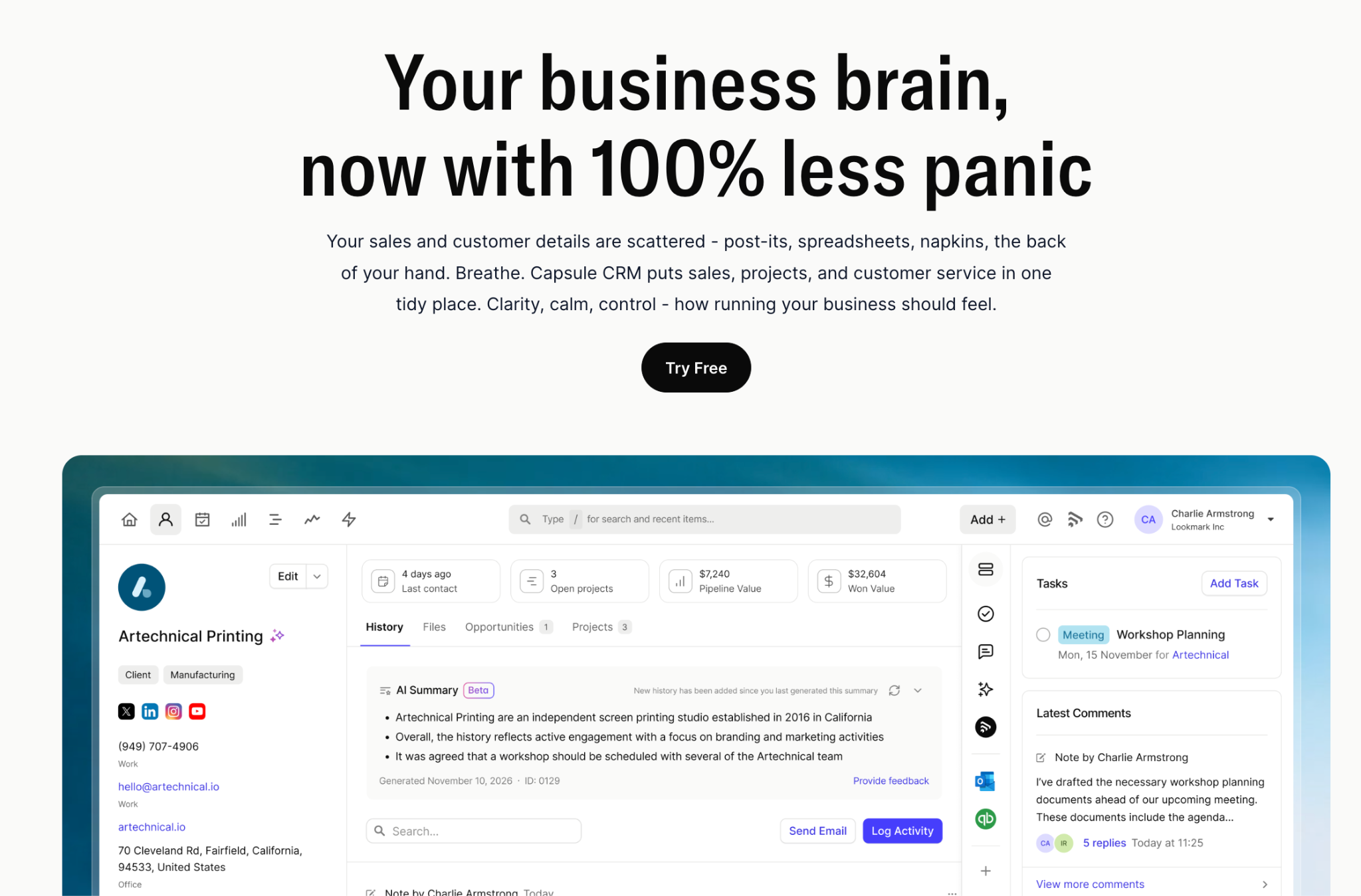
The contact management setup lets you build a central database of every client with custom fields for anything specific to your practice: VAT registration numbers, filing deadlines, engagement start dates. Each client record holds the full communication history. When a client calls about something filed last year, you're not searching through email – the relevant data is already there, and whoever picks up can deliver the kind of client service that makes people stay for years.
For recurring work, Capsule's Tracks feature is the key tool. You build a task sequence once (say, a monthly bookkeeping workflow) and it fires automatically when a new project starts. Each task can be assigned to a specific team member with a deadline relative to the project start date. This helps automate tedious tasks like document chasing and internal handoffs. The bookkeeping and accounting section of our customisation guide is worth reading before you set up your first workflow.
Capsule also makes personalized communications straightforward. You can segment your client base by service type, filing period, or any custom field you've set up, and reach the right group with contextualized messaging.
Email integration connects directly to Gmail and Outlook, so client interactions are logged against the right record automatically. Capsule also integrates natively with accounting software including QuickBooks and Xero, meaning financial data stays connected to client profiles.
Capsule's free plan covers up to 250 contacts; enough for a sole practitioner getting started. Paid plans begin at $18 per user per month, making it one of the more affordable options in this space. A free trial of the paid tiers is also available.

2. Financial Cents
Financial Cents is purpose-built CRM accounting software designed for accounting and bookkeeping firms with teams of roughly twenty or fewer.

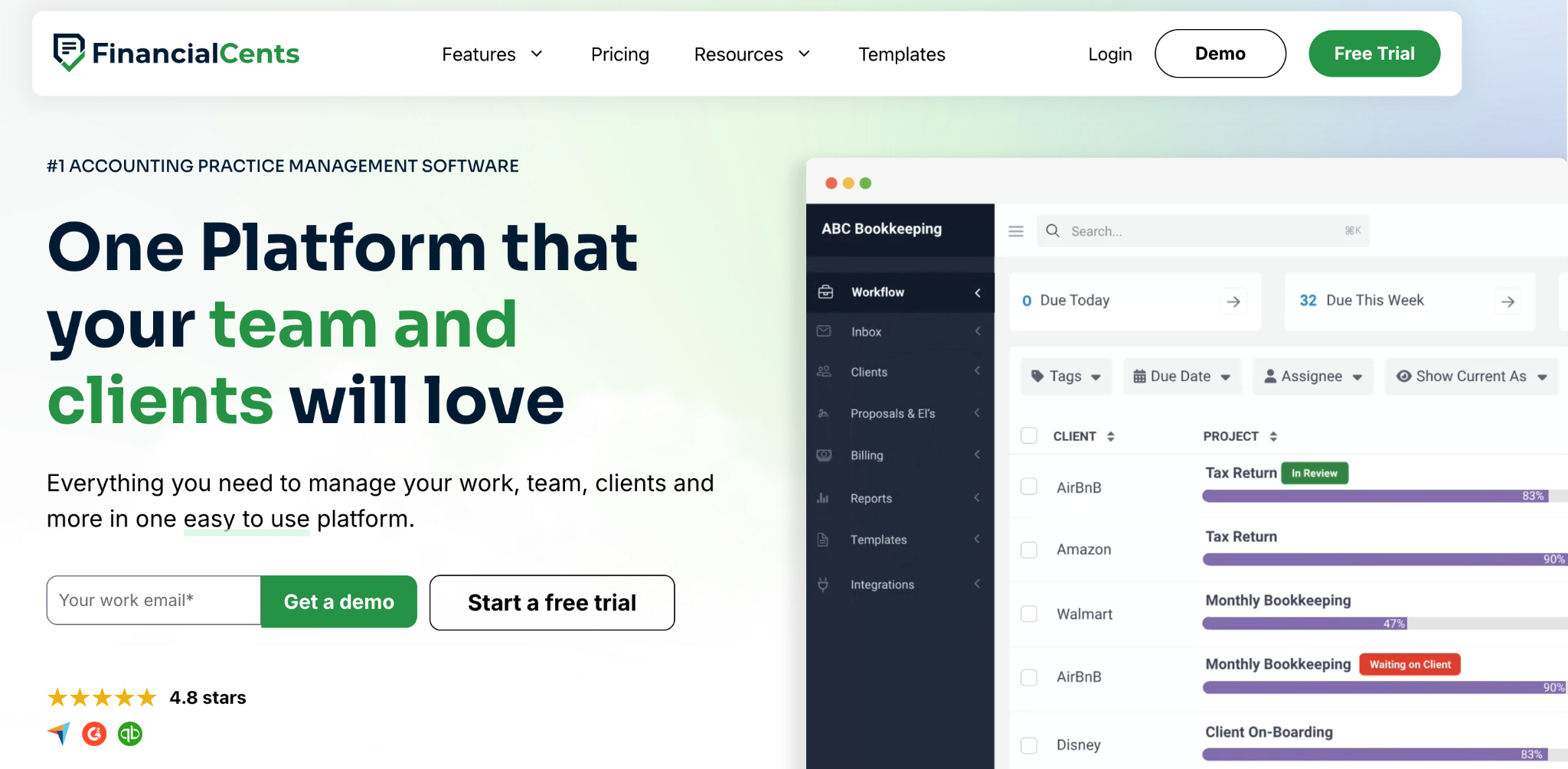
It acts as a dedicated central hub, combining workflow management, client communication, and billing. By housing these functions under one roof, firm owners avoid the headache of stitching together a "Frankenstein" tech stack of disconnected apps.
The library of over 100 community-driven templates is a major time-saver, covering everything from tax prep to month-end closes. Setting up recurring projects is intuitive, ensuring the same task sequence repeats on schedule. This specific focus on accounting logic is where the platform justifies its price premium over general-purpose CRMs.
While the visibility is excellent, the platform is strictly a specialist tool; it excels at managing the work but offers limited flexibility for those who want to customize their sales or marketing funnels. Time tracking is native and flows directly into QuickBooks for invoicing. However, the ecosystem is clearly built with a bias: the QuickBooks integration is deep, but firms using Xero will find themselves needing workarounds for a seamless experience.
Financial Cents is a high-utility choice for owners who want to consolidate practice management and time tracking into one space. However, it requires a commitment. With pricing starting at $49 per user per month (billed annually) and no "free forever" tier, it is an investment in professionalizing your operations rather than a low-cost entry point.
3. TaxDome
TaxDome is one of the most comprehensive practice management platforms available for tax and bookkeeping firms.

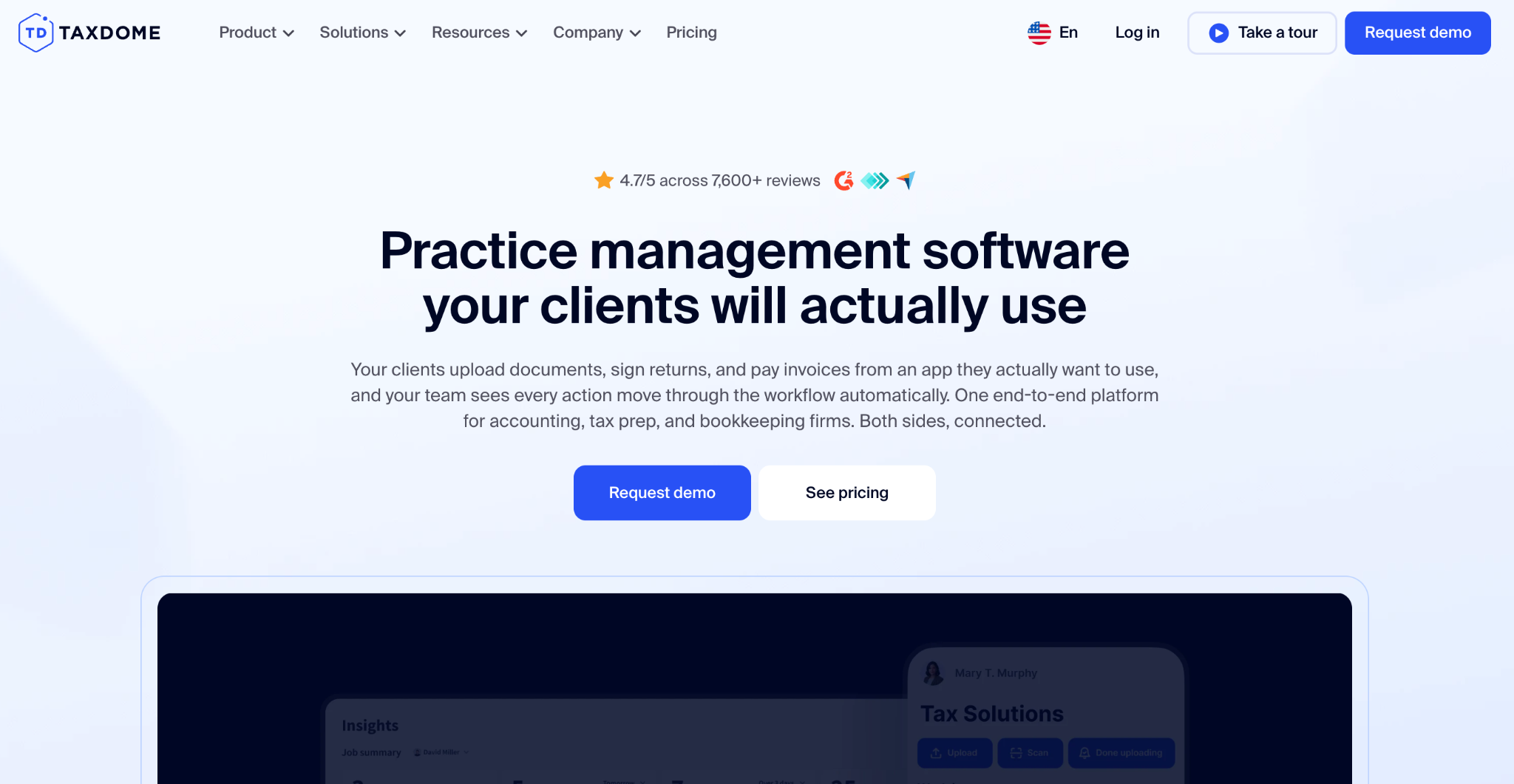
TaxDome is a heavy hitter in the industry, supporting over 15,000 firms globally. It manages the entire client lifecycle within a single ecosystem, and is designed for firms that want a completely digital, paperless operation.
The automation engine is exceptionally deep, capable of triggering tasks and moving work through stages without human input. However, this power comes at a cost. While audit and tax practices with complex, multi-stage projects will find the depth invaluable, smaller firms may find the initial setup time consuming and technically demanding.
On the CRM side, TaxDome excels at contact and document management within an accounting context. But it is strictly practice management software. The tools for client acquisition and sales pipelines are basic at best. If you need a CRM that also helps you hunt for new business or manage a sophisticated marketing funnel, TaxDome will feel too rigid for those tasks.
Also, the entry point is high. Pricing starts at $800 per user per year, and there is no monthly billing option. This makes it one of the most expensive and committed investments in the category. While the CRM ROI is clear for established firms with high volume, newer practices might struggle to justify the upfront cost before they have the client base to support it.
4. Zoho CRM
Zoho CRM is a CRM platform with a broad feature set. It's worth considering for accounting firms that also have an active client acquisition function, alongside their delivery work.

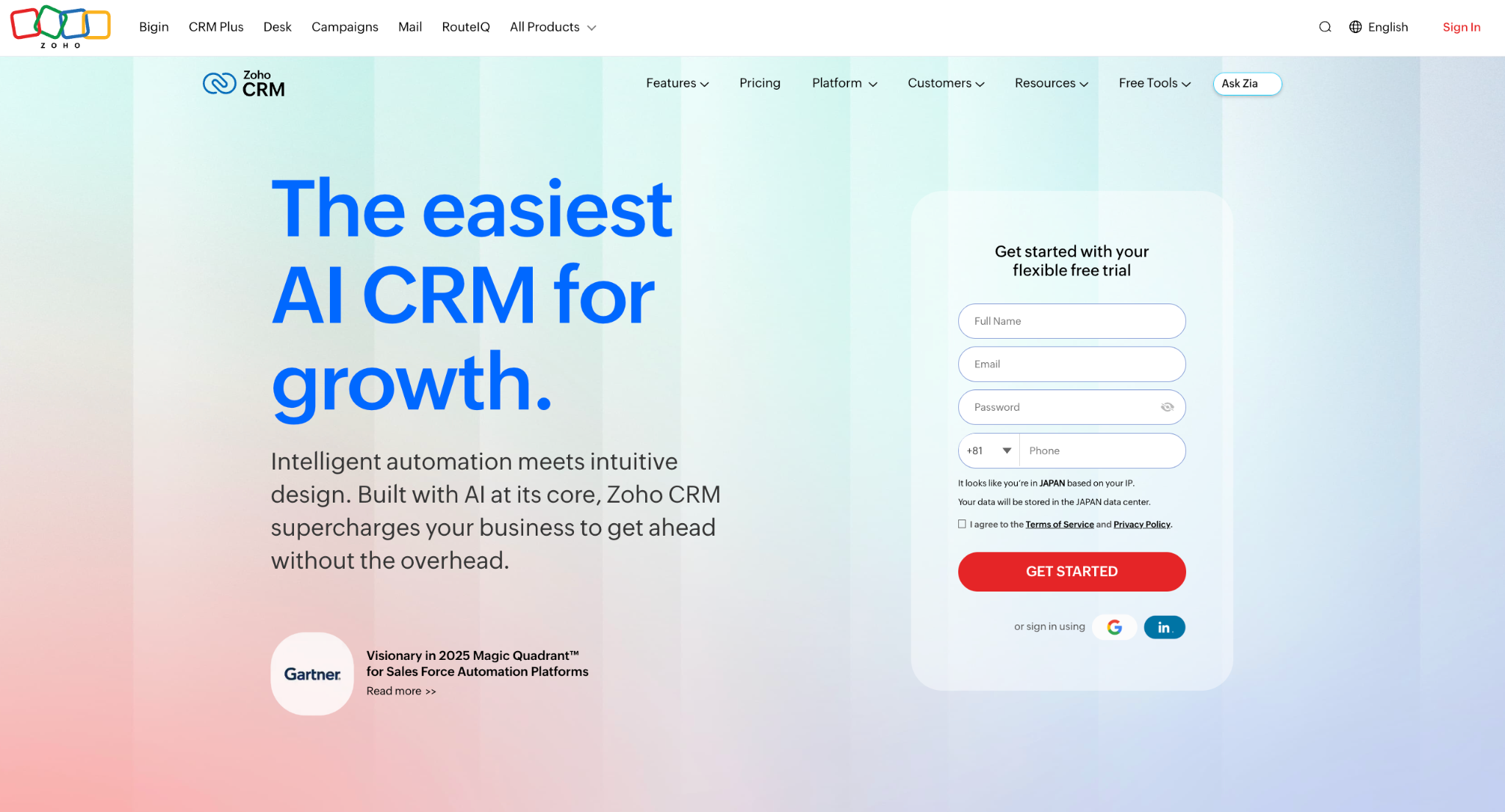
Most pure practice management platforms treat client acquisition as secondary. Zoho CRM approaches it as primary, with sales performance reporting, lead scoring, and marketing automation built in. For accounting firms actively growing their client base and wanting structured lead management alongside existing client management, this combination is practical. It's a notably more sales-focused CRM than Financial Cents or TaxDome, which is either a strength or an irrelevance depending on where your firm is.
On the client management side, Zoho CRM lets you manage client data in flexible records with custom fields, and communication tracking covers email, calls, and logged interactions. Automated workflows handle repetitive tasks like follow-up sequences and internal notifications, which helps reduce manual data entry that would otherwise eat into billable time.
The tradeoff is that Zoho CRM isn't built around accounting-specific workflows. There's no native concept of a recurring engagement, or a client portal for document collection. Firms relying heavily on these will need integrations or separate tools to fill the gaps. As accounting software it doesn't stand alone; it works best as one part of a broader stack.
Zoho CRM starts at $20 per user per month on the Standard plan. A 15-day free trial is available.
5. Canopy
Canopy is a "build-your-own" practice management platform that lets firms pay only for the features they use.

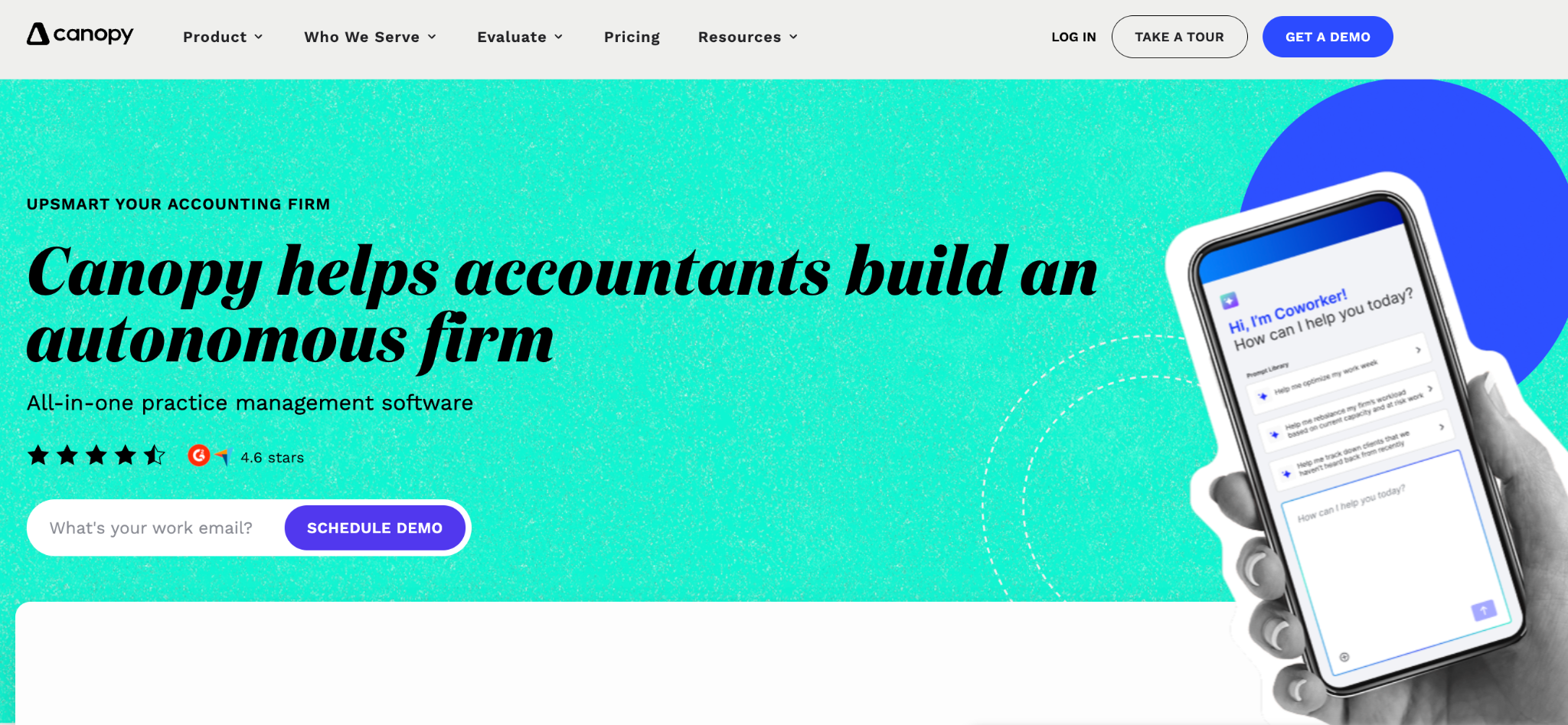
By offering separate modules for document management, workflow, and billing, it allows a growing firm to start with a core CRM and add advanced tools as their volume increases.
For firms managing high volumes of financial data, Canopy’s document management is a primary strength. It is a structured, searchable system integrated directly with a secure client portal.
The platform is built around the delivery of accounting and tax services. While it excels at client segmentation and communication tracking across multiple service lines (like bookkeeping and advisory) it lacks a dedicated sales pipeline or lead-scoring engine. Firms that prioritize aggressive marketing may find themselves needing a separate, lighter CRM to handle their top-of-funnel leads.
The modular pricing is a double-edged sword as well. While it offers flexibility, the cost can escalate quickly as you layer on more functionality and users. The platform is generally positioned between the accessible "all-in-one" pricing of Financial Cents and the high-end commitment of TaxDome. However, potential users should be prepared for a more complex pricing structure that requires a specific quote based on their firm's configuration.
How to choose the right CRM for your accounting firm
Before committing to anything, run through these questions:
- Is most of your work recurring? If the majority of your revenue comes from repeat engagement, you need a platform that handles repeatable workflows natively, not one you have to bend into shape.
- Do you also need to win new clients? Practice management platforms often treat client acquisition as an afterthought. If your accounting business is actively growing and you need structured lead management alongside delivery, make sure the tool you choose has a proper sales process built into it.
- How much time can you spend on setup? This matters more than most people account for. Small business owners running lean teams don't have an ops person handling implementation. A CRM that takes weeks to configure is rarely set up properly.Will your team actually use it? This is the question that tends to get skipped in favour of feature comparisons. The best CRM for small accounting firms is one that teams will use every morning. is the one your team opens every morning. Adoption is where most CRM investments quietly fail, and it almost always comes down to complexity.
- What's your budget per user? Some platforms price per seat at rates that add up fast for small businesses. Have a clear budget in mind before you weigh up your options, and factor in whether a free forever plan or a trial period gives you enough time to test properly before committing.
If you're a sole practitioner or running one of the smaller accounting firms just getting started, Capsule's free plan is worth testing before spending anything. It covers up to 250 contacts – enough to manage a real client base – and the paid free trial lets you bring in your existing data from a spreadsheet on day one. You'll get a clear sense of whether it fits your business processes before committing to anything longer-term.
The CRM decision-making framework that works for most small accounting firms is simple: start with the problem that's costing you the most time right now, find the tool that solves it without creating new ones, and build from there.
Over to you
The right CRM for your firm isn't the one with the most bells and whistles; it’s the one your team will actually use. Whether your priority is surviving the January tax rush, scaling a new advisory service, or simply ensuring a client’s coffee order and latest filing are in the same record, the software must work at the speed of your practice.
For many small firms, the most convincing argument is removing the memory tax. Capsule helps by bridging the gap between your inbox and your ledger. It is a simple, high-utility way to professionalize your firm.