CRM software cuts 5 to 10 hours of admin off the average work week, and about half of that saved time comes from automating repetitive tasks. For a small business with no operations team, that's the whole game: every hour a tool handles is an hour you spend selling or building.
The catch is that "CRM automation" usually gets explained in vague promises. So here are 15 real workflows SMBs run every day, grouped and concrete enough to copy this week. Each one is a trigger and an action – the building blocks of any automated CRM.
What is CRM automation?
CRM automation uses simple rules, triggers, and actions to handle repetitive jobs inside your customer relationship management system, with no one clicking the buttons. Something happens (a form is submitted, a deal moves, a week passes) and the CRM does the next thing on its own: creates a contact, assigns a task, sends an email, updates a field.
Under the hood, it's just if-this-then-that: a trigger, a condition, an action. You don't code it. A modern CRM hands you the rules in plain language, and they run in the background no matter where you are.
CRM automation vs marketing automation
The terms get mixed up, so it's worth drawing a clear line.
CRM automation works on your records and your sales process: it creates tasks, moves deals, logs activity, and keeps contacts current. Marketing automation reaches people at scale: email sequences, campaign sends, and behavior-based nurtures.
A small team needs both, and the magic is in connecting them. When both share one database, a lead's email behavior shows up on the sales contact, and a closed deal can pause the marketing nurture automatically. For many SMBs, that points to a CRM with built-in or tightly linked marketing tools, so the sales and marketing teams (often the same one or two people) work from a single source of truth. Treat them as one connected system, and a small marketing team and a one-person sales team stop stepping on each other.
Signs your SMB needs CRM automation
If the same information gets typed into two tools, you're ready.
A few more signs say yes: leads wait hours for a reply because nobody saw them arrive. Follow-ups depend on someone remembering, or your reports take an afternoon to assemble.
If two or more of those sound familiar, that's a CRM automation problem, and extra hours in the day won't fix it. The good news: one CRM platform with automation built in covers nearly all of it. The trigger to act is usually a growing team or a growing pipeline – the point where the manual approach that worked for one person starts dropping balls for three.
Benefits of CRM automation
#1 Hours back every week
Every workflow above replaces a chore someone used to do by hand. Stack a few and a tiny team punches above its weight: two people with good workflows can run the pipeline of a much larger sales department, with no extra headcount. That's the real case for a CRM built for a small team: leverage, not luxury.
#2 Follow up, right on time
A sales team of one has good weeks and bad weeks, and the bad weeks are when leads go cold. Automation removes the human variance from the routine parts, so the process holds steady even when you're slammed or out sick. The reliability is hard to feel day to day, but it shows up over a quarter. For a lean team, predictable beats heroic every time.
#3 Data you can trust
Automated logging and data-quality rules keep the record complete, which is what makes every report believable and every handoff smooth. Clean data is also the quiet prerequisite for the AI features you'll want later.
❌ What automation WON’T fix
Automation amplifies whatever process you point it at, good or bad. If your sales steps are unclear, automation only speeds up the confusion. And over-automation, where every tiny thing fires an email or a task, trains people to ignore the noise.
The rule of thumb: automate the high-frequency, low-judgment work, and leave the human moments human.
The 15 CRM automation examples
Here are the workflows, grouped by what they touch. Choose a few to start; you don't need all 15 on day one.

Lead and contact automation
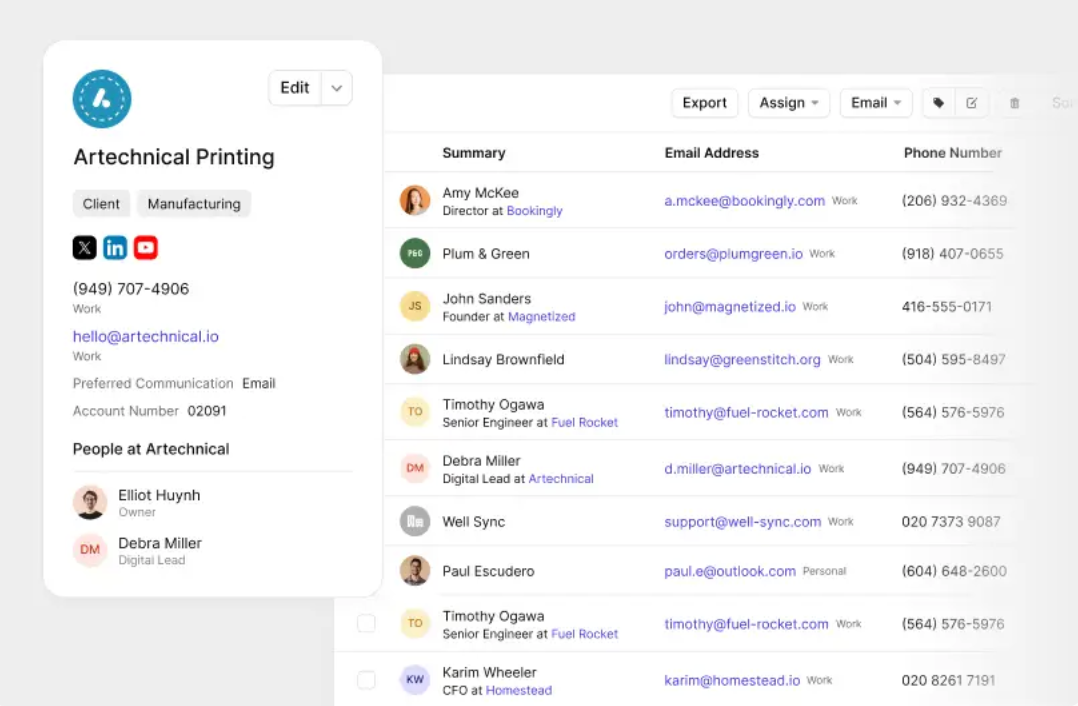
1. New form submission to a new contact. Someone fills in your website form, and the CRM creates the contact, assigns an owner, and fires an alert, all automatically. The lead lands in seconds, and seconds are where response time is won or lost. Speed-to-lead is the most measurable win in CRM automation: the faster a new lead reaches a human, the more often it closes.
2. Auto-tag and segment by source. Every new contact gets tagged with where it came from (ad, referral, event) and segmented on the spot. Clean segments make every later automation, from reporting to email, sharper. It's a tiny rule that puts your contacts to work the moment they arrive.
3. Enrich and dedupe contact data. When a record is created, automation fills in missing details and flags likely duplicates before they multiply. Tidy CRM data is the foundation every other workflow stands on, and it's the first thing manual entry gets wrong. Automating here keeps the database trustworthy as it grows, past the point where manual cleanup is realistic.

Sales and pipeline automation
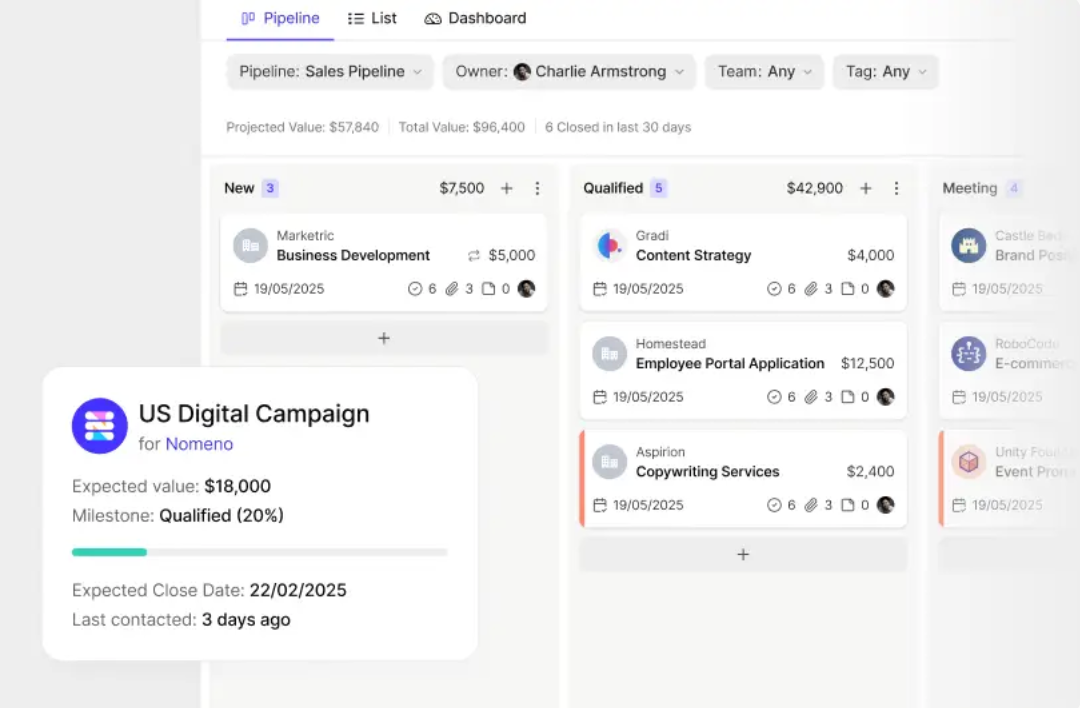
4. New deal to a task checklist. The moment an opportunity is created, a sequence of tasks fires: send the proposal, book the demo, follow up in three days. This sales automation turns "what was I supposed to do next?" into a list that builds itself – the heart of any lead-to-deal process worth running.
5. Stage change to next step. When a deal moves forward in the sales pipeline, the CRM creates the next task with a due date. Nobody has to remember the playbook, because the playbook runs itself. You can tune the stages to match how you really sell.
6. Idle deal to a nudge. A deal with no activity for, say, 10 days triggers a reminder to its owner. An idle-deal rule is how a quiet opportunity stops vanishing for a month, then resurfacing as a lost deal. It's the cheapest insurance against deals that die from neglect when no real objection ever existed, and it pairs with the leading indicators you already watch.
7. Won deal to handoff. A closed-won deal kicks off the onboarding sequence: a welcome task, an intro email, a kickoff booking. That bit of service automation makes a new customer's first week feel planned from the first hello. Connecting sales to customer service like this is where retention starts.
Follow-up and task automation
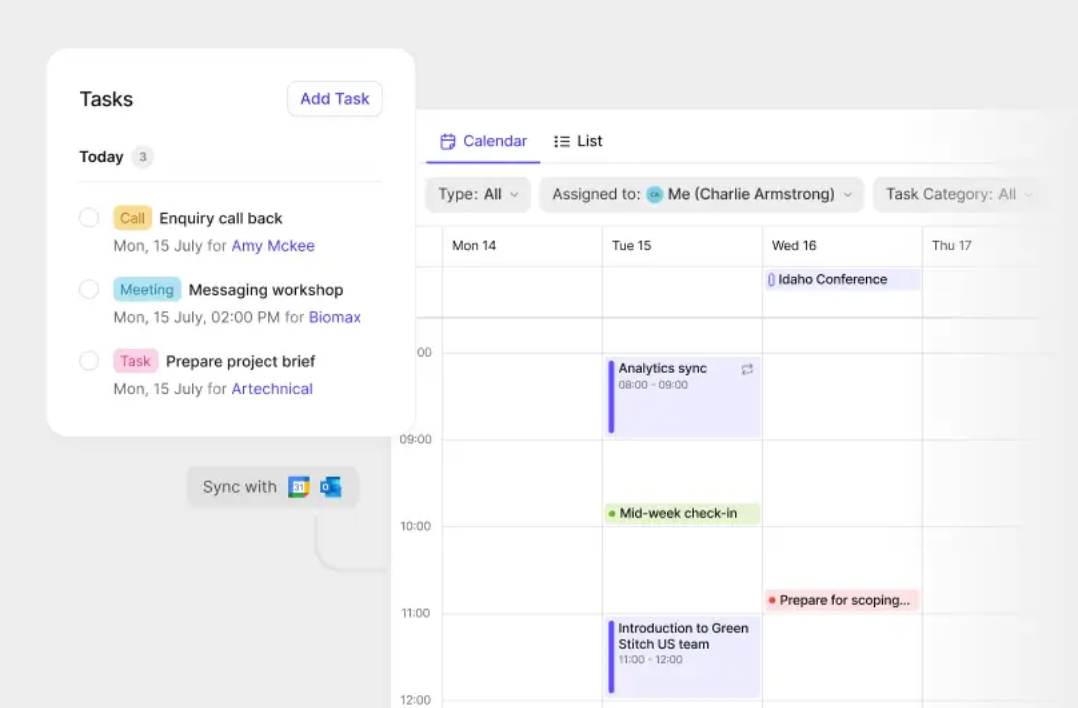
8. Post-meeting follow-up. After a logged call or meeting, automation creates a task to send a recap within 24 hours. Follow-up is where many SMB deals quietly die, and this one workflow fixes it. The "I'll remember to follow up" gap costs more revenue than any pricing mistake.
9. Recurring check-ins for key accounts. Your best customers get an automatic quarterly check-in task, so the relationships that pay the bills never go neglected as you chase new logos. These are the long-term relationships automation keeps warm on autopilot.
10. Date-based reminders. Renewal dates, contract ends, and review cycles all trigger a task ahead of time. The calendar lives in your CRM and stops living in your head, where dates go to die. One reminder a month out can save a contract you'd otherwise let lapse.

Email and marketing automation
11. New lead to a welcome sequence. A fresh lead drops into an email nurture: a welcome, a resource worth reading, a soft check-in. This is where CRM automation and marketing automation meet, and for a small team, a connected email tool handles it with no extra logins. When the tools share the CRM, the nurture pauses the second a lead becomes a customer.
12. Won customer to a referral ask. A set time after a deal closes, an automated email asks for a review or a referral. Email automation like this turns happy customers into your cheapest channel, on a schedule you'd otherwise forget. The ask becomes systematic, and systematic asks compound.
Reporting and admin automation
13. Auto-logging of emails and calls. Connected email and calendar mean every message and meeting attaches to the right contact on its own. Such a single workflow eliminates most of the manual data entry that makes reps avoid the CRM altogether. When logging runs itself, your reports finally reflect reality, because the record is complete.
14. The weekly report, sent to you. A pipeline and activity summary emails itself to you every Monday morning, with no spreadsheet to build. Automated sales reporting is the difference between managing by numbers and managing by vibes.
15. Data-quality alerts. When a record is missing a key field or a deal has no next step, automation flags it. This keeps the data clean enough that every other automation, and every report, can be trusted. A small mess never gets the chance to become a big one.
It's worth separating rule-based automation from AI. The 15 workflows above are rule-based: reliable, predictable, and the right place to start. AI-powered automation adds a layer on top – summarizing a thread, drafting a reply, suggesting a next step – and it works best once the rule-based foundation is solid.
How to start small
Don't try to build all 15 at once. Begin with the workflows that hit hardest, where the work is frequent and the judgment is low: auto-logging activity, new-lead routing, and post-meeting follow-up tasks. Those alone reclaim most of the lost hours.

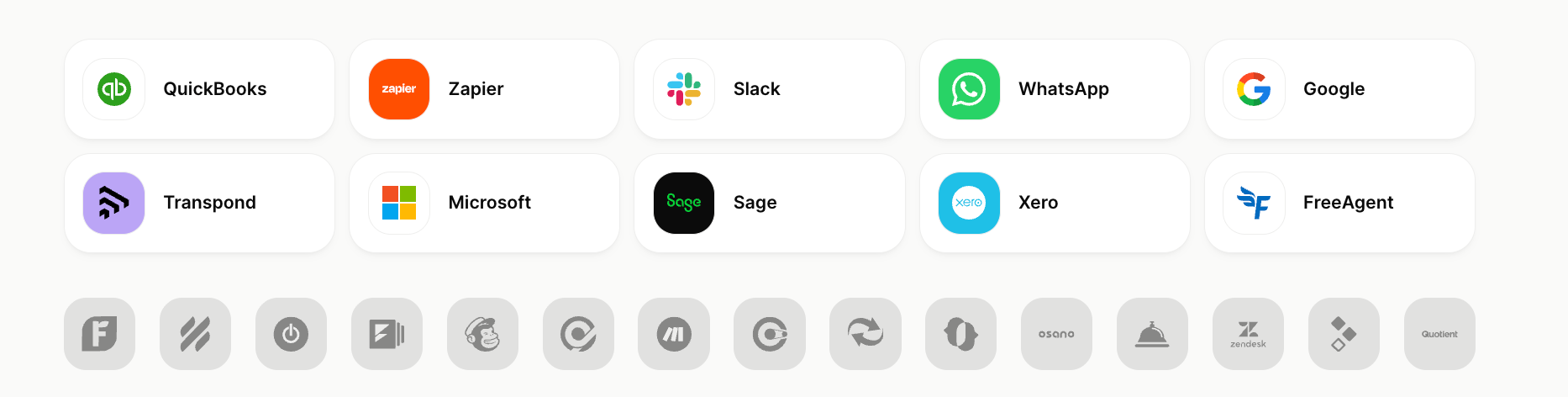
When you're choosing tools, look for a CRM with automation built in over a stack you have to wire together. The features an SMB needs are simple triggers, task sequences, email logging, and reports, and when work crosses apps, a connector like Zapier links the rest. Map your repetitive tasks for a week first – the ones you do daily, by rote, are your automation shortlist.
A concrete first week:
- Day one: connect your email and calendar so activity logs itself. That single move kills the biggest data-entry chore.
- Day two: set the new-lead rule, so every form submission creates a contact, assigns an owner, and pings you.
- Day three: build one task sequence on your most common deal type, so a fresh opportunity spins up its own to-do list.
That's a few workflows, an afternoon of setup, and most of the time-savings the research promises. Live with them for a few weeks before adding more – a few advanced CRM tips show where to go once the basics hold. Each rule has to remove real, repeated work to stay. Build slowly, and the setup remains an asset, never a maze you're afraid to touch.
Running these workflows in Capsule
Capsule is built to run exactly these workflows with no specialist to set them up.
Workflow automation handles the triggers and rules, and Tracks turn any repeatable process – an onboarding sequence, a sales motion – into a checklist that fires on its own.
That covers most of the 15 examples above out of the box.

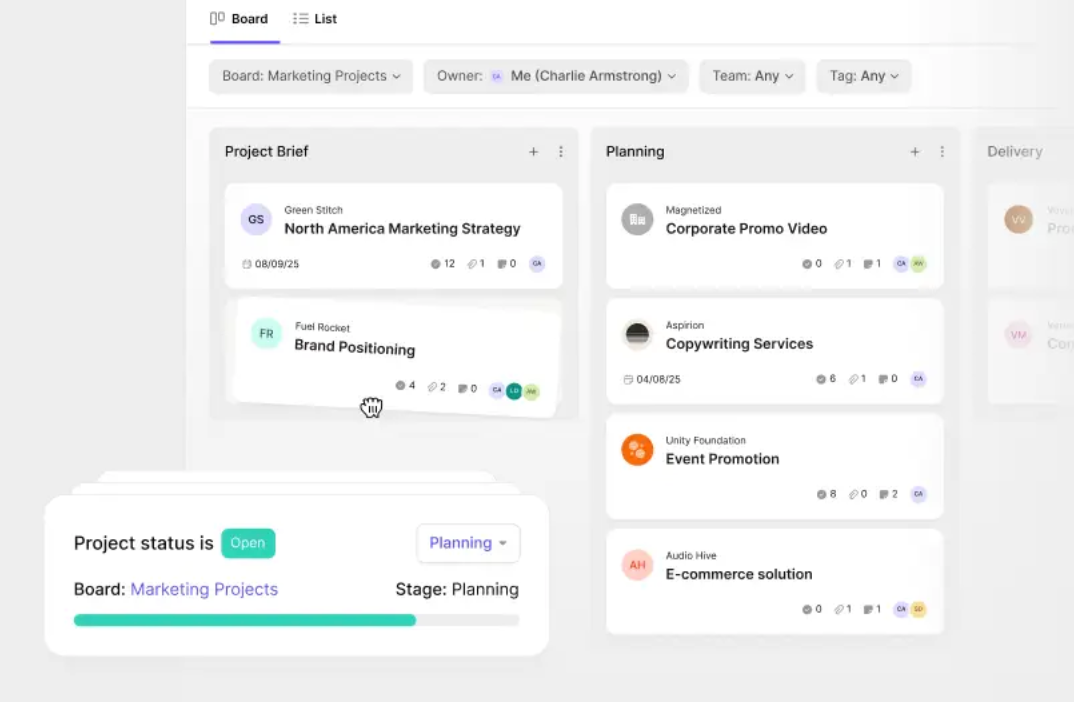
For the email side, a connected marketing tool plugs in as the campaign layer, so your sends and your CRM share one contact list, and the nurture pauses the moment a lead becomes a customer. The reports email themselves, activity logs itself once your inbox is connected, and on paid plans AI features add intelligence on top of the rules: a long thread summarized, a reply drafted.
The whole point is automation an SMB can adopt for real: powerful where it counts, running by the end of one afternoon. The free plan gives a two-person team everything needed to set up the first workflows at no cost, and the setup guide walks the lead-routing piece step by step.
Start smaller than you think
CRM automation is a set of small workflows that, together, hand a small team its time back. The 15 above are a menu. Take your biggest time-sink today, set it running, and measure the hours you get back – the rest of the menu will still be there next month.