Most food and drink brands don't sell directly to shoppers; they sell through distributors. So your success depends on those relationships.
Managing this involves a lot of moving parts: the buyers at the distributor's head office you negotiate with, your contacts at individual depots (their regional warehouses), calendars of upcoming promotions you've agreed, and the price lists you've negotiated with each one.
Right now, that information might live in spreadsheets, email threads and someone's WhatsApp. Things slip. A distributor m
anagement CRM brings every wholesaler, buying group and distributor contact into one place, so your commercial team can see what's happening across accounts and act on it.
This guide covers what distribution CRM software actually does, the workflows it supports, and how to pick the right CRM for your business. New to CRM entirely? Start with our guide to CRM for food manufacturers, then come back here.
TLDR
- A distributor management CRM is CRM software that tracks every wholesaler, buying group and distributor contact in one shared system instead of scattered spreadsheets and inboxes.
- Distribution companies use it to stop missing follow-ups, keep price lists and promotions straight by distributor, and protect account knowledge as sales teams grow.
- Your ERP systems and accounting tools handle stock and invoices. The CRM handles customer relationships: meetings, pipelines, promo performance and follow-up.
- With more channels, tighter margins and higher retailer expectations, shared sales visibility is no longer optional.
- Capsule does this without months of setup: account records that match how wholesale distribution actually works, connected to the tools you already run.
What is a distributor management CRM?
CRM stands for customer relationship management. A distributor management CRM is CRM software set up to manage wholesale distributors, foodservice distributors, and regional wholesalers across territories. It's the system your commercial team opens every day to see where each relationship stands, what's been promised, and what's overdue.
It differs from a generic CRM setup in one important way: the focus is on growing existing accounts and managing repeat orders rather than chasing net-new leads. For a distribution business, the real revenue comes from deepening the customer relationships you already have. The same principles apply across your direct accounts too, find out more in our guide on wholesale customer management.
Take a snack brand working with six regional wholesalers and three national grocery distributors. Every meeting, listing decision, price file and promo calendar lives in one place. Each distributor record holds the head office relationship, along with depot contacts, buyers, and sales reps on both sides. That structure reflects how wholesale distribution actually works.
A CRM sits alongside your ERP systems and inventory management tools. It doesn't replace them. It's the workspace where account managers plan their weeks, log calls and track opportunities.
Why you need a CRM, not just an ERP
ERP and inventory management tools handle orders, stock, logistics and warehouse operations. They're built for operational processes. A CRM handles the human side of managing customer relationships: conversations, follow-ups, proposals and opportunities. Both matter, but they solve different problems. For a fuller breakdown, see our guide to CRM vs ERP for food manufacturing.
Here's the pain of relying on spreadsheets and email alone. Trade show leads vanish within a week. Range review dates get forgotten. Nobody knows which distributors are underperforming because there's no shared view, and customer data lives wherever it was last typed.
Picture a commercial director trying to answer a simple question: which distributors haven't ordered since March, and who last spoke to each buyer? Without a CRM, that answer means digging through three inboxes and a spreadsheet nobody has updated since January.
A CRM centralizes emails, call notes, meeting outcomes, and tasks, making it easy to track customer interactions across the whole team. When account managers leave or change roles, the relationship history stays. The downstream impact is real: fewer missed allocations, more consistent promotions across depots, faster responses to customer inquiries raised through distributors, and better customer satisfaction at every level of the supply chain.
What you'd actually use it for
Day-to-day, distribution CRM software supports a handful of workflows your commercial team already does every week, just more reliably.
- Onboarding new distributors. Capture the contact hierarchy (head office plus depots), agree pricing tiers and shipping terms, map territories and log the initial range review. It's the foundation for everything that follows.
- Managing price lists and terms. Different wholesale distributors run on different pricing, volume discounts and special terms. Tracking which price list applies to which depot means account managers quote accurately and avoid margin-eroding mistakes.
- Logging meetings and range reviews. A running record of what was discussed, what was agreed, and what needs follow-up, so the next NPD presentation or listing confirmation never depends on someone's memory.
- Tracking promotion performance. Which promos ran, across which depots, forecast against actual, and where compliance fell short.
- Pipeline management by territory. A shared view of who's chasing what, from listing opportunities to tender bids.
These workflows scale. A founder managing ten distributors personally uses the same system that later supports a full commercial team, and mobile access means field sales teams can update CRM records from their mobile devices straight after a depot visit.
Key features to look for
A useful checklist for evaluating CRM tools for distribution:
- Account hierarchies. Model a head office plus its depots and ship-to locations, each with its own contacts, history and notes.
- Multi-contact records with roles. Buyers, depot managers, promotions contacts, pricing contacts. Know who does what.
- Activity timelines. Every email, call, meeting note and trade show follow-up logged against the right account, so customer interactions never rely on memory.
- Workflow automation. Reminders created after meetings, overdue follow-ups flagged, and automated workflows running in the background so nothing slips. Less manual data entry, fewer gaps.
- Price list and terms tracking. Recall the last agreed pricing instantly.
- Promotion and SKU tracking. Forecast against actual, by depot.
- Integration capabilities. Connections to your ERP, accounting tools, email and calendar. ERP integration is what turns a CRM from a contact list into a live operational tool.
- Mobile access. Non-negotiable for field sales teams visiting depots and retailers.
A practical test: could your dashboard show your top 20 distributors by revenue, flagged where the last order was more than 60 days ago and no range review is booked? That's the kind of sales visibility that drives action.
How a CRM improves sales performance
A CRM isn't about data tidiness. It's about sales performance, growing existing accounts and staying on top of repeat orders.
Sales pipeline management in distribution looks different from classic sales deals. Your sales pipeline tracks tenders, listing opportunities, promo events and range review windows. Managing it means knowing which relationships are active, which are stalling, and where the next revenue opportunity sits.
Forecasting gets practical when you combine CRM records with purchase history and transaction data. Historical orders by distributor and SKU reveal repeat-order windows and flag churn risk early, which protects customer retention. A drinks brand can spot that a distributor's volume has plateaued despite category growth, and act before the relationship drifts.
Managers get something useful too: follow-up rates after trade shows, meetings per month, conversion from presentation to confirmed listing. When a sales rep closes a listing, that feeds straight back into the forecast. Everyone works from the same view of sales activities, pipeline and performance, and that shared visibility is what turns CRM adoption into business growth.
Connecting your CRM to ERP, accounting and e-commerce
Integrations turn a CRM from a contact database into a live tool. Common connections for food and drink brands: Xero, QuickBooks and Sage for accounting, NetSuite or SAP Business One on the ERP side, Shopify for wholesale and direct orders, and Microsoft 365 or Google Workspace for email and calendar.
Lightweight is fine. Syncing invoices and orders daily lets your team see revenue, last order date and inventory data inside the CRM without duplicating your inventory systems. Real-time data on order status helps account managers have better conversations with distributors, and customer service teams can see the full picture behind an urgent issue without chasing three colleagues for background.
Keep the CRM focused on relationships and decisions, and let the ERP remain the source of truth for stock, costing and fulfillment processes. Avoid over-complex two-way sync projects that create more problems than they solve.
Rolling it out
Implementation is simple.
- Set objectives. Decide what you want to improve: repeat order rate, promo compliance, or simply the number of missed follow-ups.
- Design your account structure. Map how distributors, depots, and contacts should be organized, including territory management if reps split by region. This step matters more than most teams realize.
- Clean and import your customer data. Deduplicate and standardize before anything goes in. Tedious, but errors imported now become permanent.
- Configure pipelines and fields. Stages that reflect your actual sales process: initial conversation, range review, listing confirmed, first order, ongoing.
- Connect core systems. Email and accounting first. Even a one-way sync from your ERP gives useful context.
- Pilot before rollout. Two or three account managers for a few weeks, adjust, then roll out wider.
For a small brand moving from founder-owned relationships to a proper commercial team, this typically takes two to six weeks. A larger wholesale distribution business integrating ERP and e-commerce should plan for eight to twelve.
CRM adoption sticks when it's made simple: every distributor meeting logged same day, no pricing change without a note attached, and all trade show leads followed up within 48 hours so lead management stays reliable. Our Food and Beverage Follow-Up Checklist covers exactly what to send and when.
Measuring whether it's working
Measure ROI in reduced leakage and increased repeat orders, not license cost. Useful KPIs: missed or late follow-ups before and after rollout, time from first conversation to first order, revenue per distributor over 12 months, promo compliance across depots, and customer retention on key accounts.
The soft ROI matters just as much. Smoother handovers when staff leaves. Faster onboarding for new account managers who can read the full history of every relationship. Fewer internal emails asking who owns which distributor. That's how a CRM helps improve operational efficiency across the commercial team, not just tidy the data.
Where AI fits
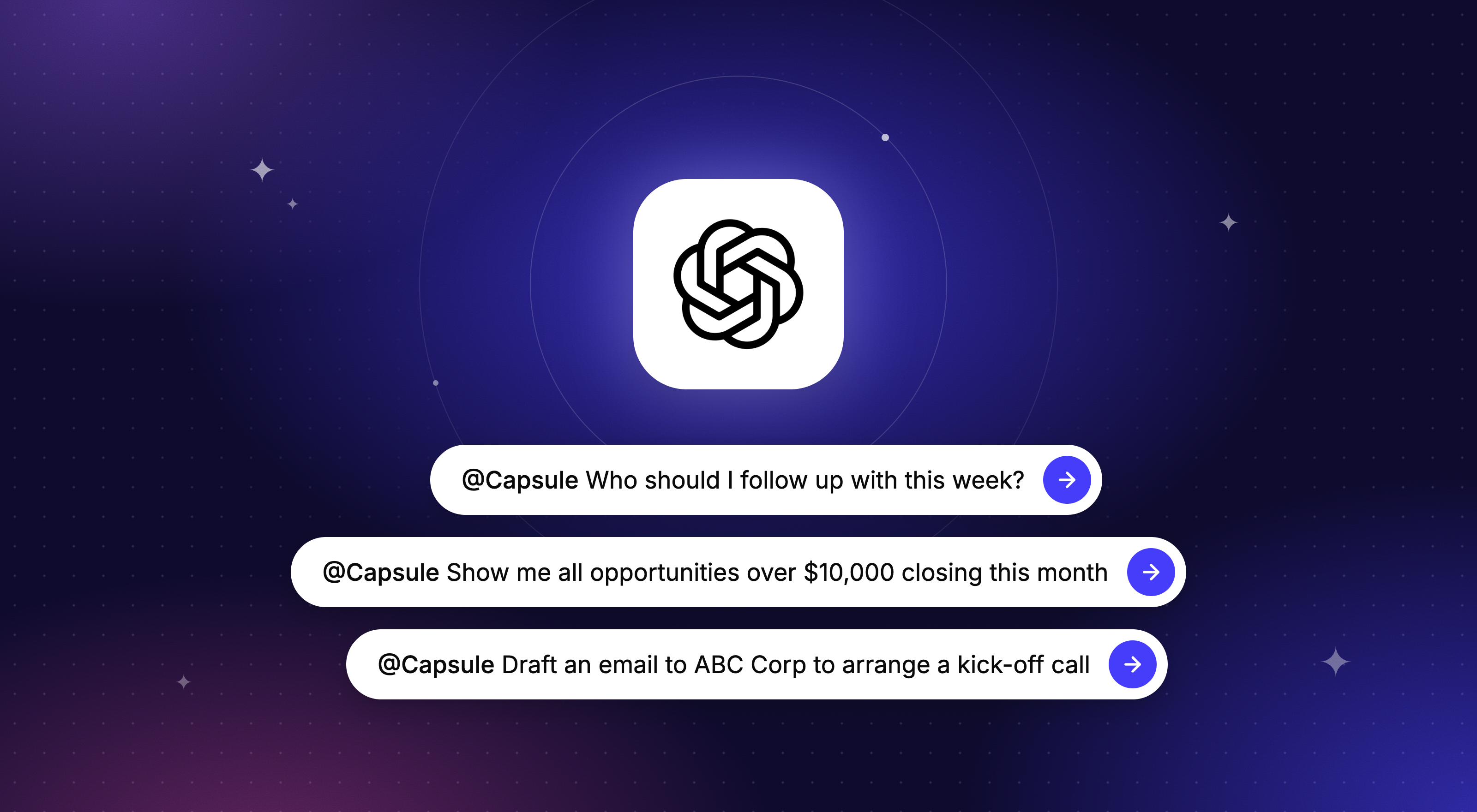
AI in CRM has moved past the buzzword stage, and the practical uses are directly relevant to distribution: summarizing years of distributor interactions into a briefing before a meeting, flagging when a key account's order volume drops against the same quarter last year, and drafting routine follow-up emails. Marketing automation can trigger outreach when order patterns change.
In Capsule, that's AI Summaries and AI Email Assist. The value depends on clean CRM records connected to your other business data, which is one more reason to get the foundations right first. It's an incremental upgrade, not a transformation project.
Bring it all together
Distributor relationships are the commercial engine of a food and drink brand, and they run on follow-up. Let your ERP and accounting tools run stock and finance. Let a CRM run the relationships: every wholesaler, depot and buyer in one shared system, with an owner and a next step attached, so you strengthen customer relationships instead of resetting them every time someone leaves.
That's what Capsule is built for: a CRM for distributors with account records that match how distribution actually works, pipelines for listings and tenders, a user-friendly interface your team will actually use, and automatic reminders that keep every relationship warm, whether you're a 15-person brand with a dozen wholesalers or a 300-person operation with a full commercial team.
Try Capsule free for 14 days, no credit card required. The quick wins show up fast: fewer missed follow-ups, cleaner handovers, and a shared view of every distributor.
Ready to get started? Download our Food and Beverage Follow-Up Checklist
Frequently Asked Questions
Not always. Most small and mid-market distributors and brands do well with a flexible, configurable CRM set up for distributor workflows. The best CRM is the one that can model your real relationships (distributors, depots, outlets) and connect to your existing inventory systems and accounting tools without heavy customization. Very large operations with hundreds of depots may lean toward industry-specific tools, but most food and drink brands don't need that rigidity.
Key triggers: hiring your first dedicated commercial or national account manager, adding a second or third major distributor, or noticing follow-ups slipping. If account knowledge lives mostly in one founder's inbox, it's time. Adopting earlier, at around eight to fifteen distributors, usually means a faster rollout than waiting until the team is overwhelmed.
Two to six weeks for a lean setup at a smaller brand. Eight to twelve weeks for a larger business integrating ERP or accounting tools. Most of the time goes on cleaning data, agreeing on pipeline stages, and training the team.
Yes. A well-configured CRM handles both, typically with separate pipelines or account types. That gives you a complete view of your route to market: which retailers you serve directly, and which via distributors, so field sales and office teams can plan sales activities around the full picture.
For small teams, roughly the cost of a few mobile contracts per month. Weigh the subscription against the operational savings: fewer missed listings, better promo execution, smoother handovers. Watch for hidden costs where integrations, reports or automation are locked behind add-ons, and look for pricing that scales predictably with your team. Capsule also has a free plan for up to two users, which is a real starting point for a founder-led brand.