What is sample data?
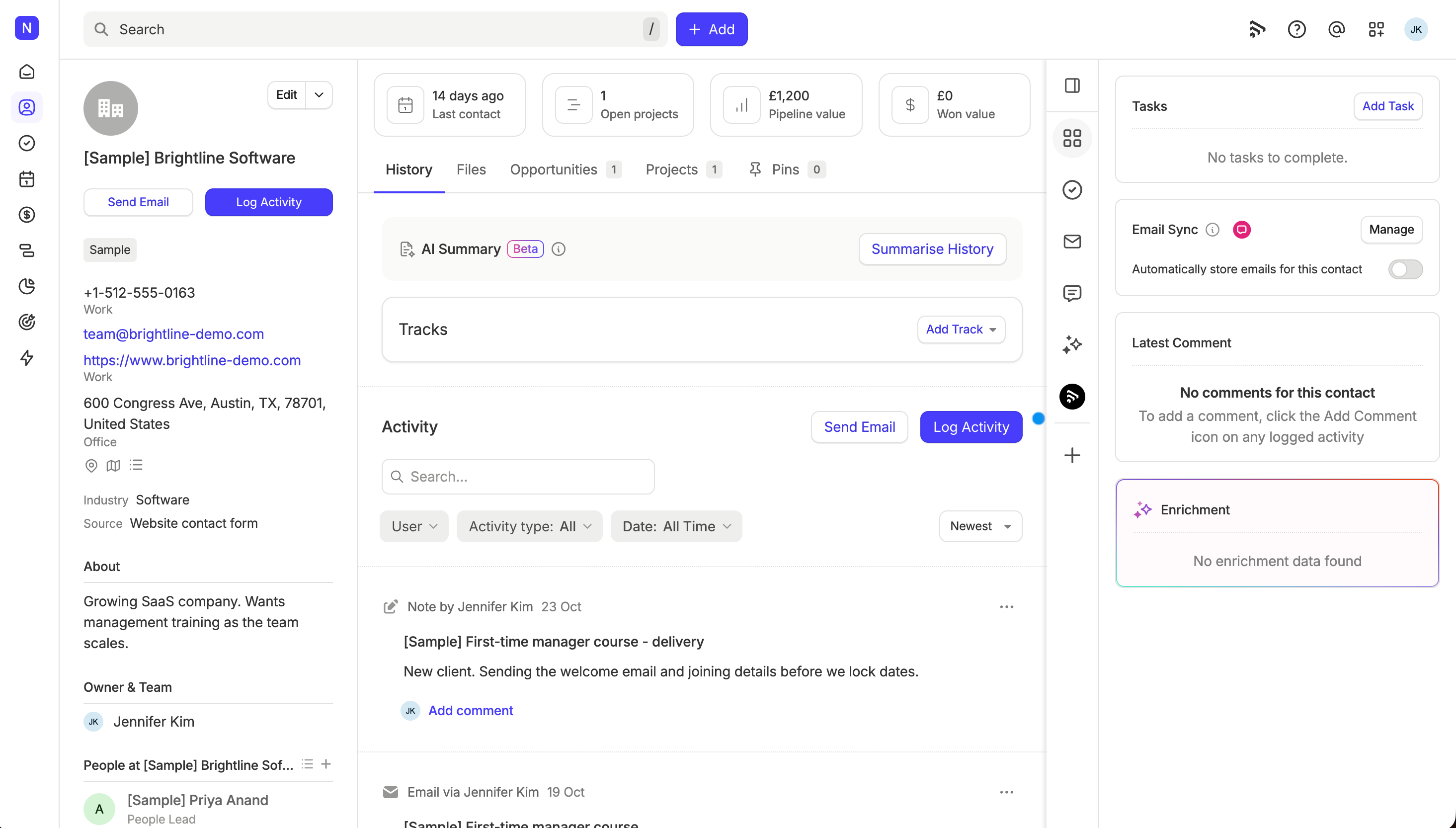
When you sign up for a new account, we add some sample data to help you see what your own data could look like once you're up and running. It gives you something to explore straight away, and it's often easier to edit something than to start from scratch. Every sample record has [Sample] at the start of its name, so you'll always know which records are ours.
Sample data is included on all Capsule plans, including the Free plan, and is only added to new accounts when they sign up. Best of all, you can remove it whenever you like, so there's no need to worry about it getting in the way of your own data.
What's included in the sample data?
Here's what we add to your account:
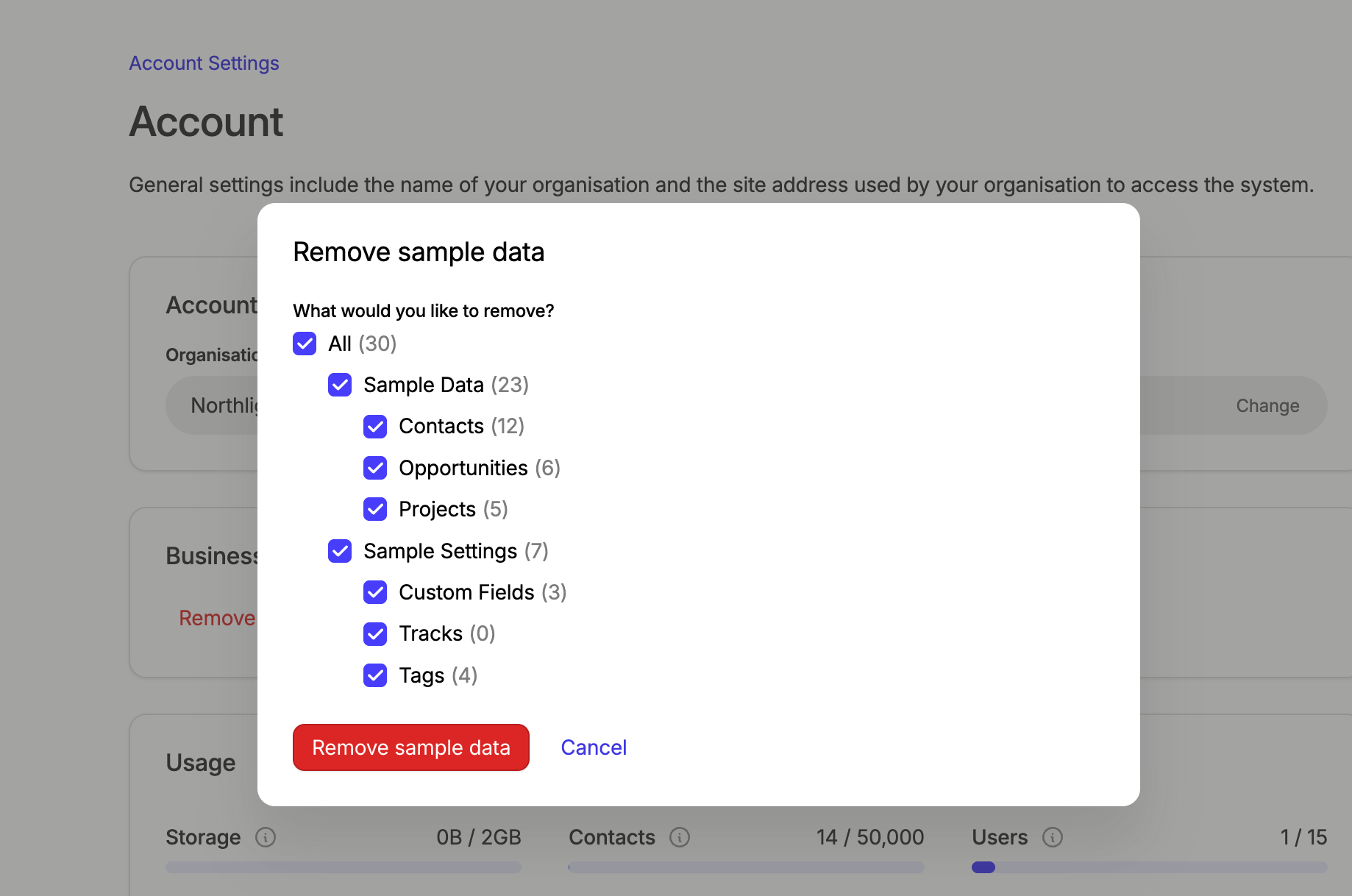
- Contacts, including both People and Organisations
- Opportunities
- Projects
- Custom fields
- Tracks
- Tags
Your sample contacts, opportunities and projects also come with notes and activity already added, so you can see how a record looks once it's been worked on. The custom fields, tracks and tags show you how Capsule can be customized to suit your business.

How do I remove the sample data?
Once you've had a good look around, you can remove all of the sample data, or just the parts you don't need, in either of these ways:
- From the banner: if you're on a trial, select Remove sample data in the banner at the top of your account.
- From Account Settings: if you're the Super Administrator, go to Account Settings > Account and Plan and select Remove Sample Data.
Then choose what you'd like to remove and select Remove sample data. You can pick everything, or just contacts, opportunities, projects, custom fields, tracks or tags.

What happens to my own data if I remove the sample data?
Don't worry, if you've added your own data, most of it will stay. Removing sample data only deletes the records we added, but anything you've attached to a sample record can be affected too. Here's what to expect:
- Your own contacts and organisations stay. Records that stand on their own aren't touched. If you edit a sample record, it still counts as sample data and will be removed.
- Your own people at a sample organisation stay, but they'll no longer be linked to that organisation.
- Opportunities, projects and tasks linked to a sample contact or organisation are deleted. For example, an opportunity you create for a sample organisation will be removed along with it.
- Notes and activity are only deleted if the sample record was their last link. If a note is also linked to one of your own records, it stays.
- Removing a sample tag also removes it from your own records.
To keep things simple, we'd recommend adding your own data to your own contacts and organisations rather than the sample ones.