![How to use AI to write sales follow-up emails [+ prompts]](https://cdn.sanity.io/images/poftgen7/production/207cb4f33343dcd744121b184d7f96dff035db85-7680x4320.jpg?w=7680&h=4320&auto=format)
AI can write a sales email in seconds, and that’s the easy part. The harder part is getting a useful follow-up that sounds like it came from a real person who understands the deal.
That’s where many AI sales email workflows break. The tool gets a vague prompt, produces shiny sales copy, and the prospect gets an email that could have gone to anyone.
Sales follow-up emails need more than speed; they need context. A good AI sales email should reflect the conversation, the buyer’s pain, the stage in the pipeline, and the level of interest shown so far.
This guide shows how to use AI for follow-up emails in a way that keeps the human edge. You’ll get prompts, practical examples, and a simple workflow for using AI inside your sales process.
What an AI sales email generator can and can’t do
An AI sales email generator can help you draft faster, test different angles, and get past the blank-page problem. It can turn rough notes into cleaner email copy, suggest a subject line, and help sales professionals create follow-up emails after calls, demos, and cold outreach.
But AI can’t guess what happened in your last conversation. It can’t know the buyer’s objections, buying committee, urgency, or next steps unless you give it that context.
And that’s why CRM data matters.
If your sales team keeps notes, activities, opportunities, and tasks inside a CRM, AI has much better input to work from. The output gets more useful because the prompt includes real context, not generic instructions.
Capsule CRM’s AI features support that kind of work.
AI Summaries can condense recent contact, opportunity, and project history, while AI Email Assist helps draft routine messages from a prompt.
AI Pipeline Generator helps teams build a sales pipeline from a plain-language business description, which gives follow-ups a clearer structure from the start.
AI is most useful in sales when it handles the manual parts of email writing, not the thinking that makes a salesperson effective.
Why sales follow-up emails sound robotic
AI follow-up email drafts often sound robotic for one of these reasons:
- Weak input. “Write a follow-up email after a sales call” gives the tool no real detail. It can only produce a safe, generic email.
- Over-polish. AI tools often add phrases like “I hope this message finds you well” or “I wanted to circle back.” Those lines are common, but they add no sales value.
- Vague call to action. If the prompt asks for “a friendly follow-up,” the AI may end with “let me know your thoughts.” That sounds polite, but it doesn’t guide the prospect.
- Missing deal stage. A follow-up after a first cold email should sound different from a post-demo follow-up. An email after legal review needs a different tone again.
- Lack of editing. AI helps with email creation, but a salesperson still needs to check the final message. Brand voice, accuracy, timing, and buyer context all need a human pass.
A better prompt fixes most of this. It tells AI what happened, what the prospect cares about, what kind of reply you want, and what to avoid.
How to use AI for sales follow-up emails
To use AI well, build a small workflow before you start writing emails at scale. Teams handling more complex sales processes can also explore AI agent workflows to understand how AI-driven tasks can connect across different stages of a workflow.
- Collect the context. Pull notes from the last call, the buyer’s role, the main objection, and the promised next step. If you use Capsule contact management, keep that detail inside the contact or opportunity record so it’s easier to find later.
- Include the deal stage. A first-touch email, post-demo email, and renewal email shouldn’t use the same structure. Before you prompt AI, name the stage: cold outreach, discovery follow-up, proposal review, stalled deal, or customer expansion.
- Decide the goal. Are you trying to book a call, answer an objection, revive a cold lead, confirm next steps, or move the opportunity to proposal stage? Every email should have just one job.
- Write the prompt. Give AI the facts, the tone, and the CTA. Clear CTAs beat broad calls to action. Ask for a short call, confirmation, a reply to one question, or permission to send an example.
- Ask for one email, not a campaign. If you ask AI for “five emails at scale,” you may get five versions of the same vague message. Start with one relevant email. Then adapt it for other prospects if the structure works.
- Edit. Cut filler, check accuracy, add one human detail, and make the ask easier to answer. Train the AI with your preferred tone, but still edit. Remove phrases your team would never say. Check that the email content matches your brand voice across sales and marketing.
- Track the next action. A strong email loses value if nobody remembers to follow up. Capsule’s guide to follow-up workflows shows how sales teams can use Tracks, task reminders, and workflow automation to keep the process moving after the first message.
Also, watch the right metric. Open rates can show if your subject line gets attention. Reply rates and response rates tell you if the message creates a real conversation. Conversion rates show if those conversations turn into pipeline movement.
One metric won’t tell the full story. Sales teams need enough data to see what resonates and enough judgment to know why.
Best sales prompts for successful follow-up
Prompt #1: the post-call recap follow-up
Use this prompt after a discovery call, demo, consultation, or sales call.
Prompt
Write a short sales follow-up email after a call.
Context:
- Prospect: [name, role, company]
- Conversation topic: [topic]
- Main pain point: [pain point]
- Buyer goal: [goal]
- Concern raised: [concern]
- Next step agreed: [next step]
- Tone: clear, helpful, not pushy
- CTA: confirm [specific action]
Keep the email under 140 words. Use plain language. Don’t use filler phrases.
Example output
Subject line: Next step after today’s call
Hi Maya,
Thanks for speaking with me today.
From our conversation, it sounds like the main priority is making sure new inbound leads get assigned faster, especially when the team has several open deals at once.
You also mentioned that adoption matters, so I’ll keep the next step focused on the workflow your reps would use day-to-day.
I’ll send over the short setup example we discussed. If it looks close, we can use our next call to map it against your current sales process.
Does Thursday still work?
Best,Alex
Why it works
This prompt gives AI the context it needs to write a relevant email. Instead of generating a generic pitch, it produces a short recap based on what the prospect actually said.
If your notes live in Capsule, AI Summaries can help condense recent activity before you write the prompt. That makes the follow-up easier to trust because it reflects what actually happened.
Prompt #2: the “no reply” follow-up that doesn’t nag
Use this prompt after a prospect doesn’t respond to your first email.
Prompt
Write a short follow-up email for a prospect who didn’t reply.
Context:
- Original reason for outreach: [reason]
- Prospect likely cares about: [priority]
- Useful detail to add: [insight, resource, example, or question]
- CTA: ask if this is worth a short conversation
- Tone: calm, direct, low-pressure
Avoid “just checking in,” “bumping this,” and guilt-based language.
Example output
Subject line: Worth a quick look?
Hi Daniel,
I wanted to add one detail to my last note.
Teams with long sales cycles often lose momentum after the first meeting because the next action isn’t clear enough. The fix is usually less about sending more messages and more about assigning the right next step at the right stage.
That may be relevant if your team is reviewing handoffs this quarter.
Worth a short conversation next week?
Best,Sam
Why it works
This message doesn’t scold the prospect for being busy. It adds value, gives a reason to reply, and keeps the ask light.
AI helps here because it can quickly generate several angles for the second touchpoint. The salesperson’s job is to pick the angle that fits the account.
Prompt #3: the objection-handling follow-up
Use this prompt after a prospect raises a concern about price, timing, implementation, internal buy-in, or priority.
Prompt
Write a sales follow-up email that responds to an objection.
Context:
- Prospect: [name and role]
- Objection: [exact concern]
- What they care about: [priority]
- Proof point or explanation: [short evidence]
- CTA: suggest one practical next step
- Tone: respectful, specific, not defensive
Write the email in under 160 words. Don’t over-explain.
Example output
Subject line: On the setup concern
Hi Priya,
You raised a fair point about setup time.
For a small team, the main risk usually isn’t the tool itself. It’s building a process that feels too heavy for the way the team already sells.
That’s why I’d suggest starting with one pipeline, the main stages, and the follow-up tasks that need to happen after each call. Once that’s working, the team can add more detail.
If helpful, I can send a simple version based on what you described yesterday.
Best,Lena
Why it works
The email acknowledges the concern, then reframes it in practical terms. It doesn’t bury the reader in a long defence.
This is a strong place to use AI Email Assist inside Capsule. The rep can enter the objection, the buyer priority, and the desired next step, then edit the draft so it sounds natural.
Prompt #4: the cold email follow-up with a sharper angle
Use this prompt when the first cold email didn’t get a reply and you want a better second attempt.
Prompt
Write a cold email follow-up for outbound sales.
Context:
- Target persona: [persona]
- Company type: [company type]
- Trigger or reason for outreach: [trigger]
- Pain point: [pain point]
- Offer: [offer]
- CTA: ask one specific question
- Tone: concise, useful, not hype-driven
Include one subject line option. Keep the email under 120 words.
Example output
Subject line: Quick question on lead handoffs
Hi Marcus,
I saw your team is hiring two new account executives, so I’m guessing lead handoffs may get harder to manage as volume grows.
That’s usually where smaller sales teams start losing useful context between first contact and proposal.
We help teams keep those conversations tied to the right contact, opportunity, and next task, so reps know what to do next.
Is improving lead follow-up part of your sales goals this quarter?
Best,Dorothy
Why it works
The email gives a reason for the outreach and asks one clear question. It doesn’t try to cram a full pitch into the first follow-up.
If you’re sending cold outreach, keep deliverability in mind too. AI can help with email writing, but it won’t fix poor targeting, bad lists, or too many similar emails sent at once.
Prompt #5: the “send the promised resource” follow-up
Use this prompt after a call where you promised a case study, pricing detail, product page, setup example, or internal note.
Prompt
Write a follow-up email that sends a promised resource.
Context:
- Prospect: [name]
- Resource promised: [resource]
- Why they asked for it: [reason]
- Main point to notice: [specific takeaway]
- CTA: ask if they want to review it together
- Tone: helpful and brief
Keep the message under 130 words.
Example output
Subject line: Resource from our call
Hi Emma,
Here’s the setup example I mentioned on our call.
The part worth looking at is the handoff after a qualified lead enters the pipeline. That’s where teams often need a task, owner, and next contact date in one place.
Based on what you shared, that seems close to the gap your team wants to fix.
If useful, we can review it together and adjust the stages around your current process.
Would Tuesday or Wednesday work?
Best,Tom
Why it works
This follow-up doesn’t simply attach a link; it tells the reader what to look at and why it matters.
AI can turn the scribbles into an email, but it can’t replace the conversation those scribbles came from.
Prompt #6: the stalled pipeline follow-up
Use this when an opportunity has gone quiet, but you have enough context to send a relevant note.
Prompt
Write a follow-up email for a stalled sales opportunity.
Context:
- Prospect: [name]
- Last meaningful conversation: [date/topic]
- Deal stage: [stage]
- Last known priority: [priority]
- Possible blocker: [blocker]
- Useful next step: [next step]
- Tone: calm, practical, no pressure
Write a short email that helps the prospect make progress.
Example output
Subject line: Should we adjust the next step?
Hi James,
When we last spoke, the main priority was getting better visibility across open opportunities before the next hiring round.
I know timing may have shifted since then. If the project is still active, the most useful next step may be a short review of your current pipeline stages, so we can see where follow-up tasks need to appear.
If priorities have changed, happy to pause this for now.
What makes most sense on your side?
Best,Rachel
Why it works
This message gives the prospect an easy way back into the conversation. It also gives them a graceful exit, which can protect the relationship.
This is where Capsule’s sales pipeline tools can help. Reps can see the stage, last activity, tasks, and opportunity history before they write. That makes the follow-up feel specific instead of random.
Prompt #7: the account expansion follow-up
Use this when a customer has a new need or signs that they may benefit from a broader setup.
Prompt
Write a follow-up email for a current customer who may need more support.
Context:
- Customer: [name/company]
- Current use case: [current use]
- New signal: [new team, new role, new process, new location]
- Possible need: [need]
- Suggested next step: [next step]
- Tone: consultative, not salesy
Keep the email useful and specific.
Example output
Subject line: Should we revisit the setup?
Hi Olivia,
I noticed your team has added new sales roles since we first set up the pipeline.
That may be a good moment to review how follow-up tasks, ownership, and opportunity stages work across the team. A setup that worked for three reps can start to feel unclear once more people touch the same deals.
If helpful, we can review the current workflow and spot any handoff gaps before they become harder to manage.
Would a 20-minute review next week be useful?
Best,Chris
Why it works
This prompt helps AI write a relevant expansion email based on a real customer signal. It doesn’t push an upsell immediately. It starts with the customer’s operational reality.
For marketing-led customer messages, Transpond can help send email campaigns connected to Capsule CRM data. For one-to-one sales follow-up, keep the message inside the deal context so the rep can manage the next step.
Where Capsule fits into an AI follow-up workflow
Capsule can support an AI-powered sales process because the CRM context and the email task live close together.

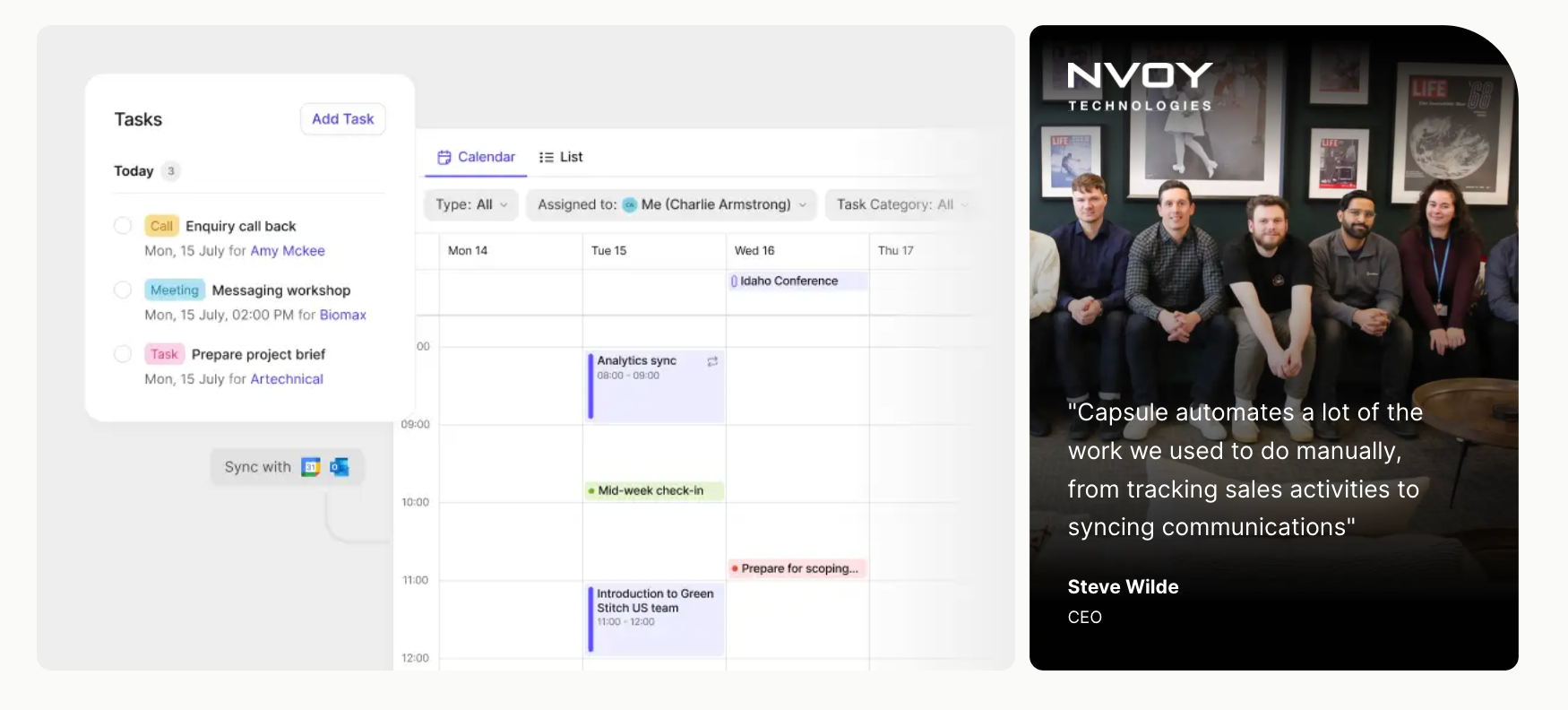
A simple workflow might look like this:
- The rep completes a call and logs notes in Capsule.
- Capsule stores the contact, opportunity, activity, and next task.
- AI Summaries condense recent context before the rep writes.
- AI Email Assist drafts the follow-up from a prompt.
- The rep edits the email and sends it.
- A task or Track keeps the next action from slipping.
That’s the practical value. AI handles the draft, but Capsule keeps the sales context organized:
- If your team often starts from a blank sales process, AI Pipeline Generator can create a structured sales pipeline from a simple description.
- If your team sends repeatable messages, Capsule email templates can give reps a consistent starting point.
- For larger email campaigns, Transpond connects marketing activity with Capsule contacts.
Try it today.
A simple AI follow-up workflow for your sales team
Start with one use case. Don’t try to rebuild every email process at once.
A good first use case is the post-call recap. It has clear input, clear context, and a clear next step. Ask reps to log the same details after every sales call:
- buyer priority
- pain point
- objection
- next action
- timing
Then build one prompt for that use case and test it for two weeks. Review the drafts, see which parts need editing, and turn the best version into a template.
Next, add another prompt for no-reply follow-ups or stalled opportunities. Keep building from real sales conversations.
This gives your sales assistant workflow a practical base:
- AI helps reps write faster.
- Capsule keeps the deal context, tasks, and pipeline in view.
- The team gets better email habits, not just more emails instantly.
Put the context to work
If AI knows what happened in the conversation, what matters to the buyer, and what the next step should be, it can get you most of the way to a useful draft. The rep’s job is to make sure the message still sounds like it came from someone who was paying attention.
Capsule brings the conversation history, pipeline, follow-up tasks, AI Summaries, AI Email Assist, and templates into one place, so the next email starts with more than a blank box.
Less time reconstructing the conversation. More time moving it forward.
Start with the free plan.