Bitrix24 runs day-to-day operations for more than 6 million organizations, and it does that by packing a CRM, project management, chat, video calls, and telephony into one login. That breadth is the draw – but it's also the catch.
Plenty of small teams sign up, use about 10% of what's on offer, and spend the rest of their time hunting for the button they need. If that sounds familiar, here are simpler tools like Bitrix24 worth a look, starting with the one we'd reach for first.
What is Bitrix24, and why look for an alternative?
Bitrix24 is an all-in-one business platform.

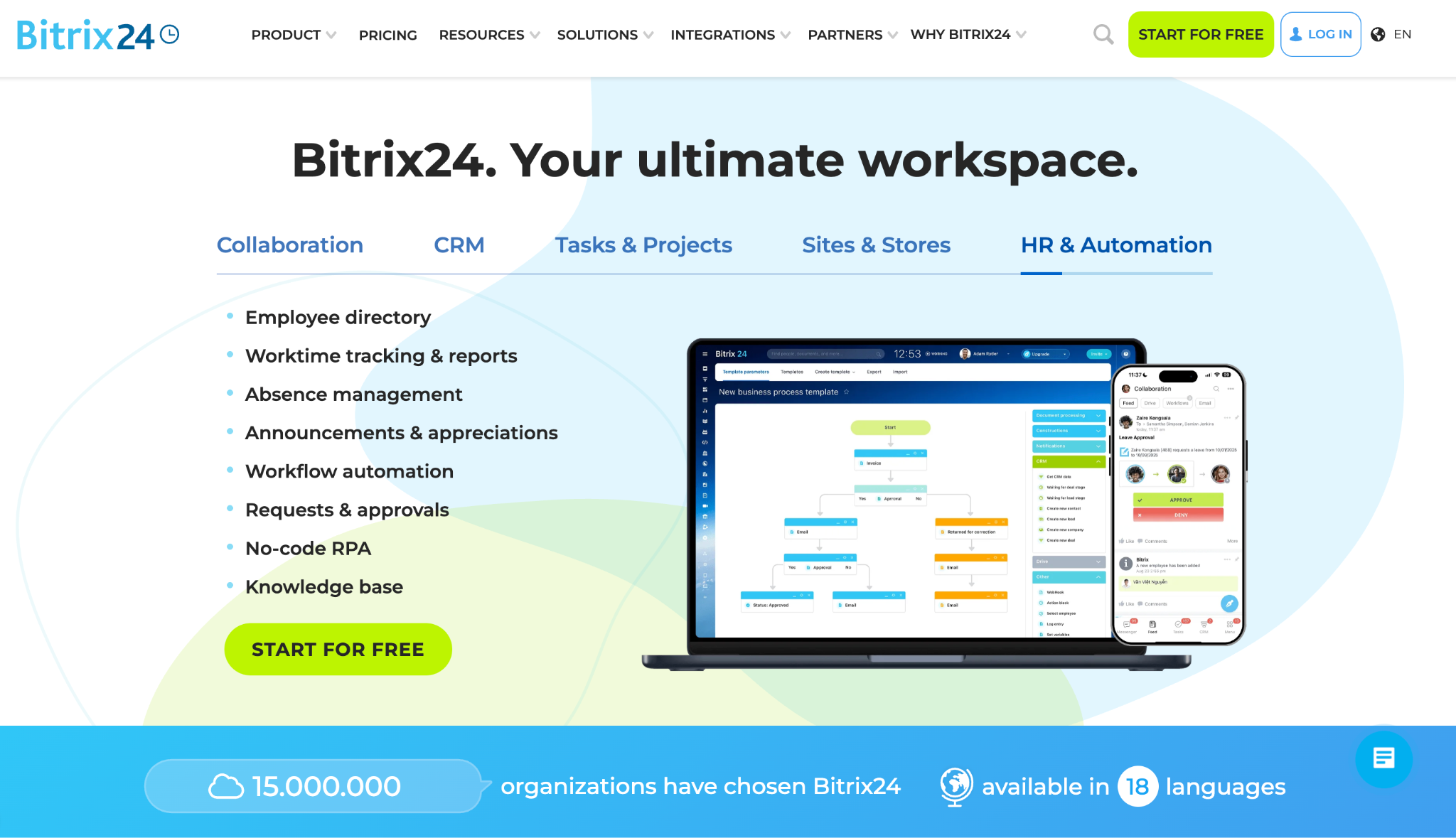
Underneath the Bitrix24 CRM, you get a stack of tools that would usually be separate products:
- Project work: task management, Kanban boards, Gantt charts, and time tracking
- Team collaboration: an internal social network, group chats, messages, video conferencing, screen sharing, and file sharing
- Communication: a built-in phone system and a contact center for calls
- Build and extend: a website builder, deep customization, and an open-source, self-hosted edition with access to the source code
On paper, blending CRM and project management with team collaboration and business communication in one platform sounds efficient. You skip paying for separate apps and the chore of stitching them together; for some teams, that math works.
The trouble starts with everyday use. The platform isn't plug-and-play. Its dense interface buries common actions, and plenty of companies hire a certified partner to configure it.
The collaboration features and advanced features run deep, but a five-person shop doesn't need an HR module or an intranet to track 40 deals. Companies that already run the Bitrix CMS for their site tend to default to it; everyone else feels the weight. You can customize and automate a lot here, though much of that power goes untouched.
So the question for many small companies is simple. Do you want a focused CRM you can run yourself, or a sprawling suite you'll grow into? If it's the former, the alternatives below trade that everything-at-once approach for something you can set up tomorrow.
The 8 best Bitrix24 alternatives in 2026
Each pick is a sales tool at heart, ranked by how well it fits a small or growing team that wants results with less setup. For each one, we note who it suits and what stands out, with current pricing. Where it helps, we've flagged how a tool handles day-to-day workflow and how far the customization goes, so you can match it to the way your team already works.
1. Capsule
Capsule is the CRM we'd point many small teams toward first. It does contact and pipeline management cleanly, and you can learn it in an afternoon.

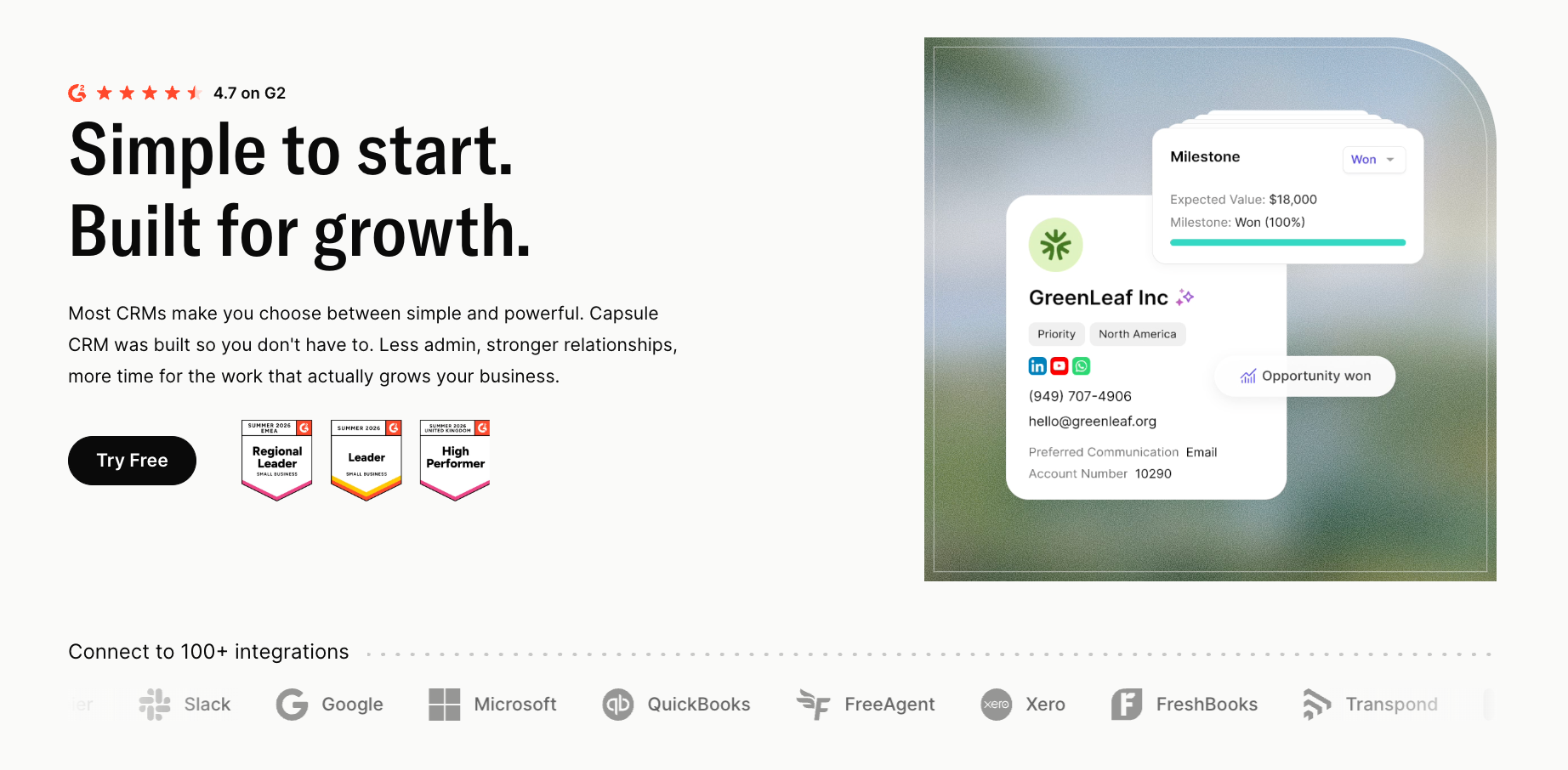
Best for: small businesses that want a client management system they'll keep using.
Key features: a drag-and-drop sales pipeline, contact records with custom fields and DataTags, smart reminders, and Tracks, which let you turn a repeatable process into a saved sequence of tasks. That's practical workflow automation with no scripting. On the Growth plan, you get AI Summaries, AI Email Assist, an AI Pipeline Generator, and AI contact enrichment. Capsule connects to 90+ apps, so it slots into the stack you already run. Those integrations sync contacts and tasks in real-time, so your pipeline reflects what's happening and your team keeps its productivity up.
Pricing: a free plan covers 2 users, 250 contacts, and 1 pipeline. Starter is $18/user/mo and Growth is $36/user/mo, with the AI tools on Growth. There's a 14-day trial of the paid tiers. See the pricing page for the full breakdown.
Why it's simpler: no intranet, no telephony to provision, no HR suite. You get a CRM for a service business or a sales team, and that's the point. If you've been buried in those menus, the contrast is immediate.
2. Pipedrive
Pipedrive built its name on one thing: a visual sales pipeline reps enjoy updating. If your team lives and dies by deal stages, this is a strong fit.

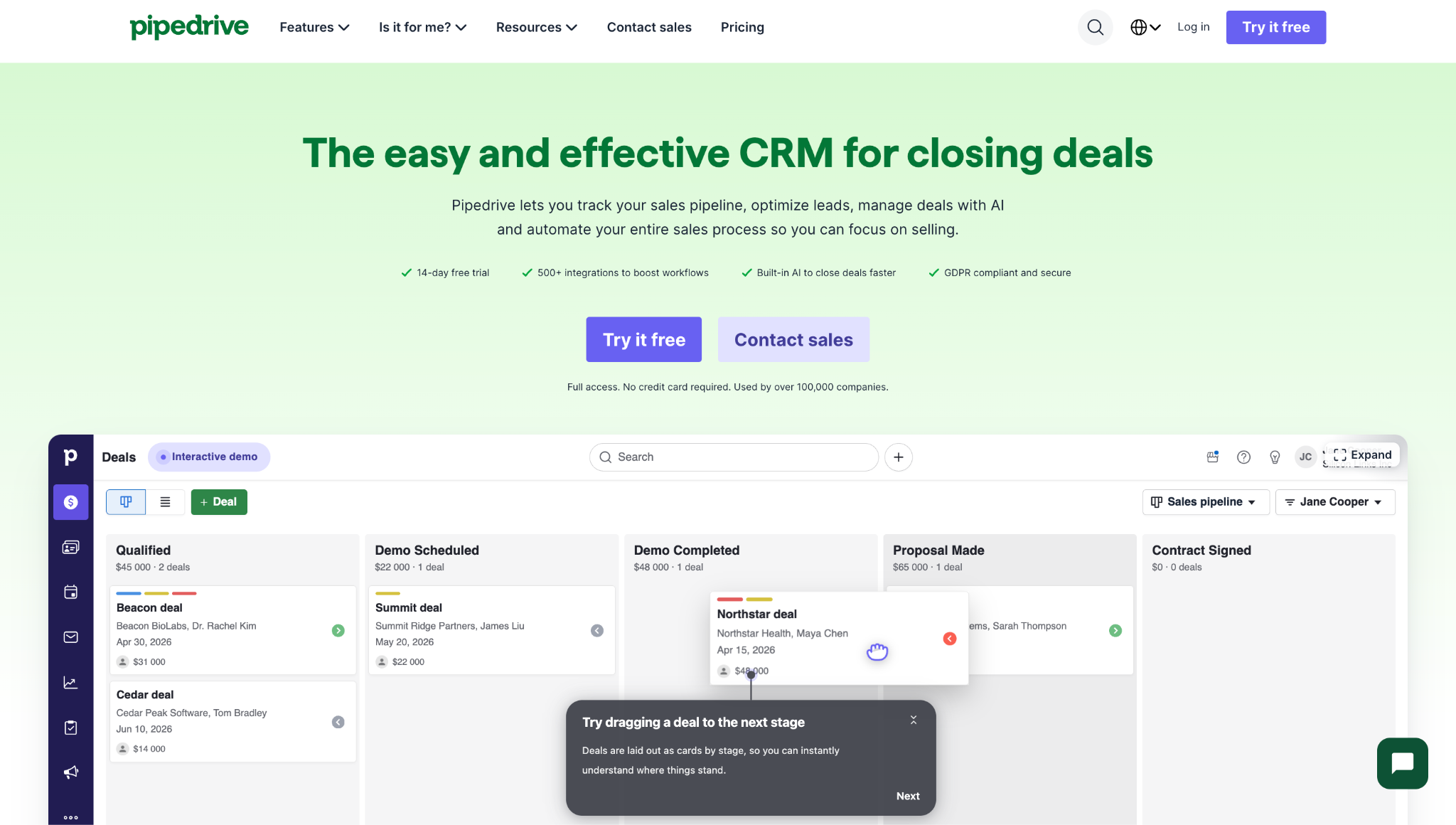
Best for: sales-led teams of 5 to 50 who want pipeline management and not much else.
Key features: drag-and-drop deal stages, activity tracking, customizable pipelines, and solid sales automation on the higher tiers. You can watch deals move in real time and trigger follow-up tasks as stages change. The reporting is clean and built around sales metrics.
Pricing: no free tier, only a 14-day trial. Paid plans run from $14/user/mo (Lite) up to roughly $79/user/mo (Ultimate), billed annually.
Why it's simpler: It's 100% sales. There's no project view bolted on, no chat, no telephony by default. That focus is the appeal.
3. HubSpot
HubSpot has a very generous free CRM version, and it scales into a full marketing automation and sales platform when you're ready.

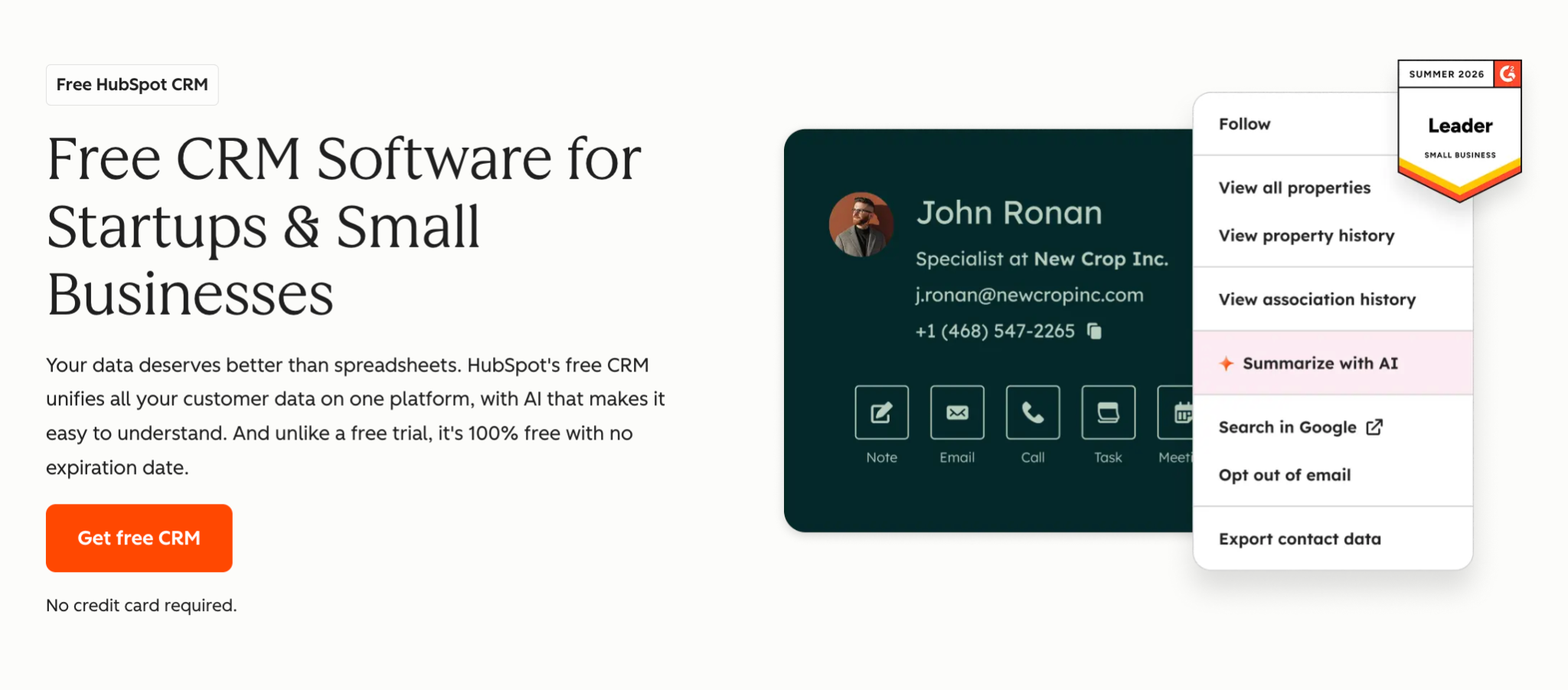
Best for: small teams that want a free CRM now and room to grow into marketing later.
Key features: a free CRM with unlimited users, contact management, a visual pipeline, email integration, and a basic reporting dashboard. Paid tiers add email sequences, lead scoring, and a deep marketing suite. The app marketplace is huge, so integration is rarely a problem.
Pricing: the free tier is usable for small teams. Paid Sales Hub plans start around $20/user/mo and climb quickly once you add marketing seats.
Why it's a great Bitrix24 alternative: you get a polished free tier and a clear upgrade path, with none of that setup overhead. The cost can balloon at scale, so keep an eye on the tier you really need.
4. Zoho CRM
Zoho is the closest thing to that breadth on this list, minus the clutter. It lives inside a suite of 45+ business apps, so you can add finance, support, or HR later if you want them.

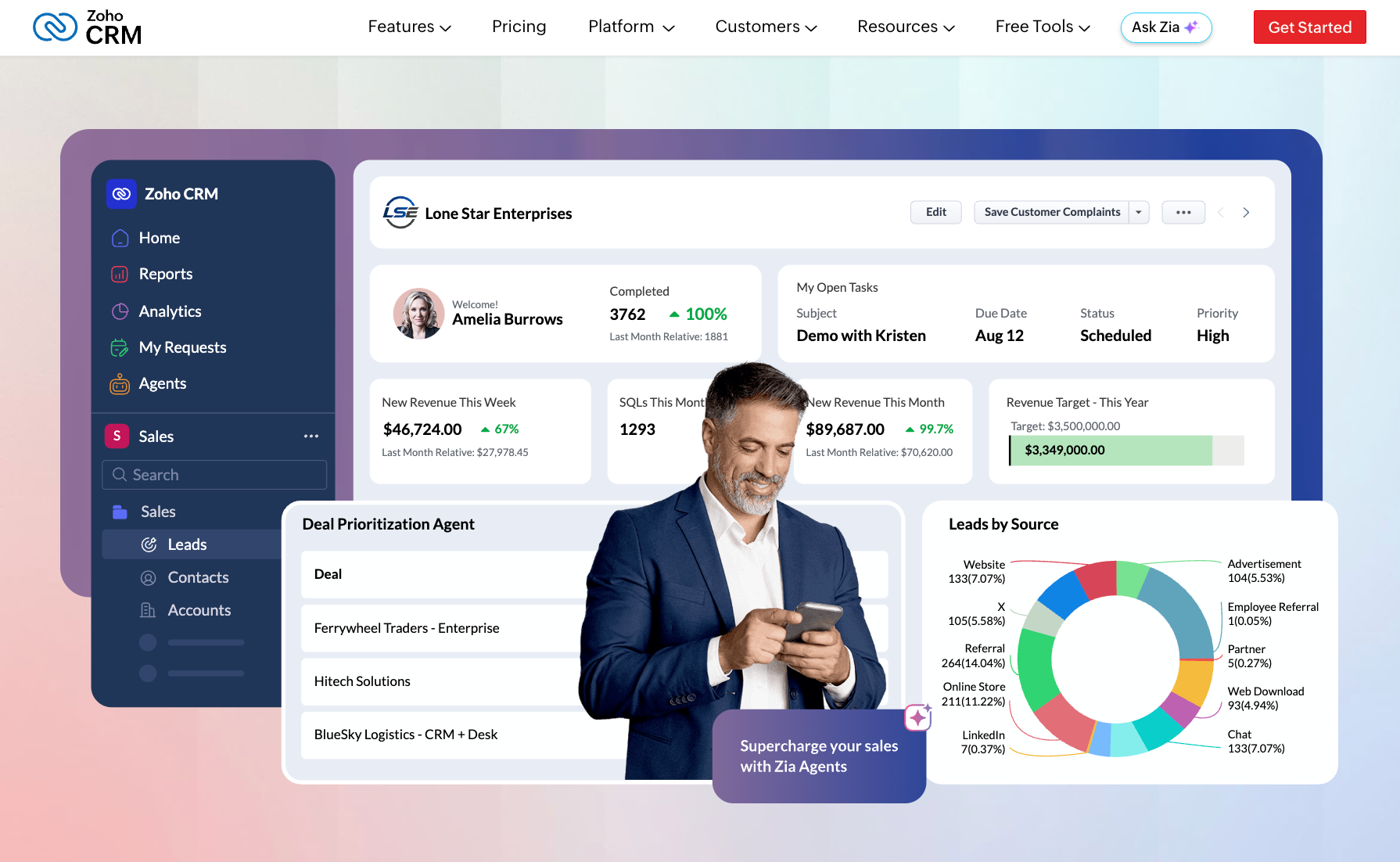
Best for: budget-conscious teams that want a client relationship management tool with room to expand.
Key features: multichannel contact, Zia AI for task and workflow suggestions, robust analytics, and around 150 to 1,000+ integrations depending on tier. If you want something lighter, Bigin strips it back to pipelines and starts cheaper.
Pricing: a free tier covers up to 3 users. Paid plans run roughly $14 to $52/user/mo. Bigin starts near $9/user/mo.
Why it's simpler: the interface is more approachable, and the ecosystem is opt-in. You turn on the parts you need and leave the rest off.
5. Less Annoying CRM
The name is the pitch. Less Annoying CRM strips a CRM down to contacts and pipelines, with one flat price and no upsell maze.

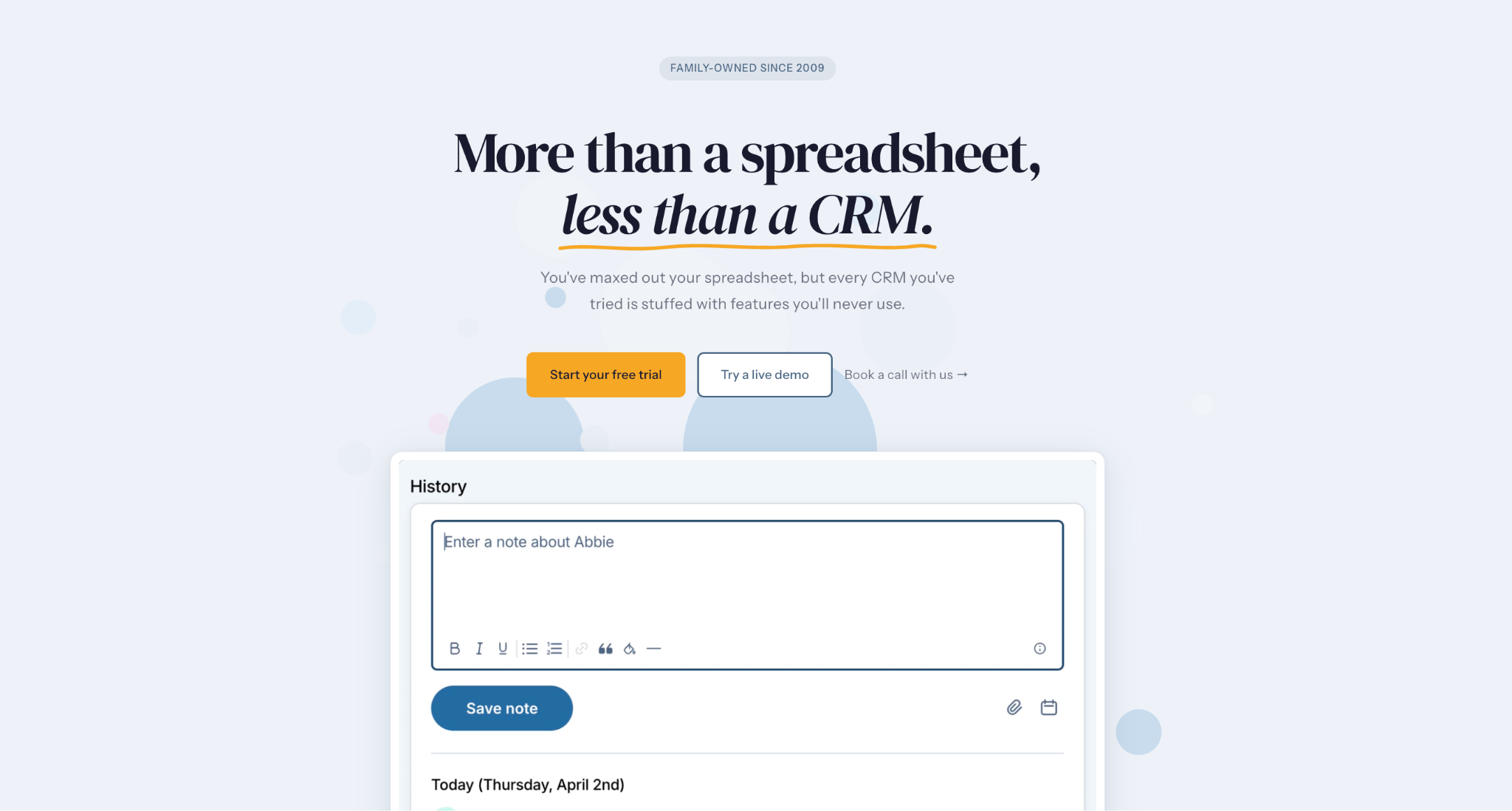
Best for: solo operators and very small teams that want zero complexity.
Key features: simple contact management, a basic pipeline, calendars, and tasks. There's no AI layer and no enterprise tooling, which is the appeal for its audience. It consistently ranks at the top of small-business software lists for being easy to learn.
Pricing: one flat plan at $15/user/mo, with no tiers or hidden fees.
Why it's simpler: there's no comparison on complexity. This is the polar opposite of a do-everything suite, and for a one or two-person shop that's exactly right.
6. Freshsales
Freshsales pairs a clean sales CRM with Freddy AI and a built-in cloud-based business phone system, so calling and text live inside the tool.

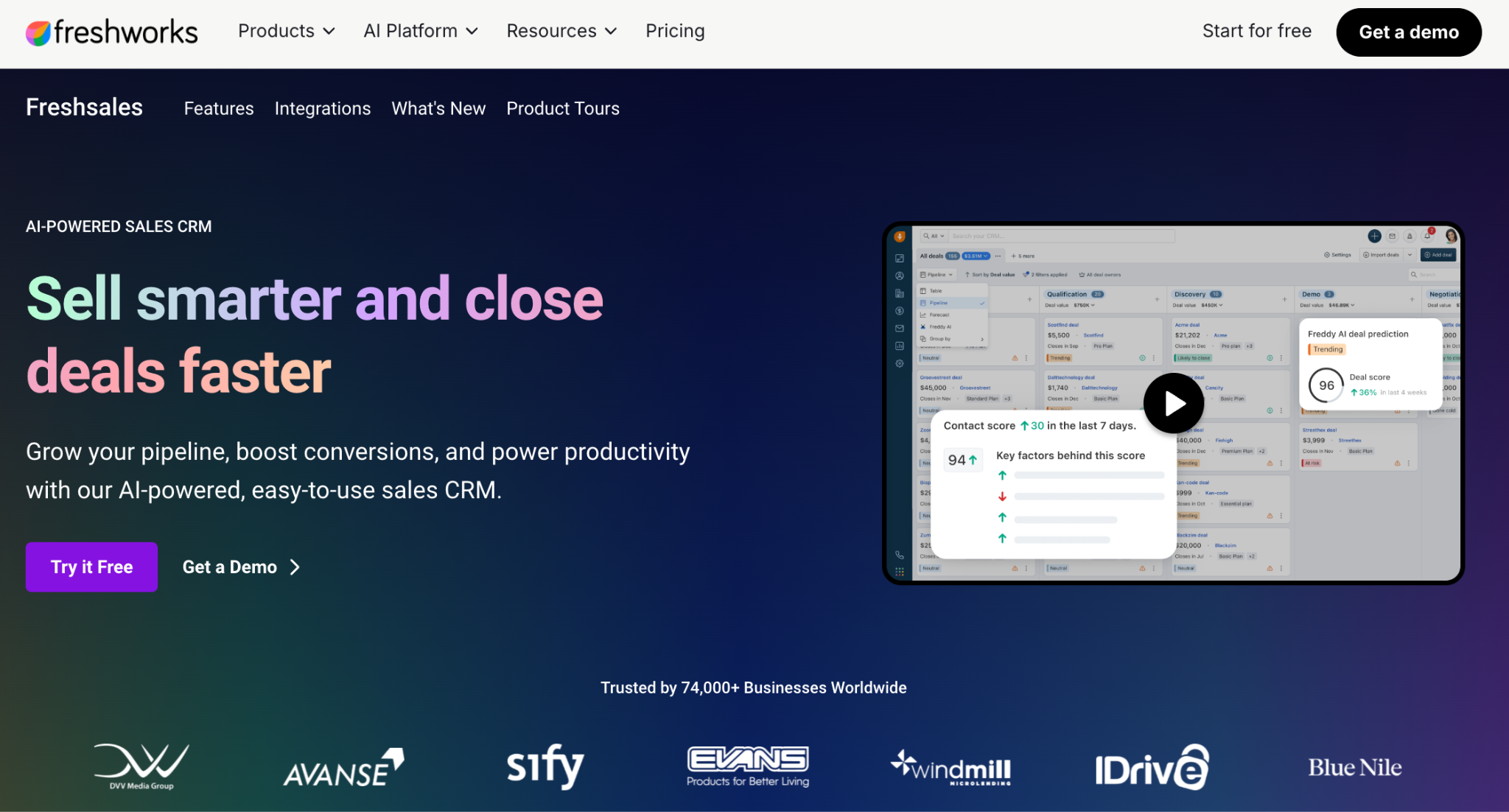
Best for: small teams that want phone, email, and AI in one place with no add-ons.
Key features: AI-assisted lead scoring and email, a built-in phone, customizable pipelines, and sales automation. The free tier gives small teams a real product to test, which makes it a good alternative for teams watching cost.
Pricing: a free tier covers up to 3 users. Paid plans start at $9/user/mo (Growth) and rise to about $59/user/mo (Enterprise), with a 21-day free trial of paid features.
Why it's simpler: the telephony and AI are baked in and ready, so there's no contact-center setup project to manage.
What about the project management and collaboration side?
Bitrix24 isn't only a CRM, so a pure CRM swap won't cover everything it does. If you mainly came to Bitrix24 for the project and team side, the better move is a focused tool for that job.
For projects, a dedicated project management software like Asana handles tasks and dependencies with a clarity the bundle's modules don't match. Trello is the lighter option when you want simple Kanban boards and nothing heavier; teams that like Trello for managing tasks rarely look back.
On communication, Microsoft Teams covers team chat and calls as a collaboration tool many companies already have, with shared files built in. Pairing a simple CRM with one focused project app and your existing chat usually beats one bundle that does all of it at 70%.
This best-of-breed approach is how many small businesses run in 2026. A tight CRM for lead management handles customers, a project app handles delivery, and the tools talk to each other through integrations. You keep each piece sharp instead of settling for a single platform that's average at everything.
How to choose your Bitrix24 alternative
Start with one decision: do you need a CRM or project management bundle, or a focused tool you can extend later? Many teams overestimate how much of an everything-in-one suite they'll use. The right alternative should streamline daily work and lift productivity. A good fit removes steps; it shouldn't pile them on. Be honest about the features you'll touch weekly.
From there, a few practical checks help you land on the right alternative to Bitrix24:
- Ease of use. Can a new hire be productive on day one, or does the tool need a training week? This is the single biggest reason teams leave Bitrix24.
- Pricing model. Bitrix24 uses flat per-organization pricing, which changes the math at certain team sizes. A tool priced per user can be cheaper for a small team and pricier as you scale. Map your headcount against each pricing tier before you commit.
- Free options. A free plan or free trial lets you test the fit with real data. Freshsales and a few others offer free tiers, and a couple includes a free CRM with unlimited users; Capsule covers 2 users free.
- Migration. Check if the vendor offers free migration or import tools, so moving your Bitrix24 data isn't a manual slog. Most tools import a CSV in minutes.
- Support and growth. Check support hours, since Bitrix24's customer support runs business hours only. Confirm the tool connects to what you already run, handles workflow management as you add steps, and stays scalable as the team grows.
Over to you
Bitrix24 is quite a platform. For a large team that truly needs CRM, projects, comms, and telephone under one roof, that scope can pay off. However, many small teams aren't that team. They need a tool that's quick to learn, quick to set up, and quick to show value, with the option to add a focused project app when the time comes. The goal is a setup the team adopts fast and grows into slowly, with no quarter lost to configuration.
That's where Capsule fits. It gives you contact management, a visual pipeline you can analyze with built-in reports, AI that drafts and summarizes, and automation through Tracks, all in a tool your team adopts within days. You can grow into the AI features on Growth and never touch an intranet or a contact center you didn't ask for.
Trade the everything-suite for the CRM you'll keep using.