Food manufacturers have a lot on their plates. You’re chasing distributor follow-ups, prepping for range reviews, sending samples, and answering buyer emails while dealing with production issues.
So the last thing they need is a CRM that makes life harder. Some tools look impressive in demos, then feel too complicated once the team has to use them every day. Others are simple at first, then start to struggle when you add more accounts, more depots, more people.
This guide looks at the best CRM for food manufacturers in 2026, focusing on tools a commercial team can actually keep using. (If you're still working out what a CRM would do for you in the first place, start with our guide to CRM for food manufacturers.)
Do food manufacturers need a CRM?
Yes, once customer work starts living in too many places.
At first, a founder can run the commercial side from an inbox and a spreadsheet. Everyone knows the accounts. Everyone roughly knows what's happening.
Then a trade show adds forty leads. A buyer asks for samples while the person with the context is on the road. A distributor conversation goes quiet because nobody owns the next step. The spreadsheet is still there, but nobody fully trusts it.
That's usually the point where a CRM becomes useful. It doesn't need to be a huge system. It should give the team one clear place to check an account's history, see the next action, and understand where each opportunity stands, whether that's a listing under discussion or a repeat order due a check-in.
One thing worth being clear on before you compare tools: a CRM manages your customer relationships, not your production line. If you're unsure where the boundary sits, our guide to CRM vs ERP for food manufacturing breaks it down. The short version is that you'll likely want both, connected.
The best CRM for food manufacturers in 2026
Capsule CRM

Capsule is a natural fit for food and beverage manufacturers because it doesn't ask the team to become CRM experts before they get value from it.
Food brands usually need one thing first: a cleaner way to keep commercial work moving. Trade show leads need follow-ups. Distributor deals need owners. Buyers need context. Nobody has time to search five inboxes before a call, or maintain a CRM that feels heavier than the work itself.
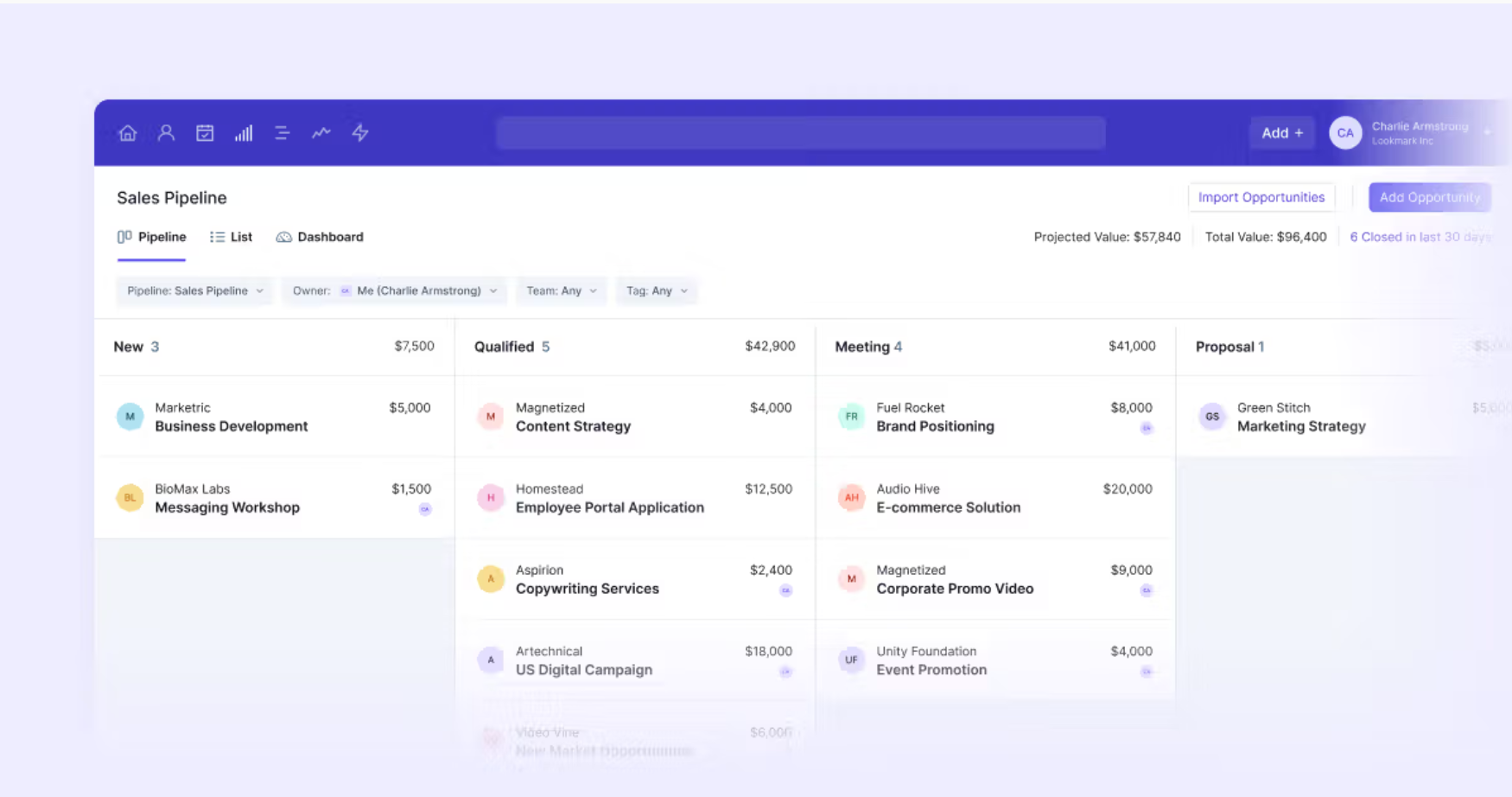
Capsule keeps that work in one place. Contacts, emails, notes, tasks and opportunities all sit against the account record, so the team can see what happened and what needs to happen next. For a food brand, that's often the difference between "we've got this" and "who was meant to call that buyer back?"
Key features for food manufacturers
Account records built for repeat business.
Every buyer, distributor, wholesaler and broker gets a full history: contacts, conversations, quotes and next steps. That structure suits wholesale customer relationships that run on repeat orders rather than one-off sales, and it means account knowledge survives when people leave.
Multiple pipelines for different routes to market.
Distributor deals and direct retail conversations don't follow the same path, so Capsule lets you run separate pipelines with their own stages. If managing distributor relationships is your main route to market, you can model head office, depot and buyer contacts the way they actually work.
Tasks and reminders that keep follow-up on schedule.
Someone sends samples, gets pulled into a production issue, and the follow-up quietly slips. Capsule's tasks keep next actions attached to the right account, with repeating tasks for reorder check-ins, certification renewals and annual reviews.
Tracks for the sequences you run constantly.
Sample sends, trade show follow-up, new stockist onboarding. Tracks apply your full follow-up sequence to an account in one click, so consistency doesn't depend on memory. Our Food and Beverage Follow-Up Checklist covers the sequences worth building first.
Integrations with the tools you already run. Gmail and Outlook for email capture, Xero, QuickBooks and Sage for accounting, Shopify for brands selling direct and wholesale side by side, Transpond for email marketing, and Zapier or Make to connect your ERP.
How Capsule AI helps
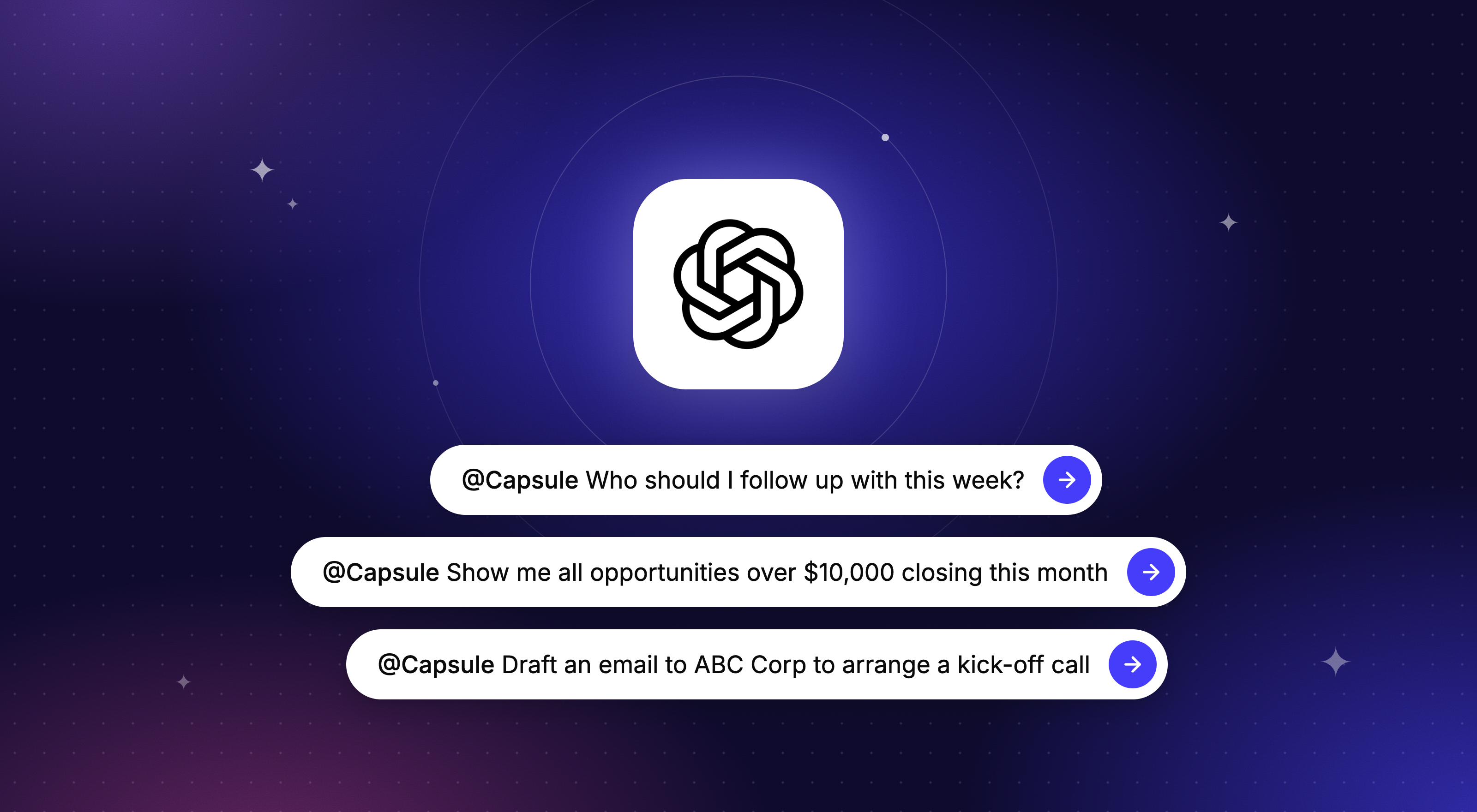
Capsule's AI features deal with ordinary friction rather than promising magic. AI Summaries brief you on any account before a call, so you're not scrolling through months of notes on the way into a range review. AI Email Assist drafts routine follow-ups while the details are fresh. And the AI Pipeline Generator builds your sales process from a plain-language description of how you sell, which takes the blank-screen problem out of setup.
What users say
Capsule's review pattern is consistent: clean, quick to learn, and easy for non-technical teams to adopt. It's rated 4.7 on G2 from over 400 reviews, with reviewers repeatedly pointing to fast setup, easy contact management and drag-and-drop pipeline updates. That matters in food and beverage, where the team using the CRM is rarely a dedicated sales operation.
Pricing
Capsule has a free plan for up to two users and 250 contacts, which for a founder-led food brand is a real starting point rather than a teaser. Paid plans start at $18 per user per month on annual billing, with Growth from $36 adding advanced features including enhanced AI tools.
Try Capsule free for 14 days, no credit card required.
Pipedrive

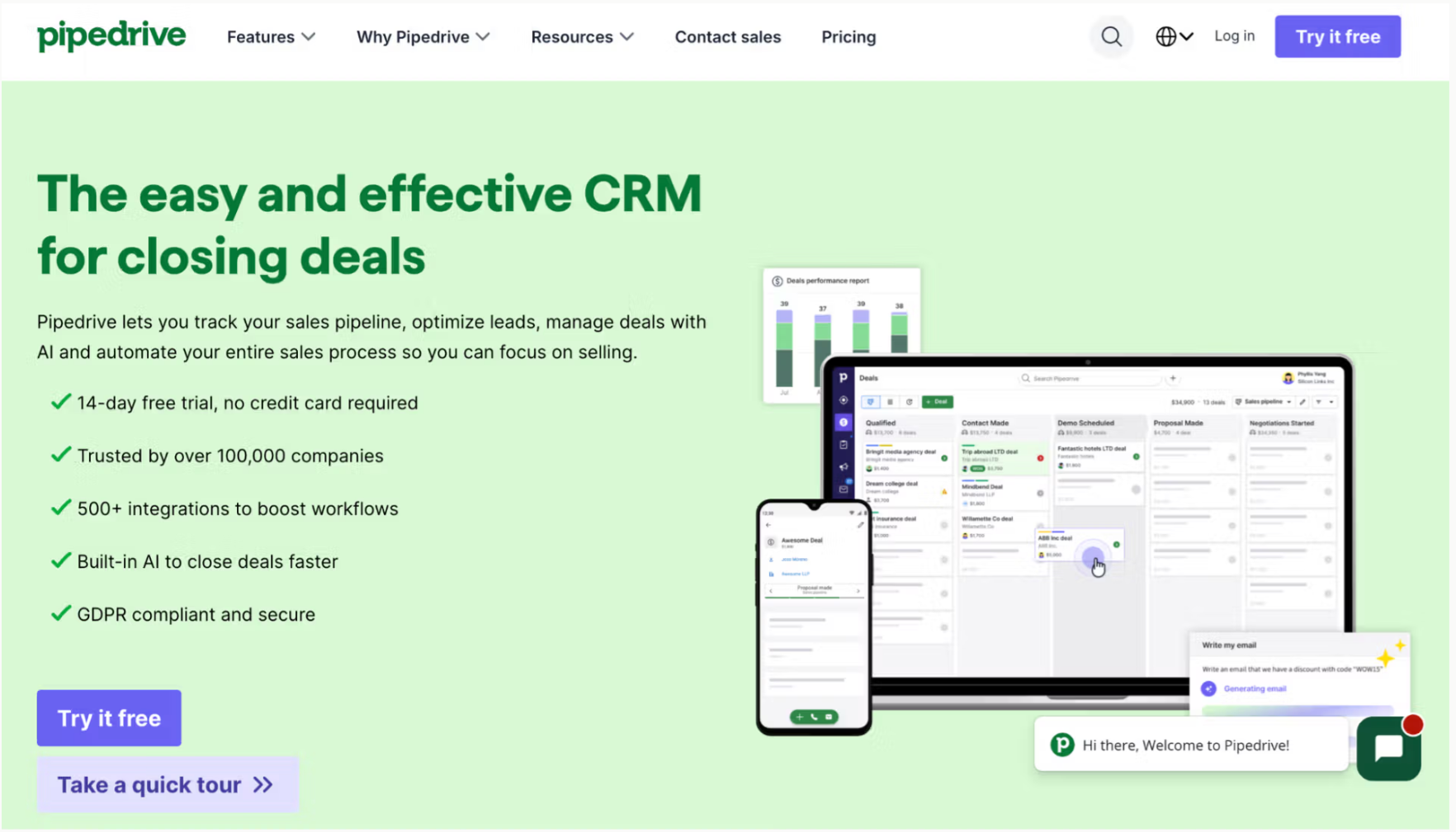
Pipedrive works best when the commercial team wants the CRM to stay close to the sales pipeline.
The product is built around a visual, drag-and-drop pipeline, so it's easy to see which deals are moving and which need attention. For a food brand with a clear process from first buyer conversation to confirmed listing, that focus is genuinely useful, and its AI Sales Assistant flags deals without a scheduled next activity.
The fit becomes less obvious when the CRM needs to support more than sales. Food and beverage runs on long-term account management and post-sale workflows; broader customer communication and marketing may require add-ons or extra cost. Pipedrive suits teams that live in the pipeline every day, less so teams that want one system carrying sales context, account history, and relationship management together.
Pricing: from $14 per user per month. No free plan, but a 14-day trial.
Bigin by Zoho CRM

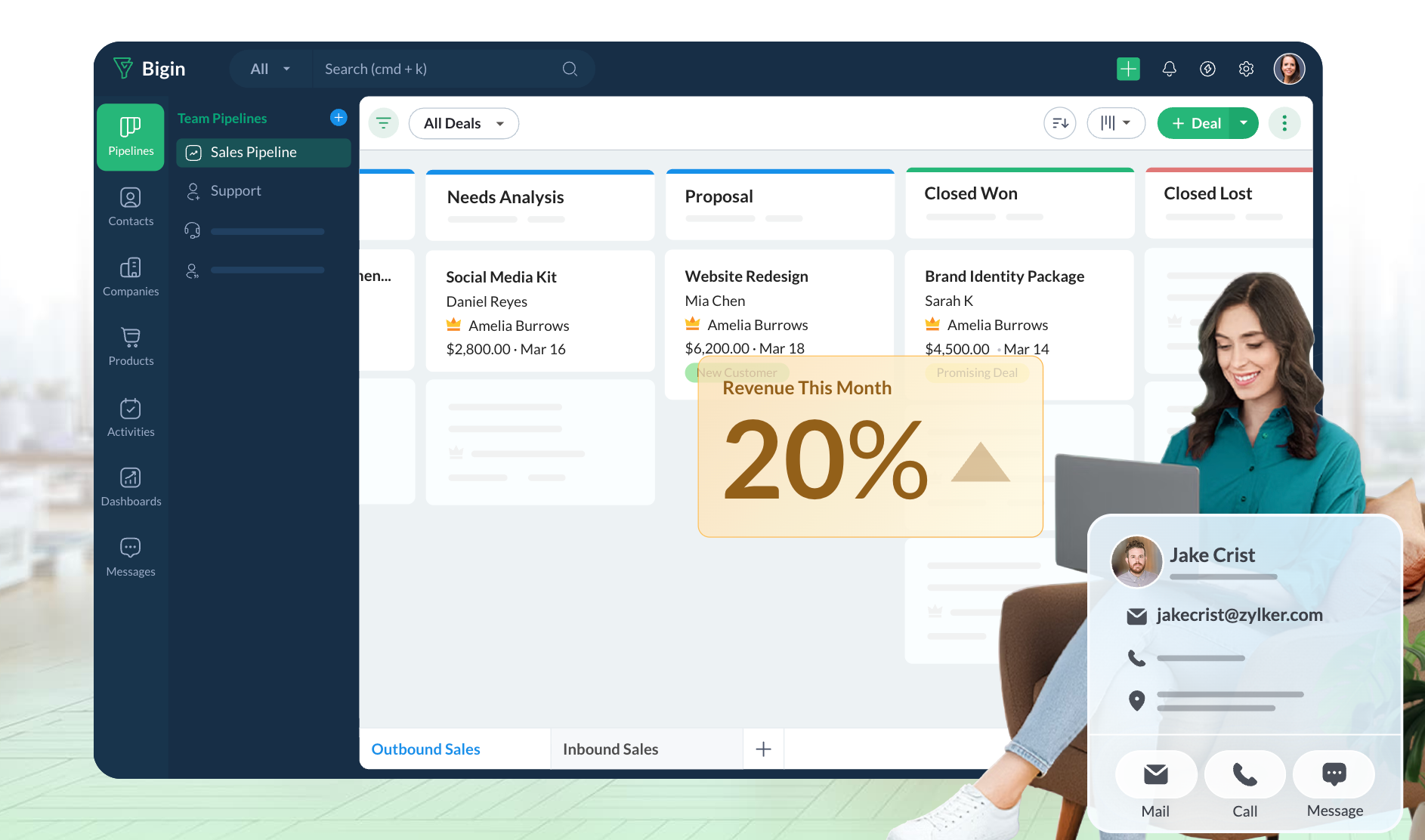
Bigin is Zoho's lighter CRM, built around pipeline-based contact management in a simpler interface than full Zoho CRM. The appeal is price and simplicity: a free plan for one user, and paid plans from $7 per user per month.
For a very small food brand that mainly needs to see what's active and what needs follow-up, it's a sensible low-cost option. The limitation is ceiling. Bigin is easier to adopt because it's narrower, but a growing brand may eventually want deeper reporting, more flexible pipelines and more automation, which means either upgrading into the wider Zoho ecosystem or migrating.
Pricing: free plan for one user. Express from $7 per user per month. Premier from $12.
Monday CRM

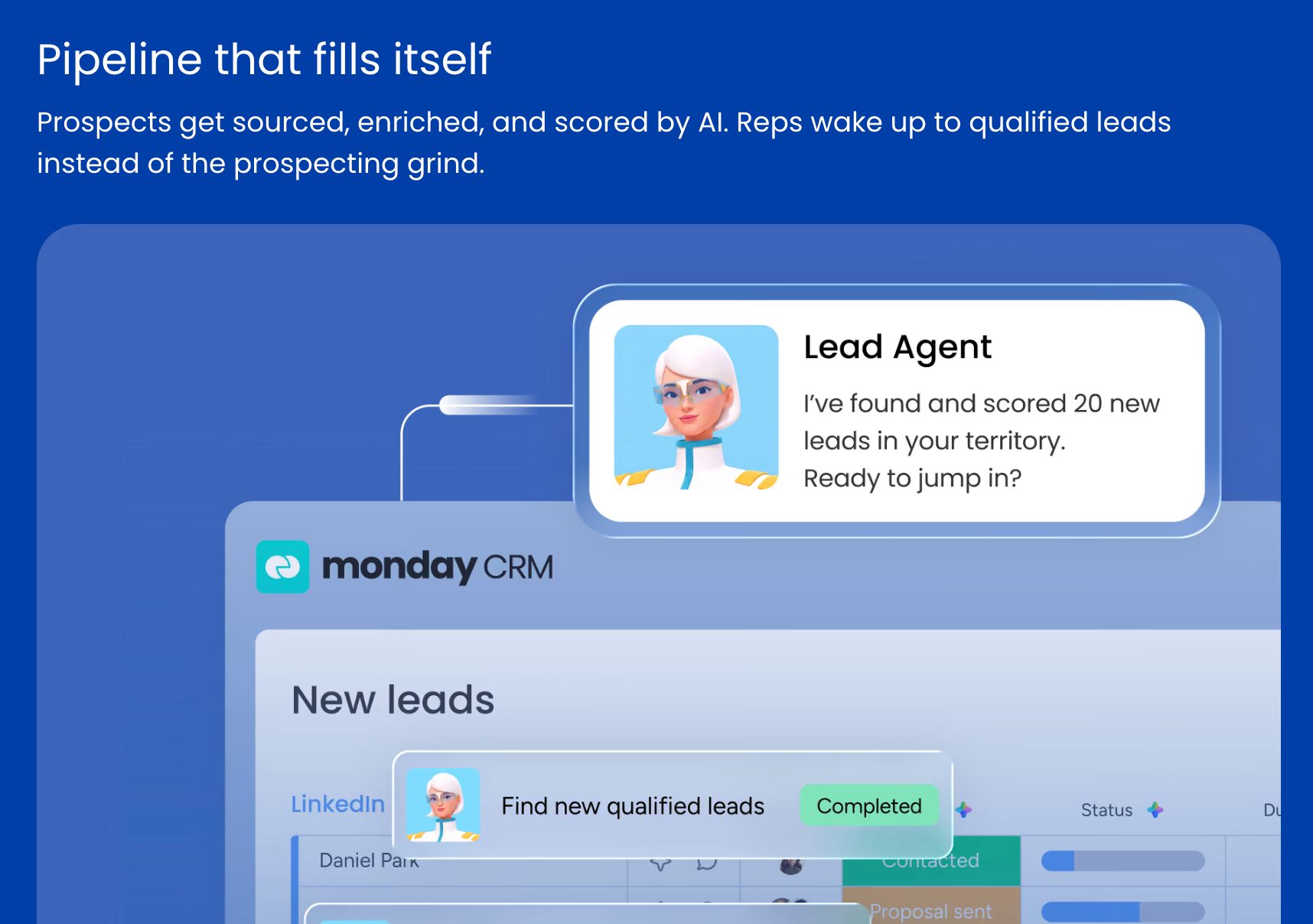
Monday CRM sits inside the wider monday.com work platform, so it makes most sense for teams that already think in boards and statuses. A new listing can flow into onboarding tasks, internal work and client updates in the same environment.
The caution is focus. Monday is flexible because it belongs to a broader work OS, and teams looking for a straightforward sales CRM may find it wider than they need. Minimum seat counts also mean the monthly cost can rise faster than the per-user price suggests.
Pricing: Basic from around $12 per user per month, Pro from $28, with minimum seat requirements.
Common mistakes food manufacturers make when choosing a CRM
Choosing the tool is only half the job. The other half is getting the team to use it consistently, and that's where most implementations go wrong.
Buying more CRM than the team needs.
A five-person commercial team that buys enterprise software because it has the most features will spend more time configuring it than using it. Complexity kills adoption. The best CRM is usually the simplest one that covers the core requirements.
Expecting the CRM to do the ERP's job.
No CRM tracks batches or runs production schedules, and any vendor claiming otherwise is selling something else. Pick a CRM that connects cleanly to your operational systems instead. (Again, our CRM vs ERP guide covers where the line sits.)
Not cleaning data before migration.
Contacts imported with missing fields, duplicates or no history create a data problem from day one. Teams that skip the cleanup end up with a system less reliable than the spreadsheet it replaced.
Skipping pipeline setup.
A CRM that doesn't reflect how you actually sell, from sample send to range review to first order, is just a contact list. Mapping your real stages takes an hour and pays for itself immediately.
No accountability for logging.
If some of the team log every interaction and others live in email, the database becomes unreliable, and unreliable databases get abandoned. Simple rules work: every buyer meeting logged same day, every trade show lead followed up within 48 hours.
Final thoughts
Food and beverage brands feel CRM pain quickly. One missed sample follow-up, one forgotten range review date, one distributor that quietly stops ordering, and a "simple" commercial process starts costing real money.
The best CRM for a food manufacturer makes the next step easy to see and the account history easy to trust. Capsule fits that brief: contact history, pipelines that match how food brands actually sell, reliable follow-up reminders, and practical AI support in one focused system, without enterprise complexity or enterprise pricing.
Choose the CRM your team can open on a busy Tuesday and understand within minutes. That's the one that becomes part of the work instead of another tab everyone avoids.
Try Capsule free for 14 days no credit card required. Or start smaller: download our Food Manufacturing Follow-Up Playbook for the follow-up sequences and email templates food brands use after trade shows, sample sends and quotes.
Frequently Asked Questions
Capsule is a strong starting point. The free plan supports up to two users and 250 contacts, which covers a founder-led brand's early needs: account records, a sales pipeline, tasks and follow-up reminders. Paid plans add contacts, users and features as the commercial team grows.
No, and it shouldn't. Batch tracking belongs in your ERP or production system. A CRM handles the customer side: which accounts bought which product lines, who was contacted about an issue and when. Connected through Zapier or Make, the two systems cover both halves.
Rarely. Most food and drink brands do better with a flexible CRM configured for their workflows: separate pipelines for [distributor management], tags by product line and region, and repeating tasks for reorders and certifications. Industry-specific tools tend to be more rigid and more expensive, and only very large operations need that depth.
For a small brand, a working setup takes days rather than weeks: import contacts, set pipeline stages, agree who logs what. Larger businesses connecting an ERP and e-commerce should plan for a few weeks. Capsule's AI Pipeline Generator shortens the first step by building your stages from a plain-language description of how you sell.