Affordable doesn’t have to mean low-quality. In 2026, small businesses can access powerful CRM tools that help grow sales and nurture customers without draining the budget.
In this guide, we’ll highlight the best cheap CRM software options that prove you can get smart features, smooth usability, and real business impact all at a friendly price. Whether you’re just getting started or scaling on a budget, these tools live by the mantra: cost-effective, not cut-rate.
Why small businesses need a CRM
Small businesses rarely fail because of bad ideas. They struggle because information lives in hundreds of inboxes and notes, which breaks as soon as things get busy. With CRM, small firms can:
- Stop relying on memory and sticky notes. Customer data spreads across emails, spreadsheets, and chats in most small teams. A simple CRM system keeps contact management in one place, so follow-ups happen even on hectic days.
- Create a sales process that works with a tiny team. A visible sales pipeline shows what needs attention today instead of next week. Clear sales pipeline tracking helps prioritize deals when time and headcount are limited.
- Save time without hiring more people. Small teams deal with sales tasks alongside support and admin work. Automation tools handle repetitive tasks, so effort goes into real customer interactions.
- Know what actually brings in money. Small business owners often guess which actions drive company revenue. Sales performance tracking replaces gut feeling with data that supports a smarter business strategy.
For a long time, many small businesses believed a CRM required a big budget and complex setup to make sense. In reality, affordable CRM solutions now cover core CRM needs and deliver real value without forcing teams into expensive systems or long contracts.
Best cheap CRM software for every small business owner
We researched a range of CRM solutions with a focus on essential features and real-day-to-day usability for small business teams. Below you’ll find options that deliver real value.
Capsule CRM
Capsule CRM feels like the CRM you’d happily show the whole team without a sigh or eye-roll. It pairs useful functionality with a straightforward layout so you actually use it, rather than dread it.

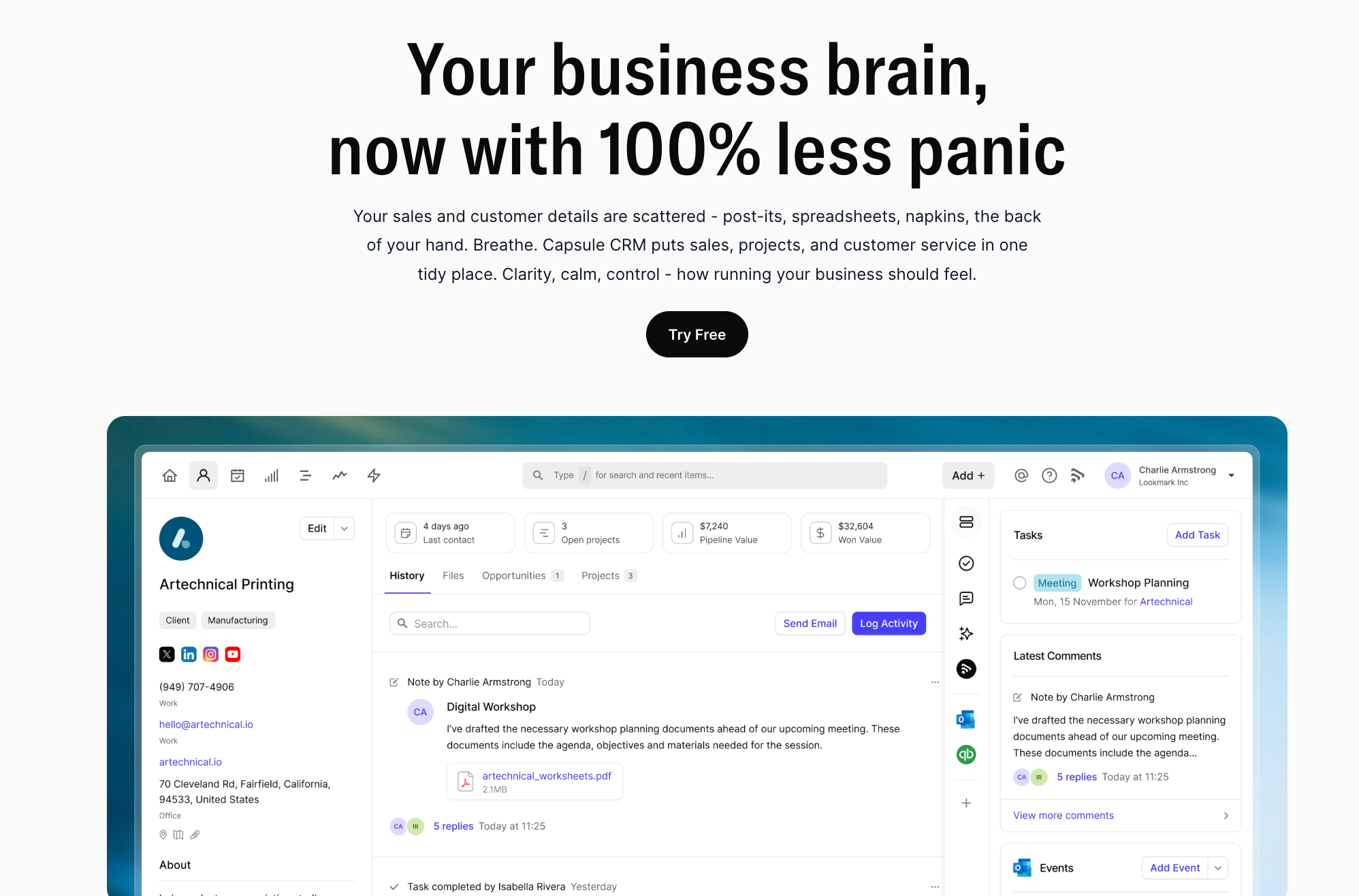
Small business owners often deal with too many things at once. Capsule helps by keeping contacts, tasks, and opportunities neat and visible without fuss.
What makes it great for small businesses
- Clear contact management. Capsule puts customer details where you can find them in seconds. Forget about mismatched data.
- Simple sales pipeline tracking. Deals live in a visual pipeline that makes sense at a glance. You can see what needs action right now, not next week.
- Easy activity logging. Make notes and log calls in moments rather than minutes.
- Reliable reminders. Capsule nudges you about follow-ups so you don’t rely on memory. That’s gold when you’re wearing many hats.
- Mobile access that works. The mobile app lets you check updates or add info on the go. Handy if meetings or errands pull you away from the desk.
- Friendly to new users. Most users are up and running without extra CRM training. People pick it up quickly and enjoy using it daily!
What users say

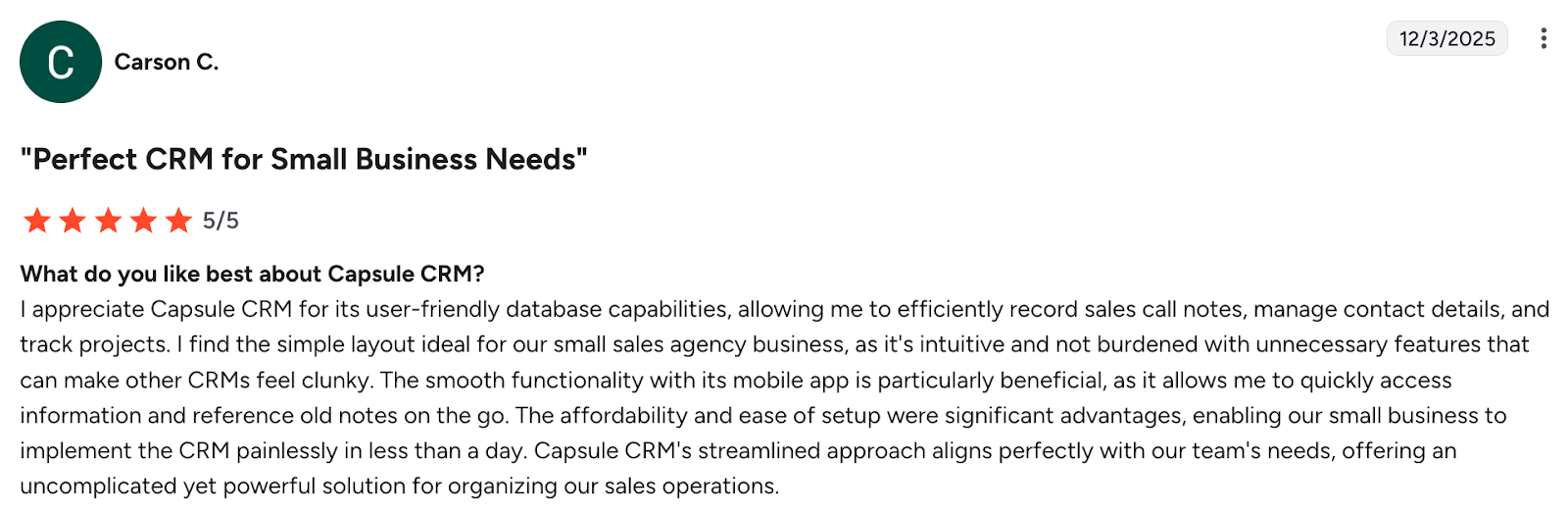
Real users celebrate Capsule’s simplicity and ease of use. One reviewer said it banished unnecessary paperwork and helped organise their day without manual chasing.

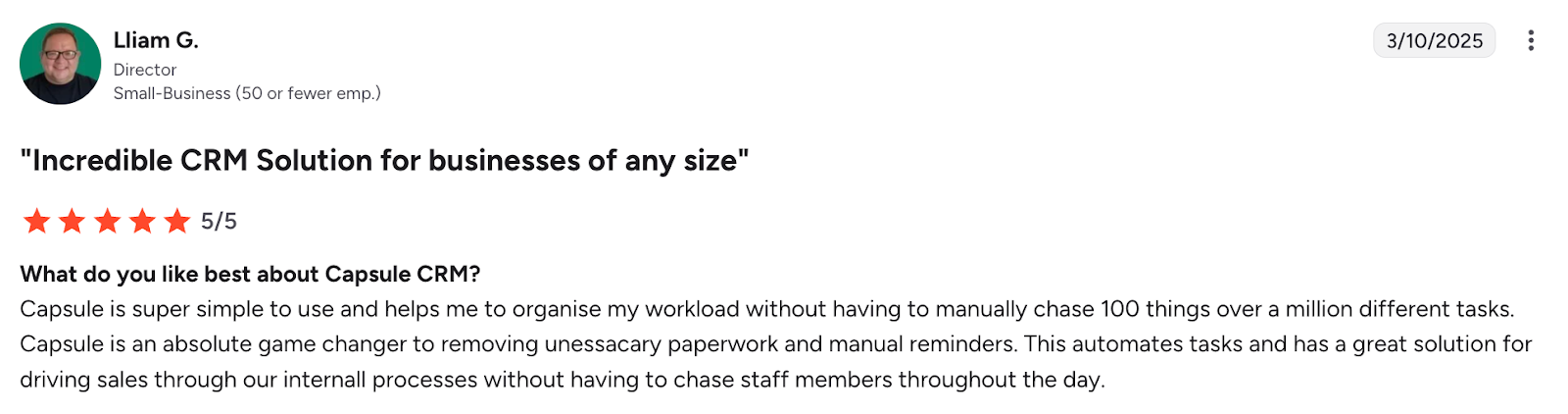
Another pointed out they were comfortable logging tasks and tracking opportunities within a couple of days. That's something not every CRM can boast!


Pricing
Capsule CRM offers a free forever plan for up to two users with basic features, so very small teams can start without spending a penny. Paid plans begin at $18 per user, giving more contacts, a sales pipeline, templates, and integrations.
Higher tiers such as Growth ($36/month), Advanced ($54/month), and Ultimate ($72/month) unlock larger contact limits, more pipelines, automation, reporting, and support options as your business scales: all still much easier on the budget than many enterprise systems.
Ready to try it?
If you want a CRM that’s easy on the brain and the budget, give Capsule CRM’s free trial a go and decide for yourself if it’s the right match.

HubSpot CRM
HubSpot CRM is one of the rare platforms that truly gives small businesses a free-forever foundation for managing customers and deals. It’s built to scale from basic contact tracking to more advanced marketing and sales features as needs grow.

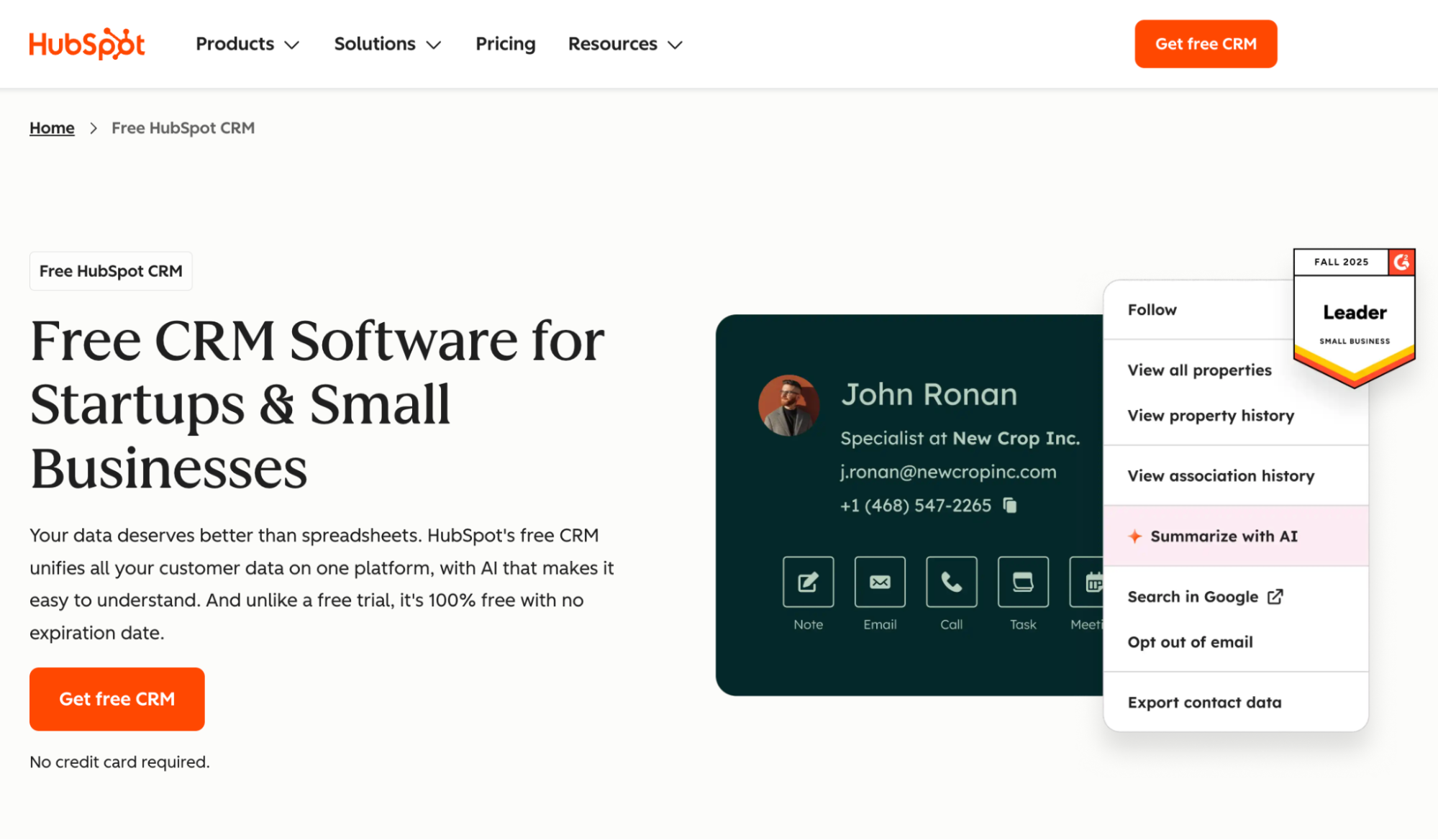
For many small teams, HubSpot’s straightforward interface and generous entry-level offering make it a compelling first CRM choice when budgets are tight.
Pros for small businesses
- Generous free plan with core CRM features. The free plan lets you manage contacts, track deals, and use essential tools without any cost or expiry. This is rare, especially since it doesn’t force you into a paid plan just to get started.
- Unlimited users on the free tier. Small teams don’t have to pick who gets access or worry about per-seat charges right away. Everyone can collaborate from day one on the same platform.
- Built-in tools for basic marketing and engagement. Even without paying, you get email tracking, live chat, and forms to engage leads. These features help you nurture prospects without a separate marketing tool.
Cons for small businesses
- Limited advanced features unless you pay. Automation, custom reporting, and deeper segmentation are mostly tied to paid “hubs,” which adds cost. This means you might quickly hit the ceiling if you need more than the basics.
- Free plan caps on key tools. Certain features, like marketing send limits or reporting dashboards, are restricted on the free tier. These limits can slow down growth if you start sending higher-volume campaigns or need detailed insights.
- Support options are minimal on lower plans. Free and entry-level users often rely on community forums and self-help documentation for answers. Dedicated support usually comes with higher-tier subscriptions, which can be frustrating if you need hands-on help.
- Pricing can rise quickly when you expand. Adding even modest automation, sales, or marketing features via paid hubs can escalate costs fast. This can outpace what very lean small businesses are expected to pay.
Pricing
HubSpot’s CRM pricing starts with a free, never-expiring plan that includes contact management and core tools. Paid plans layer on advanced features and can become pricey if you unlock automation or marketing capabilities, so the value depends on the features you really need.
Less Annoying CRM
Less Annoying CRM lives up to its name by ditching complexity and focusing on the basics that many small business owners actually use every day. It gives you contact management and sales tracking without diving deep into automation or advanced analytics, which keeps things light and clear.

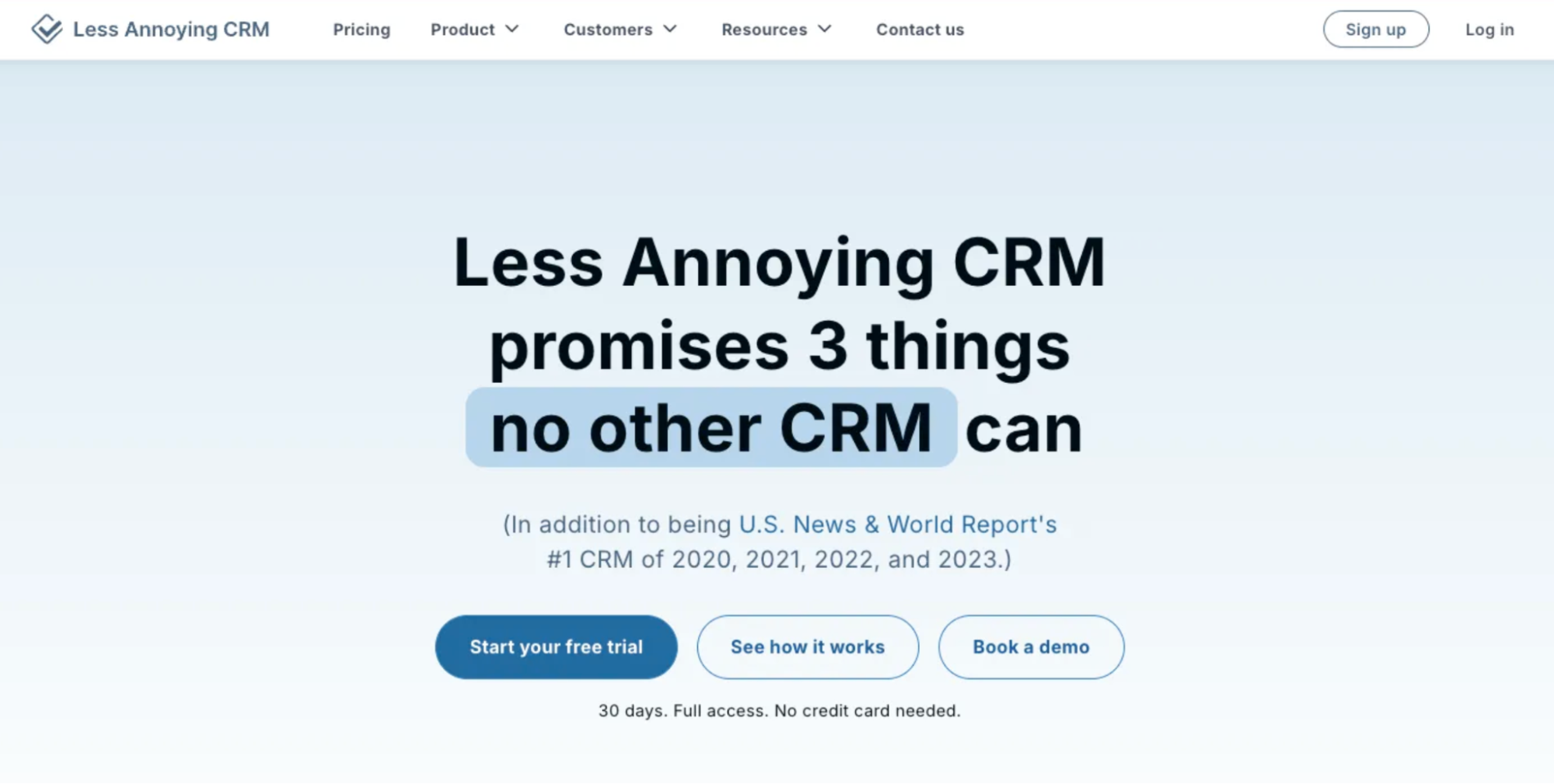
For small teams and solo founders who want a CRM that doesn’t feel like homework, Less Annoying CRM often fits right out of the box. Its design clearly prioritises simplicity over bells and whistles.
Pros for small businesses
- Straightforward contact and lead tracking. You can store customer information and track leads to stay organised and stop wrestling with complex workflows.
- Integrated calendar and task management. Tasks and schedule items live inside the CRM alongside your contacts to manage follow-ups and appointments in one place.
- Human support from real people. Email and phone support come at no extra cost, and users report the team leans into customer success. That’s reassuring when you need a hand without paying extra.
Cons for small businesses
- Lacks advanced CRM features. It doesn’t offer deep automation or predictive sales tools that larger sales teams might want. That means if you need marketing workflows or AI-driven insights, this might frustrate you.
- Limited integrations. While it connects to common calendars and tools via Zapier or API, it doesn’t have wide native app support. You may need workarounds if your business relies on specific software.
- No native mobile app. The CRM works in web browsers on phones, but there’s no dedicated mobile app yet. This could feel clunky if you like streamlined mobile workflows.
- Basic reporting and analytics. You won’t find sophisticated dashboards or custom reports here. Small businesses that want more data depth might feel held back.
Pricing
Less Annoying CRM keeps pricing very simple: it’s $15 per user per month with no tiers or hidden fees, and includes a 30-day free trial so you can test every feature before you buy.
Zoho CRM
Zoho CRM is a well-known cloud-based CRM platform that goes beyond simple contact tracking to support sales and customer interactions at scale. It’s designed to work for small teams that want flexibility and room to grow.

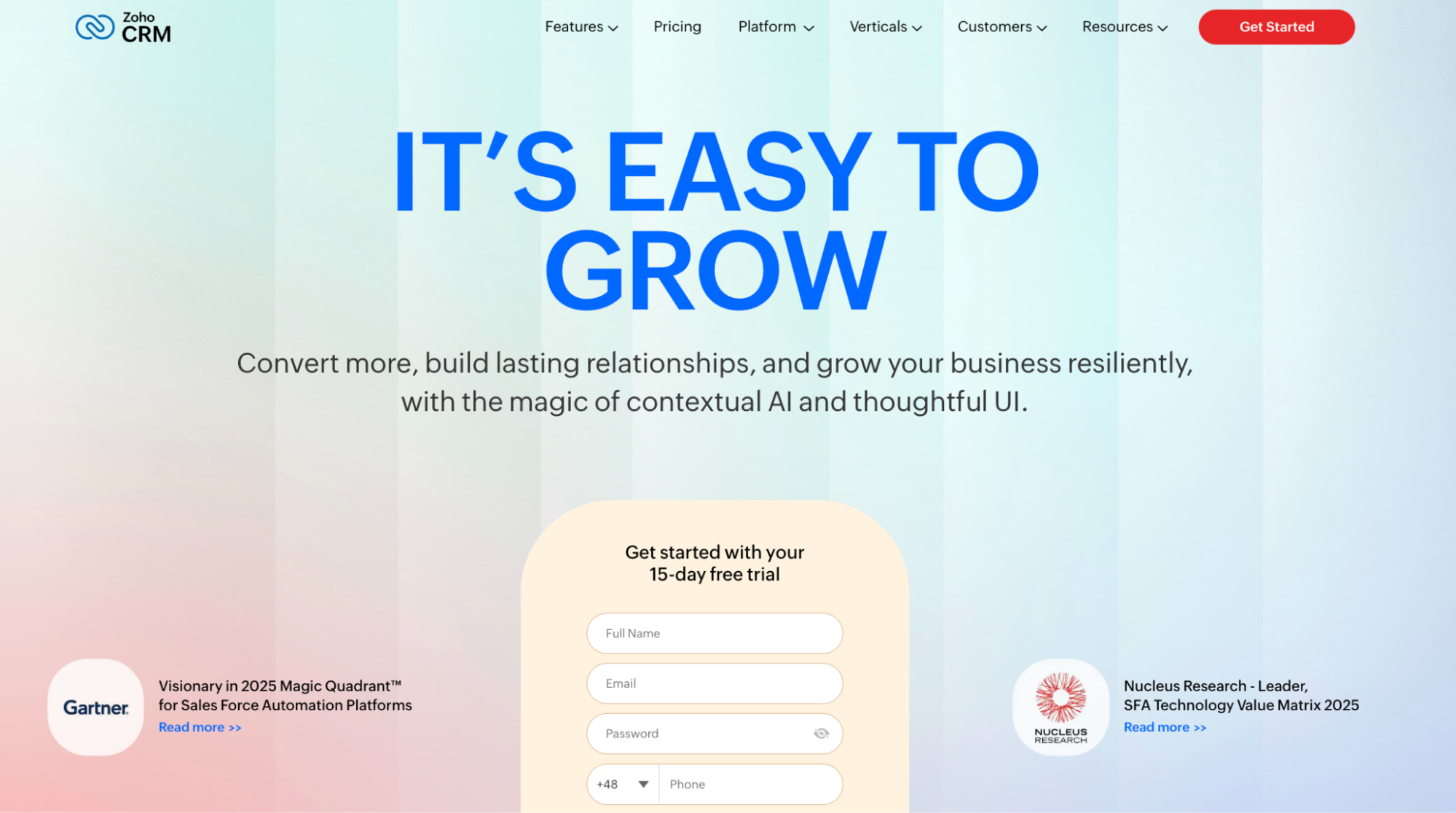
Many small business owners appreciate Zoho CRM because it centralises customer data and gives visibility into deals and sales workflows in one place. It also links smoothly with other apps if you use them already.
Pros for small businesses
- Supports sales pipeline and forecasting. Built-in pipeline views help you see where deals are and what might close next. This clarity is especially useful when every customer interaction counts.
- Free plan for very small teams. Zoho CRM lets up to three users start without paying anything, so you can organise leads and contacts without creating a bill right away. This makes it easier to justify trying CRM early.
- Tiered pricing with automation options. As your team grows or needs automation for sales tasks, paid tiers unlock workflow automation and forecasting tools. You can automate reminders and track trends on the spot.
Cons for small businesses
- Essential features are spread across higher tiers. Some automation and deeper sales tools only appear on paid plans, so the free level feels very basic. This means you might pay sooner than you expected if you need more than contact and deal lists.
- It can feel complex at first. Zoho CRM packs a lot of capability, which can be overwhelming for users migrating from spreadsheets or simpler tools. Without a focused setup, small teams risk underusing the platform.
- Support experience varies by plan. Customer support responsiveness and depth depend on your subscription level, which can be frustrating if you encounter challenges early on.
- Add-ons and integrations can increase cost. Connecting to extra third-party tools or extending Zoho’s app ecosystem sometimes requires additional fees or higher tiers. Smaller businesses may find their budget stretched.
Pricing
Zoho CRM’s pricing ranges from a free plan for up to three users to paid tiers starting around $14 per user per month when billed annually. There are multiple paid levels with more advanced features, and you can switch plans monthly or yearly without long-term commitments.
Copper CRM
Copper CRM is a customer relationship management tool built to make managing deals and contacts feel familiar rather than intimidating. It’s especially appealing to small business owners who live inside Google Workspace and want sales tools that don’t require endless setup.

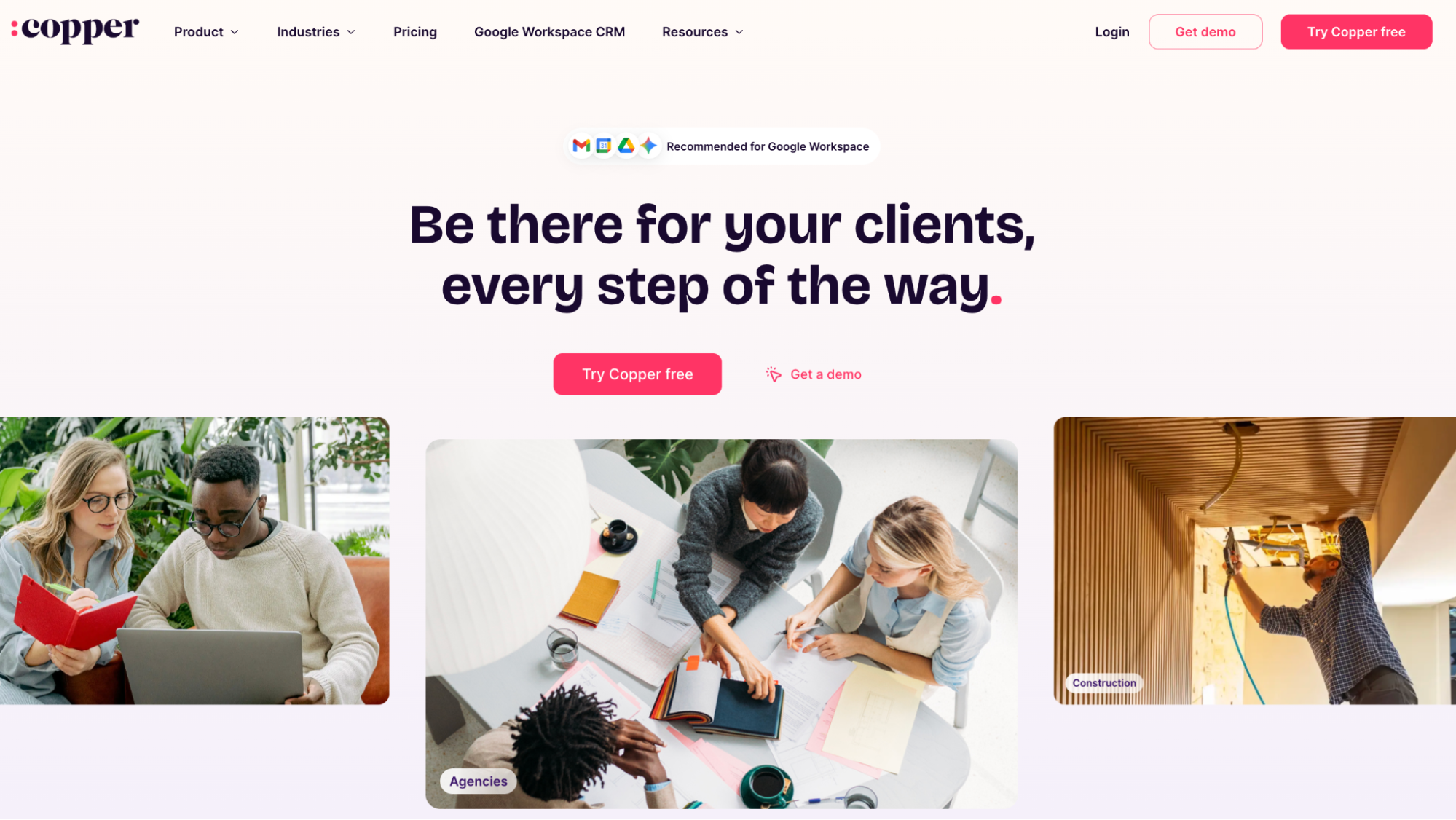
For teams wanting to manage relationships without reinventing the wheel, Copper brings pipeline management and deal management into your regular workflow. Its interface is intuitive and often feels like a natural extension of the tools you already use daily.
Pros for small businesses
- Native sales pipeline management that’s visible and flexible. You see where deals sit and what needs doing next. Spot bottlenecks and take action while you’re still in the moment.
- Good basic CRM functionality with lead tracking. Contacts, tasks, and interactions are centralised, so information isn’t scattered across email threads. That's how you reduce the chance of losing track of a lead or forgetting a follow-up.
- Google Workspace integration that feels effortless. Gmail, Google Calendar, and Drive sync with the CRM so you don’t duplicate work. Streamline routine updates and keep customer conversations and appointments in sync.
Cons for small businesses
- Entry tiers lack deeper automation. The Basic plan doesn’t include workflow automation and more advanced pipeline features. That means small teams who want to cut repetitive work might hit limits quickly and need a higher tier.
- Costs grow significantly by tier. Prices rise steeply as you unlock more pipeline tools and contacts, which can strain a tight budget. For very lean teams, this can make budgeting CRM spend tricky.
- Less suited for non-Google Workspace users. Copper’s strengths are tied closely to Google apps, so if your business doesn’t use Gmail or Google Calendar daily, the experience can feel less smooth.
- Advanced deal customisation can be limited on lower plans. Some pipeline and reporting features you might want to tailor are only available on higher tiers. This can leave smaller businesses feeling they’re paying more to unlock features they want.
Pricing
Copper CRM offers a tiered pricing structure that starts with a low-entry plan and scales up as you need more contacts, pipelines, or features. The starter tier begins around $9 per user per month, with Basic and Professional tiers rising above that, and the highest plan includes more advanced tools, all billed annually.
Pipedrive
Pipedrive is a sales-first CRM that puts your deals front and centre with a highly visual and intuitive pipeline. It earns its stripes by helping small business teams focus on what they actually need to close sales instead of endless menus and confusing dashboards.

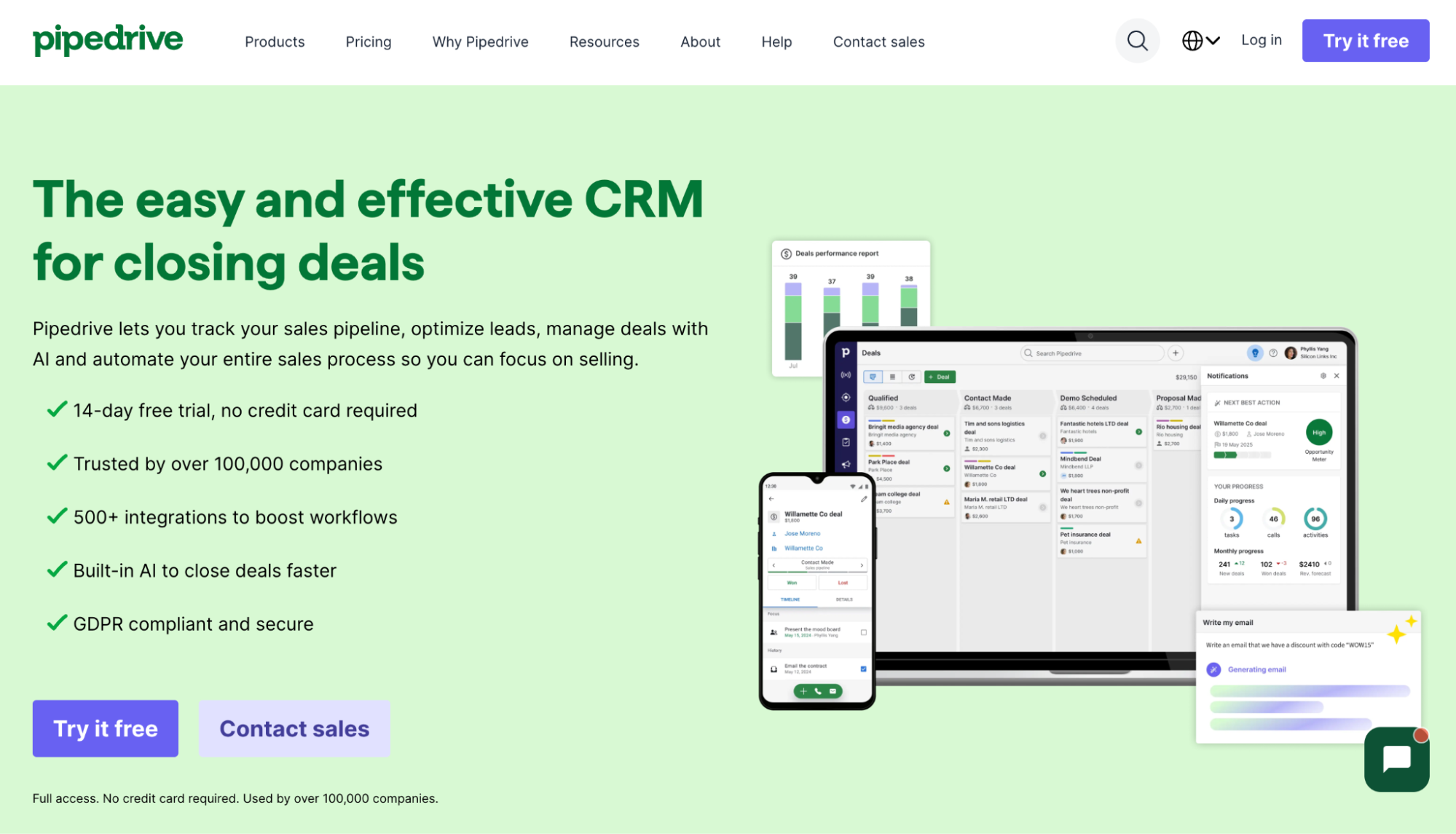
Small business owners often pick Pipedrive when they want clarity around deals and customer touchpoints without heavy setup or enterprise complexity. It works well for teams that like guided workflows and smart reminders.
Pros for small businesses
- Visual pipeline management that keeps deals easy to follow. Pipedrive’s drag-and-drop view shows all deal stages, so opportunities seldom sit quietly slipping away.
- Strong tools to automate repetitive tasks. You can automate things like activity creation, follow-ups, and reminders so your team spends less time on admin chores and more on moving deals forward. This keeps your sales process humming even on busy days.
- Good visibility into key sales data. Dashboards and reports give you quick snapshots of pipeline health, won versus lost deals, and progress over time. These insights make it easier to forecast performance and allocate effort where it matters most.
Cons for small businesses
- No free forever plan. Pipedrive offers a trial, but once that ends, you have to pick a paid tier before you can continue using it. This can be a hurdle for very early-stage businesses or solopreneurs on a shoestring budget.
- Add-ons and higher tiers add cost fast. To unlock more advanced automation or pipeline analytics, you often need to move up plans or buy extra features, which can push your billing higher than expected. This makes it harder to predict what you’ll pay over time.
- Automation is solid but not comprehensive. Workflow automations are great for simple rule-based tasks, yet they don’t replace full marketing automation or cross-team orchestration tools. Teams needing deeper automations might still juggle other apps.
- Basic project management tools require add-ons. Pipedrive does offer project management features through an add-on, but they’re not as tightly woven into the CRM as tools built around project management from the start. This can feel clunky for teams trying to coordinate work and CRM in one spot.
Pricing
Pipedrive does not include a free plan, but you can try any tier with a 14-day free trial to see if it fits. Plans start around $14 per user per month when billed annually, with higher tiers unlocking deeper automations, forecasting, and more advanced pipeline controls.
How to choose the best CRM solutions?
Evaluate things like:
- Business needs and scope. Clarity on whether you need simple contact tracking or broader sales management. A clear scope prevents paying for features you won’t use.
- Free plans and trials. Availability of free CRM tools or a free CRM tier for early testing. This helps you validate fit without committing budget upfront.
- Ease of use and adoption. A user-friendly CRM that feels intuitive from day one. Fast adoption matters more than feature depth for small teams.
- Core CRM capabilities. Reliable contact management tools and lead management as a baseline. These features form the backbone of any affordable CRM system.
- Automation basics. Sales automation that reduces manual follow-ups and admin work. Even light automation can save hours each week.
- Performance visibility. Access to key metrics that help monitor sales performance. Clear views into progress support better decisions without complex reports.
- Customisation flexibility. Customizable dashboards and templates that adapt to your workflow. This allows the CRM to fit your business instead of forcing change.
- Data handling and visibility. Solid data management and the ability to track customer interactions over time. Clean records improve consistency and handovers.
- Integration support. Compatibility with email, calendars, and email marketing tools you already use. Fewer disconnected tools reduce friction.
- Support and reliability. Quality customer service tools and accessible help when issues arise. Support quality often matters more than feature count.
- Pricing structure and limits. An inexpensive CRM with transparent pricing and predictable upgrades. A cost-effective CRM solution should scale with your business.
Over to you
Affordable CRM software stops being “cheap” the moment it saves you time and missed follow-ups. A comprehensive CRM solution earns its place when it helps maintain customer satisfaction and supports personalized customer experiences without extra admin.
The best affordable CRM options focus on practical tools like customizable templates and email templates that speed up daily work. Pick the one that fits your pace, not the one with the longest feature list.
Capsule CRM might be exactly what you're looking for.