There's a pattern playing out across businesses of every size right now. A sales team evaluates AI CRM software, chooses the platform with the most impressive AI capabilities demo, spends three months implementing it, and ends up using about 20% of what they paid for.
The predictive analytics dashboard sits untouched. The AI-driven lead scoring requires cleaner data than the team has ever maintained. The generative AI tools produce content that needs so much editing it's faster to write from scratch.
Meanwhile, the actual problems… remain unsolved.
The best AI CRM is the one that fits real problems and gets used every day. However, that’s not how most comparisons judge them.
This article covers what AI in a CRM needs to do to earn its cost, and which platforms deliver against those practical criteria across different business contexts.
What AI actually needs to do in a CRM to justify the investment
Before comparing AI CRMs, it’s worth focusing on which capabilities actually drive results – and which only look good in demos.
Automate repetitive data tasks
The single biggest drain on sales rep productivity is data entry: logging calls, updating contact records, noting deal stage changes, and keeping customer data up to date.
AI should handle this automatically and remove the friction that causes CRM adoption to collapse.
Show context before customer interactions
A sales rep who can see a full summary of a customer relationship before a call – what was discussed, what was promised, where the deal stands, what's changed – has a meaningful advantage over one who's piecing it together from memory.
Trigger timely and relevant communication
Deals usually go cold because nobody followed up at the right moment. AI powered workflows that trigger follow-ups based on actual customer behavior catch these situations before they become lost opportunities.
Draft and assist with outreach
An AI sales assistant that drafts emails and proposals using real relationship context saves time without forcing reps to fix generic, irrelevant output. The quality of the AI assistance depends entirely on the quality of the underlying CRM data, which is why automating data capture comes first.
Provide actionable insights from sales data
Useful AI driven insights are specific and actionable:
- this deal has been in the same stage for three weeks,
- this contact hasn't been touched since the last email,
- pipeline value this month is down 15% on the same period last quarter,
and more.
Insights that tell a sales manager something they can act on today are worth considerably more than sophisticated future sales trends modelling that requires a data analyst to interpret.
Advanced AI features like predictive analytics and lead scoring can be valuable – but mainly for companies with large, clean datasets and the resources to manage them. For most businesses, simpler capabilities tend to deliver more consistent results.
The best AI CRM software for businesses in 2026
1. Capsule CRM
Capsule takes a focused approach to AI, offering a small set of well-executed features that improve how the CRM works for sales and service teams, with no complex setup or large amounts of data to be effective.

What the AI does:
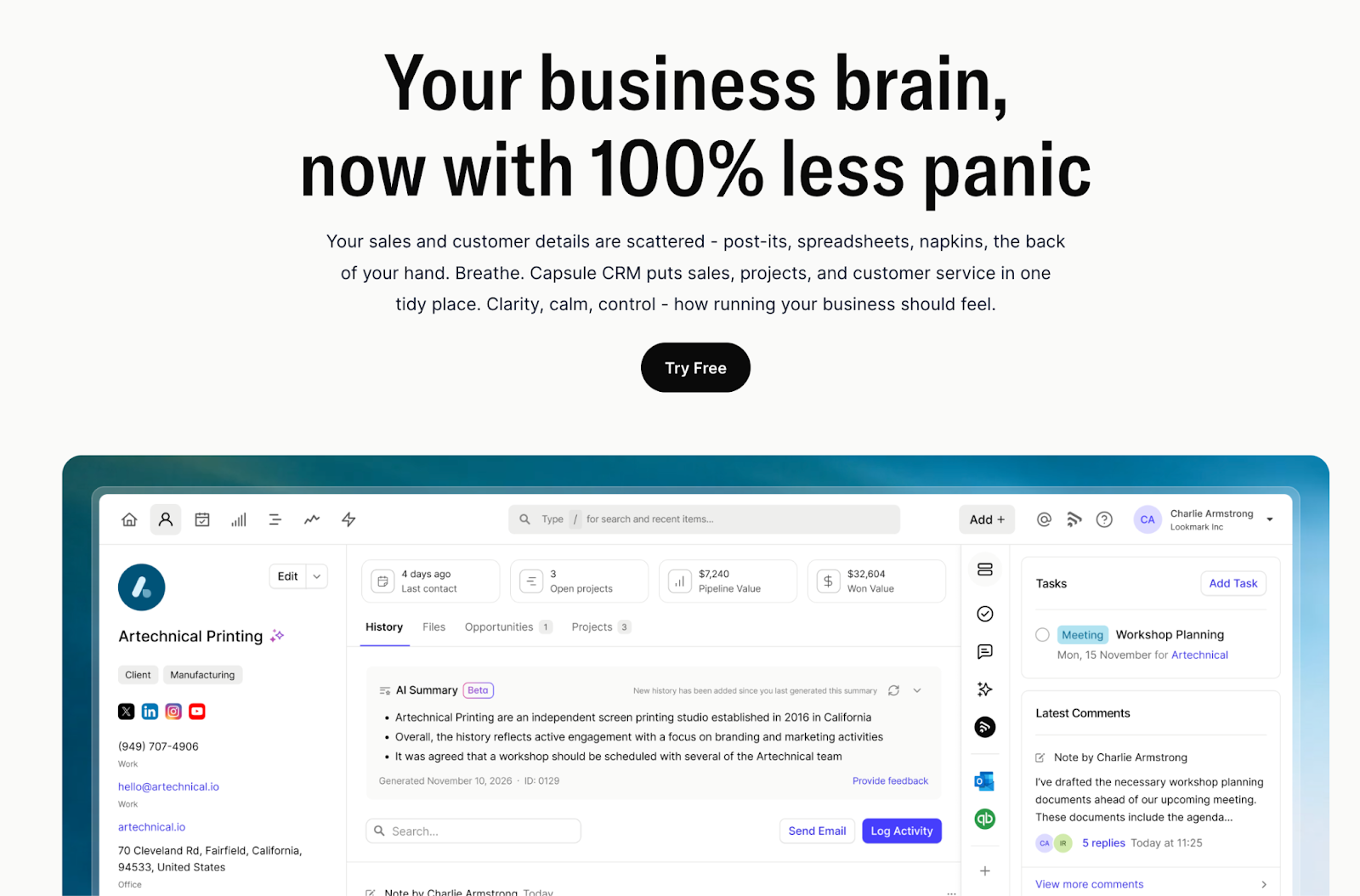
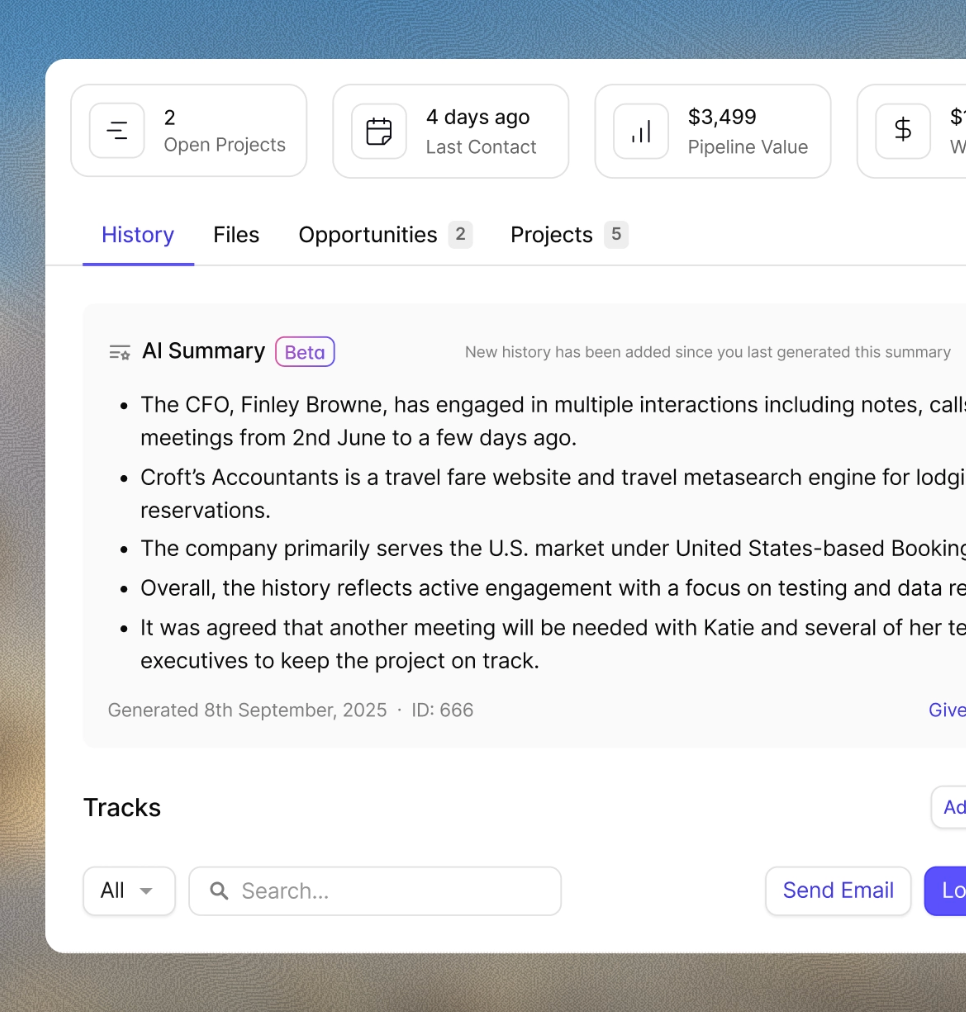
The AI Summary feature condenses the full history of any customer relationship into a readable brief before a call or meeting. Every email, note, task, and deal update associated with a contact gets distilled into context a sales rep can absorb in thirty seconds. For businesses managing dozens of active relationships simultaneously, this is one of the most practically useful AI features available in any CRM platform.

AI Contact Enrichment pulls company and contact information from public sources automatically. This matters because clean CRM data is the prerequisite for everything else working properly – AI tools built on incomplete or outdated data produce unreliable outputs regardless of their sophistication.
The AI Email Assist helps draft customer messages directly within the CRM, using full relationship history to keep communication timely, relevant, and grounded in real interactions.
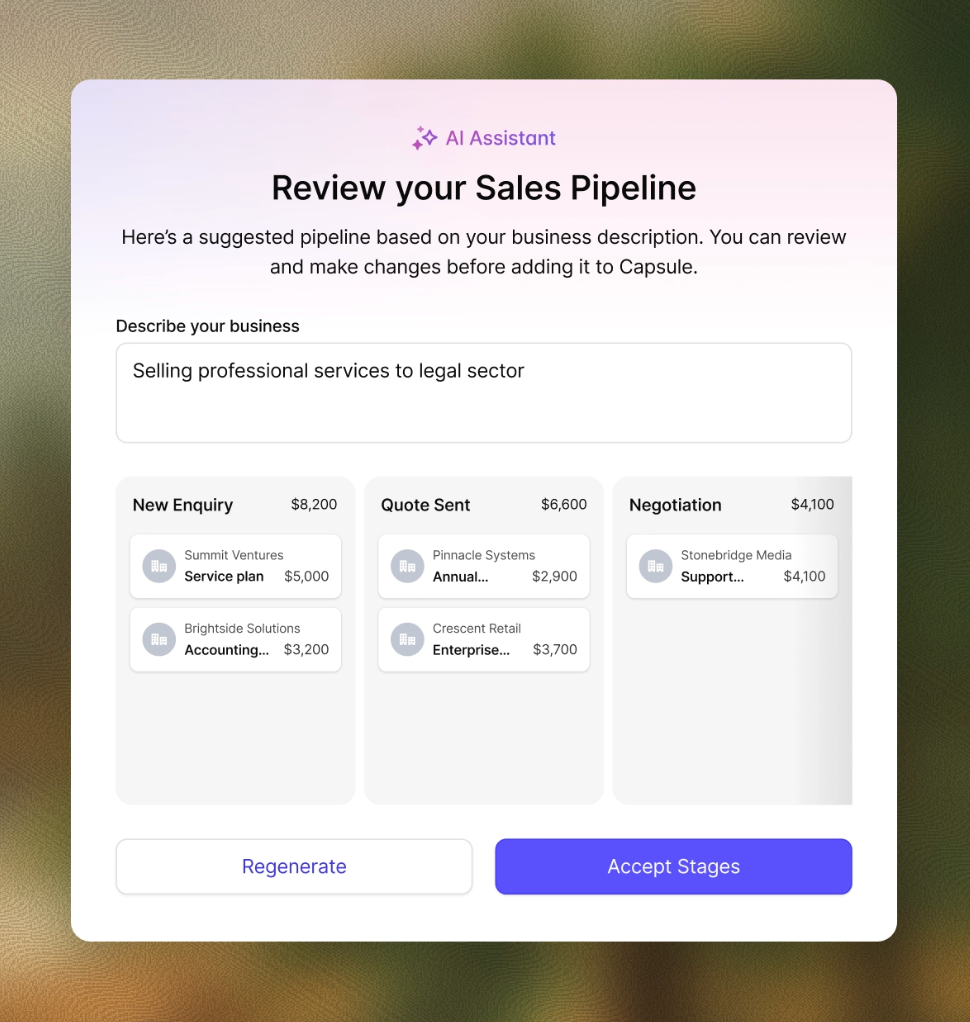
The AI Pipeline Generator creates a customized sales pipeline from a plain-language description of the business, removing the blank-page setup that often slows down CRM implementations.

Beyond AI, Capsule's workflow automation via Tracks functions as an intelligent workflow platform for the business processes that repeat on every deal: onboarding sequences, follow up cadences, task assignment at each stage of the sales funnel.
The visual sales pipeline gives sales reps and managers a clear, drag-and-drop view of every active deal, with quick insight into where attention is needed across the funnel. It supports multiple pipelines for teams running parallel processes.
Sales analytics and reporting dashboards translate CRM data into clear, actionable insights for day-to-day decisions – covering pipeline health, activity trends, deal velocity, and team performance. Not enterprise-level forecasting, but practical insight that guides how the team works week to week.
What users say: 4.7/5 on G2 across 449 reviews, with ease of use, customer support quality, and simplicity as the most consistent positive themes. Reviewers repeatedly describe it as the CRM they actually use every day, which is the real measure of whether AI CRM software is delivering value.
Pricing: Free plan available. Starter from $18/user/month, Growth from $36/user/month (AI features included). Start your trial here.
Best for: Small and mid-sized teams that want practical AI value from day one, with minimal setup or technical effort.
2. HubSpot CRM

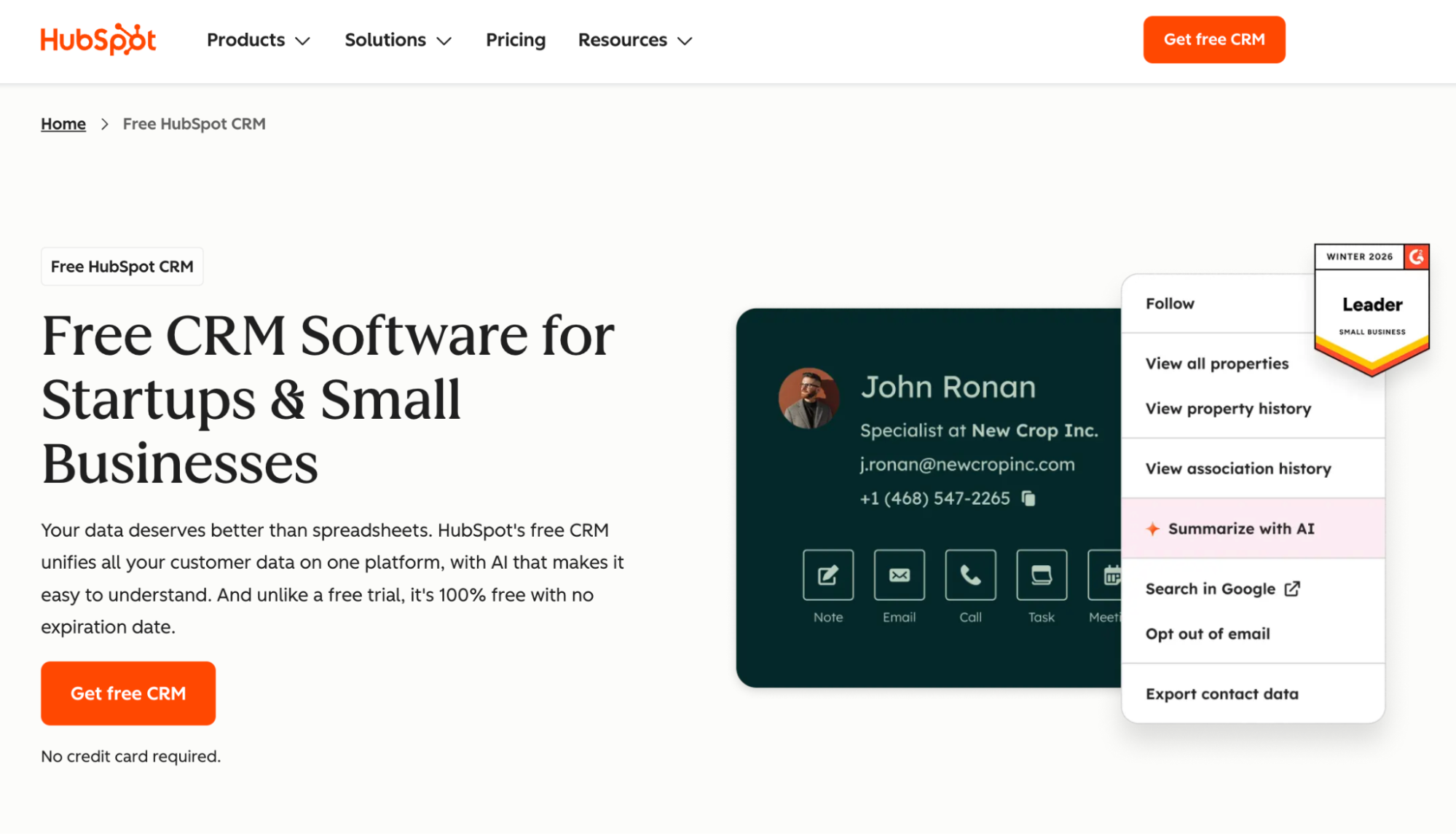
HubSpot has built one of the most comprehensive AI-powered CRM software platforms available, with AI capabilities spanning the entire customer journey. Its Breeze AI layer includes Breeze Copilot as an embedded AI assistant across the platform, Breeze Intelligence for contact enrichment and buyer intent signals, and AI agents for prospecting and support automation.
The breadth makes HubSpot handy for sales and marketing teams that need a single platform covering sales pipeline management and service team operations. The free plan is useful enough to drive widespread adoption, and the advanced AI features scale with the paid tiers.
The honest trade-off: the free plan and the fully AI-enabled platform are meaningfully different products, and the cost escalates faster than many buyers anticipate as team size and feature requirements grow.
Businesses that need a full, all-in-one solution will find HubSpot a strong fit. For those who need solid AI on core CRM functions, the cost-to-value ratio deserves careful scrutiny. HubSpot pricing breakdown here; Capsule vs HubSpot comparison here.
Best for: Growing businesses where sales and marketing alignment is a priority and the team has the capacity to adopt a comprehensive platform.
3. Freshsales with Freddy AI

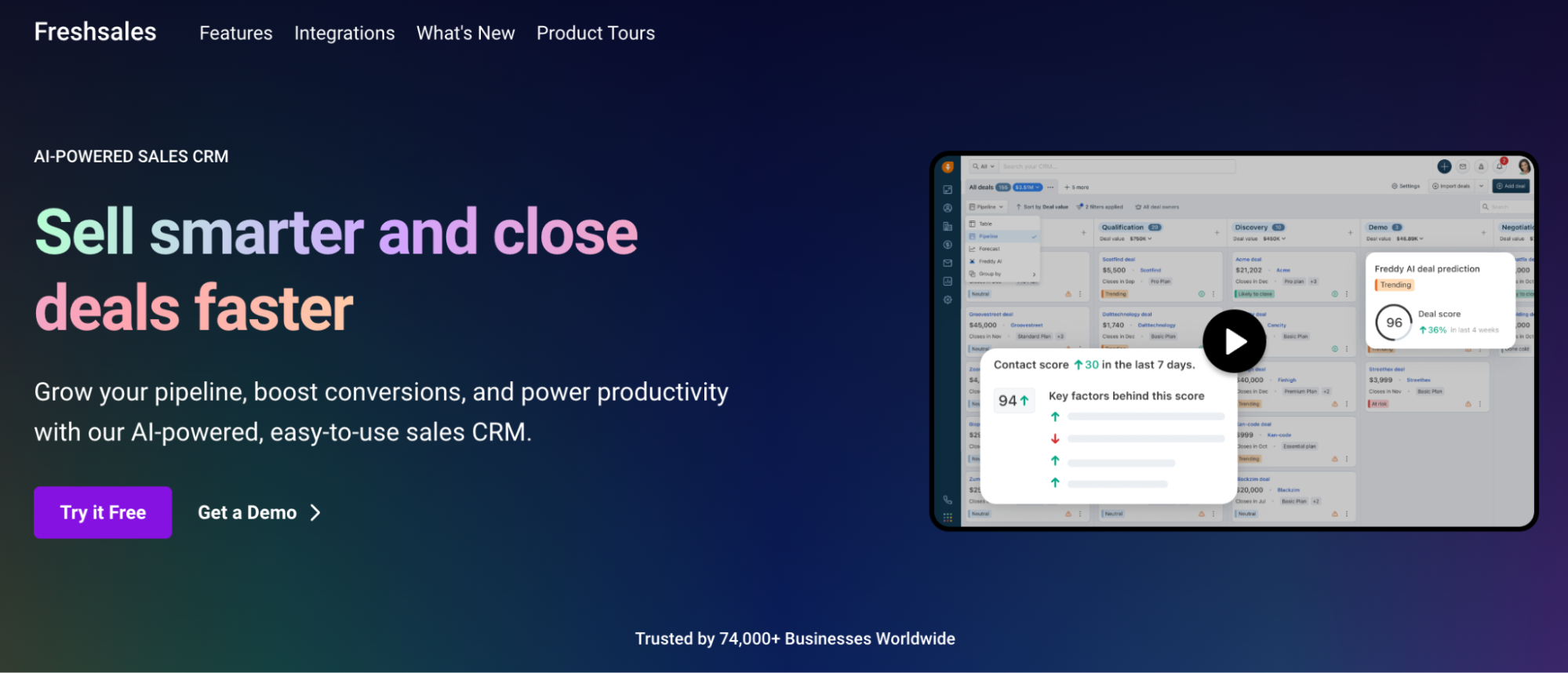
Freshsales is a sales focused CRM with Freddy AI providing lead scoring, deal insights, and AI-powered email drafting across the sales process. Freddy AI's deal insights are a genuine differentiator – the system suggests next actions and helps sales reps prioritize the deals most likely to close.
The platform covers the full sales funnel from lead capture to close, with built-in communication tools that reduce reliance on separate systems. For businesses already using Freshdesk or Freshservice, native integration creates a shared view of customer interactions across teams.
Review patterns on G2 (4.5/5 across 3,000 reviews) and Capterra are consistently positive on ease of use and the value of the built-in communication tools. The most common concern is slower customer support after the free trial, which may matter for businesses that expect ongoing assistance.
Read more about Freshsales pricing here.
Best for: Best for small to mid-sized sales teams that want integrated communication features alongside AI capabilities, especially those already using Freshworks.
4. Zoho CRM with Zia
Zoho CRM's AI assistant Zia brings a broad set of AI CRM tools to one of the most configurable CRM platforms available.

Zia brings together workflow suggestions, anomaly detection in sales data, sentiment analysis on customer interactions, and natural language queries – so you can ask a question about your pipeline and get a clear, data-backed answer.
Zoho CRM’s value lies in its breadth at a competitive price. Businesses already using Zoho benefit from tight integration across the ecosystem, with data flowing between tools. For others, it still offers strong AI and automation at a price that suits smaller sales teams.
The consistent pattern in reviews: strong feature-to-cost ratio, with customer support quality flagged as variable depending on tier and region. If you’re willing to invest time in configuration, Zoho rewards the effort with a highly capable AI-powered CRM.
Read the Zoho CRM pricing breakdown, or check the Capsule vs Zoho comparison here.
Best for: Mid-sized businesses that want extensive customisation and strong AI capabilities at a competitive price.
5. Salesflare

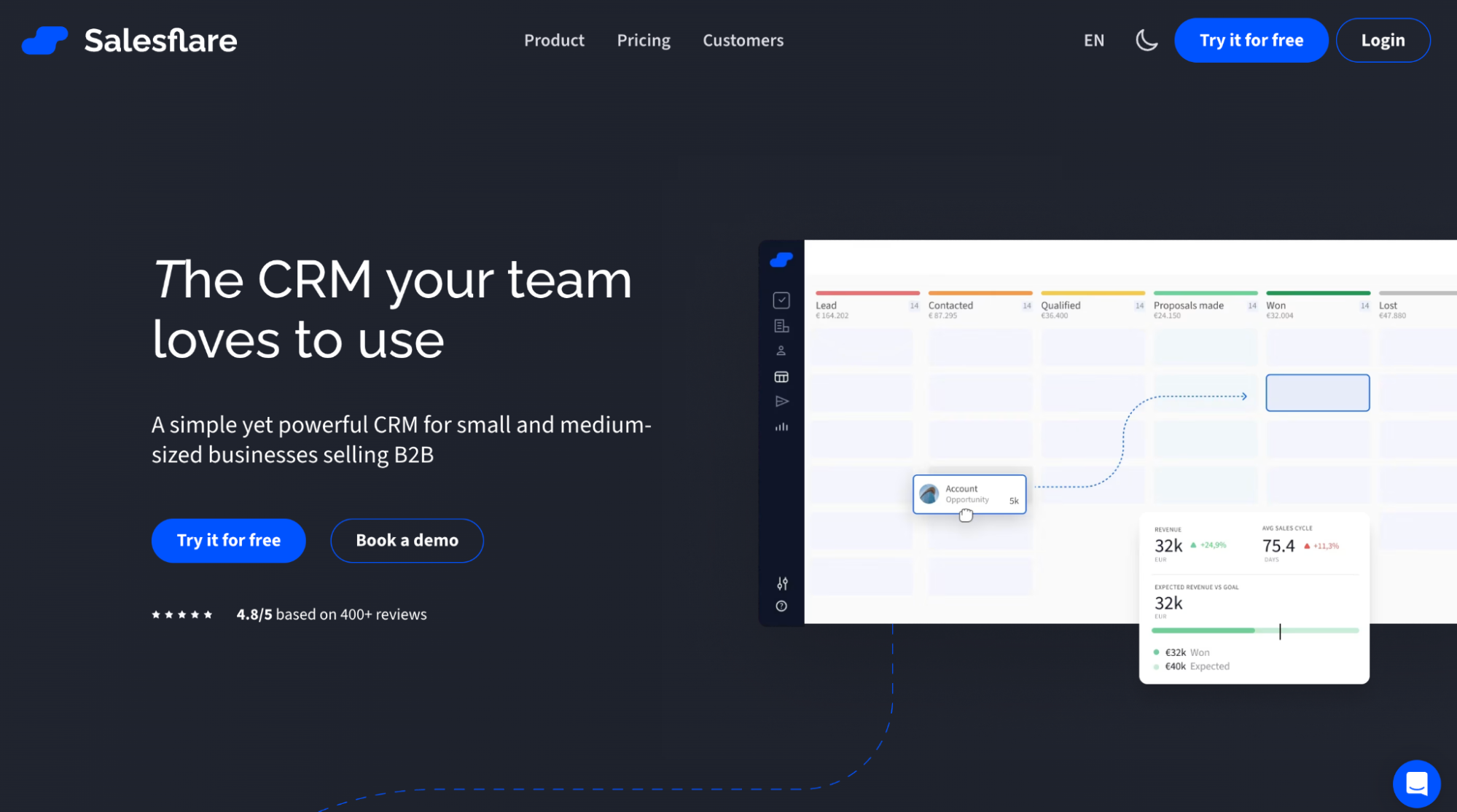
Salesflare flips the usual CRM model: instead of asking reps to feed the system, it gathers data in the background as they work. By pulling from email, calendars, LinkedIn, and company sources, it builds and updates contact and company profiles automatically – so the CRM stays accurate without constant input.
For small B2B teams where data entry is the main pain point, Salesflare tackles the root issue rather than relying on incomplete data. It builds automatic customer timelines that surface context before each interaction, while follow-up reminders are triggered by real customer activity.
Salesflare doesn't offer deep analytics, generative AI content tools, or enterprise-grade workflow automation. It focuses on keeping data accurate and the pipeline current, and does this better than most platforms. G2 and Capterra ratings sit at 4.7/5. From $29/user/month.
Best for: Small B2B sales teams where the primary problem is pipeline visibility.
6. Pipedrive with AI Sales Assistant
Pipedrive built its reputation on pipeline simplicity, and its AI Sales Assistant extends that philosophy into actionable daily guidance.

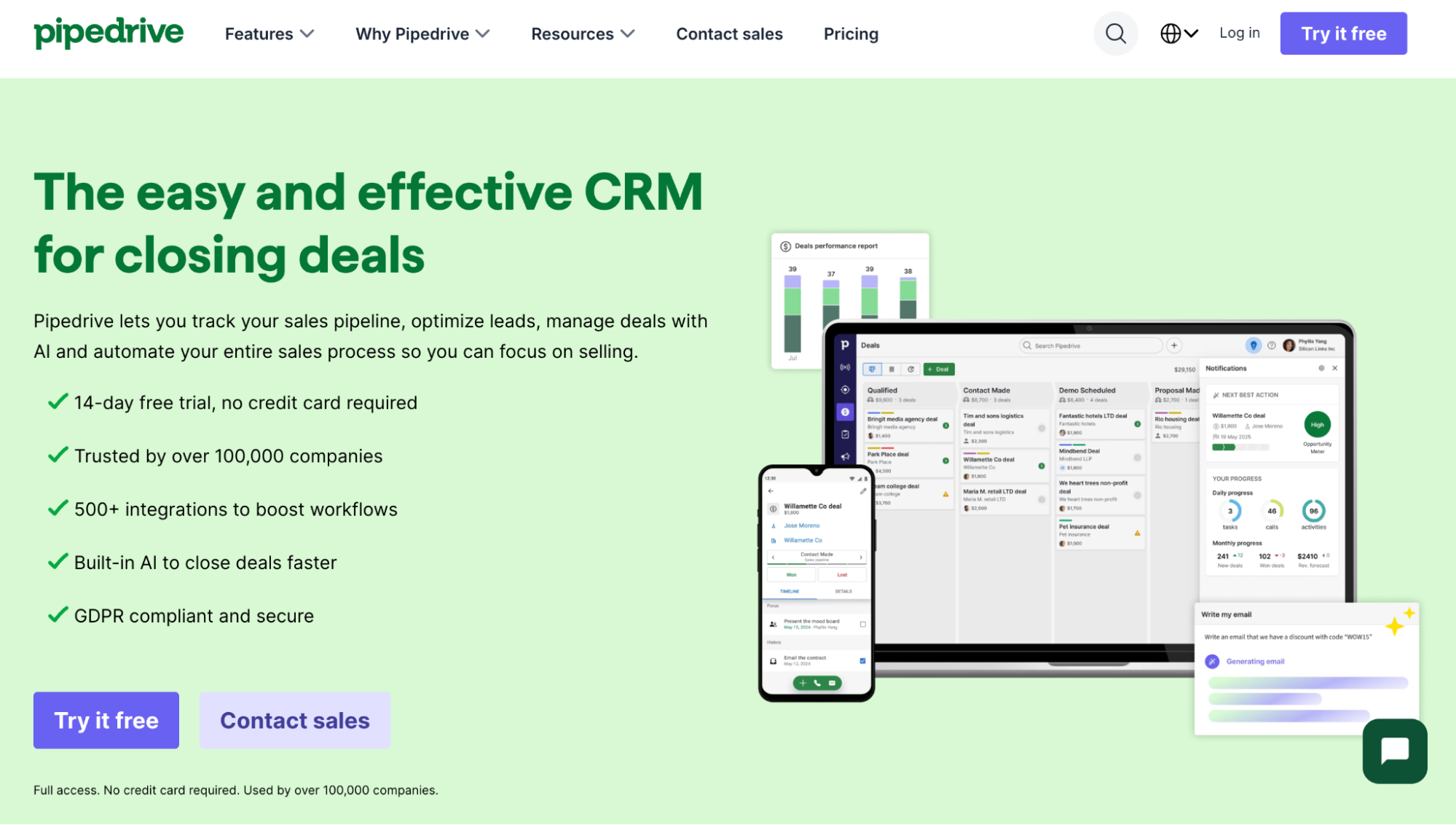
The AI adapts to how each rep actually works and highlights what needs attention. Which deals have gone quiet and what should happen next? It surfaces both, while revenue expectations stay grounded in real pipeline data and past performance.
What makes Pipedrive's AI implementation effective is its focus: the AI assistant is designed to guide sales rep behaviour rather than require management interpretation. Recommendations appear in the context of daily work, which drives adoption in a way that more sophisticated but less accessible AI tools often don't.
View Pipedrive pricing details, and explore the Capsule vs Pipedrive comparison.
Best for: Sales focused teams that need clean pipeline management with AI guidance on daily priorities.
7. Salesforce with Einstein AI
Salesforce Einstein offers some of the most advanced AI in CRM, including predictive lead scoring, opportunity insights, automated activity capture, forecasting, and generative AI across the platform.

For enterprise sales teams and large customer service operations with dedicated CRM administrators, Einstein is the reference point against which all other AI CRM solutions are compared.
The trade-off is well-documented: Salesforce requires technical expertise to implement, costs escalate quickly as teams add the AI features that make Einstein genuinely powerful, and the platform demands ongoing administrative investment to maintain.
Businesses that need advanced AI and have the resources to implement it fully will find Salesforce a strong fit. Teams that expect immediate, reliable value may find the complexity harder to justify. Full Salesforce pricing comparison available, along with a Capsule vs Salesforce comparison.
Check Capsule vs Salesforce comparison here.
Best for: Enterprise sales teams and large organisations with dedicated CRM administration and the budget to unlock Einstein's full capability.
How to decide which AI CRM is right for your business
Choosing between AI CRM tools isn't just a question of features – it's a question of fit. Strong outcomes come from selecting a CRM that matches how your team works.
- Start with the data you actually have, not the data you plan to have. Advanced AI capabilities require large, clean datasets to produce reliable outputs. If your CRM data is currently incomplete or inconsistently maintained, investing in a platform whose AI relies on data quality you don't yet have produces no value. Start with a platform that improves data quality as a byproduct of normal use – like Capsule's AI Contact Enrichment or Salesflare's automated data capture – and layer in more sophisticated analytics once the data foundation is solid.
- Match AI depth to team size and technical capacity. A two-person sales team doesn't need a smart CRM professional-grade AI suite with intelligent workflows, AI agents, and enterprise sales forecasting. Buying more AI than the team can realistically use is the most common and most expensive mistake in CRM selection.
- Evaluate on adoption likelihood, not feature count. The most sophisticated AI powered CRM software delivers zero value if the sales team doesn't use it consistently. Streamlining sales operations depends on the tools reps actually use, which makes ease of use more important than AI feature depth for most businesses.
- Consider the total cost, including implementation. Per-user/month pricing is only part of the real cost of an AI CRM. Implementation time, configuration complexity, training, and the ongoing admin required to keep the AI features working as the business changes are all real costs. Platforms like Capsule that work reliably from day one have a lower total cost than enterprise platforms, where unlocking the AI capabilities requires months of setup.
For businesses starting the evaluation process, Capsule's free plan covers two users and 250 contacts with core CRM and contact management features, and the 14-day free trial gives full access to AI features with no credit card required. It’s the most practical way to see if an AI CRM fits your sales process before committing budget.
The right AI CRM proves its value in daily use
AI CRM only works if your team actually uses it.
The right platform fits into daily work and keeps the sales process up and running.
Adoption comes from tools that capture data automatically and stay in sync with how the team operates.
These capabilities are widely available today. What matters is choosing a system the team picks up quickly and keeps using.