A small business looking for a CRM in 2026 runs into a recognizable problem.
Many articles point to platforms built for enterprise sales teams, with pricing that scales aggressively and features that take weeks to learn. The actual need is much simpler: a clean place to keep customer information, track active deals, and remember to follow up.
Anything beyond that often gets in the way.
Today, we’ll look at basic CRM software that helps small businesses get the sales work under control without making the system heavier than the problem.
The tools below are realistic picks for teams that need a CRM they can set up quickly, understand without training, and keep using once the first week of enthusiasm wears off.
What "basic" means in a CRM context
Basic doesn't mean weak. It means focused.
A basic CRM has clear opinions about what belongs in the product and what doesn't, and it leaves out the features that small businesses don't use.
The honest definition of a basic CRM in 2026:
- Setup takes hours. A new user can be productive on day one, with no consultant, no configuration project, and no required training.
- The interface doesn't punish part-time users. People who log in twice a week shouldn't feel lost. Common actions are one click away, and the layout doesn't change between updates.
- Pricing scales linearly. Adding a user costs a known amount. There's no per-contact pricing, no usage-based fees, and no surprise upgrade triggers that double the bill.
- Features the team doesn't use stay out of the way. Advanced functionality may exist, but it doesn't clutter the daily workflow.
Anything beyond this is a value-add, not a requirement. A basic CRM that does these four things well outperforms an enterprise platform that does fifty things badly.
When basic is the right answer (and when it isn't)
Basic CRM fits a specific kind of small business. The signals are clear when present:
- The team has 2 to 30 users, with sales as one part of what people do.
- The customer base is in the hundreds or low thousands, not tens of thousands.
- The sales process is direct, with one or two pipeline types covering most of the work.
- The team values speed of adoption over feature depth.
When any of these break down, a heavier CRM starts to make sense.
A 50-person sales org with specialized roles needs deeper segmentation than basic CRMs offer. A business running complex multi-product pricing with custom approval workflows needs configurability that simple platforms don't include. A company with 100,000 contacts and aggressive marketing automation needs a marketing-aware CRM.
The buyer who reads this guide is usually in the first category.
The signal: the team has been getting by on spreadsheets and inbox folders, and the moment a CRM becomes useful is when those systems start breaking.
Leading basic CRM software for small business in 2026
#1 Capsule CRM
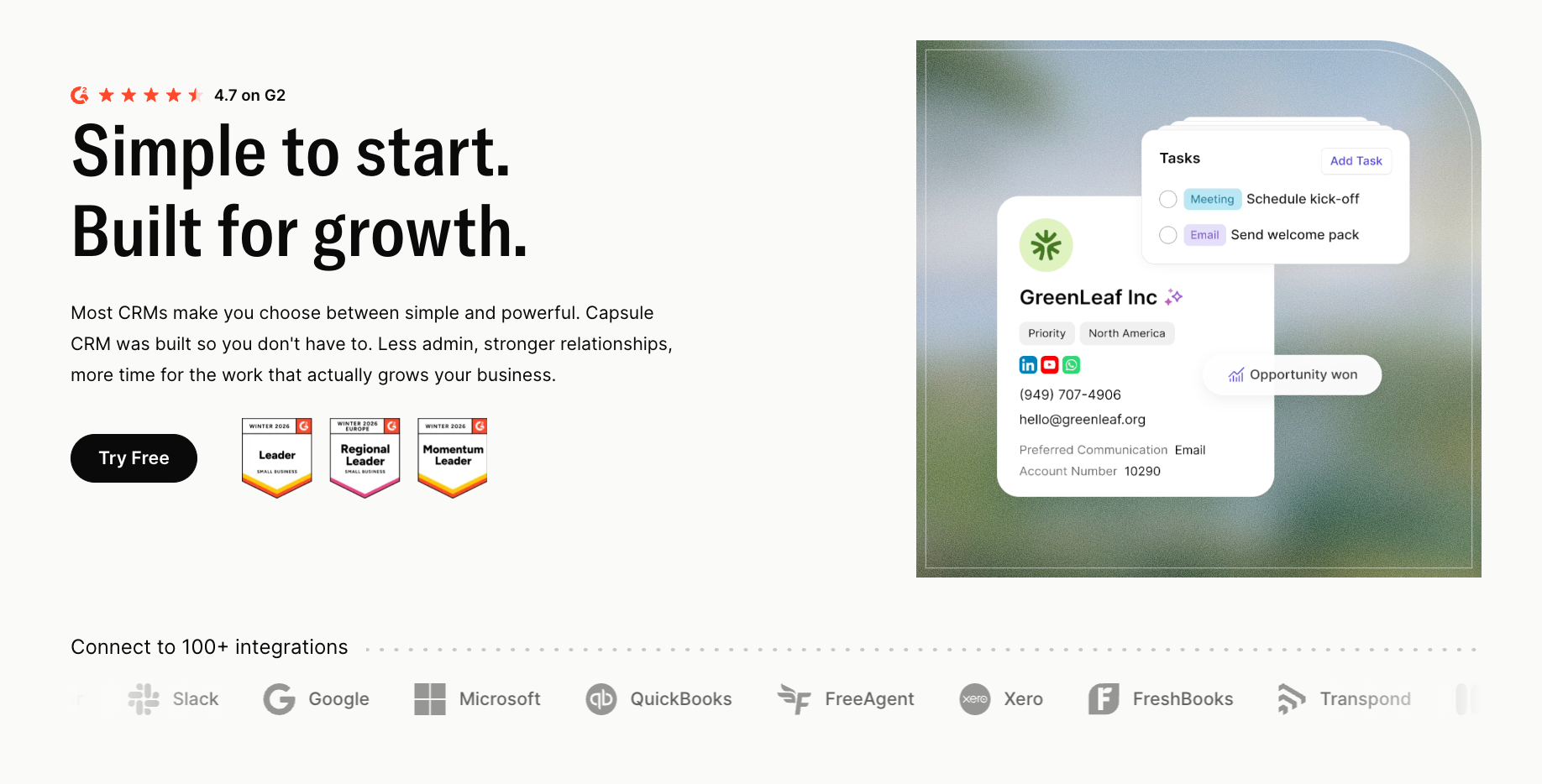
Capsule is a good fit when the business has outgrown spreadsheets, but does not want CRM to become its own department.

Its strength is not that it tries to do everything.
It gives small teams a clean place to keep customer relationships, deals, notes, tasks, and follow-ups together. That structure pays off when sales work happens in fragments: the first enquiry, the quote, the follow-up, and the eventual comeback rarely belong to the same person.
Capsule keeps that trail attached to the contact or company record. A rep can open an account and see the conversation history, notes, tasks, and next steps without piecing the story together from various sources.
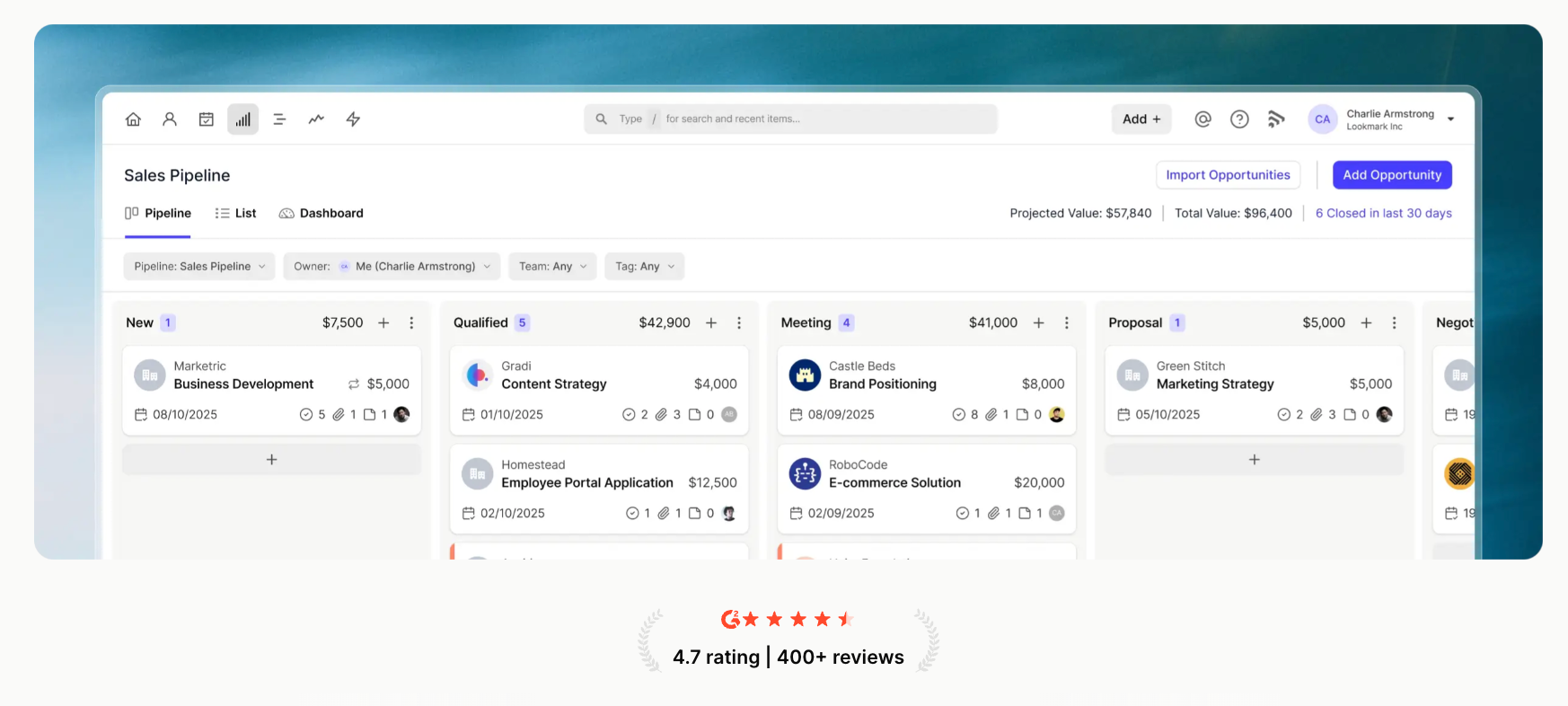
The pipeline view is built for quick inspection, not spreadsheet archaeology. Reps can move opportunities between stages, while stale deal warnings show which opportunities need attention.

Tracks are useful when the same steps happen again and again. A new lead can trigger a follow-up routine. A won deal can trigger onboarding tasks. The point is not automation for its own sake – it is making sure the boring-but-important steps do not disappear when the team gets busy.
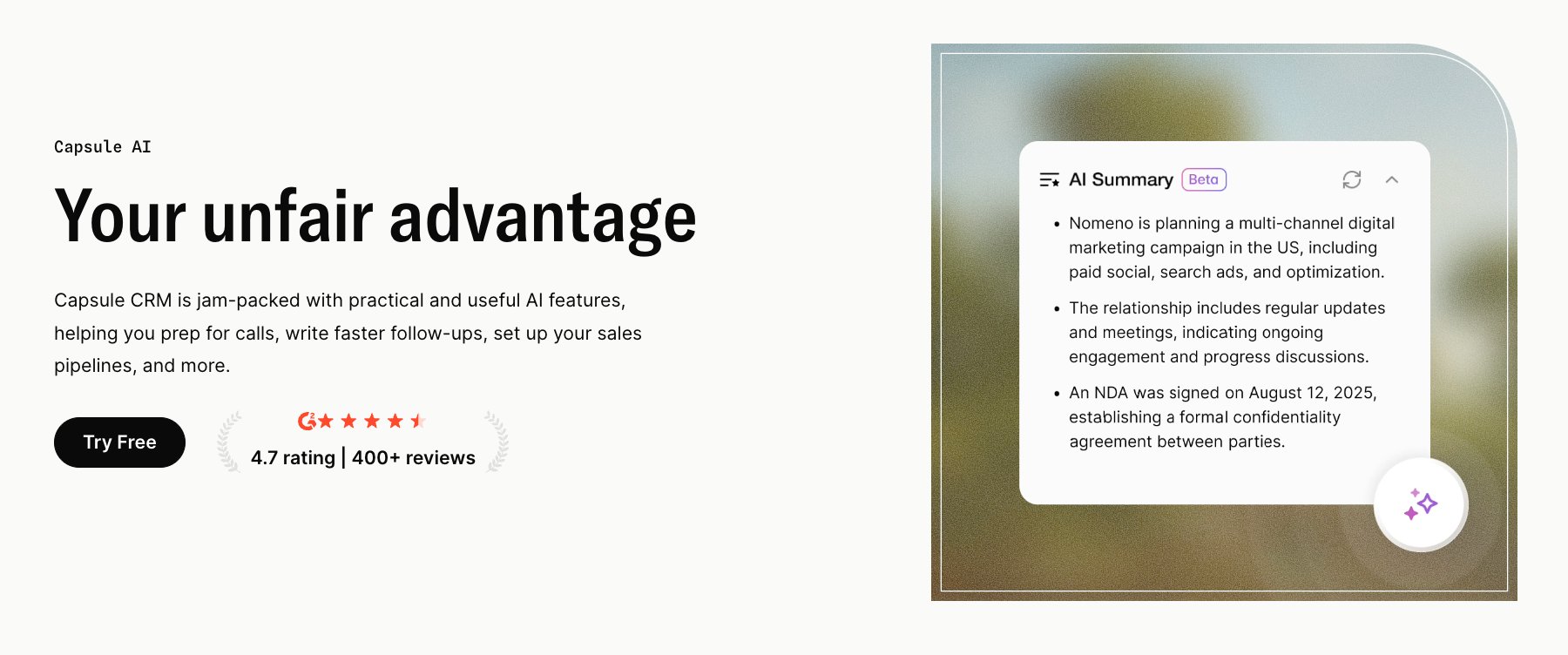
Capsule’s AI features are built around everyday CRM tasks. They help reps prepare for calls, catch up on account history, set up pipelines faster, and draft follow-up emails with less blank-page time.

Pricing: Capsule has a free plan and paid plans starting from the Starter tier.
#2 Less Annoying CRM
Less Annoying CRM is the most explicit "basic" positioning on the market. The name says it: the product is built around the idea that many CRMs are more complicated than they need to be.

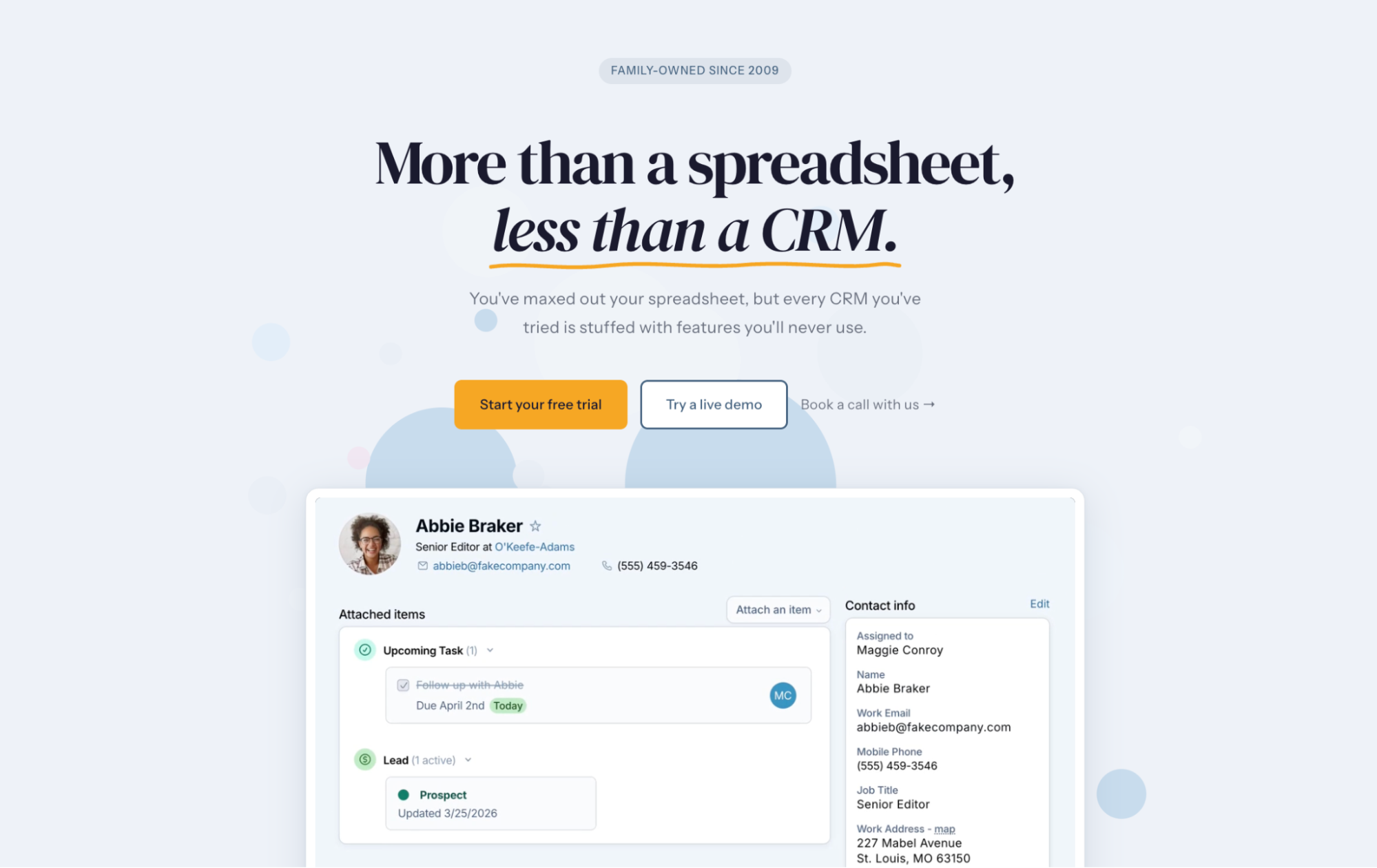
The interface is the cleanest in this category. Contact records and calendar appear alongside tasks and pipeline in a layout that feels more like a notes app than a sales tool. Setup is fast: a new user can have the system working within an hour, with no onboarding session required.
Consistency is what Less Annoying earns its name from. The product hasn't reinvented itself every two years chasing trends, which means a team that learned it in 2020 still recognizes the interface in 2026. That continuity has real value for small businesses that don't want to retrain people on the same tool.
The limitation is depth. Less Annoying works nicely for solo operators and very small teams, but companies that need multiple pipelines, advanced reporting, or any meaningful AI start to feel the ceiling. The product knows what it is, and what it is doesn't include those things.
Pricing: $15/user/month, single tier. No free plan, no usage-based fees.
#3 HubSpot CRM
HubSpot's CRM is the most generous free tier in the basic category. Contact management and basic deal tracking are included with no time limit and no contact cap, plus email integration and meeting scheduling.

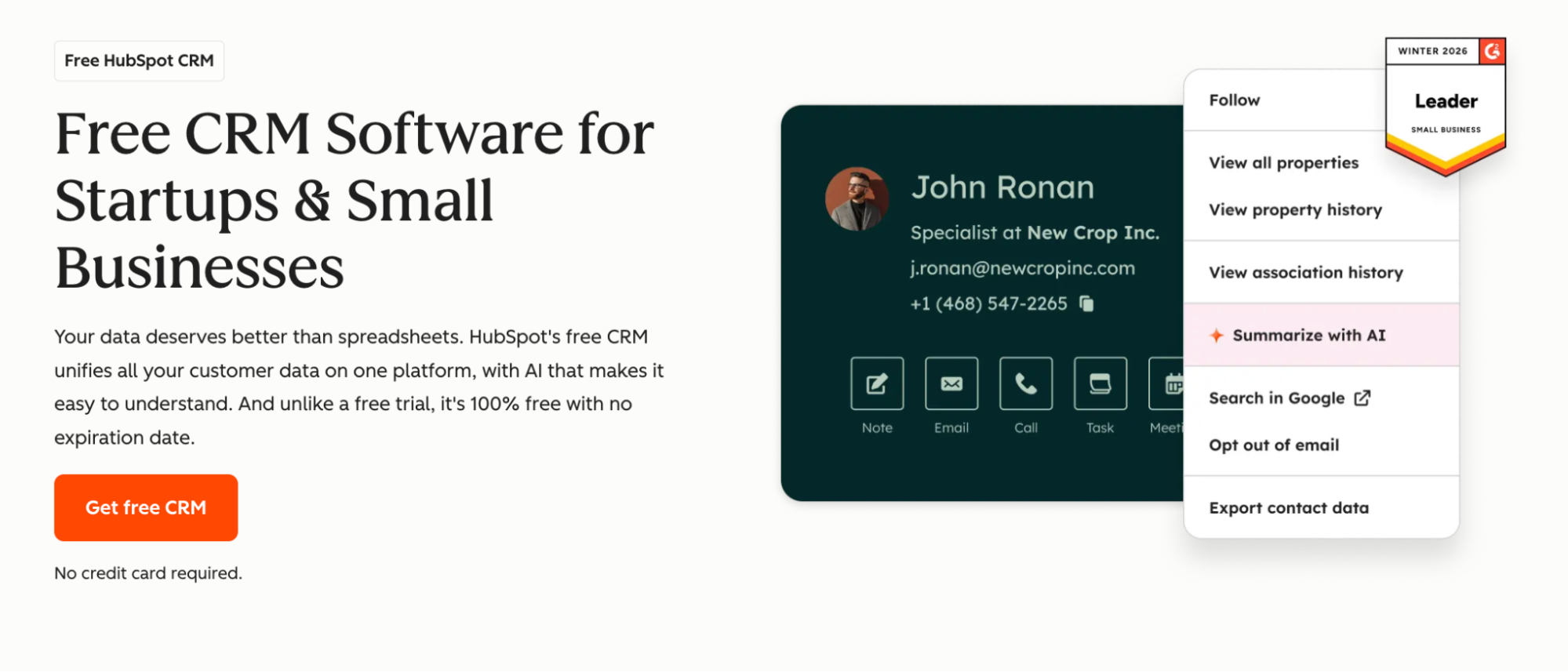
The product is solid at the free level. A small business can run real sales work on HubSpot Free for months, sometimes years, before hitting any wall. The integration with Gmail and Outlook is clean, and the mobile app handles the basics.
The upgrade ladder is what stops HubSpot from staying basic. Features small businesses actually grow into (workflows and AI assistance, plus custom reporting) live behind paid plans that scale aggressively. Sales Hub Professional starts at $100 per user per month plus platform fees. Once a team needs anything beyond the free tier, HubSpot pricing climbs faster than other basic CRMs in this list.
HubSpot Free fits small businesses that want to start with no commitment and can stay within free-tier limits indefinitely. Companies that anticipate needing automation or reporting within a year often save money by picking a paid basic CRM from the start.
Pricing: Free plan available. Paid plans from $20/user/month for marketing features; sales automation requires Sales Hub Professional from $100/user/month.
#4 Bigin by Zoho
Bigin is Zoho's basic CRM offering, built specifically for the buyer who finds full Zoho CRM too complex.

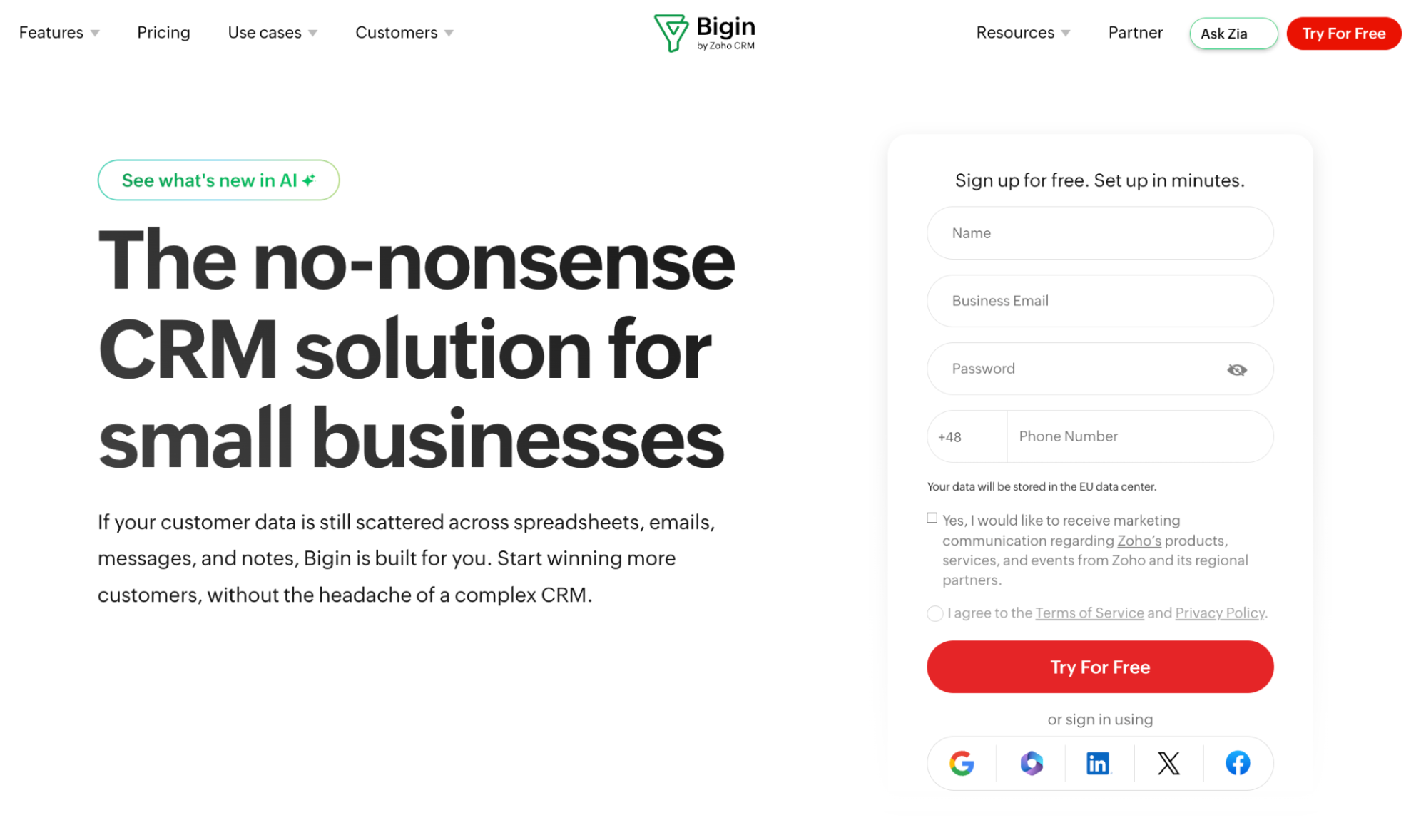
The product covers the core well: contact management and pipeline tracking with basic automation. The interface is cleaner than full Zoho CRM, and the mobile app is one of the strongest in this category. Multiple pipelines come standard on paid tiers, which makes Bigin a good fit for businesses that run a few different sales motions in parallel.
Bigin's natural fit is small businesses already using other Zoho products. The integration across the suite (Zoho Mail and Zoho Books, among others) is tight, and contact data flows cleanly between modules. A business outside the Zoho ecosystem gets less value from this integration story and may find better-fitting alternatives elsewhere in this list.
The limitation is depth, by design. Bigin is intentionally scoped to a basic CRM, so businesses that grow into needing advanced features end up migrating to full Zoho CRM, not expanding Bigin. The migration path exists, but it's still a migration with the usual data hygiene costs.
Pricing: Free plan for 1 user. Paid plans from $7/user/month, billed annually.
#5 Streak
Streak is a Gmail-native CRM that lives inside the inbox. The pitch is direct: if the sales team already works in Gmail all day, the CRM might as well live there too.

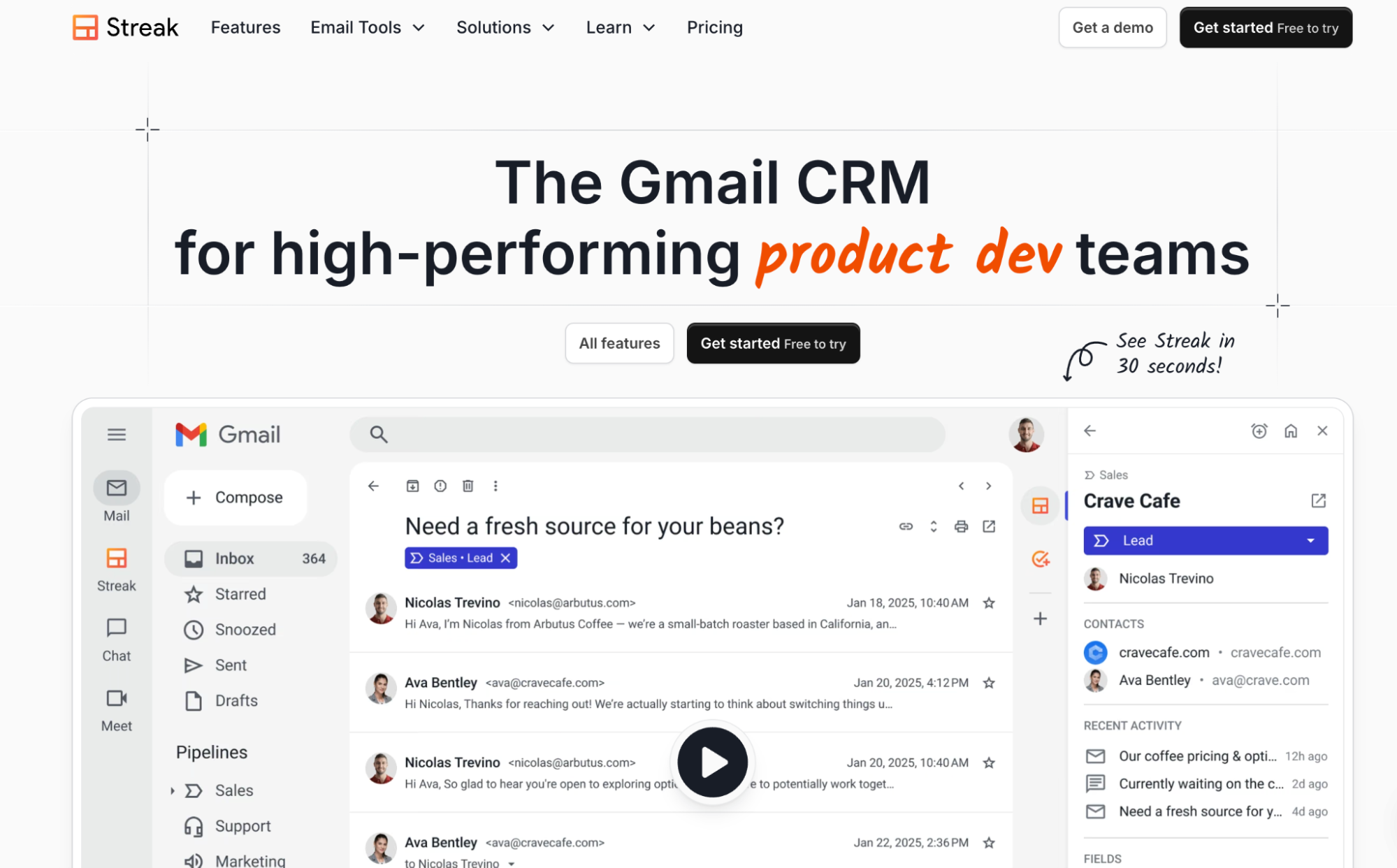
The product treats the inbox as the primary interface. Pipelines appear as rows in Gmail, and contact records open in a sidebar, with deal tracking happening inside the email view. Very small teams that practically live in Gmail get the friction of switching to a separate CRM removed entirely. The recent AI Co-Pilot feature adds automated insights directly into the Gmail workflow.
Streak's strength is also its constraint, though. The product works well as long as the team's workflow is heavily email-based. Companies that take a lot of calls or run complex pipelines find Streak narrower than dedicated CRMs. The recent removal of the free plan also makes it less competitive at the entry level than it used to be.
Pricing: Solo plan from $19/user/month, billed annually. No free plan.
#6 OnePageCRM
OnePageCRM has a sharper workflow angle than most simple CRMs. The product is built around the idea of a “next action,” so every contact should have a clear follow-up attached. That makes it useful for small teams that do not need heavy automation, but do need a stronger sales rhythm than a spreadsheet can provide.

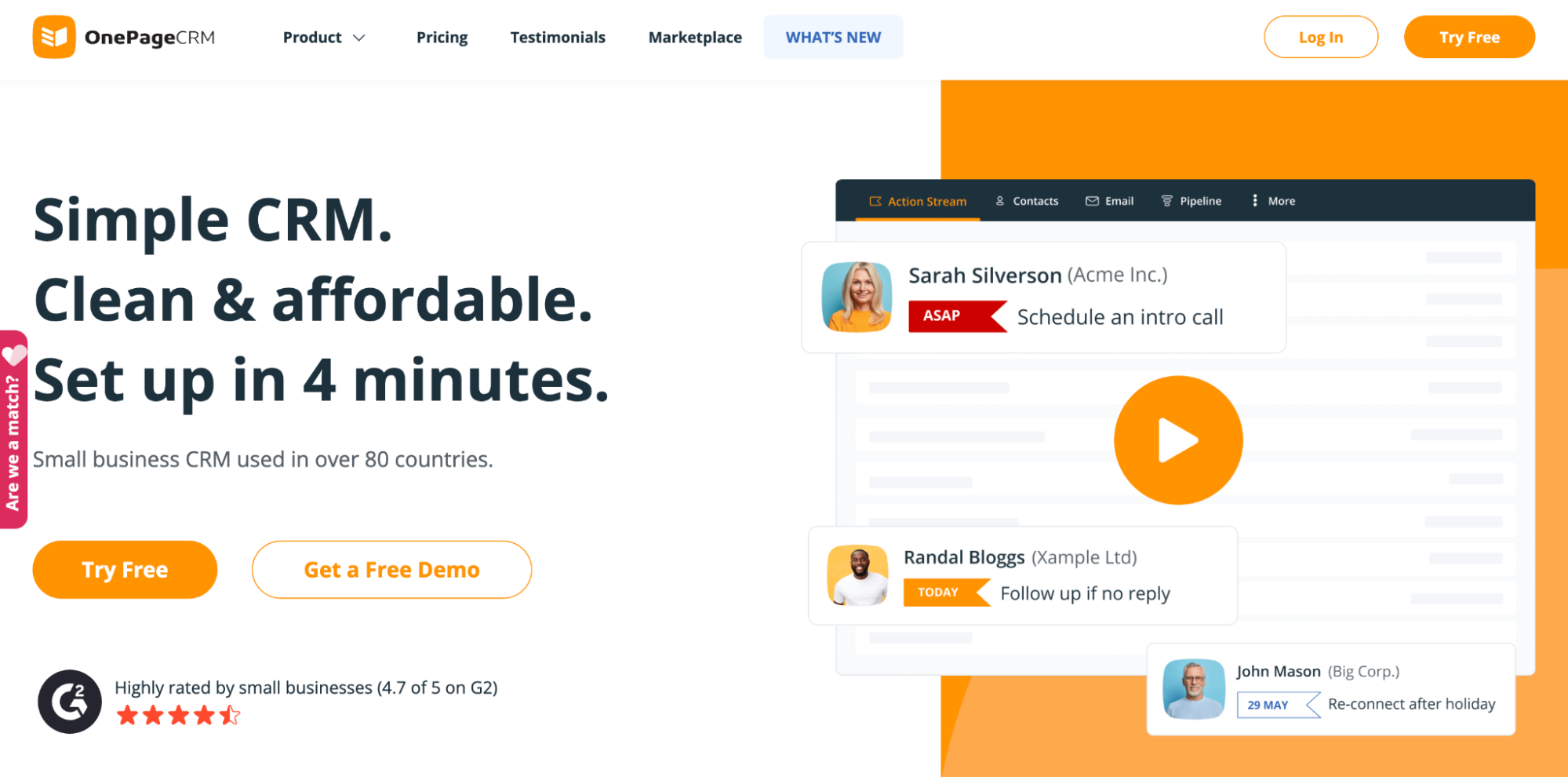
Its best fit is a founder-led or small sales team where deals go cold because nobody knows the next step. OnePageCRM keeps the daily view tight: contacts, deals, notes, email sync, reminders, and follow-up actions. It is well-suited to small teams that do not need advanced automation, but still need more structure than a spreadsheet can offer.
The limitation is that OnePageCRM can feel narrow once the business needs deeper reporting, more complex automation, or a broader operating system around sales. It is strong when the team wants sales discipline without CRM sprawl. It is less convincing when the company wants one platform to handle marketing, service, reporting, and operations together.
Pricing: OnePageCRM says plans start from $9.95/month, with unlimited records and no paid add-ons.
#7 Freshsales
Freshsales is worth adding as the “more capable, still approachable” option. It’s closer to a full sales CRM, but it does not feel as heavy as enterprise platforms.

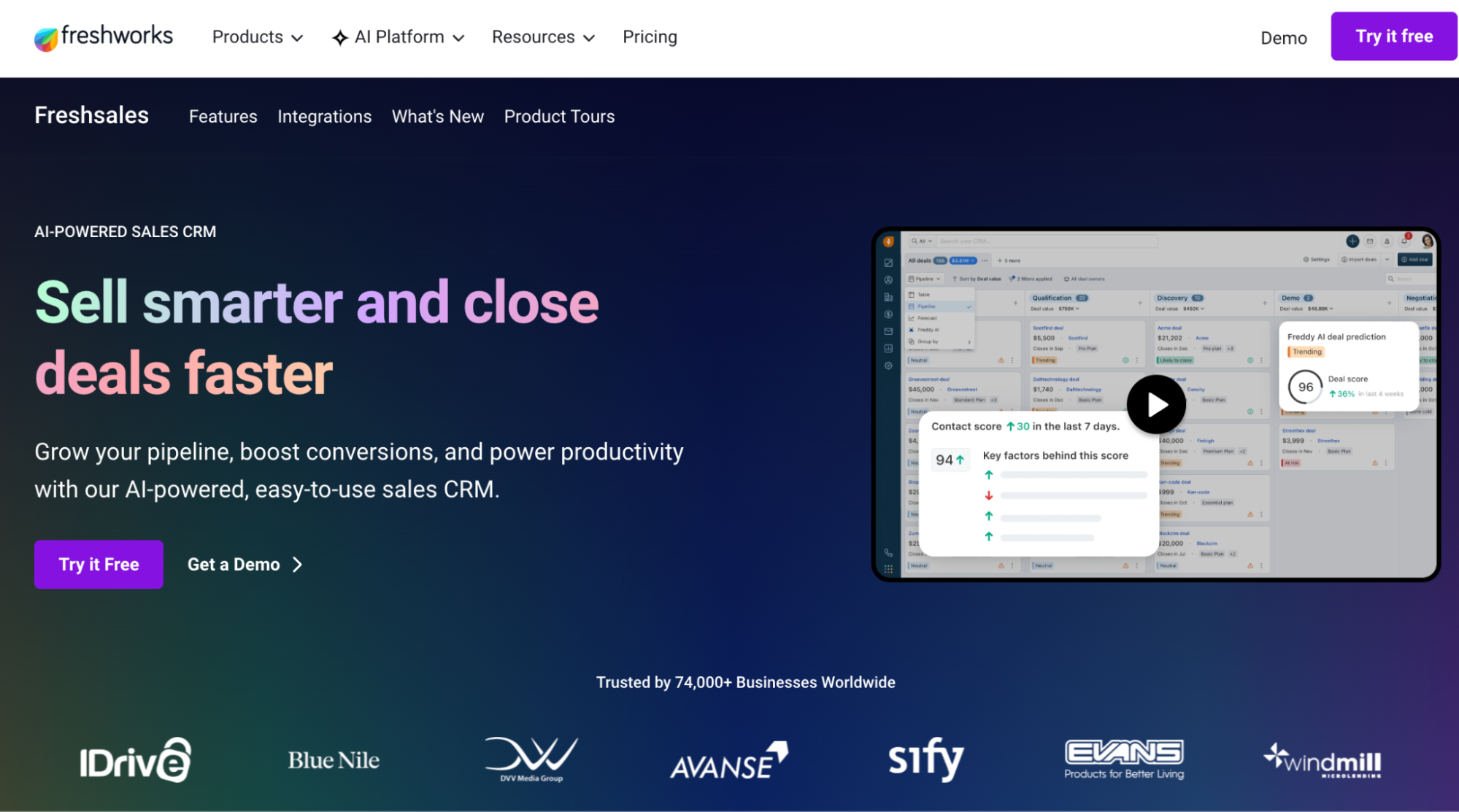
The product covers contact and account management, deal pipelines, tasks, dashboards, and built-in phone tools on its free plan, according to Forbes’ 2026 small business CRM review. Freshworks’ own pricing page also lists a free plan and paid plans starting from $9 per user per month.
Freshsales fits small teams that want a clean CRM with room to grow. The AI layer and add-ons make it more future-proof than the most stripped-down tools, but that also means it may feel like more software than a very small team needs on day one.
The limitation is the same as the strength. Freshsales gives you more products than the simplest CRMs in the list. That works well for teams that want built-in sales features, but it may be unnecessary for a business that only needs contacts, tasks, and a basic pipeline.
Pricing: Free plan available. Paid Freshsales plans start from $9/user/month, with higher tiers and add-ons available.
Why Capsule leads the list for basic CRM
Most small teams do not need a CRM that behaves like mission control.
They need one place to see who they know, what was promised, what is likely to close, and what needs a nudge before it goes cold. That sounds simple, but it is exactly where a lot of CRMs lose the plot. They add layers, gates, dashboards, automations, permissions, seats, limits, and surprise costs until the team quietly drifts back to the spreadsheet.
Capsule wins because it does not confuse “basic” with “bare.” It earns the top spot because it does not try to turn a small business into an enterprise sales department. It simply gives the team a better way to sell.
Try it today.