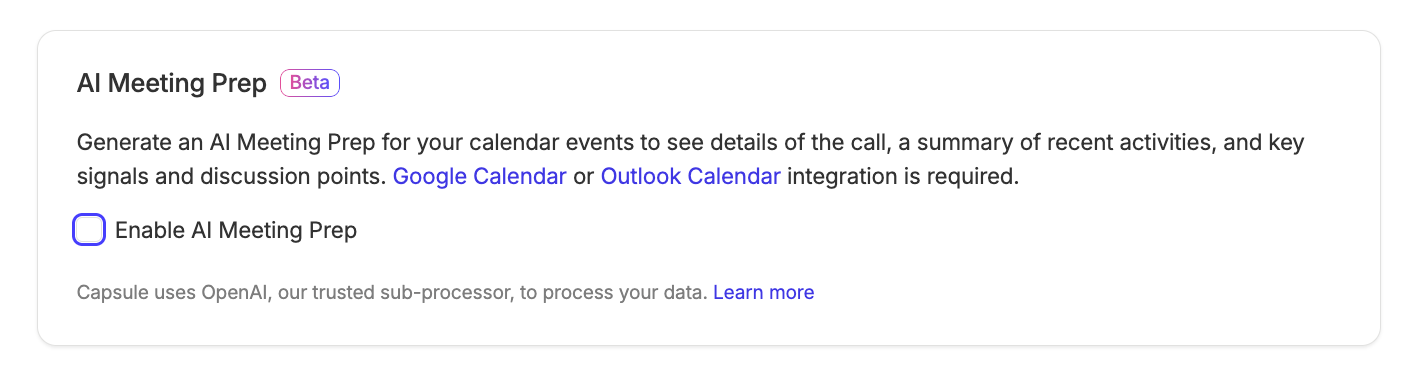
Capsule’s AI Meeting Prep feature helps save precious time by generating an easy-to-use brief for your Google or Outlook Calendar Events. It reviews history, checks engagement and picks out any important signals, doing all of the hard meeting preparation work for you.

How to use AI Meeting Prep
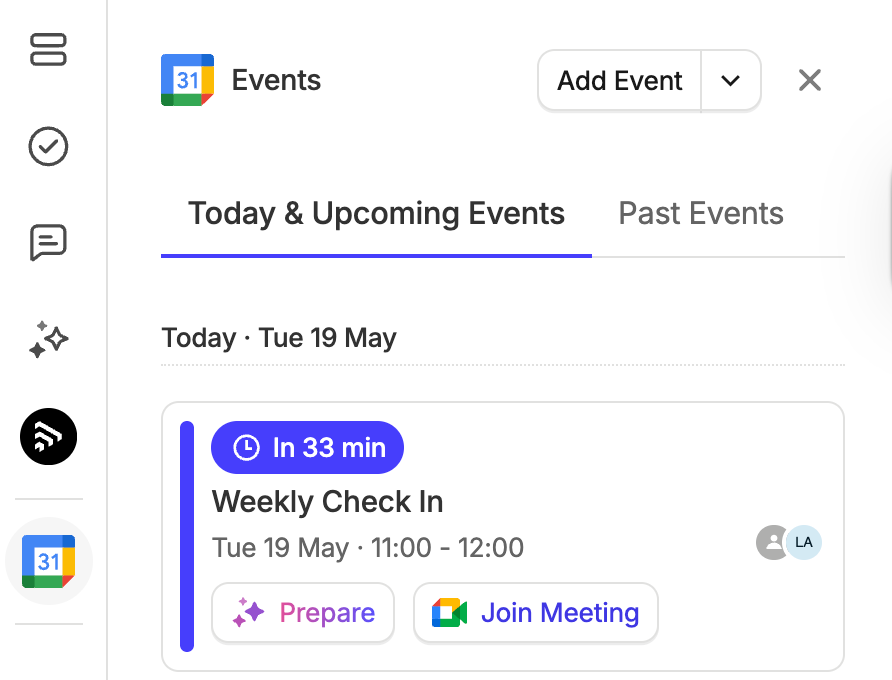
- Find a calendar event happening today or within the next 7 days.
You can view scheduled events on the Home Dashboard, Capsule Calendar, or when viewing an individual Contact. - Next to the event you want a brief for, use the Prepare button

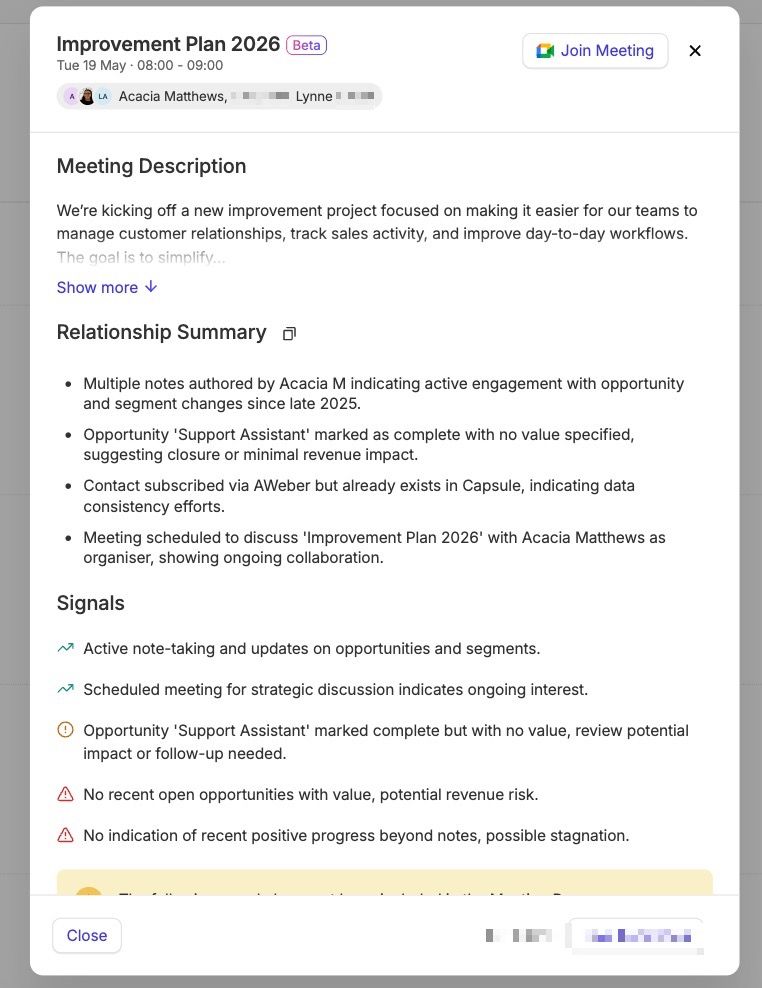
4. This will generate the main details you need to prepare for your meeting, including:
- The Meeting Description - The description of the calendar event.
- A Relationship Summary - A summary of your relationship with the meeting attendee so far.
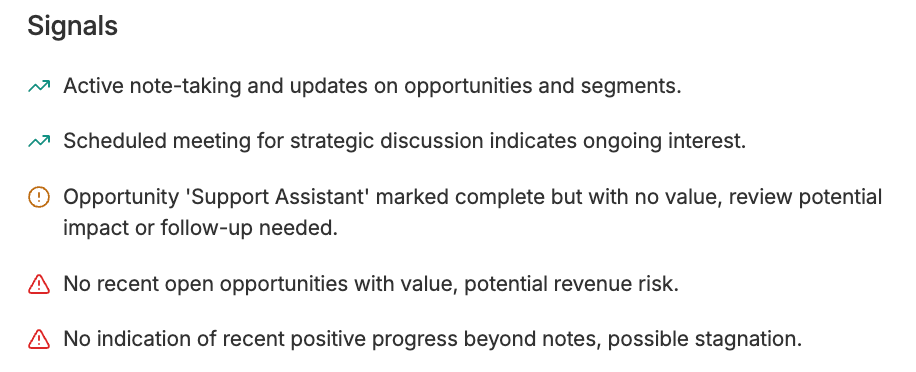
- Signals - Colour-coded indicators to help keep you in the know. You will be able to review:
Green Signals -> Strengths
Amber Signals -> Considerations
Red Signals -> Risks
For full details on how the brief is generated, see How AI Meeting Prep Works.

How does AI Meeting Prep work?
To generate AI Meeting Prep for an event, Capsule uses the 50 most recent activities across the contact and all related opportunities and projects. It also includes up to 10 open tasks per related record (for example, each opportunity or project, etc.). If any enrichment data is available, this will also be included.
Any attendees who are not in Capsule will be excluded from the summary.
Working with Multi-Attendee Events
If there are multiple meeting attendees (people) from the same organization, Capsule will review the last 50 activities on their linked organization record instead.
If the attendees are from different Organizations, it will only look at Capsule data from the biggest organization.
How is my Capsule data used for AI Meeting Prep?
To generate AI Meeting Preps, Capsule will securely share your data with OpenAI, our trusted sub-processor.
What are the quotas for AI Meeting Prep?
Currently, each Capsule account has a total of 20 AI Meeting Preps per user. Find out how to use the feature in this section.
Administrators can also track the usage of AI Meeting Preps in Account Settings > Account and Plan > Usage.
AI Meeting Prep FAQ
Have questions? We’ve compiled the most frequently asked questions below to help you find quick answers and additional details.
Which events support AI Meeting Prep?
- Upcoming events due in the next 7 days
- Time-bound events
- Events with at least 1 external attendee, e.g., at least 1 non-Capsule user
Which events do not support AI Meeting Prep?
- All-day events
- Past events
- Events where all attendees use the company domain of your capsule account
Are the briefs shared?
No, each Capsule user gets their own brief per event. For example, if one user uses AI Meeting Prep, this does not stop a different Capsule user from using it on the same event.
For more details on how many times it can be used, read our AI Meeting Prep Quotas section.
Can I regenerate a brief?
You can only use AI Meeting Prep once per event. The brief cannot be regenerated.
How to disable AI Meeting Prep
Administrators can choose to disable AI Meeting Prep if needed. To do this:
- In Capsule, go to Account Settings
- Click on Capsule AI
- Under the AI Meeting Prep section, untick the check box for "Enable AI Meeting Prep"
- Save your changes