
Maintenance-plan customers are worth 2.4 to 3.1 times more over their lifetime than one-time repair calls, and service agreements now bring in more than half of all HVAC service revenue.
The money in HVAC lives in the relationship: the contract that renews, the system you replace in year 12, or even the referral next door. Most of these tools are built to run the job. Holding the relationship is the other half of the work, and it's where a relationship tool pays off.
Our new guide ranks the best HVAC CRM and field-service software for 2026, covers what to look for, and shows how the right tool turns contracts or seasonal upsells into a system you can run.
The math behind the relationship in HVAC companies
The case for a relationship tool is in the numbers.
The average customer's lifetime value runs around $15,000, and a loyal maintenance-plan household can top $20,000 across a 15-year equipment cycle. Every dollar of contract value pulls through roughly two more in repairs and replacements. Winning back a lost customer costs five to seven times what keeping one does, and a 5% lift in retention can swing profit by 25% to 95%, by the long-cited Bain figure.
Run it on a single account: a $300-a-year maintenance plan, two tune-ups, a compressor repair in year four, a full replacement near year eleven, and a couple of referrals. That one relationship clears five figures. A tool that stops one renewal from lapsing, or flags one aging system for a quote, pays for itself in a season.
That's the leverage a relationship layer adds on top of the work. Spend an hour a week on renewals and that hour quietly becomes the highest-paid time in the building.
What to look for in an HVAC CRM software
Before comparing tools, get clear on what an HVAC CRM has to do. The day-to-day is field service; the long game is the relationship. The best HVAC CRM software covers both, or pairs cleanly with a tool that handles the other half. Look for these capabilities:
- Service history by address and equipment. Every visit, part, and system tied to the property, so any technician sees the full job history before they knock.
- Contract and renewal tracking. Track agreement start and end dates, with automatic reminders before anything expires.
- A pipeline for upsells and replacements. Repair-to-replace quotes tracked like the deals they are.
- Scheduling and dispatch. Jobs assigned and routed, with a mobile app the crew uses in real-time.
- On-site invoicing and payments. The technician closes the job and sends an invoice from the field.
- Accounting sync. A clean handoff to your accounting software for the books.
- Light inventory and parts notes. Basic inventory management, so a tech isn't guessing what's on the truck.
A small residential shop and a commercial HVAC operation weigh these differently, but the spine is the same. Get the contact record right and everything else - the history, the reminders, and the reporting - has something solid to stand on. Skip that foundation and even the strongest tool stays half-empty.
The best HVAC CRM and field-service software
No single tool wins for everyone, so the best pick depends on your size and what you already run. Here are options worth shortlisting, starting with the relationship layer and moving through the field-service platforms.
Capsule: best for the customer relationship
Capsule is the relationship tool in this lineup, built for the contracts, upsells, and lifetime-value side that field-service tools tend to leave thin.

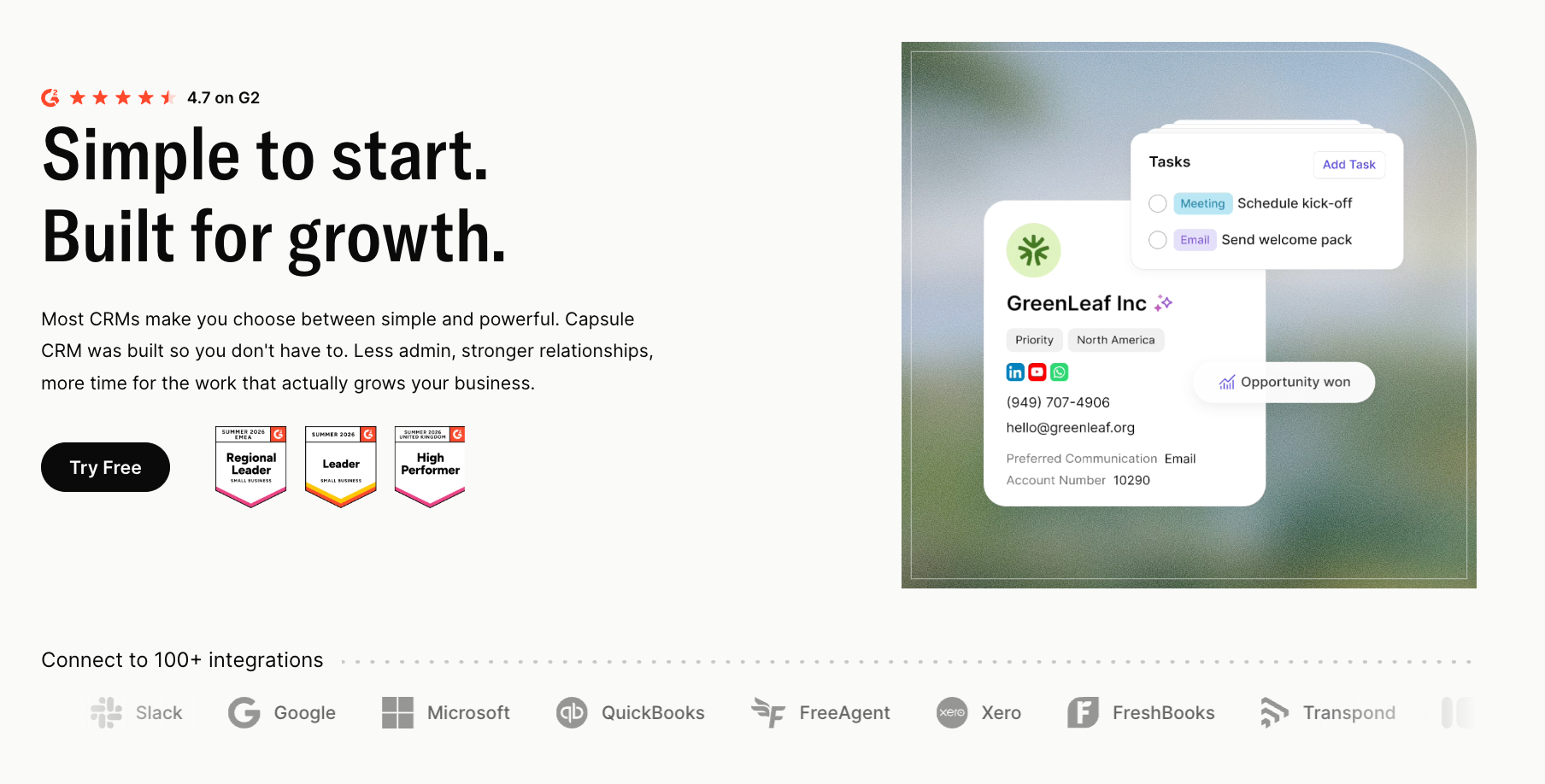
Store each customer by service address with custom fields for equipment type, install date, and contract dates. Tracks turn renewals and seasonal tune-ups into task sequences that fire on schedule, replacements run through a sales pipeline, and the reports show retention and lifetime value by segment.
- Best for: the multi-year customer relationship, contract renewals, and the upsell pipeline.
- Pricing: free for two users and 250 contacts; paid plans from $18, with the AI-equipped Growth plan at $36 per user per month.
- Watch for: it's a relationship CRM, so pair it with a field-service tool for scheduling and dispatch.
Many service businesses run Capsule next to a field-service platform, letting each do the part it's best at. The contract reminders, seasonal upsell campaigns, and lifetime-value reporting are the work this layer was made for. It also connects to a marketing tool through Transpond, so campaigns run from the same contact list that holds the service history.
Housecall Pro: best for residential service operations
On the job side, Housecall Pro is one of the most popular field-service platforms in home services. It handles scheduling, dispatch, a strong mobile app, on-site invoicing, and payments, with a Bluon integration aimed at HVAC parts lookups.

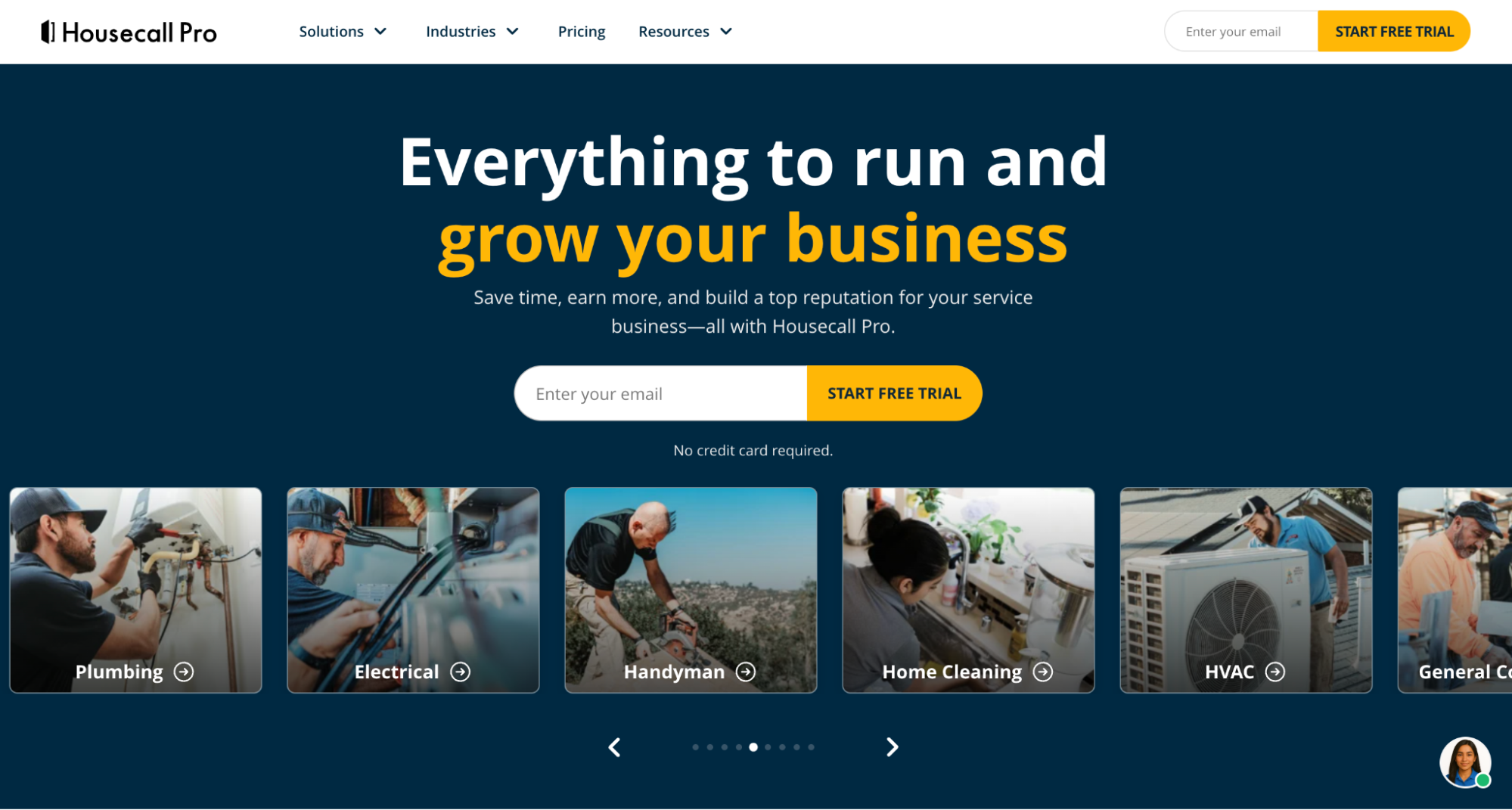
- Best for: residential HVAC, plumbing, and electrical shops with 1 to 15 people.
- Pricing: Basic from $59 per month for a single user, Essentials at $149, and MAX from $299, with no contract.
- Watch for: QuickBooks and GPS land on higher tiers, and add-ons can push the real cost well past the headline price.
Housecall Pro covers the operational core well. The relationship and contract pipeline is where a dedicated tool still adds value on top. Onboarding is quick, and the customer-facing touches - online booking, reminders, and review requests - are polished.
Jobber: best value for small home-service teams
Jobber has built its following on price and ease. Quoting, scheduling, invoicing, and a client hub come in a clean package, and its mobile app is the one feature nearly every reviewer praises.

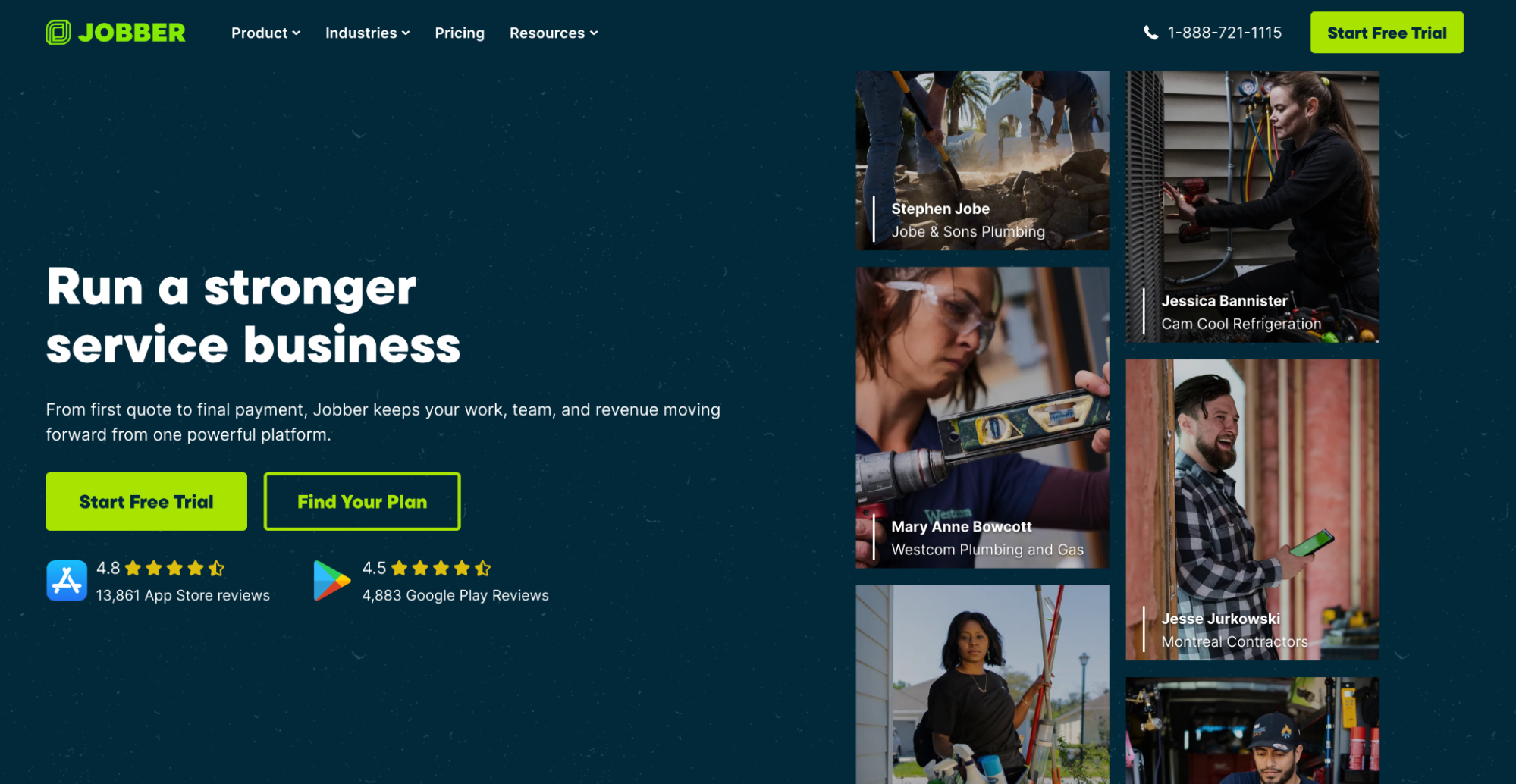
- Best for: owner-operators and small crews of 1 to 15.
- Pricing: Core from $49 per month, Connect at $129, Grow at $249, billed by tier and user count.
- Watch for: per-user costs climb as you scale, and a growing shop with complex service agreements can outgrow it.
Jobber suits a shop that wants simple operations fast, with the relationship side handled in a separate tool. Many teams are live within a week, and the client hub lets repeat customers book themselves.
ServiceTitan: best for large, multi-location HVAC
ServiceTitan is built for the enterprise end. It's a deep field-service platform with advanced dispatch, inventory, and reporting made for bigger operations.

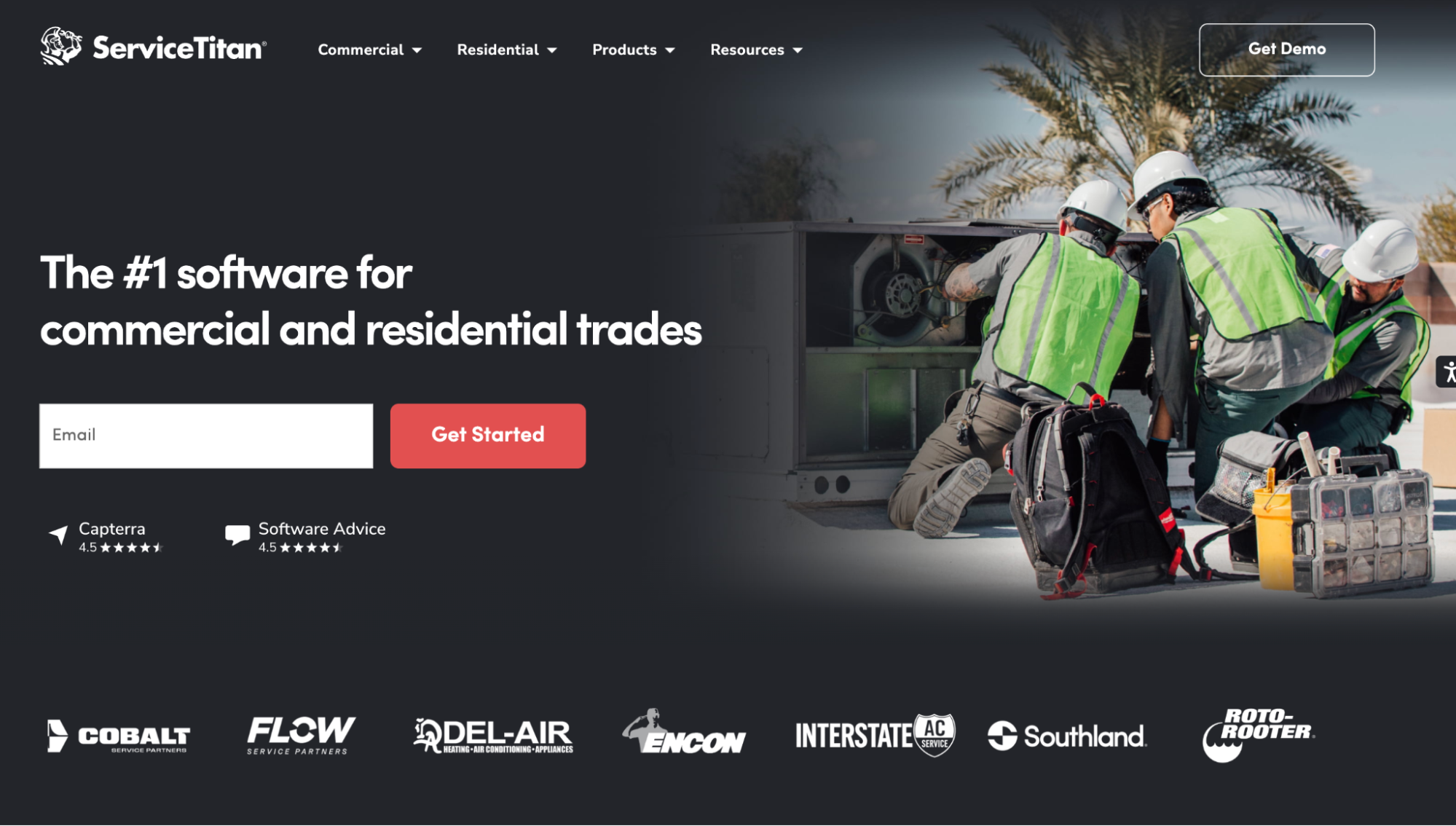
- Best for: large or multi-location HVAC companies with 20-plus technicians.
- Pricing: custom, commonly $245 to $500 per technician per month, on a 12-month contract.
- Watch for: the cost and the lock-in, including documented termination fees. It's overkill for a small shop.
Powerful at scale, heavy for a two-truck operation. The depth is real, with inventory, financing, and reporting that bigger operations lean on, though the setup runs into weeks.
FieldEdge: best for HVAC-specific workflows
FieldEdge is built specifically for HVAC and plumbing contractors, so the workflows speak the trade's language: service agreements, a dispatch board, equipment and service history per customer, and a deep two-way QuickBooks sync.

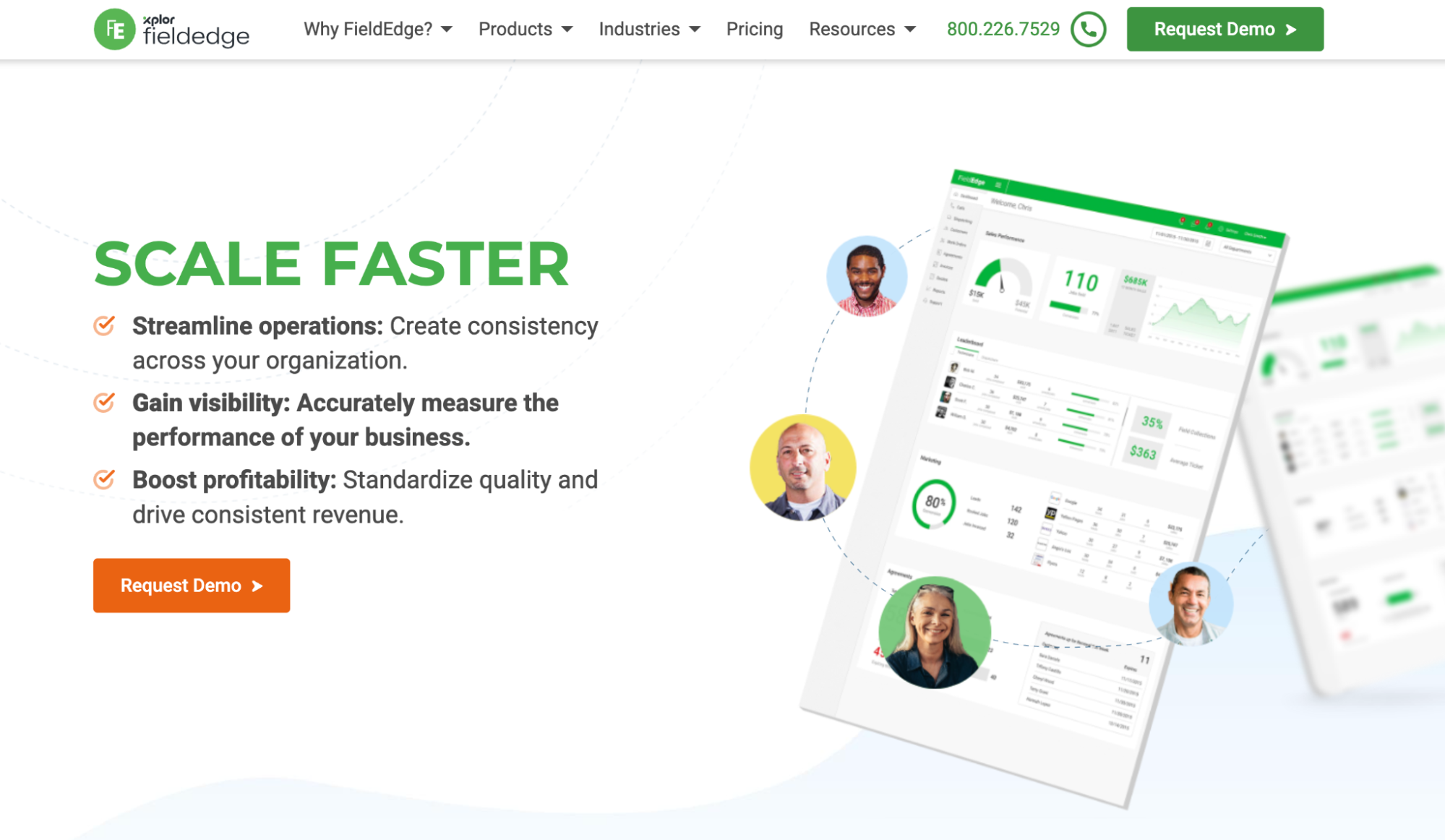
- Best for: established HVAC contractors who want trade-specific features.
- Pricing: roughly $100 to $125 per user per month.
- Watch for: higher per-user cost, and an interface some users find dated.
A strong fit when HVAC-specific operations weigh more than a low entry price. For a shop that wants its software to think in service agreements out of the box, the trade-specific fit is the draw.
Workiz: best for phone-driven HVAC businesses
Workiz wraps a field-service platform around a built-in phone system, so call tracking and lead attribution are first-class. For phone-first shops, improving the call experience can have a direct impact on new business.

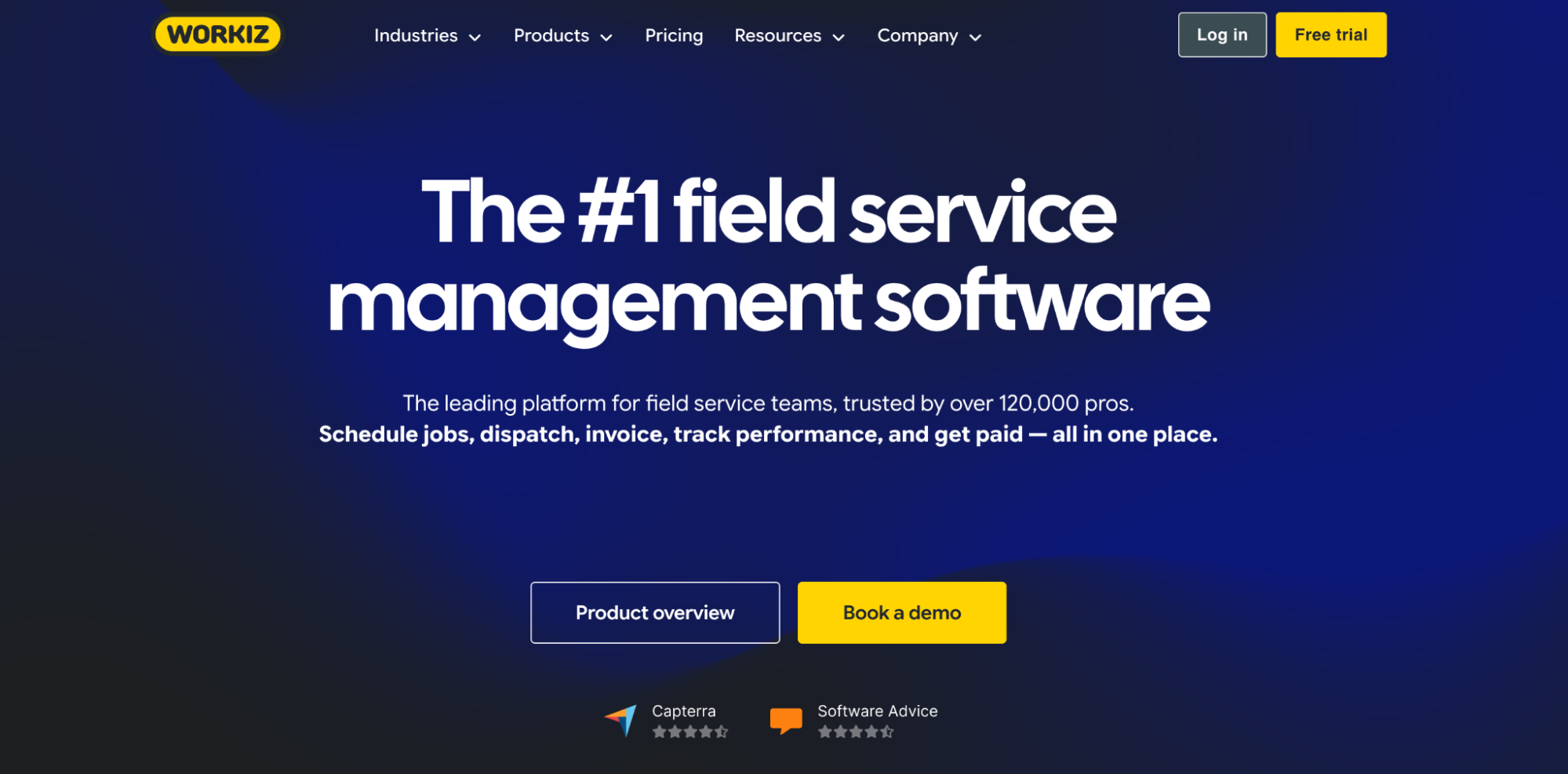
- Best for: call-heavy home-service businesses.
- Pricing: a free Lite plan for up to two users, with paid Standard and higher tiers.
- Watch for: the call-centric design adds less if phones aren't your primary lead source.
Workiz rounds out the lineup for teams that live on inbound calls. The built-in dialer, caller ID, and campaign tracking turn the phone into a measured channel.
Contracts and seasonal upsells: where the relationship pays
A relationship layer earns its keep in two places: contract renewals and seasonal upsells.
1. Contract renewals
Maintenance agreements create recurring revenue, but only when they renew.
- Store every agreement with its start date, end date, and covered equipment.
- Set renewal reminders 60 days before expiry.
- Keep a rolling list with this month’s renewals first and next month’s close behind.
- Tag each account with equipment age to spot replacement opportunities early.
That makes renewals easier to manage before they become urgent.
2. Seasonal upsells
Weather drives demand, and the shoulder seasons are where extra work is often hiding.
- Segment customers by equipment type, install date, and last service.
- Send AC tune-up reminders in March, before cooling demand picks up.
- Run furnace safety-check campaigns in September, ahead of colder weather.
- Offer replacement quotes to customers with systems older than 12 years.
One shop sent a spring campaign to every customer with a unit more than eight years old and booked a month of tune-ups in a week. The list was already there; the offer just needed a reason and a date.
Repeat that process four times a year, and the slow months start looking a lot LESS slow.
HVAC CRM vs field-service software
It's worth being clear on the two categories, because the labels blur.
Field service management software like Housecall Pro and Jobber runs the job: scheduling, dispatch, the technician's mobile app, and on-site invoicing.
A relationship tool like Capsule runs the customer: the multi-year relationship, the contract pipeline, and the lifetime-value reporting.
Some field-service tools include light customer records, and some CRMs add light scheduling, so the edges overlap. For a small operation, one tool may cover enough.
As the book of maintenance agreements grows, many HVAC companies run both, a field-service platform for the work and a relationship tool for the customer. That stack covers the full arc from lead generation to job completion, and each tool does what it's best at. Pairing a relationship-focused system with a field-service platform gives a growing shop the operations and the long-game customer view together, with a clean handoff between them. The data syncs once, then both tools stay current on their own.
How to choose the best HVAC CRM for your business
The right HVAC CRM depends on your team size, service mix, and how your business operates day to day.
Use this checklist to narrow it down.
- Does it store service history by address and equipment?
- Can it track maintenance agreements, renewals, and upcoming expirations?
- Does it integrate with your field-service and accounting software?
- Will it reduce double entry for office staff and technicians?
- Is it simple enough for a busy crew to use every day?
- Can it support your current setup without adding unnecessary complexity?
- Will it still work when you add more vans, technicians, or agreement customers?
- Does it fit the way your team already schedules and manages customers?
- Can you test it with a real workflow before committing?
- Does it work as part of your existing stack?
There is no universal best HVAC CRM. A two-van residential shop may only need a field-service platform for scheduling plus a lightweight relationship tool for renewals and follow-up. But then, a larger business with several technicians and a substantial maintenance-agreement base may need a more robust CRM layer, either within an enterprise platform or as part of a best-of-breed stack.
Start by mapping how your team works today. Then shortlist a few options, test them against real jobs and customer records, and choose the one your team will actually use.
The revenue hiding in your HVAC customer base
The HVAC companies that win keep their customers for fifteen years. That's a relationship problem, and the right software makes it manageable: contracts that renew, upsells timed to the season, service history at every technician's fingertips, and a clear number on what each customer is worth.
In this lineup, Capsule is the relationship layer. It gives you a clearer view of each customer while your job system handles the daily work.
Start with the free plan and put your customer relationships on the same footing as your trucks. The trucks bring the revenue in once; the relationship brings it back, year after year.
HVAC CRM FAQ
There's no single best CRM for HVAC companies. The right pick depends on size and service mix. Capsule is strongest for the customer relationship management side: contracts, upsells, and lifetime value. Field-service platforms lead for scheduling and dispatch, and enterprise tools fit large multi-location operations.
Maybe. Field-service platforms include light customer records that cover a small operation. As your book of maintenance agreements grows, a dedicated CRM system adds the renewal pipeline and segmentation those tools weren't built for. Many growing service shops run both.
Field service management software runs the job: scheduling, dispatch, technician routing, and on-site work like sending an invoice and HVAC estimating. A CRM runs the customer: the multi-year relationship, contracts, and sales pipeline. They solve different problems and work side by side.
Yes. It stores each agreement with its dates and covered equipment, then fires reminders before renewal, so none lapse. That contract retention is the single biggest driver of HVAC profitability.
Yes. Small HVAC businesses often get the most from a light tool, because every lost renewal hurts more. A free plan lets a one or two-person shop start at no cost and grow your business from there.
It ranges widely. A relationship tool can start free and run about $36 per user on paid plans. Field-service platforms run from roughly $49 per month for a small crew to $245 or more per seat at the enterprise end. Match the spend to the size of the operation and the value of the contracts it protects. The cheapest option the crew will use beats the most powerful one they avoid.
Usually not. The two solve different jobs, so many shops keep both: the field-service tool for scheduling and the day's work, and the relationship tool for the customer, contracts, and reporting. They share data through an integration or a sync, so nobody re-keys the same job into two systems.