
Law firms that track leads in a CRM convert 47% more of them than firms relying on inboxes and sticky notes. The reason is simple: many prospective clients hire the first attorney who responds, and a stack of voicemails cannot keep follow-ups on track. A CRM can.
CRM isn’t usually the first thing attorneys think about when choosing new software. But the client relationship starts long before a matter opens. It starts with an enquiry, then the callback, the consultation, and the follow-up that determines whether someone hires your firm or looks elsewhere.
Today, we review seven CRM options, from flexible general-purpose tools to platforms built specifically for law firms.
What is a legal CRM?
A legal CRM helps law firms manage prospective clients before they become active clients.
It keeps enquiries, calls, consultation notes, documents, and follow-ups in one place. Instead of relying on shared inboxes or spreadsheets, the team can see:
- who contacted the firm
- where they are in the intake process
- who owns the next step
- when to follow up
General CRMs can handle contacts and pipelines. Legal-specific tools go further with features such as conflict checks, intake forms, retainer e-signatures, and connections to practice management software.
Why law firms need a CRM
Faster replies help firms win more clients
Speed matters early in the client journey.
In Clio’s 2024 mystery-shopper study, only 33% of firms replied to an email enquiry, and just 40% answered the phone. Nearly half were effectively unreachable by phone.
That leaves a wide opening for firms with a better intake process. A CRM gives each new enquiry an owner and records the first response. Instead of relying on a returned voicemail, the team works from one queue.
Follow-up is where many enquiries disappear
Most enquiries need more than a quick callback. Clients often need time to book a consultation or review a retainer before they are ready to move forward.
A CRM keeps those conversations moving. It gives anyone on the team enough context to pick up the thread. That is important when attorneys are in hearings, intake staff are busy, or the original person is out of the office.
Better data makes intake easier to fix
A CRM also shows what happens after an enquiry arrives.
You can track how long the first response takes, which channels bring signed clients, and where people drop out. That gives the firm a practical way to improve intake over time.
The numbers are worth watching. Clio found that 79% of potential clients expect a response within 24 hours. When a firm misses that window, it risks losing the client before the consultation even begins.
The right CRM can be a full legal platform or a lighter tool alongside your case-management system.
The best CRM software for attorneys in 2026
We've ranked several tools by how well they fit different kinds of practices, from solo shops to large law firms.
1. Capsule
Capsule is the option to start with if you want an affordable CRM tool and don't need a full legal operating system. It's a general-purpose CRM instead of a full legal practice suite, and for many small firms that's the appeal.

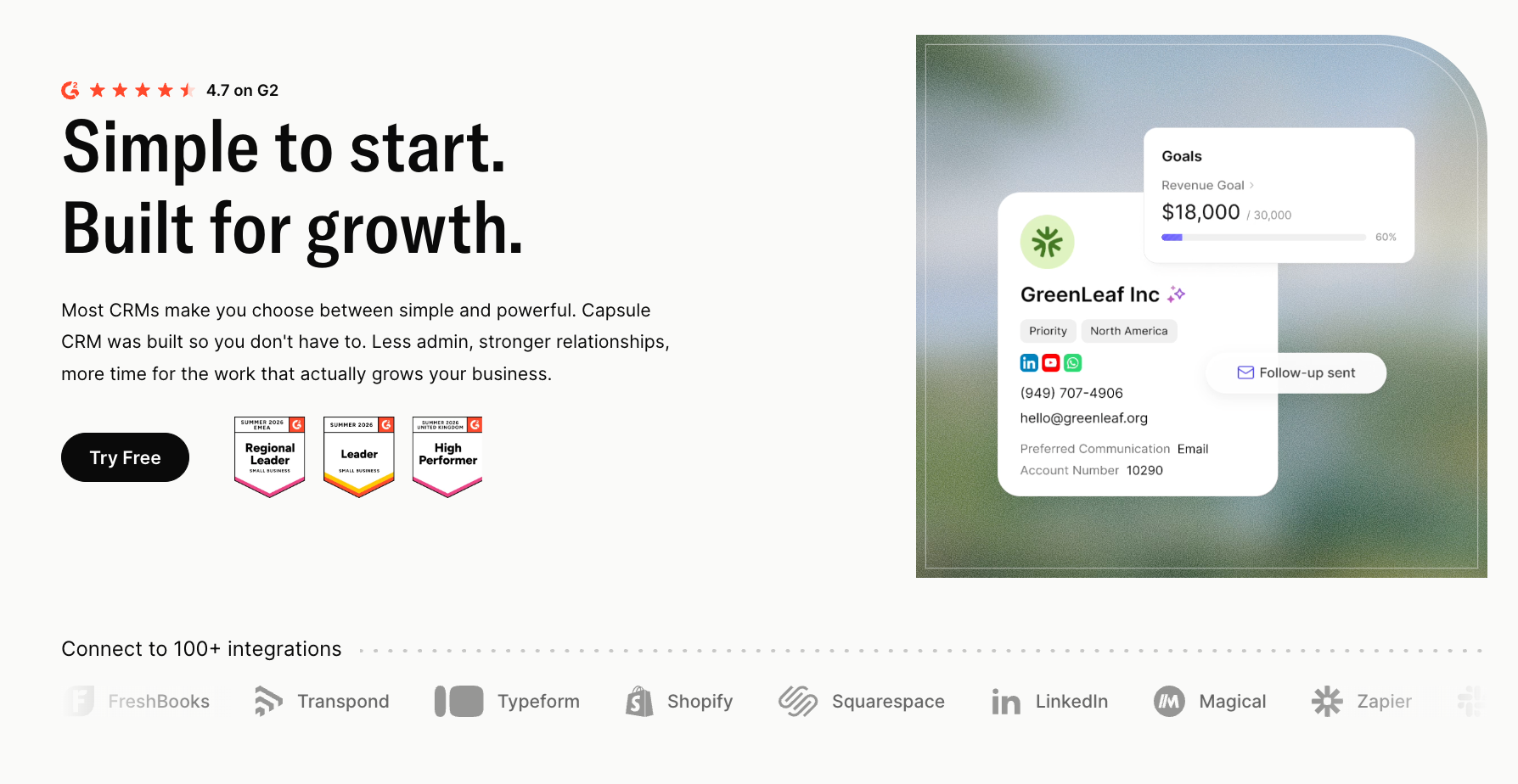
Best for: solo lawyers and small law firms that want a simple client management system.
Key features: a drag-and-drop sales pipeline you can relabel as an intake pipeline, 360-degree contact records, Tracks for repeatable follow-up sequences, and AI tools that draft emails and summarize histories.
Capsule connects to 60+ apps including Google Workspace, Microsoft 365, Mailchimp, and accounting tools, so an attorney can use it as the relationship hub and route work elsewhere. It centralizes client data the way a busy practice needs.
Pricing: a free plan covers 2 users and 250 contacts. Paid plans run $18 (Starter) and $36 (Growth) per user per month, with a 14-day trial.
Why it works: it's the flexible, low-cost choice for a firm that wants order in its pipeline before it commits to a heavyweight legal platform. You won't get native conflict checks or trust accounting, so confirm that gap matches your practice.
2. Clio Grow
Clio Grow is the intake and CRM half of Clio, the most widely adopted name in legal software.

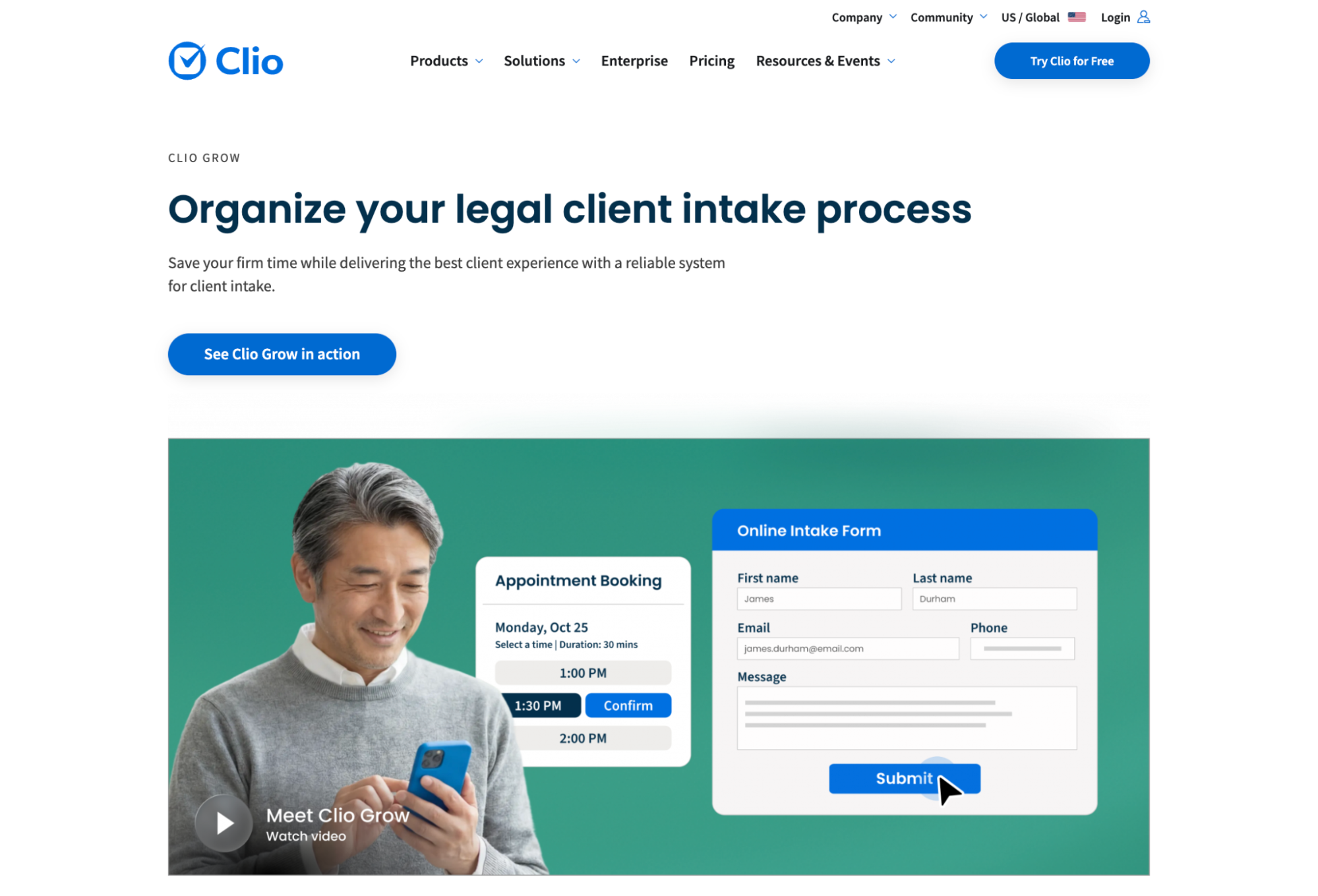
Built specifically for law firms, it ties client intake directly to Clio Manage, Clio's legal practice management software, so a signed lead becomes an open matter with no re-keying.
Best for: firms already on Clio Manage that want intake and matters in one ecosystem.
Key features: customizable intake forms, appointment scheduling, automated welcome workflows, retainer e-signatures, and a clean pipeline from first inquiry to engagement. The handoff into Clio Manage is the tightest native integration in the category, which is why 150,000+ legal professionals run on the Clio platform.
Pricing: Clio Grow is $59 per user per month as an add-on to Clio's Essentials and Advanced plans, and it's bundled into the Complete plan at $149 per user per month.
Why it works: the intake-to-matter pipeline is seamless when both halves share one database. The trade-off is ecosystem commitment, since Clio Grow makes little sense away from Clio Manage.
3. Lawmatics
Lawmatics is the marketing and intake powerhouse among legal platforms, created by the founder of MyCase.

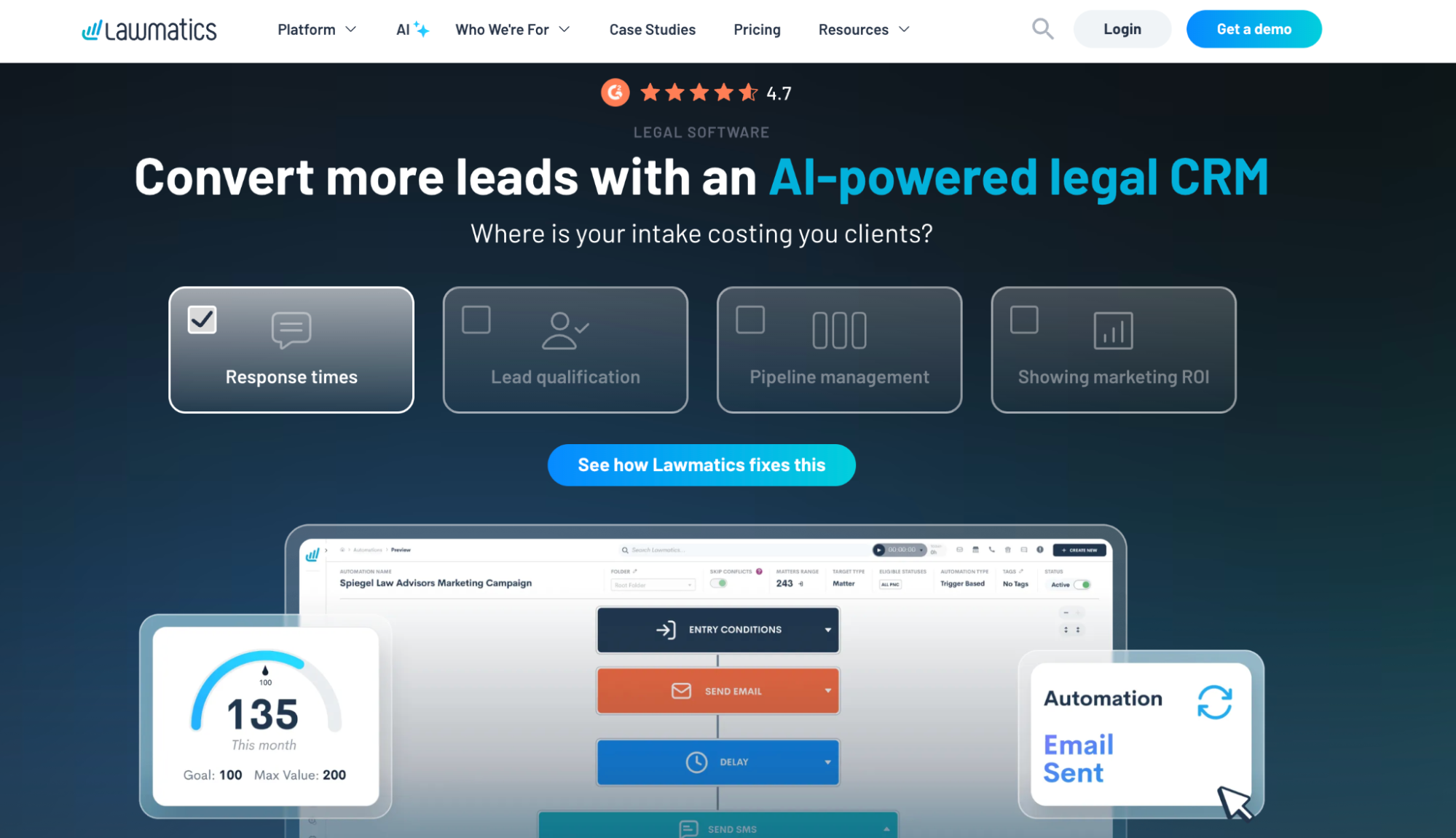
It focuses on the entire front of house, from first click to signed retainer, with the deepest automation in the category.
Best for: growth-minded firms where client acquisition and law firm marketing are the priority.
Key features: speed-to-lead automations that fire the moment a form is submitted, AI-assisted email drafting, drip campaigns, and ROI tracking that ties each signed client back to a marketing channel. Lawmatics helps firms manage leads at volume, with SOC 2 and HIPAA-attested security for sensitive intake.
Pricing: plans start around $149 per user per month with a three-user minimum and an annual commitment, so a small team's real first-year cost runs into the thousands.
Why it works: the automation depth is hard to match for firms that want to nurture leads automatically. Budget for the learning curve and an admin to run it well.
4. Law Ruler
Law Ruler is a legal CRM built for high-volume intake, the kind personal injury, mass tort, and criminal defense practices live on.

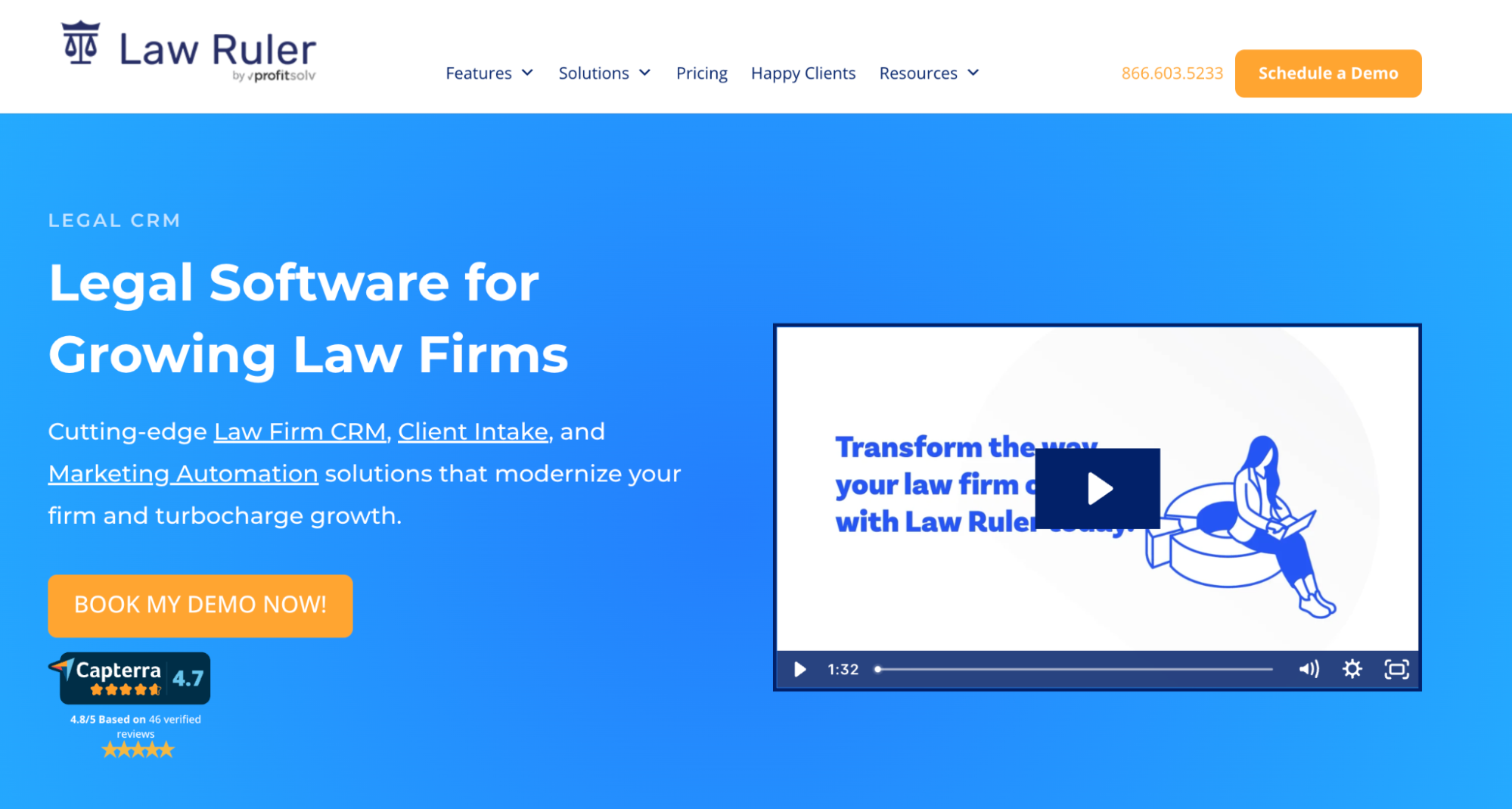
A ProfitSolv company, it leans into multi-channel lead capture and aggressive follow-up.
Best for: intake-heavy firms looking to convert large volumes of inbound leads fast.
Key features: customizable drip campaigns across email and text, call tracking, online intake forms, e-signature, and dashboard analytics that show which marketing source produced each signed case. The platform works well for firms that compete on speed of response.
Pricing: the platform uses quote-based pricing, so you'll request a demo and a custom quote; there's no plan to pick off a page.
Why it works: built for intake at scale, it shines for practices with steady inbound volume. A boutique firm with a handful of inquiries a month may find the toolset heavier than it needs.
5. MyCase
MyCase pairs practice management with a CRM, so client intake and active matters live on one platform.

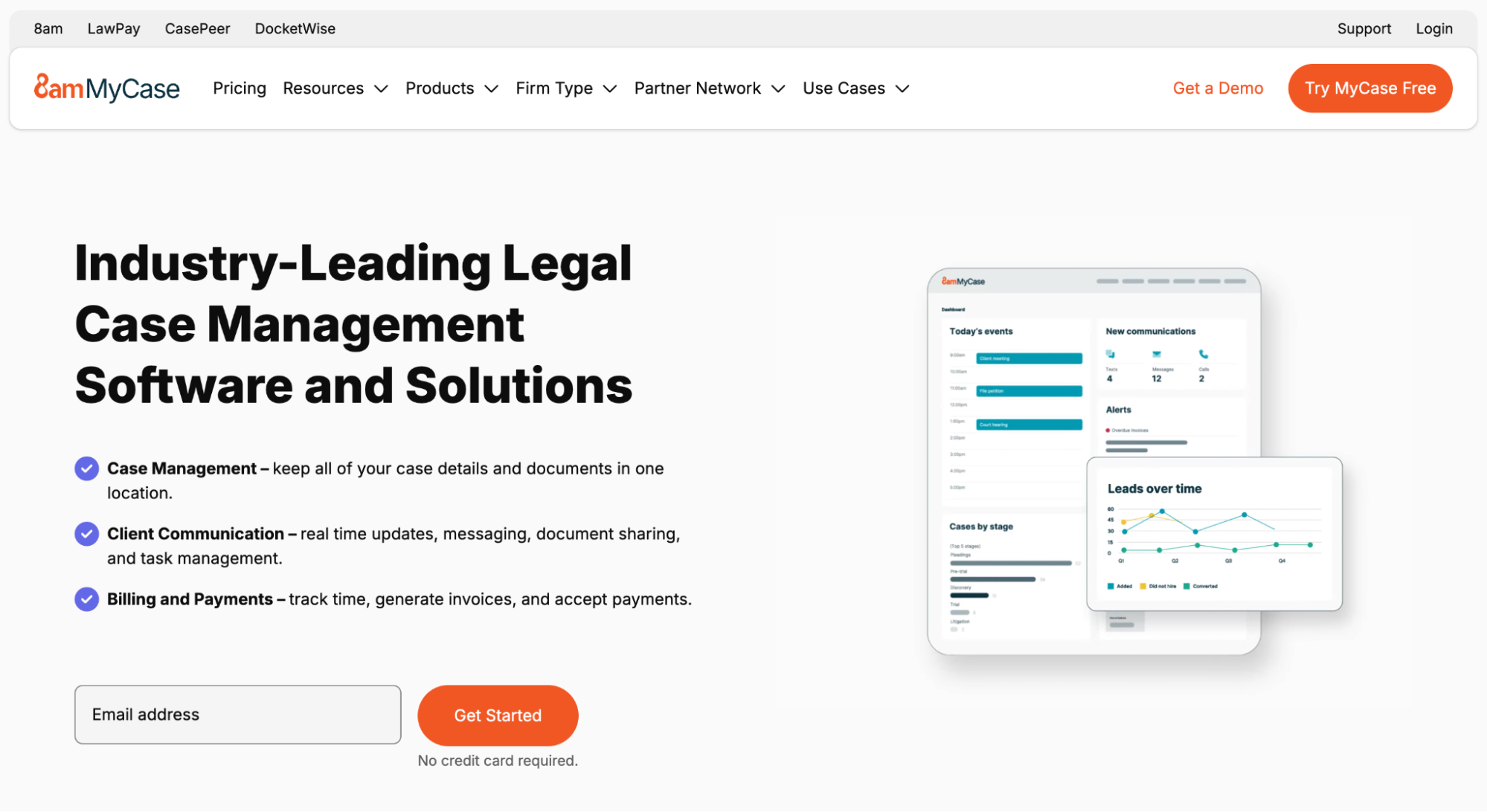
It suits firms that want to run the whole matter lifecycle, including longer client journeys like immigration, in a single system.
Best for: firms that want to manage intake and active matters with no second subscription.
Key features: native conflict checking, intake forms, a client portal for secure client communication, document management, billing, and reporting. Because intake and matters share one database, a converted lead carries its full history into the case.
Pricing: plans start around $39 per user per month and scale up with the more advanced tiers.
Why it works: one login covers the journey from inquiry to invoice, which keeps small and midsize practices off a patchwork of tools.
6. PracticePanther
PracticePanther is the all-in-one choice for solo practitioners and small firms that want their client intake and billing under one monthly price, with time tracking included.

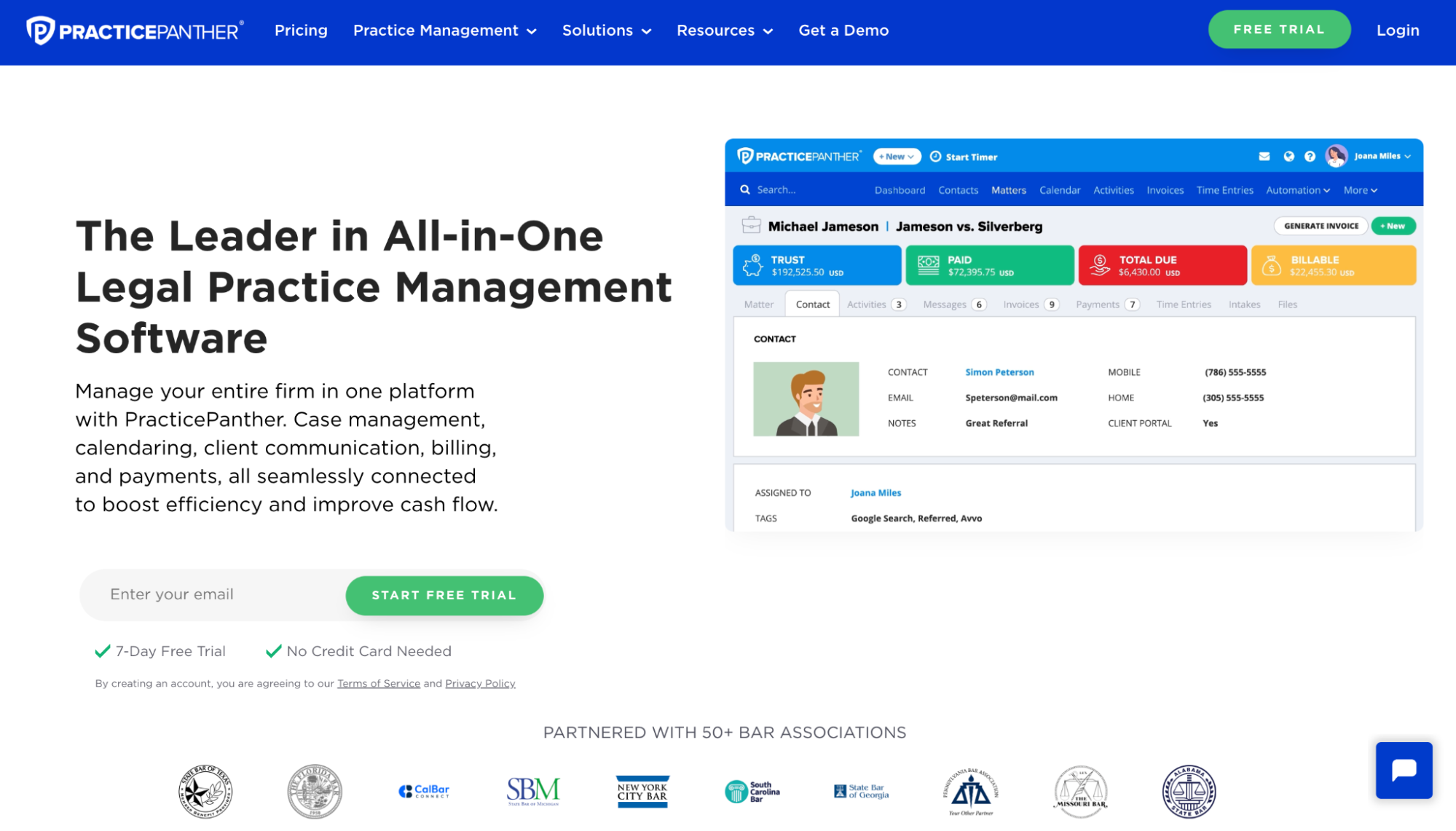
Reviewers consistently praise how little training it takes to run.
Best for: practices of 2 to 10 attorneys that want simplicity over feature depth.
Key features: two-click intake, customizable intake forms, native e-signature, two-way texting on the Business plan, billing, and payment processing. It handles the day-to-day operations of a firm with no dedicated operations manager.
Pricing: plans start around $49 per user per month, billed annually.
Why it works: bundled value is the pitch, since CRM and billing land on one invoice. It isn't the most powerful tool here, and that's the point for a lean practice.
7. HubSpot
HubSpot gives law firms a flexible, free starting point and room to scale into serious marketing.

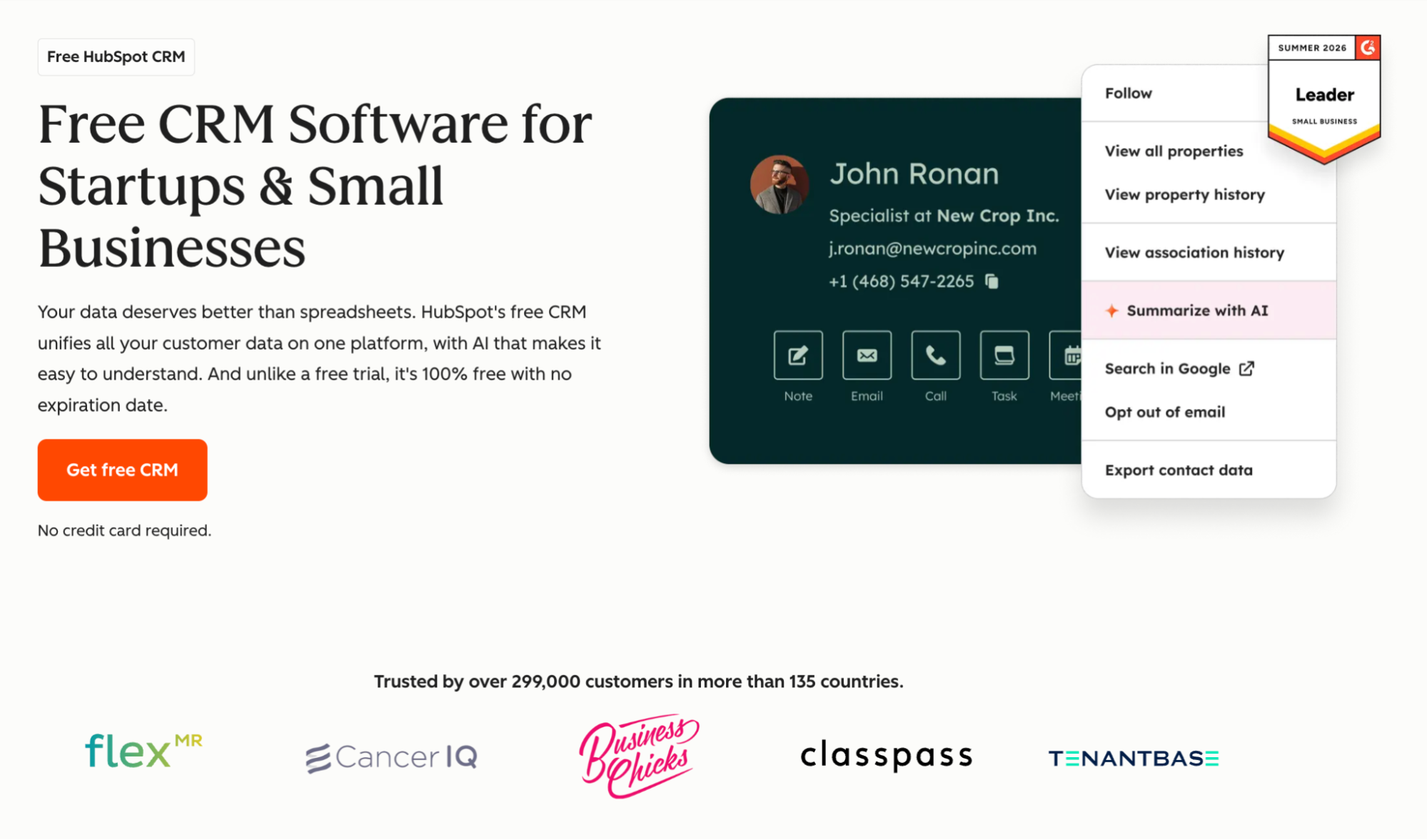
It isn't legal-specific, so there's no conflict checking, but its free tier is the most generous on this list.
Best for: solo and small firms looking to centralize contacts and try a CRM before paying for one.
Key features: a free-forever plan with unlimited users, contact and pipeline management, email tools, and a vast app marketplace. Paid tiers add sequences, lead scoring, and a full marketing suite. The interface is intuitive enough that attorneys can teach themselves.
Pricing: free to start, with paid Sales Hub plans climbing as you add seats and marketing features.
Why it works: the free plan is surprisingly capable for a firm just getting organized. Watch the bill as you grow into paid tiers, and pair it with a case tool for legal-specific work.
What to look for in a legal CRM
- Purpose-built, or flexible enough? Decide if you want a CRM built specifically for legal work, with conflict checks and trust-aware records, or if a flexible cloud-based CRM covers your intake and relationships. Solo and small firms often thrive on the simpler path.
- Client intake and speed. The whole point is responding first, so look for online forms and clear ownership of each lead. This is where intake tools differentiate from a general-purpose tool.
- Integrations. It should connect to the tools you already run, from your website forms to your practice management system and accounting. When systems don’t connect, leads are easier to lose track of.
- Security and ethics. Law firms handle privileged information, so check encryption, role-based access, and SOC 2 compliance before you trust a platform with client data.
- Ease of use. A tool a busy team won't open is wasted spend. The best legal CRM software is the one a busy team adopts in days.
- Room to grow. Pick something that fits your firm now and scales as your practice does, so you aren't migrating again in a year.
Over to you
When a new enquiry sits in an inbox, nobody knows whether it has been handled or forgotten.
The right CRM gives your firm one clear view of every lead and the next step attached to it. Legal platforms suit firms that need conflict checks and practice-management links. Capsule suits smaller firms that want a simple intake pipeline, and follow-up that runs without constant chasing.

Frequently Asked Questions
There's no single winner, since it depends on firm size and goals. Clio Grow leads for firms on Clio Manage, Lawmatics for marketing-driven intake, and Law Ruler for high-volume personal injury work. A simpler, lower-cost start points to Capsule and HubSpot, which both work well.
Legal CRMs add features such as conflict checks, retainer e-signatures, and records linked to active cases. They also follow the legal intake process, from first enquiry to signed retainer. A regular CRM can still work well for a smaller firm that wants a simpler, lower-cost way to manage leads and follow-up.
If inquiries arrive faster than you can track them by memory, yes. Even a free CRM can bring structure to follow-ups and give your firm a clearer view of its pipeline.
Plenty of options start free or cheap, like Capsule at $18 per user per month. Legal-specific platforms typically run $49 to $149 per user per month, with enterprise tools climbing past $200. Always check for user minimums and annual commitments.
Yes. Many firms use a CRM purely for legal intake and lead conversion, then route signed clients to a separate case management system.