
CRM platforms aren't a one-size-fits-all, especially when it comes to the construction business. A sole trader managing a handful of residential clients has very different needs from a 40-person contractor juggling multiple commercial tenders at once. That's why the best crm software has a range of platforms, each with different tools, so you can choose exactly what you need without the bloated toolkit.
Most CRM guides fail to take this into consideration and instead treat everyone the same. Listing feature after feature instead of the core tool set that your team actually needs. This leaves you to figure out which essential features actually matter for where you are right now.
This guide takes a different approach. It breaks down what to look for at each stage of growth, which Capsule plan fits each stage, and where to go deeper on specific topics.


Introduction to construction CRM
Construction companies operate in a fast-paced environment where managing customer relationships, project details, and communication across multiple job sites can quickly become overwhelming. That’s where customer relationship management (CRM) software comes in. The right solution provides a centralized system for tracking customer interactions, managing sales processes, and organizing project data all in one place.
For construction firms, the right CRM software is more than just a digital address book. It’s a powerful tool that helps streamline operations, improve customer satisfaction, and drive business growth. By consolidating client information, project updates, and sales activities, construction CRM software enables teams to work more efficiently and ensures that no opportunity or customer request gets lost or forgotten.
The best construction CRM software offers key features tailored to the unique needs of construction companies, such as project tracking, document management, and integration with other essential business tools. With these capabilities, construction businesses can strengthen customer relationships, enhance communication, and position themselves for long-term success in a competitive market.
Why company size matters when it comes to CRM software
The core job of a CRM doesn’t change: keep your contacts organiszed, track your bids and opportunities, and make sure nothing important gets forgotten. But the amount of complexity you need around that changes significantly depending on how big your team is, how many live jobs you’re managing, and how formal your estimating and handover process is.
A tool powerful enough for a 50-person firm will overwhelm a business of two. A tool perfectly simple for a sole trader will fall apart the moment you add a few estimators who all need their own pipelines and visibility over each other’s work. In fact, 67% of small to mid-sized construction firms improved lead nurturing with a CRM platform, helping streamline lead management and avoid lost jobs.
Getting the fit right means you spend less time managing the tool and more time winning jobs.
| Business size | Primary needs | Recommended plan |
|---|---|---|
1–2 people | Contact organization, basic pipeline, reminders | Free or Starter |
3–10 people | Shared visibility, email templates, integrations | Starter |
10–30 people | Automation, multiple pipelines, reporting, AI | Growth |
30+ | Scale, capacity, multiple teams | Advanced |
Sole traders and micro firms (1–2 people)
At this stage, the biggest risk isn’t losing jobs to competitors, it’s losing track of things entirely. Enquiries come in from all over the place, referrals, contact forms, phone calls, WhatsApp, and email. Follow-ups get missed because something more urgent came up on site. Promising leads go cold because there was no system in place to track them.
What you actually need is simple: a place to store your contacts, a way to see where each opportunity stands, and something that reminds you to follow up. You don’t need automation, multiple pipelines, or detailed reporting. You need to stop relying on your inbox and memory as a CRM.
What to look for: A clean contact list with basic history, a single pipeline you can move bids through, activity logging so you remember what was discussed, access from your phone while you’re on site, and a mobile app for managing CRM functions on the go.
Essential features of construction CRMs for small firms include mobile access for field teams, lead and bid management, document storage, and integration with accounting tools.
Which Capsule plan fits: The Free plan covers the fundamentals for up to two users at no cost. You get 250 contacts, one sales pipeline, activity logging, contact history, and mobile access. For a sole trader or small founding team just getting started, that’s often all you need.
Small firms (3–10 people)
Once you have a small team, a few new problems emerge. Information that used to live in one person’s head now needs to be shared. A client calls and the person who normally handles them is on site, so now someone else needs to pick up the conversation without asking the client to repeat the whole history of the job.
At this stage, shared visibility becomes more important than any individual feature. Everyone needs to see the same contact history, the same pipeline, and the same upcoming tasks. You also start to benefit from email templates and from integrations with tools you’re already using, like Xero for accounting or your estimating software.
What to look for: Shared contact records with full history, contact management, a pipeline your whole team can see and update, email templates, a shared mailbox so multiple people can respond from the same address, and integrations with your existing tools.
A construction CRM system helps you track leads, manage sales pipelines, and keep client communication organized, which is essential for streamlining the sales process and landing more jobs.
Which Capsule plan fits: The Starter plan is designed for businesses with one to five employees and handles this stage well. At $18 per user per month, you get 30,000 contacts, email templates, a shared mailbox, basic reporting, goals to track performance, and premium integrations with tools like Xero and Zendesk. The AI Pipeline Generator also helps you build a sales process tailored to how your firm works, which is especially useful when you’re formalising things for the first time.


Growing firms with dedicated sales or estimating teams (10–30 people)
This is where things get more complex, and where the wrong CRM choice becomes costly. You likely have more than one estimator, possibly different sales processes for different types of work, and managers who need oversight of what the team is doing without having to chase updates. Project managers also rely on construction CRM software and project management tools to oversee and coordinate various aspects of construction projects, including financial tracking, document handling, and ensuring all tasks are progressing as planned.
At this stage, your CRM needs to do more of the repetitive work. Automation becomes genuinely valuable: triggering follow-up tasks when a bid moves stage, sending notifications when a tender deadline is approaching, keeping the pipeline moving without someone manually nudging it. Multiple pipelines matter if you’re running separate processes for, say, residential and commercial work, or new build versus refurbishment. CRM software also streamlines the sales cycle by automating and optimizing each phase, providing real-time dashboards, forecasting, and reporting that improve efficiency and accuracy throughout the process, supporting project managers in overseeing complex workflows.
Reporting and analytics is now essential. You need to know where you’re losing tenders, how active your estimators are, and whether you’re on track against targets.
What to look for: Workflow automation, multiple sales pipelines, advanced reporting and dashboards,project boards to track delivery alongside sales, task management, team and access controls, and AI tools that cut down on manual data entry.
Which Capsule plan fits: The Growth plan is built for exactly this stage. At $36 per user per month, it includes everything in Starter plus workflow automations, multiple sales pipelines and project boards, advanced sales reporting, reporting dashboards, and team and access controls.
It also includes our new AI features that make a real difference at scale including:
- AI Summaries give you an instant overview of the last 50 activities on any contact, opportunity, or project.
- AI Pipeline Generator can create a unique customized pipeline based on your business needs
- AI Email Assist that can draft messages quickly with a short prompt
- AI Business Enrichment automatically fills out company information on contact records
- AI Contact Enrichment populates job titles, seniority, and LinkedIn profiles
If your team is spending time on work that should be automated, or if your pipeline reporting still lives in a spreadsheet someone updates, Growth is the right plan for you.
Larger contractors and multi-team firms (30+ people)
At this stage the fundamentals are the same, but the scale is different. General contractors often manage multiple active projects and complex projects, requiring robust CRM capabilities. You might have multiple estimating teams running separate bid processes for different regions or divisions, a large volume of active tenders, and a need to keep everything clearly separated and manageable without things bleeding into each other.
The key requirement here isn’t more features—it’s more capacity. More pipelines for different teams or project types, more project boards for tracking delivery, and a higher contact ceiling so the system doesn’t become a bottleneck as the business grows.
What to look for: Everything in Growth, plus the headroom to scale—more pipelines, more project boards, and enough contact capacity to keep up with a large and growing client base.
Which Capsule plan fits: The Advanced plan builds on Growth with 120,000 contacts, 50 sales pipelines, and 50 project boards. For larger firms running complex, multi-stream operations across different teams or regions, it removes the constraints that could otherwise slow things down.
Construction CRM software can also streamline project management by integrating various processes, allowing teams to manage projects from sales through to execution without duplicating data entry.

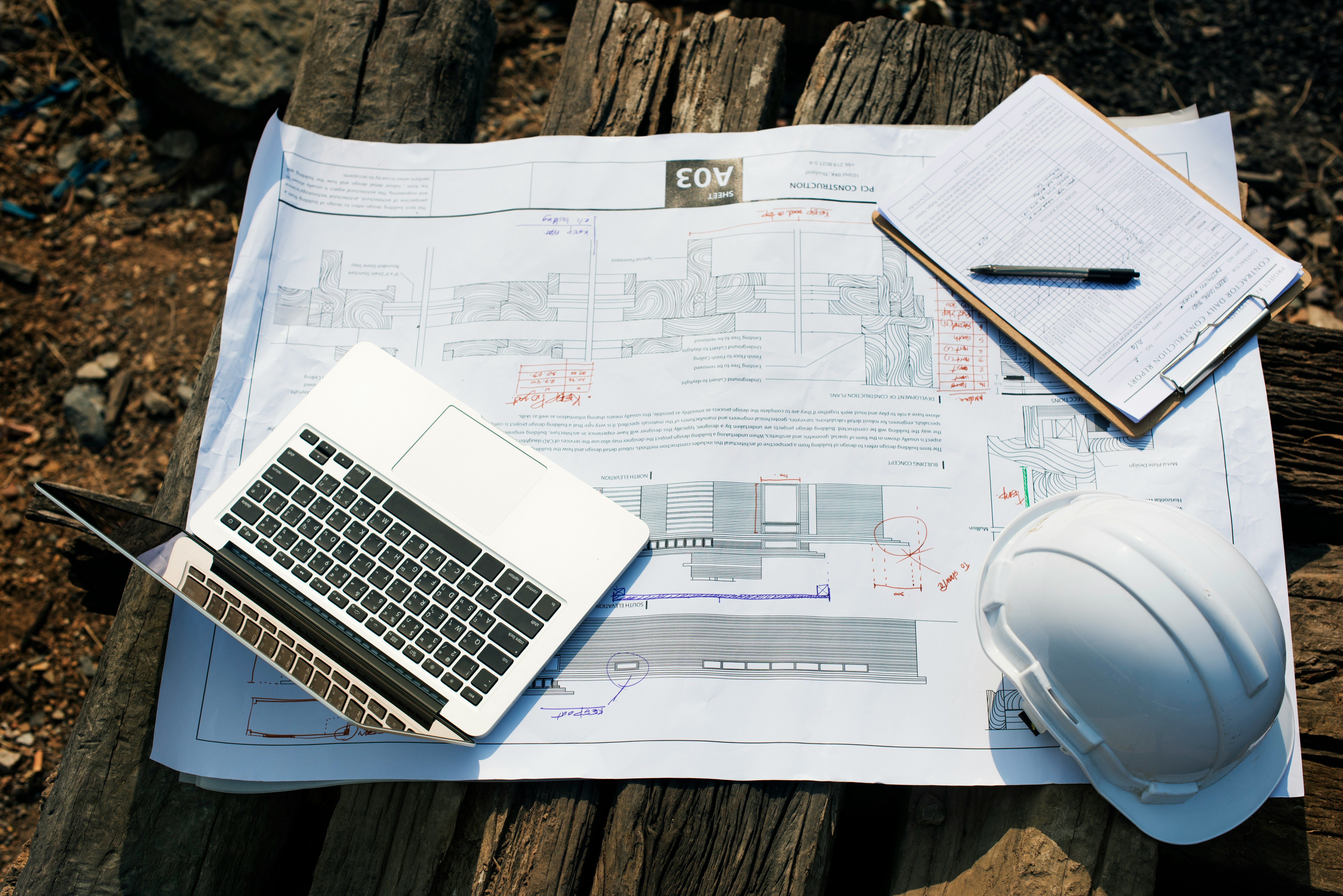
Pairing your construction CRM software with communication tools
Effective communication is at the heart of every successful construction project. Construction CRM software equips construction companies with a suite of communication tools designed to keep teams, clients, and project stakeholders connected no matter where they are. Mobile apps allow teams to stay connected wherever they are helping them to share project data, updates, and documents in real time. Marketing tools like Transpond take this one step further by introducing email automation tools that you can utilize to give customers timely updates and progress reports.
By leveraging these communication tools, construction companies can minimize misunderstandings, reduce costly errors. Ultimately, a construction CRM with robust communication features helps teams work more efficiently and keeps clients engaged throughout the construction process.
Accounting software integration
Integrating construction CRM software with accounting software is a game-changer for construction firms looking to streamline their business processes. This seamless connection allows construction companies to manage financial data, like invoices, payments, and expenses, within the same centralized platform they use for customer and project management.
By reducing manual data entry and automating the flow of financial information, construction CRM and accounting software integration minimizes errors and saves valuable administrative time. Construction firms gain real-time visibility into their financial performance, making it easier to track project profitability, manage cash flow, and make informed business decisions.
For example, when a construction company integrates its CRM software with accounting tools, invoicescan be generated automatically as projects progress, and payments can be tracked without switching between multiple systems. This not only improves efficiency but also supports business growth by freeing up resources to focus on winning more jobs and delivering exceptional service.
Getting started
The most common mistake when choosing a CRM is picking a tool that’s too complex to actually get used. When selecting a CRM platform, prioritize centralized data storage and accessibility to ensure all essential client information is easily accessible and it's simple enough that all your team can use.
Start with what your team needs today. You can always upgrade as you grow, but it's much harder to unpick a system that’s already overcomplicated things. A construction CRM should provide centralized data storage and accessibility, allowing all essential client data to be stored in one platform for easy access and retrieval.
Why construction companies abandon their CRM (and how to avoid it)
Choosing a CRM is one thing but actually getting your team to use it six months down the line can be a much bigger challenge. Abandonning a CRM is more common than most software vendors would like to admit, and in construction it tends to happen for a handful of predictable reasons.
Choosing the wrong system
The most common culprit. A small groundworks firm signs up for an enterprise-level platform because it looked impressive in a demo, then nobody uses it because it takes twenty minutes to log a phone call. Or a growing contractor picks the simplest free tool available and hits its limits within a year. Getting the fit right from day one makes a significant difference to whether the CRM actually sticks.
The setup never got finished
Many construction teams start strong, importing contacts, building a pipeline but then run out of steam before it's properly configured. Or worse, they hit a problem and can't get it sorted no matter how many automated chat bots they talk to. A half-built CRM quickly feels more like extra work than a solution, and people drift back to spreadsheets and WhatsApp threads.
At Capsule, our human-led support team are always on hand to answer any of your questions. So when you contact us, you're talking to a real person ready to answer any questions you have to help you get the most from your CRM software.
Nobody owned it
In smaller firms especially, CRM adoption fails when there's no single person responsible for keeping it up to date and encouraging the team to use it. Without that, data goes stale quickly, trust in the system erodes, and it gets quietly abandoned.
It was too slow on site
If your CRM doesn't work well on a phone or takes too long to load on a patchy rural connection, field teams simply won't use it. A tool that only works well at a desk is only half a tool for most construction businesses.
The good news is that most of these problems are avoidable. Starting with a plan that matches your current size, keeping the initial setup simple, and nominating someone to own the system goes a long way toward making sure your CRM becomes a permanent part of how your business runs.


Conclusion
Construction CRM software is an essential asset for construction companies helping them to strengthen client relationships, streamline operations, and achieve sustainable business growth. By centralizing customer interactions, sales processes, and project data, construction firms can boost productivity, reduce errors, and enhance customer satisfaction.
When choosing a construction CRM, it’s important to prioritize key features such as robust communication tools, seamless accounting software integration, and mobile accessibility. These capabilities enable construction professionals to manage leads, projects, and client relationships more effectively—leading to more jobs, increased revenue, and a stronger competitive edge in the construction industry.
Ready to take the your construction business to the next level? Start your free trial with Capsule today, free for 14 days.