One moment you’re full of shoppers, the next you’re scrambling to catch up with orders that didn’t hit or customers who left frustrated.
When systems don’t talk to each other, customer data disappears into silos, and every channel feels like a separate job. You lose clarity... and loyalty.
A retail-focused CRM creates a clear hub for every customer interaction, every sale, and every store operation. It brings those disconnected pieces together into something you control.
This guide helps you understand what really matters in retail CRM, walks through the top tools on the market, and gives you a clear decision framework so you can pick the one that fits your store.
Why retail stores need a CRM
The retail landscape is shifting fast. Shoppers move effortlessly between online, mobile, and in-store channels. They expect consistency when connecting with a brand. Many stores still work with separate systems for online orders, in-store purchases, and customer service. That gap means customer data sits in silos, and staff repeat questions.
A tailored retail CRM captures each customer’s purchase history, browsing behaviour, and return visits so you know how people shop. It helps you follow up with the right offer or message at the right time, turning popular products into repeat purchases. Brands that track this kind of data are better positioned to improve customer engagement and grow market share.
In the field, you’ll see what actually works:
- store associates checking a shopper’s profile on a tablet, knowing they’re due for a loyalty reward;
- inventory systems alerting when a bestseller is low and a client is browsing that category;
- a single dashboard showing performance across web, mobile, and in-store.
That kind of system isn’t just “more efficient”. It gives you a competitive edge.
Key differentiators of a retail CRM
Below are the features that set a retail CRM solution apart from a standard CRM. Each point includes what matters and a real retail example.
Omnichannel customer view
What it means: A retail CRM gives you a single profile that covers online purchases, in-store visits, and returns, so you see the full story of a customer’s journey.
Example: A shopper browses a jacket online, picks it up in the store, returns the size, then buys a hat at checkout. In your system, you still see one customer, one history, making follow-up easier and more accurate.
Real-time engagement & automation
What it means: Retailers need alerts and triggers when things change (abandoned carts, low stock, new arrivals) so you can act fast and stay relevant.
Example: The CRM detects a popular item has run out in one location and automatically sends a push notification or email to customers who viewed it, or prompts staff to offer alternatives in-store.
Data-driven personalization and segmentation
What it means: Instead of broad messages, you segment customers by behaviour, purchase history, and preference, then tailor outreach so it feels personal and relevant.
Example: A customer frequently buys running shoes. The system flags that and sends a VIP offer or early access to a new model, while another customer is flagged for apparel upsells.
Integration with retail operations
What it means: A retail CRM must connect with your POS, inventory system, and online store so data flows freely and you avoid silos or duplicate work.
Example: At checkout, a customer wants to return an online order in-store. Because your CRM links to your inventory and e-commerce platforms, the return is processed quickly.
Scalability and store-network support
What it means: As you add stores, channels or markets, the CRM should scale (handle more customers, more locations, more transactions) without breaking or becoming unusable.
Example: A retailer grows from one store plus online to five physical locations. The CRM accommodates store-specific pricing, regional preferences, and inventory variations while keeping one central view of customers and performance.
Best CRM options for retail
When it comes to choosing CRM options for retail, you’ll want solutions that do more than just store contacts. The right systems support sales, marketing, and service in a unified way.
Capsule CRM – best all-around for growing retail stores
For a retail business balancing in-store traffic, online clicks, and repeat customers, Capsule CRM delivers clarity without complexity. It helps retail teams work faster and serve shoppers more consistently.

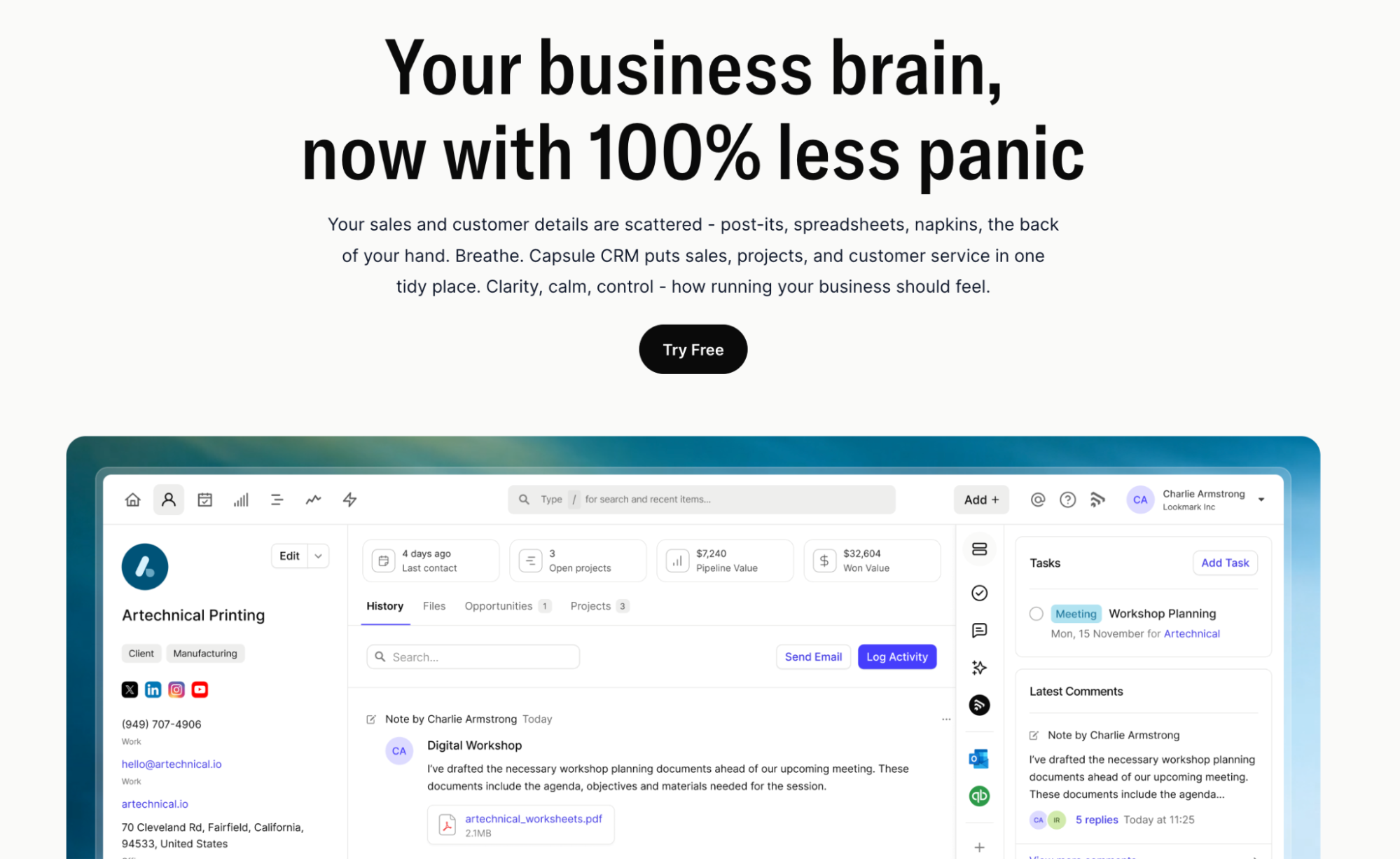
With the right setup, Capsule becomes the central hub for your retail operations: from next-day promos to customer follow-ups and sales tracking.
5 key retail-friendly features
- Unified customer profiles. Every shopper’s purchase history, returns, and communication are stored under one record. For instance, when a customer buys a jacket online and later places another online order for a belt, staff see both transactions together and can offer relevant accessories.
- Pipeline and deal tracking for retail events. Whether it’s a flash sale or seasonal promotion, Capsule shows you where each opportunity stands. You can track which contacts attended a promo, how many converted, and who might need a follow-up.
- Task automation for follow-ups and restocks. Set reminders when a bestseller runs low or when a loyalty customer hasn’t returned in 90 days. That means more chances to win back business.
- Mobile access + integrations with sales tools. On the shop floor, your team uses mobile devices to check customer details, update records, and mark tasks complete. Capsule integrates with email, accounting, or inventory systems so data flows smoothly.
- Custom fields & segmentation for retail marketing. Use tags like “loyal VIP”, “seasonal gift buyer”, or “online-only shopper” to segment offers. This way, you can send meaningful promotions instead of generic store-wide messages.
Pricing
Capsule CRM offers a free plan for small teams (2 users, up to 250 contacts). Paid plans begin around US $18 per user/month (when billed annually) with expanded contacts, pipelines, and advanced features.
Try Capsule CRM for free today and give your retail store the systems it needs to attract more customers and handle more sales.

Jobber
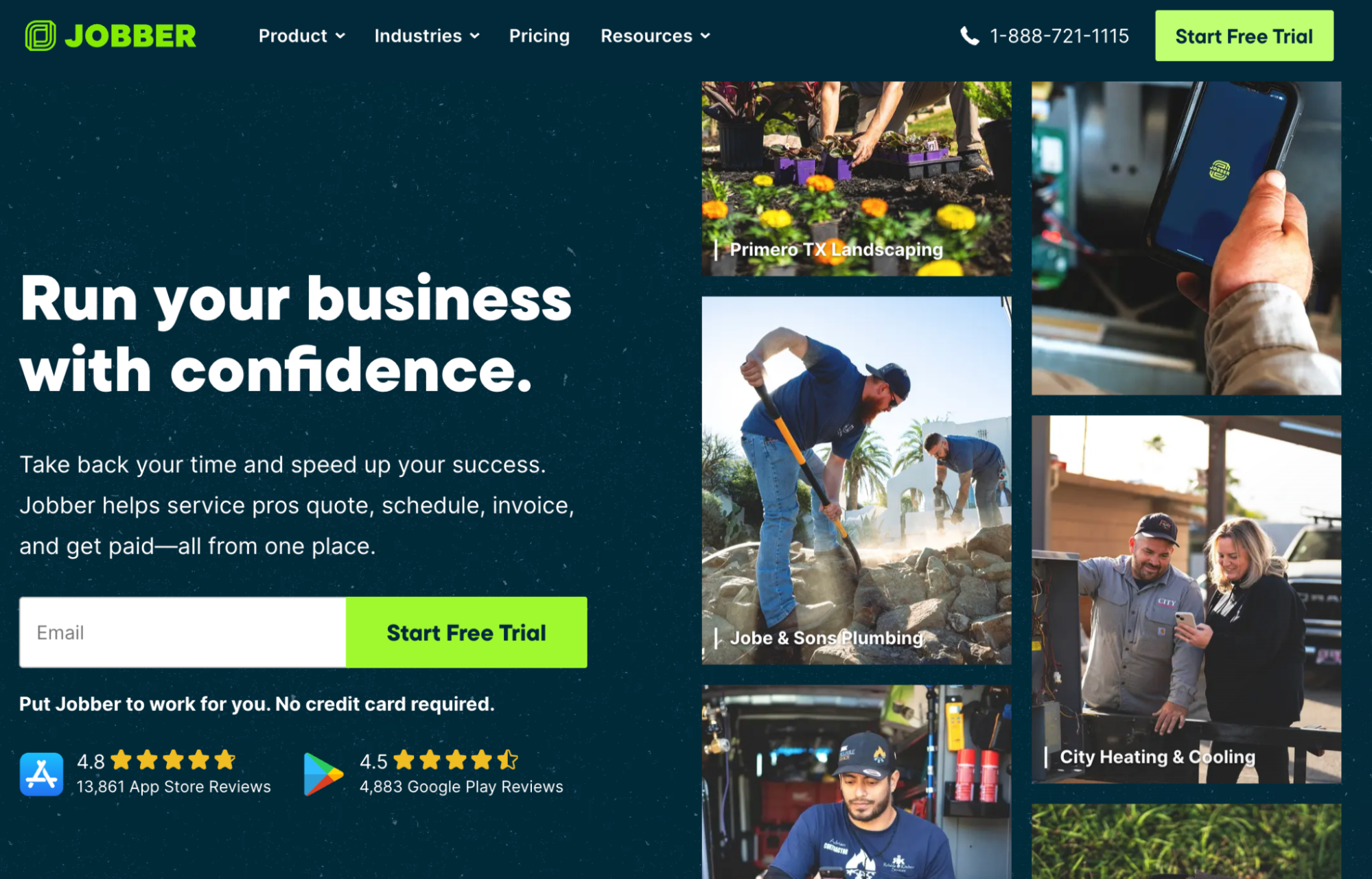
Jobber is a solid choice for retail brands that dispatch teams to multiple locations and need a dependable system for routing, job scheduling, and team coordination. It handles the workflow from job request through to completion, supporting a retail-style operation rather than purely back-office contact management.

Features:
- Real-time scheduling & dispatch board. Jobber allows drag-and-drop assignment of tasks and shows your crew’s availability, so you can minimize downtime and manage multiple store orders in one view.
- Customer data & communications hub – Each job request, quote and customer message is stored centrally, which helps maintain consistent customer communications across locations.
- Online booking + client portal. Customers can submit requests online, and Jobber gives you access to an online portal where they can view job status, pay invoices or book follow-up visits.
Considerations:
- As a full dispatch tool, Jobber may be heavier than a focused retail CRM system and could require CRM training to use effectively across multiple stores.
- While excellent for field scheduling, it might lack some of the deeper marketing-automation or segmentation features found in dedicated customer relationship management software aimed at retail.
- Costs rise quickly when scaling to many users or multiple store locations; the platform is strongest when the number of teams and locations is moderate.
Pricing:
Jobber offers a 14-day free trial. Plans start at US $39/month for basic functionality. More advanced tiers reach up to US $599/month for larger teams and enterprise features.
Jobber performs well for retail chains that need field scheduling and dispatch, but when compared to Capsule CRM (which combines simplicity with broad customer- and sales-oriented features), Jobber may feel more specialised and less streamlined for managing targeted marketing campaigns.
HubSpot CRM
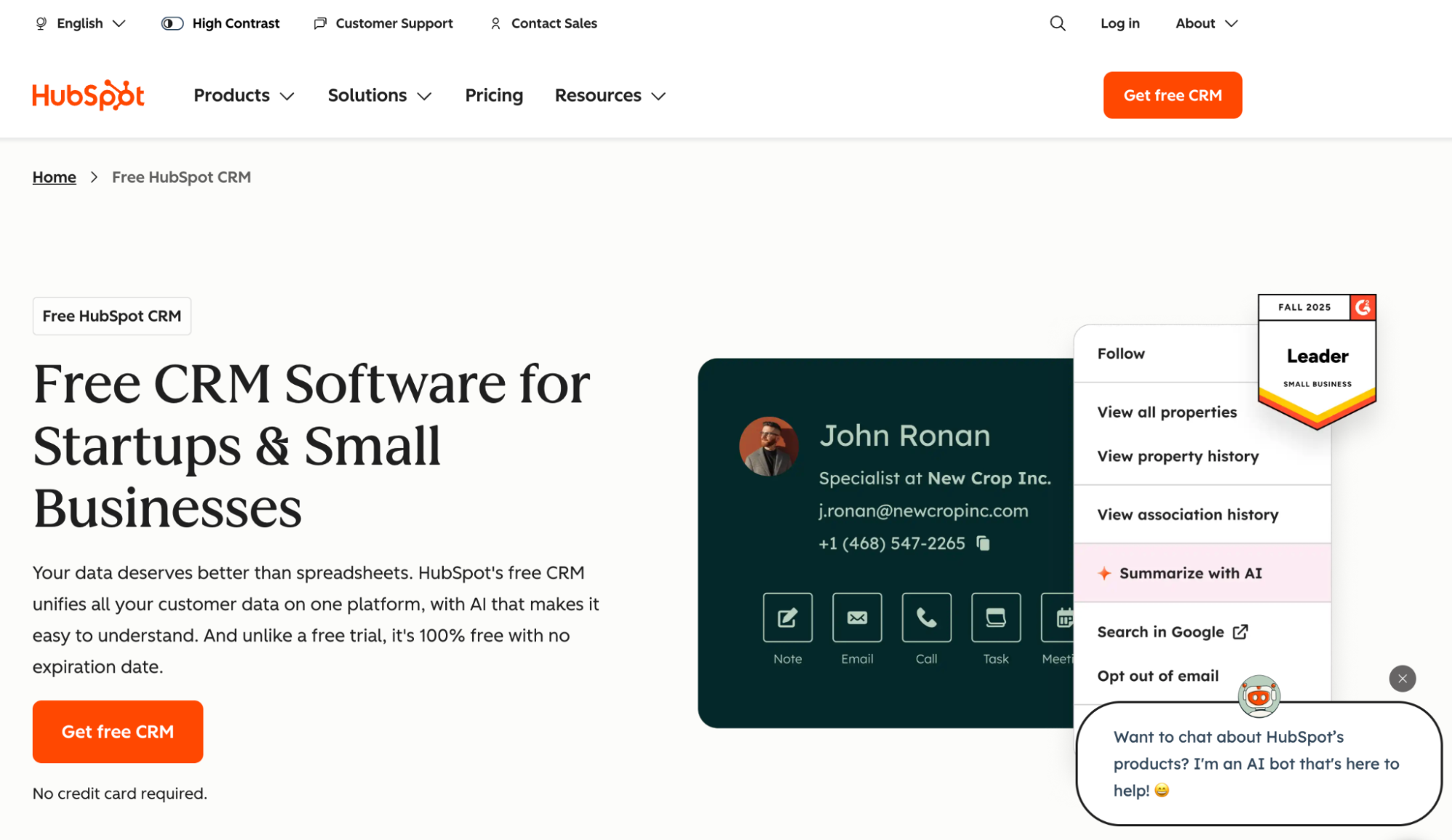
For retailers serious about integrating sales, service, and marketing into one system, HubSpot CRM stands out for its depth and flexibility. While it offers advanced tools to support large teams and complex sales strategies, it may feel heavy for smaller stores focused primarily on the shop-floor.

Key features for retail chains
- Unified sales, marketing & service platform. HubSpot tracks customer interactions across channels and gives you a full view of purchase history and user behaviour, enabling highly personalised outreach.
- AI-powered marketing and automation. With built-in AI tools and workflow automation, you can launch targeted marketing campaigns, nurture leads, and guide customers through the entire sales cycle in a more streamlined way.
- Rich analytics and customer-interaction insights. Retail leaders access deep dashboards that show team performance and productivity, helping you fine-tune productivity and customer satisfaction.
Considerations
- The sheer breadth of features means more setup time and a steeper learning curve; smaller retail teams might find the platform over-engineered.
- You may still need to integrate with external POS/inventory tools to handle some core retail operations, so it could become more than one system to manage.
- Pricing scales quickly as you add hubs, users and contacts, so for smaller stores the cost-to-value may not be as favourable compared with simpler options.
Pricing
HubSpot offers a basic free CRM tier. Paid plans begin at approximately US$20 per user/month for the Starter Sales Hub and scale up significantly for higher tiers.
HubSpot CRM is excellent when you’re ready to invest in full-scale customer strategy, task management, client portal features, and connect marketing + sales + service. However, when compared with Capsule CRM, it may feel more complex than necessary for many retail stores seeking a clean, faster solution. Capsule strikes a better balance of simplicity and retail functionality for most shops.
Salesforce CRM
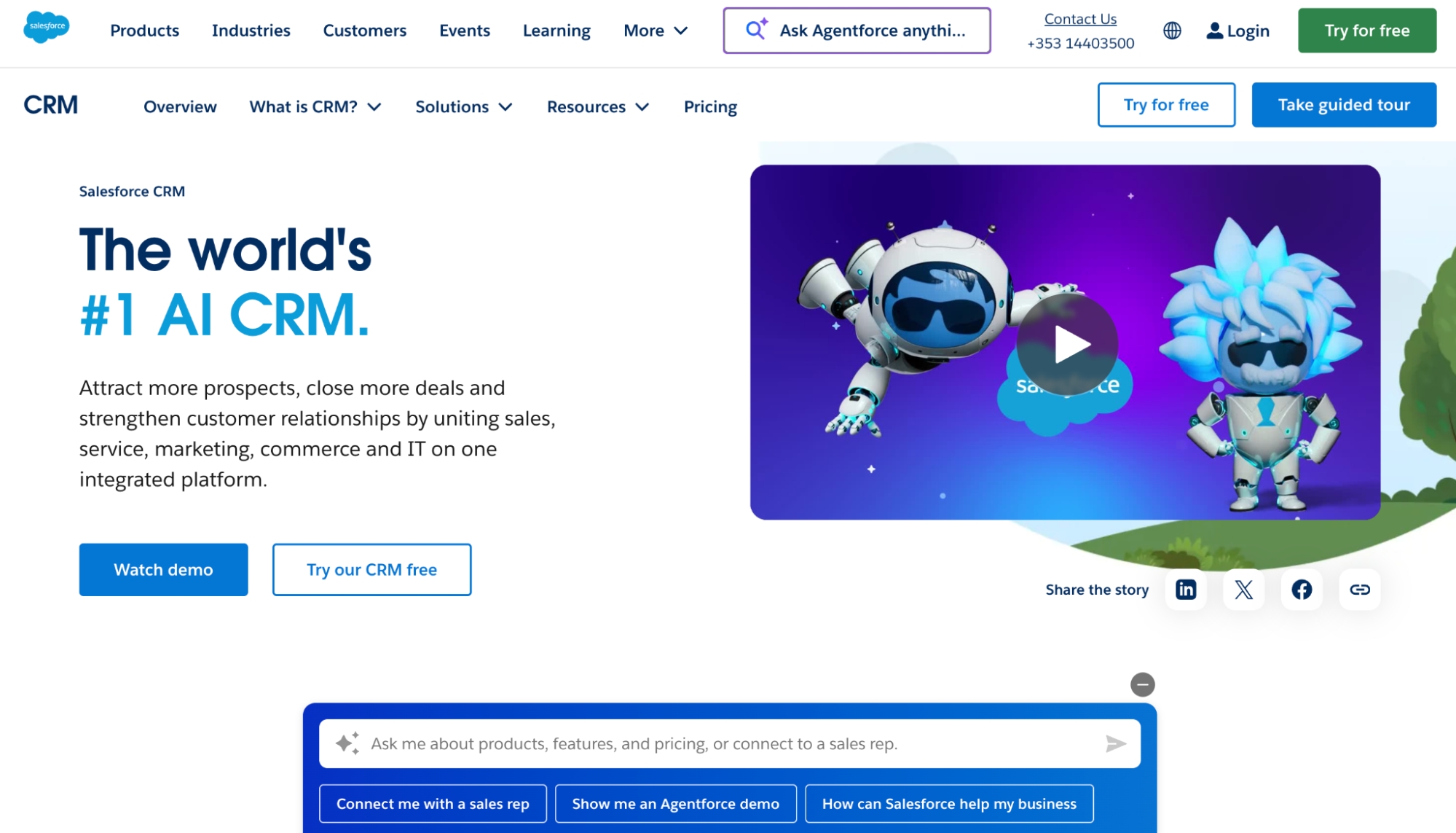
Built to serve large retailers and omnichannel brands, Salesforce CRM is a heavyweight solution that supports full retail operations rather than just contact tracking. It’s designed for brands with complex flows, many locations, and high expectations for personalized customer experiences and loyalty.

Key features:
- Inventory & store-operations integration. It ties into POS systems, inventory status, and fulfilment workflows, so you not only manage sales but also enable efficient inventory management and avoid stock-outs.
- Advanced customer profile & behaviour analytics. Through its retail-focused modules, Salesforce consolidates online and in-store interactions so you understand buying patterns and respond accordingly.
- AI-powered recommendations & targeted marketing. The platform uses artificial intelligence to suggest products, segment customers and run personalized marketing campaigns.
Considerations:
- The platform’s scope and depth come with a steep setup curve and may require dedicated resources, which makes it less ideal for smaller shops.
- Because it covers so much ground – CRM software, marketing, operations, inventory – you may find features unnecessary if your focus is narrower.
- Cost and complexity can override benefits if you’re not ready to leverage its full capability across your whole sales team, channels, and workflows.
Pricing:
Salesforce pricing varies widely depending on editions and modules (e.g., Sales Cloud, Commerce Cloud, Retail Cloud). Basic CRM tiers start from roughly US $25-30 per user/month, but full retail-grade configurations can run higher with add-ons and customisation.
Salesforce CRM is packed with functionality and ideal for brands investing in deep analytics, AI, and full-scale retail operations. But compared to Capsule CRM, which is simpler to deploy and focused on core retail needs, Salesforce may be over-engineered and slower to deliver value for mid-sized stores.
How to pick the right CRM for your retail business
Use this quick checklist to find out which retail CRM software truly fits your store’s needs.
Tick what matters most to your setup:
- Store size and type. Does the tool scale from a single shop to a full chain? The best retail CRM software supports both brick and mortar stores and online retailers without extra complexity.
- Sales channels. Can it handle both in-store and digital interactions in one platform? Seamless coordination between POS and e-commerce prevents lost customer information and helps track customer behavior more accurately.
- Budget and setup time. Will the system let your team start quickly without long onboarding? Retail teams benefit most from CRMs that deliver value fast rather than complex, consultant-heavy systems.
- Integrations. Check if it connects with your inventory and marketing tools. Good retail solutions offer integration for sales analytics, stock visibility, and loyalty program management.
- Growth and scalability. Can the system support your next stage of expansion? Whether you’re targeting new locations or building stronger customer loyalty, choose a CRM that keeps sales data and customer preferences consistent as you grow.
For many retailers, Capsule CRM delivers the right mix of simplicity and flexibility.
Conclusion
In retail, your season is short, and your customers’ attention is even shorter.
A CRM helps you keep shoppers coming back. With Capsule CRM, retail teams gain mobile access, tap into real-time customer profiles, track when a frequent buyer visits online or in-store, and respond faster to market trends. It lets you streamline sales processes and launch campaigns that put your brand front of mind.
Start your free trial of Capsule CRM today and bring order to your retail operation before your next peak season.