
You don’t need a whole sales team to benefit from a CRM. If you’re a one person team selling, following up, emailing, scheduling, and closing all on your own, a CRM is a necessity.
How often do you forget a follow-up or struggle to find that email you meant to send? A one-person CRM helps you stay on track without the clutter of features you’ll never use. It reminds you when to act, and makes your work feel more like progress.
This guide shows what a CRM for one person should actually be: practical and built around your day-to-day.
CRM isn’t just for big teams: numbers don’t lie
Did you know that about half of small businesses still don’t use a CRM system? Only around 50% of companies with 10 or fewer employees have adopted CRM software to manage customer interactions and sales processes, even though many later wish they had started earlier.
That gap exists because too many CRM tools were built with teams in mind: dashboards, permissions, automation rules, and endless setup steps. For a solo business owner or independent professional, that can feel overwhelming and unnecessary. What you really need is a simple CRM.
A lightweight CRM lets you set reminders for next steps and see where each opportunity stands in your pipeline, even if you’re running every part of your business yourself. In other words, you get the benefits of a CRM without the layers of complexity that often come with enterprise systems.
How Capsule CRM works for one person businesses
Capsule CRM is built around the core needs of independent users: simple contact management, clear sales pipeline tracking, and task organisation.
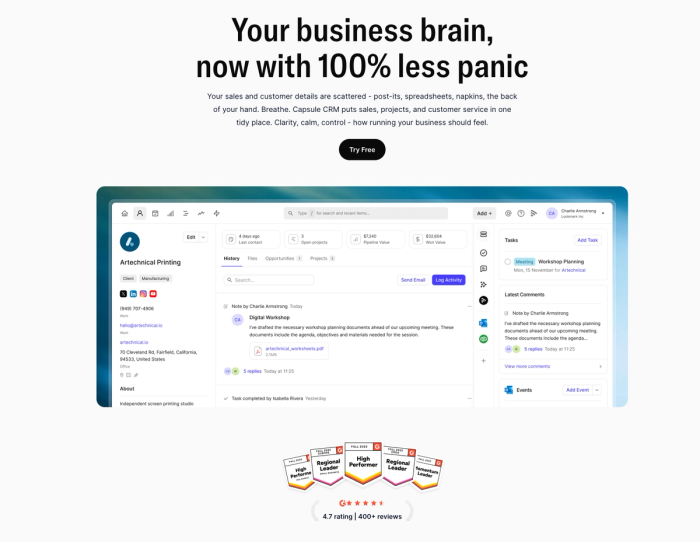
Capsule provides a clean contact database for storing client information, interaction history, notes, files, and communication records. That gives you a single reference for every person you work with.
You also get a visual sales pipeline that lets you see where each deal stands at a glance, whether it’s early in discussions or close to winning. This makes it easy to prioritise your next action.
For daily organisation, Capsule includes integrated task and calendar tools. You can build to-do lists linked to contacts and deals, view your schedule alongside tasks, and get reminders so follow-ups don’t slip. It also syncs with your existing email and calendar apps, like Outlook and Gmail, so your tasks and events live alongside your regular workflow.
Capsule’s automation features help reduce repetitive work. You can set up simple rules that trigger tasks or actions when deals move through stages.
All of this lives in a clean, easy-to-use CRM that people consistently praise for being intuitive and fast to adopt.
If you want a CRM that keeps your contacts, tasks, and pipeline organised, Capsule delivers what a one-person CRM should: simplicity that supports real sales-focused work.
Real ways a solo user actually uses Capsule CRM
When you’re running every part of your business, the value of a CRM is in how it fits into your day. Here are practical moments where Capsule makes a real difference for one person:
- Start the day with clarity. Open your CRM and see what’s up next. With task management tied to your contacts and deals, you can tackle follow-ups, calls, and reminders. If you sync with your Google Calendar, your schedule and CRM tasks live in one rhythm.
- Track leads. Capsule’s approach to pipeline management shows you where each opportunity lives in your workflow.
- Keep client context in one place. When you work alone, you often end up keeping important information in your head. Capsule keeps notes directly inside each contact and deal. You can log past conversations, objections, preferences, and next steps in one place.
- Manage calls and reminders. Capsule creates reminders or tasks with a few clicks and links them to the right contact. You stay forward-focused instead of buried in menus.
- Work on the go. Whether you’re on your mobile phone or laptop, Capsule’s mobile-friendly CRM interface gives you access to your vital information wherever you are. You can add a new contact, track deals, or check a note right after a meeting.
Zoho CRM
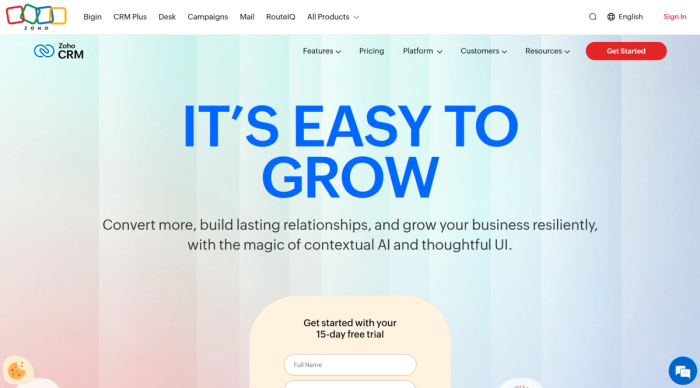
Zoho CRM is a well-known CRM solution that offers a wide set of features for managing leads and deals in one place. It’s built to support basic contact management to deeper sales processes, including workflow automation and sales forecasting.
One upside for small users is Zoho's free plan for up to 3 users. That version includes essentials like lead and deal tracking, tasks, and contact capture. It’s enough to start organising customer information and managing follow-ups.
Where Zoho starts to feel less ideal for a solo setup is its breadth. The platform is built to handle many scenarios, which can add friction if you’re running the business alone:
- Advanced marketing automation and forecasting tools that require setup before they add value.
- Multiple modules and settings designed for teams, not single users.
- Paid tiers are needed to unlock features you may not actually need.
- Time spent configuring workflows instead of following up with leads.
Zoho also integrates with a broad ecosystem, including Google Workspace apps and other Zoho tools, which can be useful if you already use those products. The flip side is that setup and ongoing adjustments may feel more like using a project management tool than a simple personal CRM if you don’t need the full suite.
For some users, Zoho CRM strikes a good balance between depth and price, particularly as businesses grow. But for one-person operations that just want a clear way to manage leads and maintain customer data, it can feel heavier and more complex than simpler CRM solutions.
HubSpot CRM
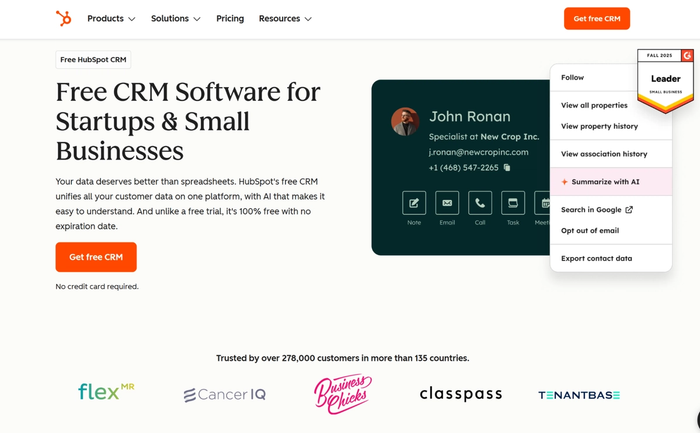
HubSpot CRM’s free version gives you strong core CRM features. You can organise contacts, manage deals, track tasks, and see basic activity from a unified platform.
The free plan includes essentials like:
- Contact and deal tracking.
- Basic email tools.
- Web forms.
- Task management.
It works well as a budget-friendly CRM if you want to move past spreadsheets and keep a reliable view of your lead management and pipeline. You can log emails and manage follow-ups directly in the CRM. There’s a generous capacity for contacts and deal stages.
As a solo user, HubSpot’s free CRM has an intuitive layout and accessible mobile app that can feel friendly, but the platform’s size may also feel like a step up from lean, personal CRM tools. Some advanced marketing automation and reporting tools are tied to HubSpot paid plans, so you may outgrow the free version if you need deeper custom workflows.
HubSpot CRM is a free CRM choice for independent business owners and small teams who want an expandable system with essential features.
Less Annoying CRM
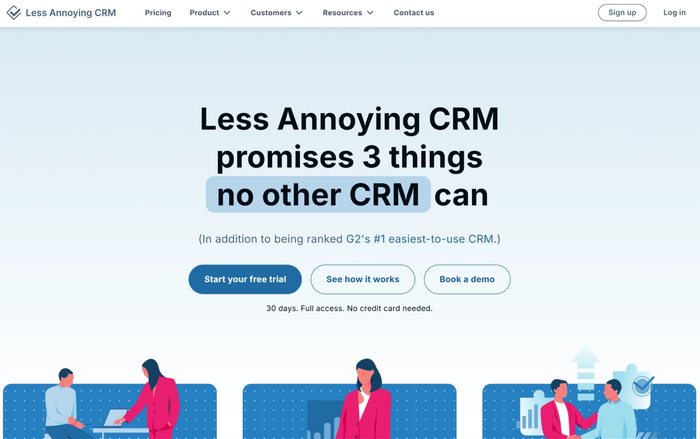
Less Annoying CRM focuses on the basics that matter most to small businesses and solo operators. It offers a clean contact database and simple task management so you can stay on top of follow-ups and client details.
This tool is built around the idea of being a less-annoying CRM: easy to learn, quick to set up, and affordable, with a single flat pricing plan (about $15 per user per month) and no long-term contracts or confusing tiers.
At its core, you can:
- Organise client data and store notes, contact details, and related documents in one place.
- See and update your deal management pipeline.
- Set follow-up reminders and tasks tied to contacts and opportunities.
- Sync your calendar right inside the CRM.
There’s no freemium plan, but a 30-day free trial lets you test the experience before committing.
Less Annoying CRM isn’t the most feature-rich system, and it lacks built-in marketing automation or deep analytics. For anyone looking for a budget-friendly CRM, this option keeps essential features front and centre, though.
Monday CRM
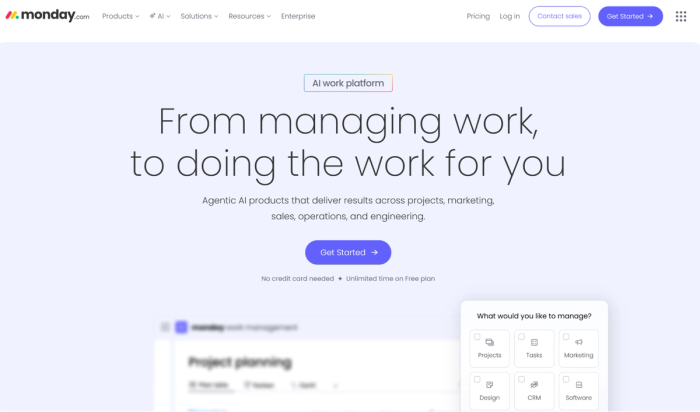
Monday CRM is a flexible customer relationship management platform that blends CRM tools with visual boards and drag-and-drop style interfaces. You can see your sales pipeline, contacts, and tasks in a customisable way.
Unlike simpler standalone CRMs, Monday CRM lets you tailor almost every part of your workflow, from how you view and sort contact and deal data to the widgets on your dashboards. You can customise CRM views, adjust pipeline stages, and configure automations without writing code.
The platform includes core CRM features like:
- Lead and contact tracking,
- Activity and email sync,
- Visual insights into your sales performance and pipeline health.
It also supports workflow automations that reduce repetitive work, from task creation to notifications when deals advance, and has tools for team collaboration if you’re working with others.
Because Monday CRM grew out of a broader work management ecosystem, it can feel more like a general platform with CRM capabilities than a dedicated, plug-and-play small business CRM. That extra flexibility is powerful, but it can take more setup and experimentation.
Monday CRM is well-suited for organisations that appreciate a customisable platform where sales and team collaboration live side by side. For solo users or independent sellers who just want a minimal, turn-on-and-use CRM, the broader feature set and configuration may be more than they need.
CRM choice checklist: what to look for
Ease of use
- Minimal setup so you can start quickly.
- Mobile access to update tasks on the go.
Contact & deal management
- Unlimited contacts, so your client database never stops growing.
- Organized client documents and communication history in one place.
- Support for personal relationships.
Workflow & task support
- Ability to assign tasks tied to contacts or deals.
- Tools that help you track sales performance.
- Email templates and Gmail integration to streamline outreach.
Customization
- Customizable templates that fit your way of working.
- Drag and drop tools for easy pipeline updates and deal movement.
Scalability
- Works comfortably for solo users and individual sales reps.
- A path forward for growing businesses without forcing a switch.
Advanced support
- AI-powered suggestions or automation, if you choose to use them.
- Options for an account manager or expanded support.
- Plans that allow unlimited users as your business expands.
Conclusion
If you’re an independent seller or a small business owner who wants a CRM that feels like a partner, Capsule gives you clarity and control with minimal setup. Try Capsule CRM today and see how easily you can close more deals with a tool built both for simplicity and results.