Reauthenticating the connection in Capsule
To reauthenticate the connection between Capsule and Zendesk, you will first need to disable the integration and then enable it again using OAuth.
- In Capsule, click on your name in the top right corner > Integrations
- Click Manage next to Zendesk
- Click Disable integration > then confirm by clicking Disable
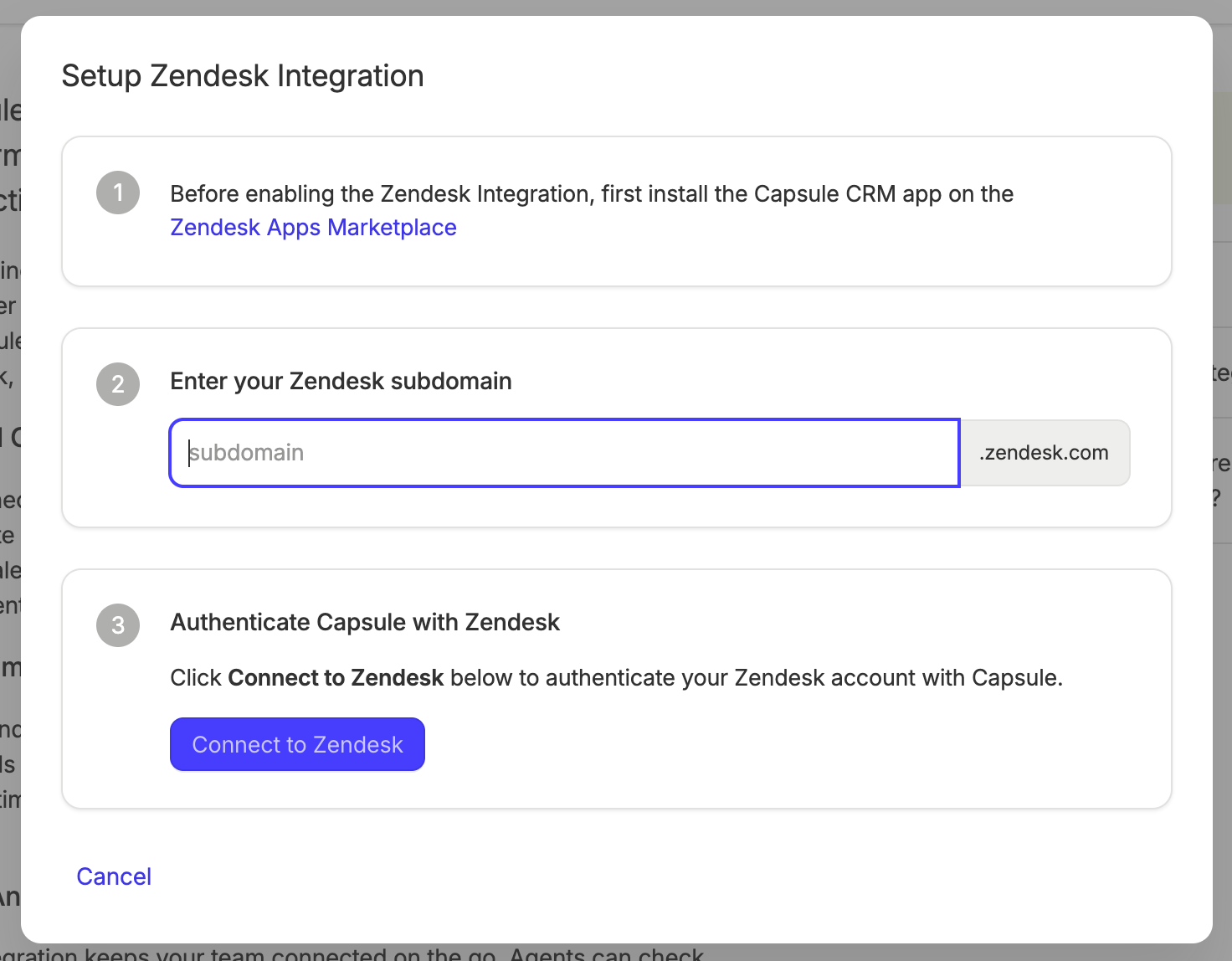
4. Click Enable Integration.
5. Enter your Zendesk site URL
6. Select Connect to Zendesk. You will now be directed to Zendesk, where you can enter your normal login credentials and click Allow to complete the setup.

Need Help?
Simply get in touch by emailing support@capsulecrm.com and one of the team will be happy to help.