Choosing a CRM is one of those decisions that feels straightforward until you're three hours into a comparison spreadsheet, wondering why every tool claims to do everything.
This guide cuts through that and gives you a practical framework for figuring out what your sales team actually needs. Plus a rundown of the tools worth considering.
Why sales teams can't afford to ignore their CRM
There's a version of CRM adoption that looks like this: the tool gets implemented, everyone agrees it's a good idea, and six months later, half the team is logging calls in a spreadsheet because the CRM felt like extra work rather than less.
That's not a technology problem, it’s a fit problem, and it's more common than most sales managers would like to admit.
The data on what a well-implemented CRM actually does for a sales team is hard to argue with. According to research, businesses using CRM software see an average ROI of $8.71 for every dollar spent. CRM-driven processes are associated with a 300% increase in conversion rates, and teams using CRM consistently are 81% more likely to be top performers than those who don't.
The reason isn't mysterious. Sales is fundamentally an information game: knowing who to call, when to call them, what was said last time, and what the next step should be. A CRM that's well-matched to how a team sells puts that information where it needs to be, when it needs to be there. A CRM that isn't well-matched does the opposite: it creates friction, gets abandoned, and leaves the team flying blind.
According to CRM market analysis, 91% of companies with 10 or more employees now use CRM software. The question for most sales teams isn't whether to use one; it's which one actually fits how they work.
That's what this guide is for.
How to choose a CRM for your sales team
Before you look at a single pricing page, it helps to know what you're evaluating. Sales teams have specific needs that differ from marketing or customer support: they need speed, clarity, and a system that works the way they sell, not one they have to work around.
What does your sales process actually look like?
This sounds obvious, but it's the question most teams skip. A CRM built for high-volume, short-cycle transactional sales looks very different from one built for long, relationship-driven deals with multiple stakeholders.
Ask yourself:
- How long is your average sales cycle?
- How many active opportunities does each rep manage at once?
- Do you sell to individuals, businesses, or both?
- How much of your process is relationship-based versus process-driven?
The answers will tell you whether you need something lightweight and fast, or something with deeper pipeline management and reporting. Getting this wrong is expensive; not just financially, but in the time your team spends fighting a tool that doesn't fit how they work.
The traffic light framework
Once you know what your process looks like, use this framework to evaluate any CRM you're considering. Rate each category green (strong), amber (adequate), or red (weak) based on what you find in trials, demos, and reviews.
🟢🟡🔴 Ease of adoption
A CRM your team doesn't use is just an expensive contact list. Adoption is the single biggest predictor of whether a CRM delivers value, and it's almost entirely determined by how intuitive the tool is. Look for a clean interface, a short learning curve, and honest reviews from teams of a similar size to yours. If the onboarding requires a dedicated consultant, that's a signal worth taking seriously.
🟢🟡🔴 Pipeline visibility
Your sales team needs to see exactly where every deal stands without having to run a report. Look for a visual pipeline (ideally with drag-and-drop functionality) that gives reps and managers a clear picture of the entire sales process at a glance. Bonus points for features that flag deals that have gone quiet, so nothing gets forgotten.
🟢🟡🔴 Contact and data management
CRM data is only useful if it's accurate and complete. Evaluate how the tool handles contact management: can it enrich records automatically, or does everything rely on tedious data entry? Poor data hygiene is one of the most common reasons sales teams lose confidence in their CRM and stop using it.
🟢🟡🔴 Sales automation
Repetitive tasks eat into selling time. A good CRM for sales should be able to automate routine tasks like follow-up reminders, task creation, and pipeline stage changes. Check which plan automation is available on; it's often gated behind higher tiers.
🟢🟡🔴 Reporting and forecasting
Sales managers need visibility into what's working and what isn't. Look for reporting that covers pipeline health, conversion rates, deal velocity, and team activity; no need for a data analyst to interpret it. Sales forecasting is particularly valuable for planning headcount and resource allocation.
🟢🟡🔴 Integration with existing tools
Your CRM doesn't operate in isolation. It needs to connect with your email, calendar, marketing tools, and ideally your accounting or project management software to boost productivity in your team. Check the native integrations list carefully, and look at whether Zapier or API access is available for anything that isn't covered.
🟢🟡🔴 Pricing transparency
CRM pricing can be deceptive. A low headline price sometimes hides the fact that essential features are locked behind significantly more expensive tiers. Before committing, map out exactly which plan you'd actually need to run your sales process, not just the cheapest one that looks plausible.
🟢🟡🔴 Mobile access
Sales reps aren't always at their desks. A CRM that works well on mobile (with offline access and automatic syncing) is meaningfully more useful for teams that spend time in the field. This one is easy to overlook until it's a problem.
Questions to ask before you sign up
Beyond the framework, these are the questions worth putting to any CRM vendor, and what the answers should tell you.
Which features are available on the plan we'd actually use?
Not the plan that looks good in the headline. The plan you'd realistically be on in six months, with your actual team size and the features you genuinely need to manage customer relationships and track customer interactions effectively. Ask vendors to walk you through a realistic scenario: "We have five sales reps, we need automation and reporting, so which plan does that put us on, and what does it cost?" If the answer is vague or keeps escalating, that tells you something about how the CRM platform is designed to monetise its users.
Can we migrate our existing customer data, and how long does it take?
Data migration is where CRM implementations quietly go wrong. Some tools make it straightforward; others involve manual exports, reformatting, and lost history. Ask specifically whether the vendor provides migration support, whether there's a cost attached, and whether you can bring over notes and activity history, not just contact names and email addresses. Managing customer information across a transition is genuinely hard, and a vendor that downplays that is one to be cautious about.
What does onboarding look like, and is there a cost?
Some CRM solutions charge substantial onboarding fees on top of the subscription. Others include it. Some offer self-serve resources that are genuinely good; others leave you to figure it out. If your team has never used a CRM system before (or is switching from something very different), the quality of onboarding support will have a direct impact on whether the tool actually gets used. A customer relationship management software that your team doesn't adopt is one that delivers none of its promised benefits to your sales team's performance.
How does customer support work, and what's the response time?
This matters more than it seems during a trial, when everything is going smoothly. Find out whether support is available via chat, email, or phone, what the typical response time is, and whether that changes depending on your plan. A CRM issue during a busy sales period (when your team is focused on closing deals and managing customer interactions under pressure) is not the time to discover that your plan only includes email support with a 48-hour response window.
Can we trial the plan we actually intend to buy?
Some vendors offer free trials on stripped-down versions of the product that don't include the features you'd be paying for. That's not a trial; it's a demo with extra steps. If you're evaluating a sales-focused CRM, ask specifically whether the trial gives you access to the full feature set of the plan you're evaluating, including automation, CRM workflows, reporting, and any AI tools. The free CRM tier and the plan your team would actually run on can be very different products.
How well does it integrate with our existing business tools?
A CRM platform doesn't operate in isolation. It needs to fit into your broader tech stack, connecting with your email, calendar, marketing automation tools, and any other business tools your team relies on daily. Ask for a specific list of native integrations, and find out what's available via API or Zapier for anything that isn't covered. A web-based sales CRM that streamlines business processes on paper but creates data silos in practice will cost your team more time than it saves.
Does it support the marketing automation features we need?
For many sales teams, the line between sales and marketing activity is blurry, particularly around lead management, personalised marketing campaigns, and nurturing contacts who aren't ready to buy yet. Find out whether the CRM solution includes marketing automation features natively, or whether that requires a separate product. If marketing campaigns and sales management need to work together, a unified platform is worth paying for. If they're completely separate tools with limited data sharing, optimising sales processes becomes harder than it should be.
What happens to our customer data if we cancel?
A question most teams don't ask until it's relevant. Find out whether you can export your full data (contacts, deals, notes, activity history) in a usable format, and how long the vendor retains your data after cancellation. Understanding customer behavior patterns and sales trends over time is only possible if that historical data is actually yours to keep. This is particularly important for a small business CRM where the team might need to change tools as they grow.
How often does the product update, and how do you communicate changes?
A CRM system that isn't actively developed is one that will fall behind your needs — and behind what the best CRM tools on the market are offering. Ask how frequently the product releases updates, whether there's a public roadmap, and how changes are communicated to users. A CRM vendor that's transparent about where the product is going is usually one that's worth trusting with your sales process long-term. Better customer relationships, improved customer satisfaction, and sustained sales success all depend on a platform that keeps pace with how your team sells.
The best CRM software for sales teams
With the framework in hand, here's a look at the tools worth considering: what they do well, what to watch for, and what they cost.
Capsule CRM
Capsule is a CRM built around simplicity and relationship management, designed for small and mid-sized businesses that want a tool their team will actually use. It covers the full sales process (contact management, pipeline tracking, task management, and project delivery) in a clean, intuitive interface that requires minimal onboarding.

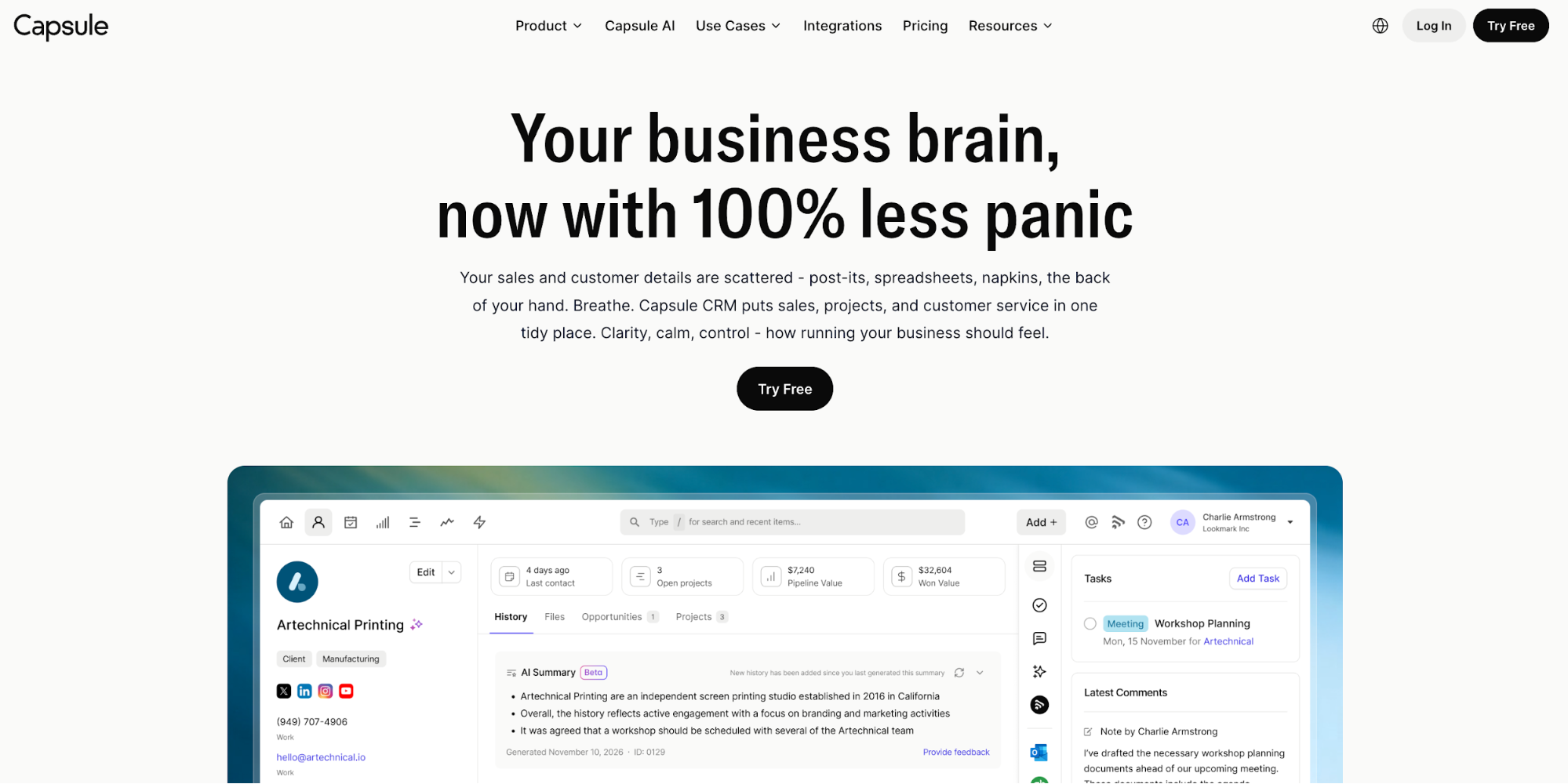
Where Capsule stands out for sales teams is in the combination of usability and AI capability. The AI Summaries feature pulls together the last 50 interactions for any contact or opportunity before a call, so reps walk in prepared rather than scrambling. AI Email Assist drafts follow-up emails based on a brief description of the message and tone; useful for keeping communication moving.

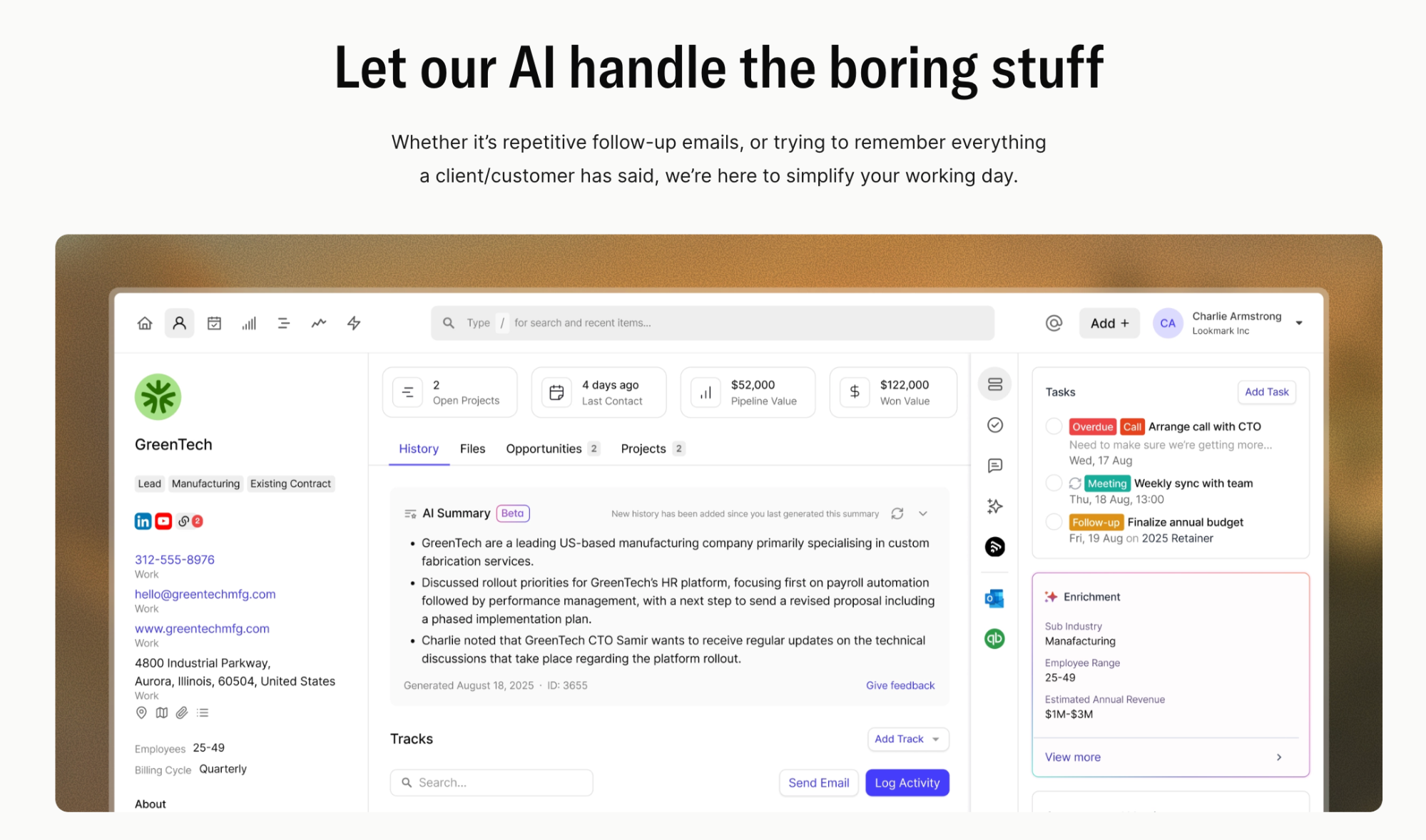
The AI Sales Pipeline Generator builds a custom pipeline from a description of your business and sales process, which is a genuinely practical starting point rather than a generic template. And AI Business & Contact Enrichment automatically populates contact records with company data (headcount, industry, revenue, LinkedIn), removing the manual data entry that tends to make CRM records unreliable over time.

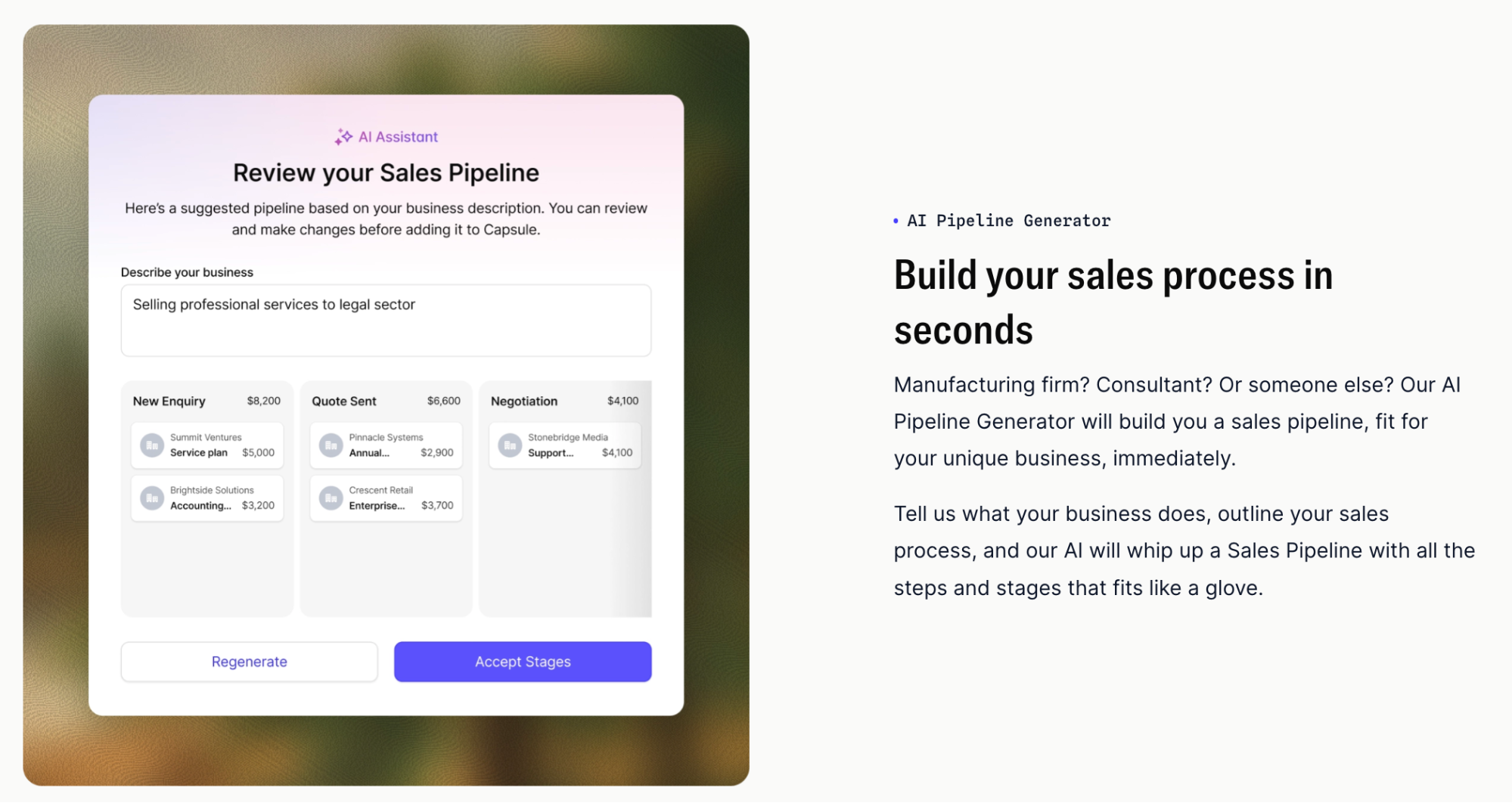
Capsule also includes workflow automation via its Tracks feature, a shared mailbox, and native integration with Google Workspace, Microsoft 365, Xero, QuickBooks, Mailchimp, Slack, and 60+ other tools. The mobile app works offline with automatic syncing when you reconnect — useful for sales reps who spend time away from a desk. For teams managing post-sale delivery alongside the pipeline, Capsule's built-in project management tools let you transition a won deal directly into a managed project.
Capsule never uses your data to train AI models, which matters if data privacy is a consideration for your business.
Key features: Visual pipeline management with stale deal alerts, AI Summaries, AI Email Assist, AI Pipeline Generator, AI Contact Enrichment, workflow automation via Tracks, shared mailbox, built-in project management, mobile app with offline access, 60+ native integrations.
Pricing: Free plan available. Starter from $18/user/month, Growth from $36/user/month, Advanced from $54/user/month, Ultimate from $72/user/month (billed annually). 14-day free trial on all paid plans, no credit card required.
Nimble
Nimble is a contact-focused CRM that positions itself around relationship intelligence, pulling data from social media profiles, email, and calendar to build richer, more complete contact records automatically. It's designed with small teams and solo operators in mind, particularly those whose sales approach is relationship-led rather than process-heavy.

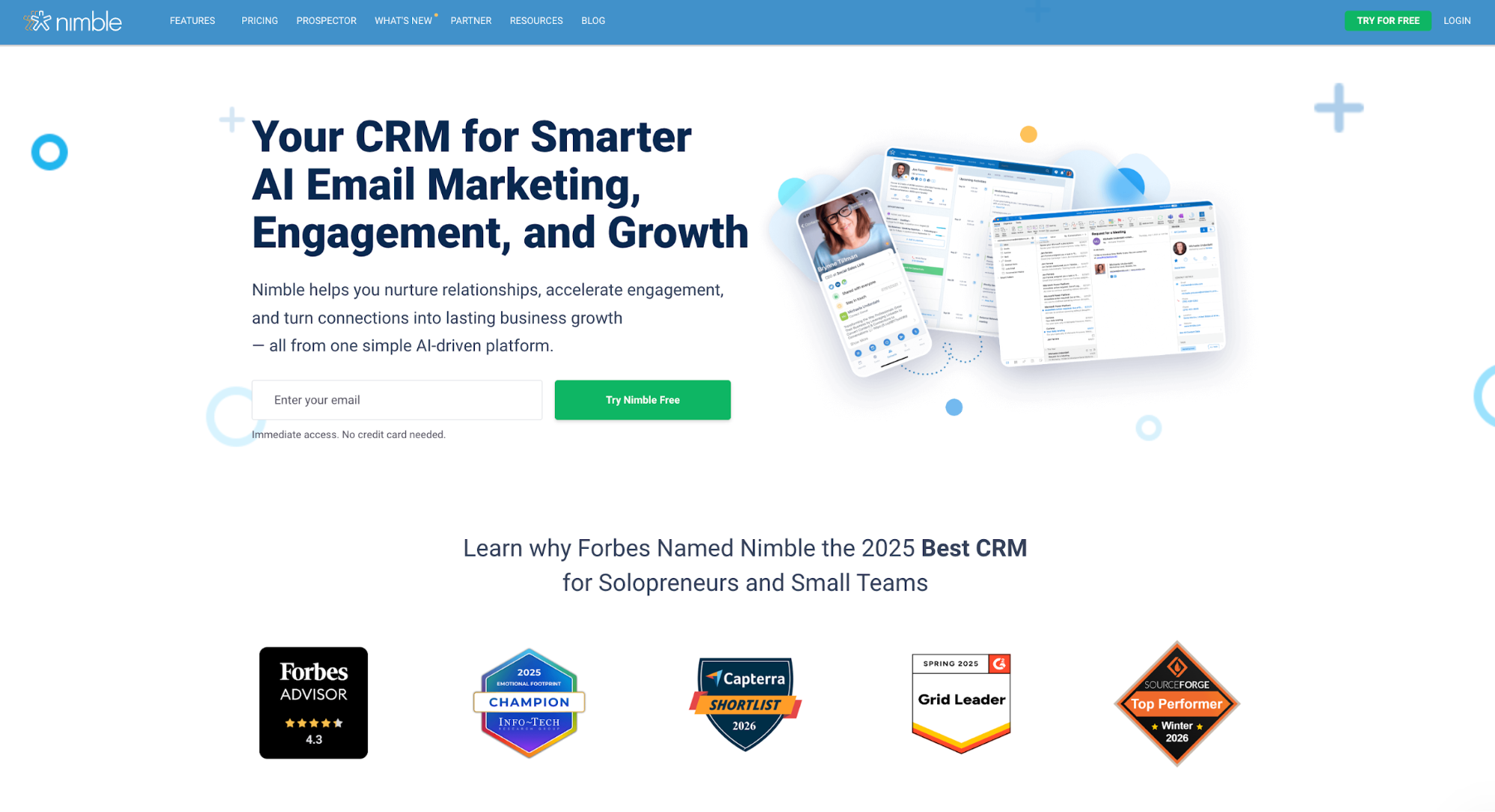
The standout feature is social profile enrichment: Nimble can surface publicly available information about a contact (their role, company, recent activity) and add it to the record. A browser extension lets users capture contact details directly from LinkedIn or a company website, which speeds up prospecting considerably. The unified contact timeline brings together email history, social interactions, and notes in one view, for optimizing sales processes and better customer retention.
Where Nimble works well is as a relationship layer on top of existing tools, particularly for teams already living in Google Workspace or Microsoft 365, which it integrates with natively. It also connects with Mailchimp and a range of other tools via Zapier.
Key features: Social profile enrichment, unified contact timeline, browser extension for prospecting, email tracking, single pipeline management, task management, Google Workspace and Microsoft 365 integration.
Considerations:
- Pipeline management is limited to a single pipeline with basic functionality.
- Reporting doesn't go deep enough for teams that need serious sales forecasting.
- Better suited to relationship-led selling than structured, high-volume pipeline management.
Pricing: Single plan at $29.90/user/month (monthly) or $24.90/user/month (annual). Free trial available.
Nutshell
Nutshell is a sales-focused CRM built for small and mid-sized B2B teams that want more structure than a basic contact manager but don't need the complexity of an enterprise platform. It offers a notably flexible approach to pipeline views (teams can switch between kanban, list, map, and chart views depending on how they prefer to work) which makes it adaptable to different selling styles within the same team.

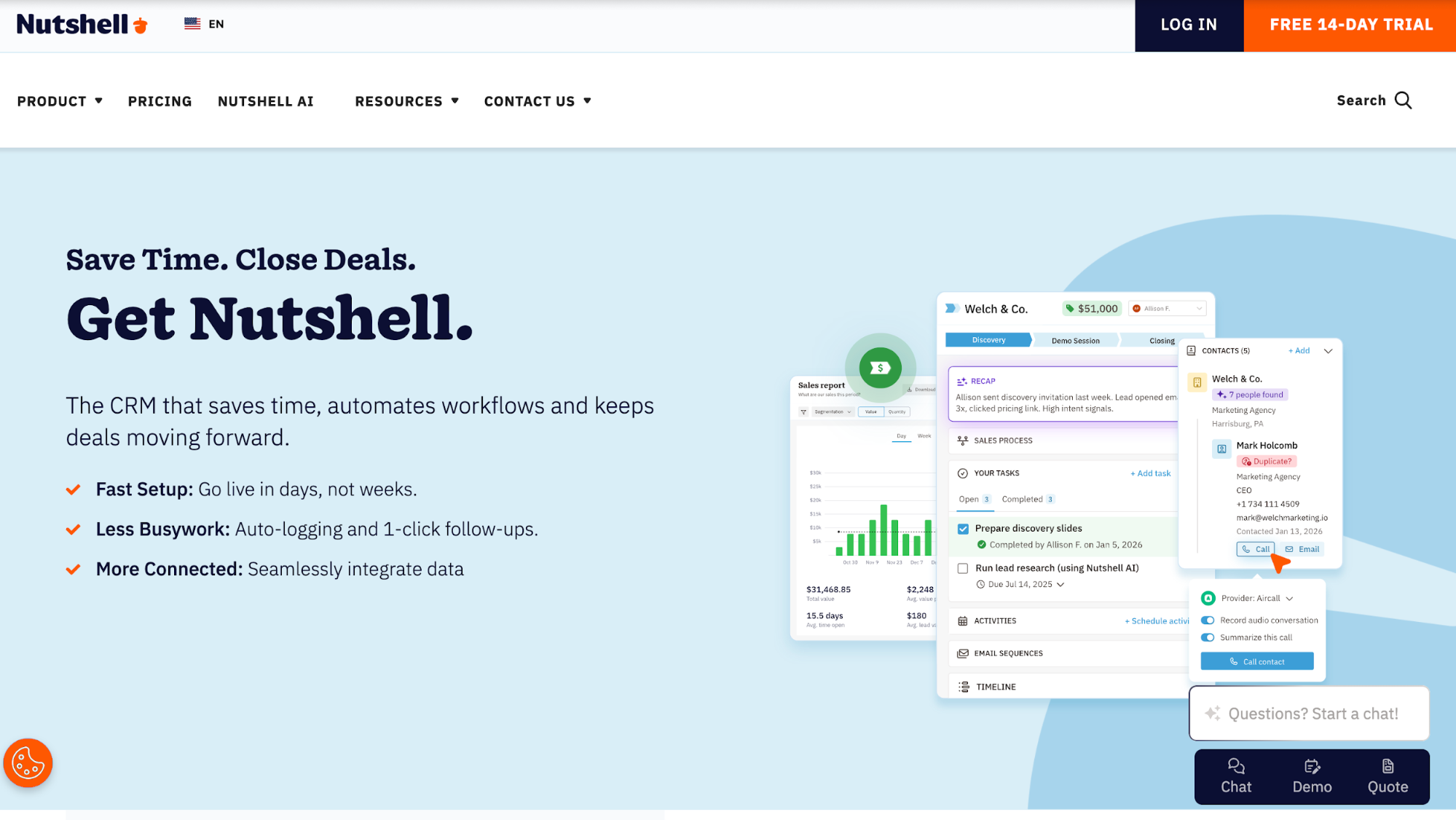
Email sequencing is one of Nutshell's stronger features at the higher tiers: reps can set up personalized marketing campaigns and automated follow-up sequences that send based on contact behaviour or elapsed time, reducing the manual effort of keeping deals moving. Built-in calling is available on some plans, with call logging handled automatically. Activity reporting covers what the team is doing day-to-day, while pipeline reporting gives managers a view of where deals are and how quickly they're moving.
The main caveat is that the lower-tier plans are meaningfully limited. A single pipeline, restricted customisation, and no automation on the Foundation plan means that teams who need more than the basics will find themselves needing to upgrade relatively quickly. Email sequences, which are one of the tool's differentiating features, are only available from the Pro plan upward.
Key features: Multiple pipeline views (kanban, list, map, chart), email sequences, sales automation, built-in calling, activity and pipeline reporting, Nutshell Marketing add-on.
Considerations:
- Key features, including email sequences and multiple pipelines, are locked behind higher-tier plans.
- Teams on lower tiers may find the tool limiting sooner than expected.
- The add-on for email marketing comes at an additional cost.
Pricing: Foundation from $19/user/month, Growth from $32/user/month, Pro from $49/user/month, Business from $67/user/month. Free trial available.
Insightly
Insightly is a CRM that combines sales pipeline management with built-in project management, making it a practical option for service businesses that need to manage what happens after a deal is won, not just the pipeline leading up to it. It has a broader feature set than most SMB-focused sales tools, with workflow automation, custom dashboards, and lead routing available across its plans.

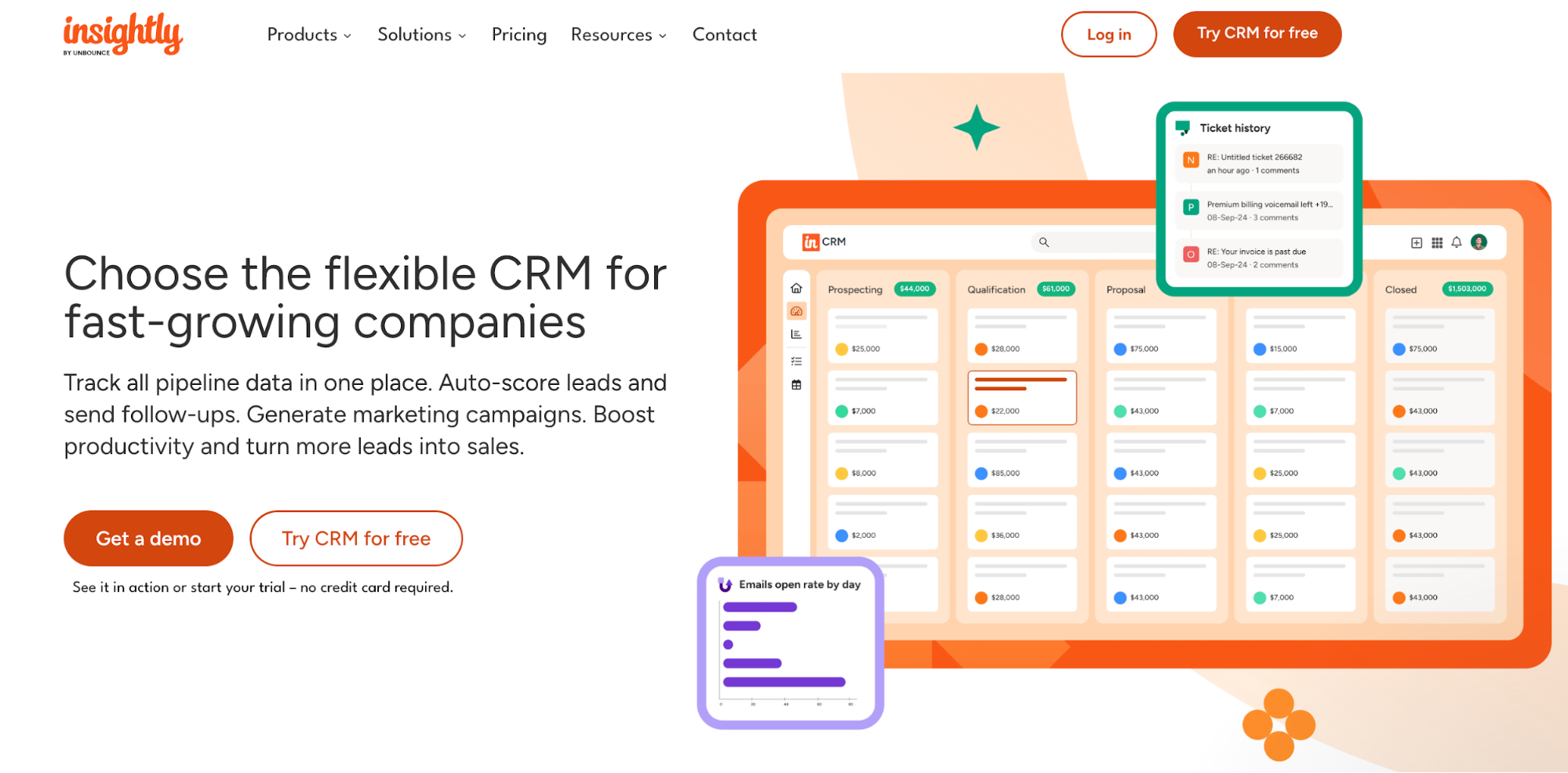
The pipeline management is solid: teams can create multiple pipelines with custom stages, set up activity-based reminders, and track deal progress with reasonable granularity. Workflow automation allows for conditional logic (triggering actions based on deal stage changes, field updates, or time elapsed), which gives sales managers more control over process consistency. Custom dashboards let teams build reporting views tailored to what they actually want to track.
The interface, however, can feel dense for teams that just need a straightforward sales CRM. There's a learning curve, and the sheer number of features can be more overwhelming than empowering if the use case is relatively simple. Marketing features require Insightly Marketing, a separate product at additional cost.
Key features: Multiple pipeline management, built-in project management, workflow automation with conditional logic, custom dashboards, lead routing, email tracking, native integrations with Google Workspace and Microsoft 365.
Considerations:
- Interface complexity can slow adoption for smaller or less technical teams.
- Email marketing requires a separate Insightly Marketing subscription.
- Higher-tier plans are priced at the upper end for SMBs.
Pricing: Plus from $29/user/month, Professional from $49/user/month, Enterprise from $99/user/month. Free plan available for up to 2 users.
Folk
Folk is a relatively new CRM that has gained traction with smaller teams doing relationship-driven outreach: founders, investors, recruiters, and sales teams running personalised, low-volume pipelines. Its interface is notably clean and modern, and it has leaned into AI-assisted features from early in its development.

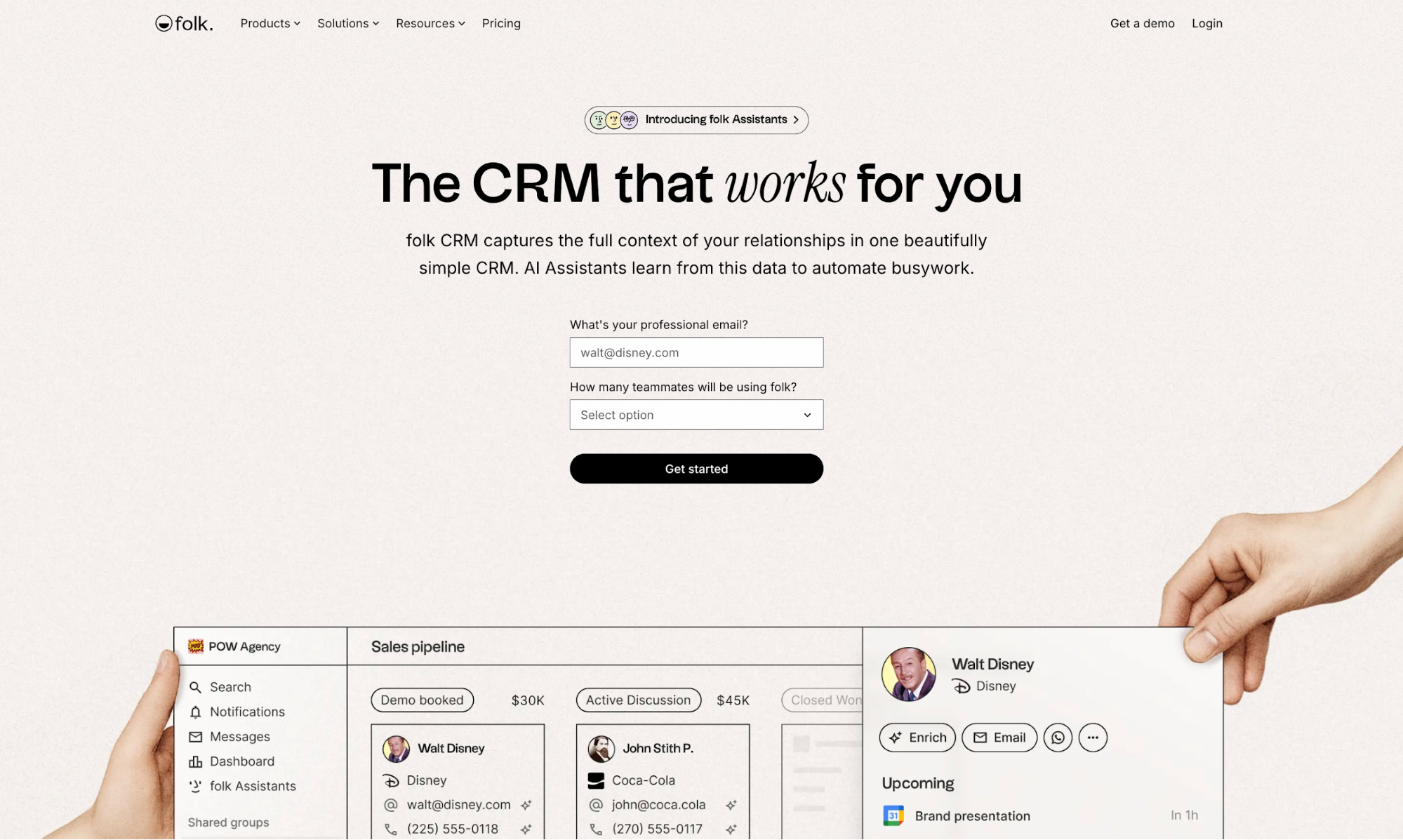
Contact management is Folk's strongest point. It can enrich contact records automatically, pulling in publicly available information to fill out profiles without manual input. A browser extension lets users add contacts directly from LinkedIn or a website, and the tool handles contact grouping and filtering in a flexible, tag-based system that works well for teams managing diverse contact lists across different stages of a relationship.
Where Folk is less developed is in the areas that mature sales teams rely on: reporting is limited, sales forecasting isn't available, and the workflow automation is relatively basic compared to more established tools. The product is actively developing and releases updates regularly, but teams with complex sales operations may find themselves waiting for features that more established CRMs already offer.
Key features: Contact management with automatic enrichment, browser extension for prospecting, AI message drafting, email sequences, basic pipeline tracking, and tag-based contact organization.
Considerations:
- Reporting and forecasting are limited.
- Workflow automation is less mature than competing tools.
- Better suited to relationship-led, lower-volume sales motions than structured pipeline management at scale.
Pricing: Standard from $20/user/month, Premium from $40/user/month, and custom Enterprise pricing. Free trial available.
Close CRM
Close is built specifically for inside sales teams running high-volume outbound, making it one of the more opinionated tools on this list. Where most CRMs treat calling and messaging as integrations, Close has them built natively into the platform: reps can call, text, and email directly from within the CRM, with all interactions logged automatically.

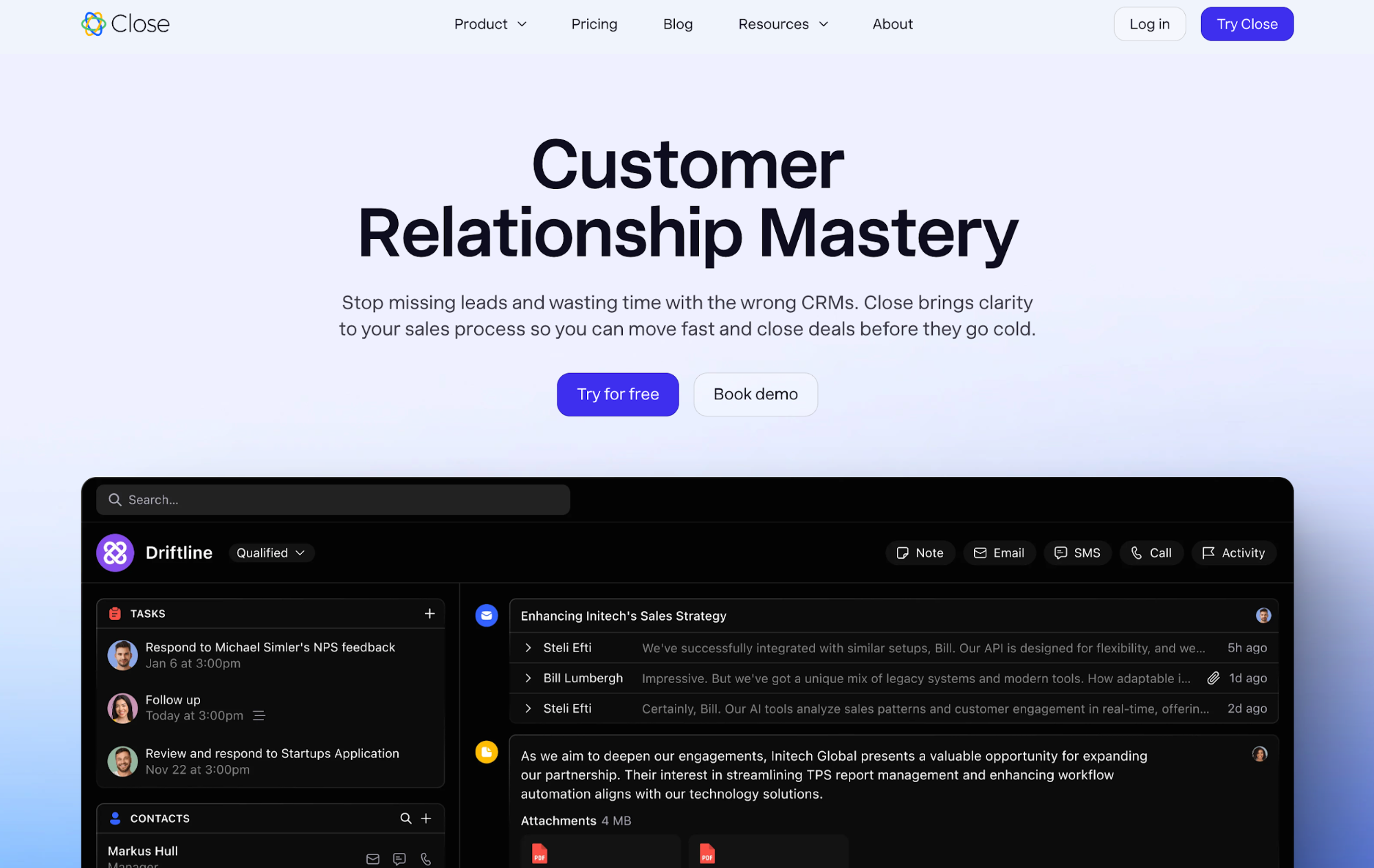
The power dialer is Close's headline feature for outbound-heavy teams: it works through a list of contacts automatically, connecting reps to live answers and skipping voicemails or busy signals. Email sequences allow for personalized, automated follow-up across multiple touchpoints, and the sequence library makes it straightforward to build and reuse outreach cadences. Pipeline management is clear and functional, with sales forecasting and activity-based reporting giving managers visibility into what the team is doing and how deals are progressing.
Close is a strong fit for teams whose sales motion is primarily outbound, such as SDR teams, inside sales floors, and businesses that sell via cold outreach. It's less well-suited to relationship-led or inbound-heavy sales, where the native calling infrastructure is less of a differentiator, and the pricing becomes harder to justify. It's also priced at the higher end of the SMB market, which is worth factoring in for smaller teams.
Key features: Native calling, SMS, and email, power dialer, email sequences, pipeline management, sales forecasting, activity reporting, Zapier, and API integration.
Considerations:
- Pricing is at the higher end, particularly for smaller teams.
- Feature set is optimised for outbound-heavy sales motions; less differentiated for inbound or relationship-led teams.
- Setup and onboarding can take longer than simpler tools.
Pricing: Startup from $49/month (up to 3 users), Professional from $99/user/month, Enterprise from $139/user/month. Free trial available.
HubSpot CRM
HubSpot is one of the most widely recognized names in the CRM market, and its free tier is genuinely capable, covering contact management, deal tracking, email tracking, meeting scheduling, and basic reporting. For teams that are just getting started with CRM and want to validate the concept before committing budget, it's a low-risk entry point.

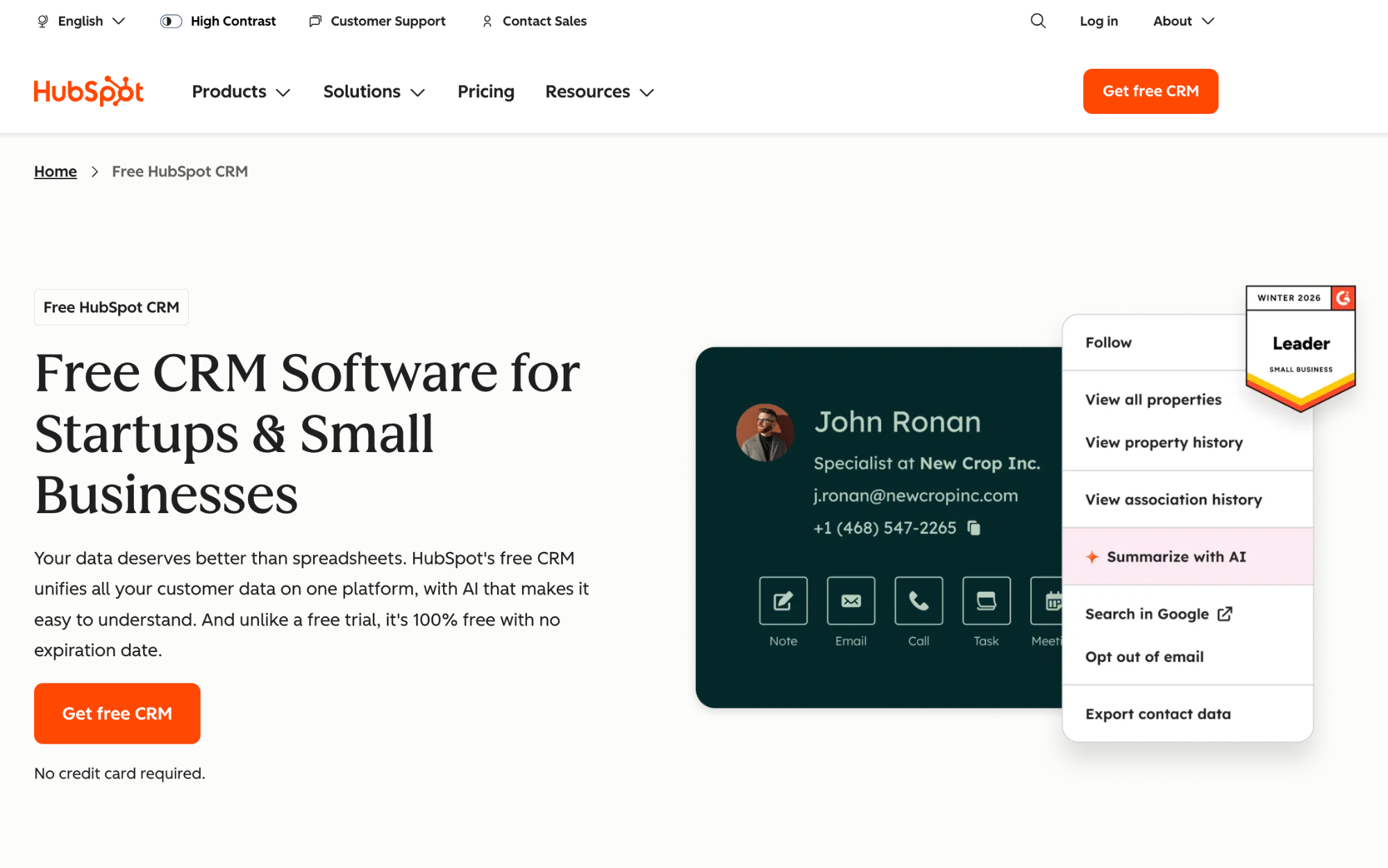
The broader HubSpot ecosystem is its main draw: Sales Hub connects with Marketing Hub, Service Hub, and Content Hub, making it possible to manage the entire customer lifecycle in one platform. For businesses that want a unified view of marketing, sales, and customer support activity, that integration is a meaningful advantage over point solutions.
The cost picture changes significantly as teams grow and need advanced functionality. Sales automation, email sequences, and more sophisticated reporting are locked behind Sales Hub's paid tiers, which escalate sharply from Starter to Professional. Teams that start on the free plan often find that the features driving real sales efficiency require a plan that costs considerably more than the free entry point suggested. For larger teams on Professional or Enterprise, HubSpot's total cost of ownership can be substantial.
Key features: Contact and deal management, email tracking and sequences (paid tiers), meeting scheduling, live chat, workflow automation (paid tiers), custom reporting, extensive integration library, and mobile app.
Considerations:
- The free plan is capable but limited.
- Costs rise sharply as teams grow and need automation and advanced reporting.
- Total cost of ownership at scale is significantly higher than the entry price suggests.
Pricing: Free plan available. Sales Hub Starter from $20/user/month, Professional from $100/user/month, Enterprise from $150/user/month.
Less Annoying CRM
Less Annoying CRM does exactly what the name suggests: it strips the CRM down to the essentials, with a single flat-rate pricing model and no feature tiers to navigate. It's built for very small businesses (typically under 10 users) that find most CRMs overcomplicated and want something they can set up in an afternoon and actually use the next day.

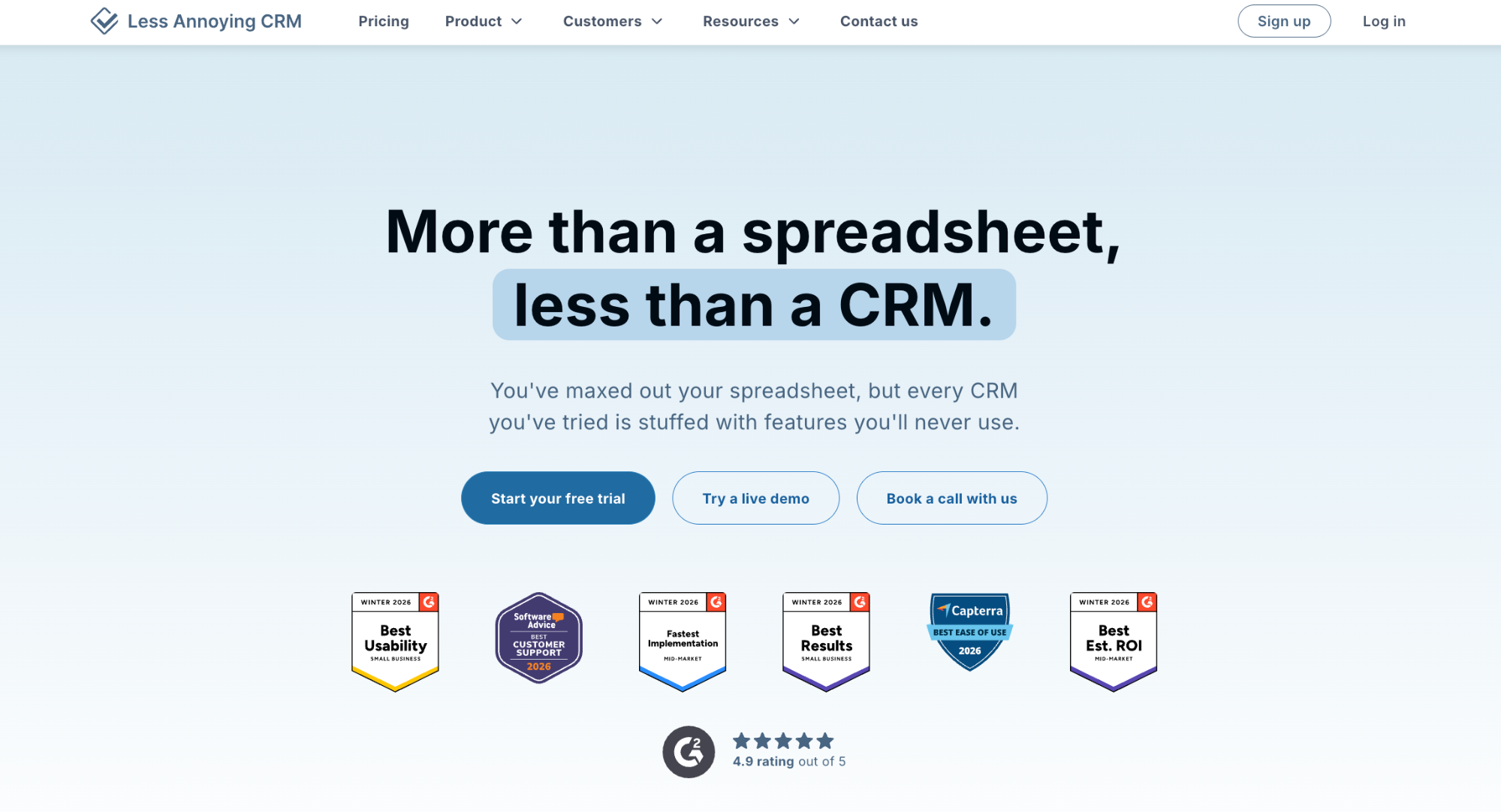
Contact management is straightforward: all activity, notes, and tasks are tied to contact records, and the interface is clean enough that new users rarely need training. The pipeline is simple and functional (a single pipeline with customisable stages) and calendar and task management are built in. Email logging works via a BCC address, which is less seamless than native email integration but functional for teams with simple needs.
What Less Annoying CRM deliberately doesn't have is equally important to understand: there's no workflow automation, no email sequences, no AI features, no advanced reporting, and integration options are limited. That's not an oversight; it's the product's position. For a two-person sales operation that needs to stay organized and doesn't want to think about their CRM, it works. For a team that's growing and needs to automate, forecast, or integrate with a wider tech stack, it will become a constraint.
Key features: Contact management, single pipeline tracking, task and calendar management, email logging via BCC, basic reporting, and simple customization.
Considerations:
- No workflow automation, email sequences, or AI features.
- Limited integrations compared to most competing tools.
- Single pipeline only.
- Designed for very small, simple sales operations, not suitable for teams with complex processes or growth ambitions.
Pricing: $15/user/month, flat rate. 30-day free trial.
Salesforce Sales Cloud
Salesforce Sales Cloud is one of the most established names in the CRM market. It's a sales-focused CRM designed for businesses that need deep customisation, enterprise-grade reporting, and a platform that can scale with significant organizational complexity. It's used across industries and company sizes, though its feature depth and pricing make it most natural a fit for mid-market and enterprise sales teams rather than smaller operations.

As pipeline management software, Salesforce is comprehensive. Teams can build highly customised pipelines, automate complex CRM workflows, and manage customer data across large contact databases with granular control over permissions and visibility. The Einstein AI layer (Salesforce's built-in sales assistant) surfaces predictive insights, scores leads, forecasts revenue, shows customer experience levels, and flags which deals need attention, giving sales managers a data-driven view of the entire pipeline.
For teams focused on optimising sales processes at scale, Salesforce offers the tools to do it. The trade-off is complexity. Salesforce typically requires a dedicated admin resource to configure and maintain, and onboarding takes considerably longer than simpler CRM solutions. It's also priced accordingly, making it harder to justify for smaller teams that don't need the full depth of what it offers.
Key features: Highly customisable pipeline management, Einstein AI sales assistant, lead scoring, advanced sales forecasting, workflow automation, personalized marketing campaigns via Marketing Cloud integration, enterprise-grade reporting, and extensive integration library.
Considerations:
- Implementation and ongoing admin require a dedicated resource.
- Pricing escalates significantly with team size and feature requirements.
- Better suited to mid-market and enterprise teams than small businesses looking to streamline processes quickly.
Pricing: Starter Suite from $25/user/month, Pro Suite from $100/user/month, Enterprise from $165/user/month, Unlimited from $330/user/month. Free trial available.
Finding the right fit
The best CRM for your sales team is the one your team will actually use: consistently, without being chased. That usually means starting with the adoption and usability criteria before anything else, and being realistic about which features you genuinely need on day one versus which ones just look good in a demo.
If you're a small or growing business looking for a CRM that balances simplicity with genuine AI capability, Capsule's free trial is a low-friction way to find out if it fits how you sell. Try it today!