
Sales reps spend just 35% of their time on actual selling. The rest is consumed by admin, prospecting, and managing tools. If that sounds familiar, it’s time to rethink how your team works. With the right sales productivity tools, you can cut the clutter and let your team focus on what matters: building relationships and closing deals.
Today, we’ll show you the top tools to help you reclaim your time and improve results.
The ROI of sales productivity tools
Nothing speaks louder than numbers, so we broke down the potential savings your sales team can achieve using productivity tools. From automating repetitive tasks to managing pipelines and improving team collaboration, the features outlined below show how much money – and time – you can save.
For this analysis, we assumed a sales team of six full-time employees, each earning $60k per year. This translates to an hourly wage of $28.85, based on a standard 40-hour workweek.
Using this range, we estimated potential time savings per person for various features of sales productivity tools. The table below shows how these time savings translate into monthly and annual financial savings for the entire team:

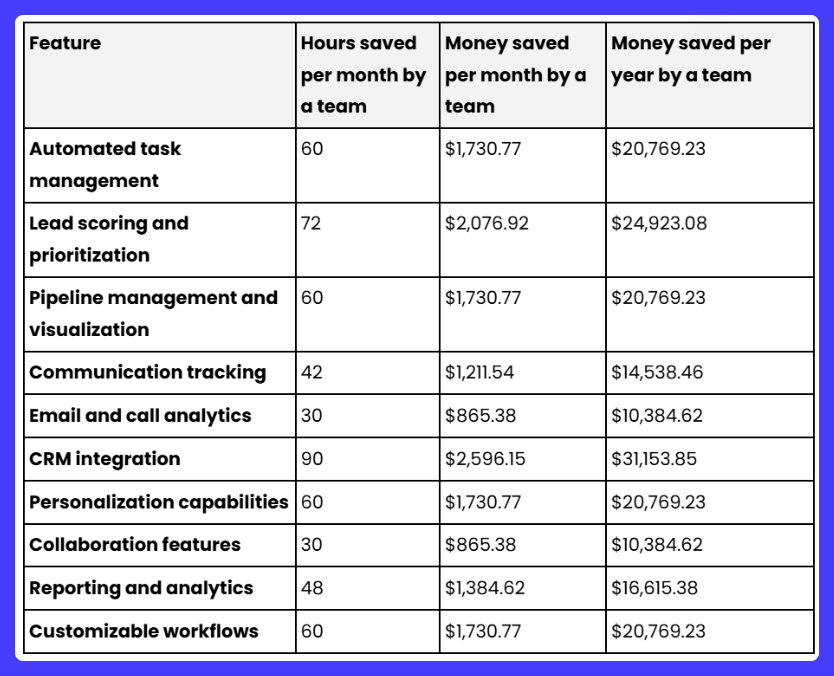
By automating tasks and leveraging the right sales productivity tools, your team could save nearly $100,000 annually. The goal isn't just to save money - it's to drive growth and close deals. The return on investment is undeniable even when factoring in the cost of these tools.
Let's discover some tools you can use to get your sales team to the next level.
Top sales productivity tools
#1 - Customer relationship management tools
CRM tools are often overlooked, but with the right setup, they can work like personal assistants for your sales team. From tracking every customer interaction to analyzing sales performance, a good CRM takes the guesswork out of managing your pipeline. It’s the foundation for productive, organized, and scalable sales operations.
Example: Capsule CRM

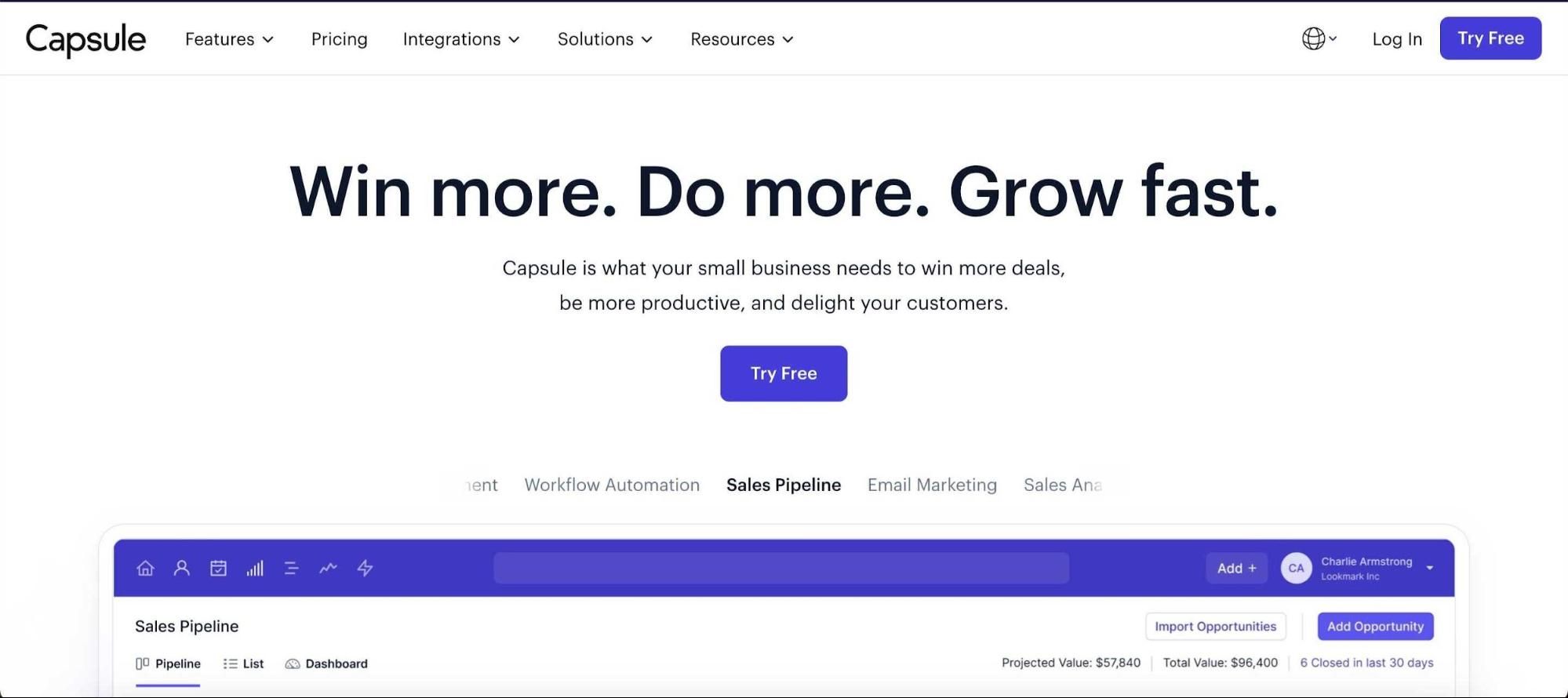
Capsule is a CRM built for businesses of all sizes, offering features designed to simplify and enhance your sales processes.
- Contact and lead management: Keep all customer information in one place to ensure your team never loses track of important details
- Visual sales pipeline tracking: Get a clear overview of your deals at every stage to better forecast sales and spot bottlenecks
- Customizable workflow automation: Save time on repetitive tasks like follow-up emails or project management arrangements
- Email marketing for inbound and outbound campaigns: Run personalized email campaigns directly from your CRM to nurture leads and retain customers
- Sales analytics: Gain actionable insights into performance metrics to identify what’s working and where to improve
- Task management and team calendars: Assign tasks, set reminders, and coordinate with a shared team calendar
- Integrations with marketing tools: Connect Capsule with your favorite tools, like Zapier, Xero, Quickbooks, or Transpond, to streamline operations and maintain data accuracy across platforms.
Starting at just $18 per user/month, Capsule gives you up to 30,000 contacts and a shared sales mailbox. Best of all, you can test its capabilities with a free 14-day trial.
#2 - Sales engagement tools
Sales engagement is the journey from lead to deal, where every interaction builds trust and moves the prospect closer to a decision. These tools guide that journey by tracking each touchpoint, ensuring no opportunity is missed. They also facilitate communication and provide insights that help your team close deals faster.
Example: Outreach.io

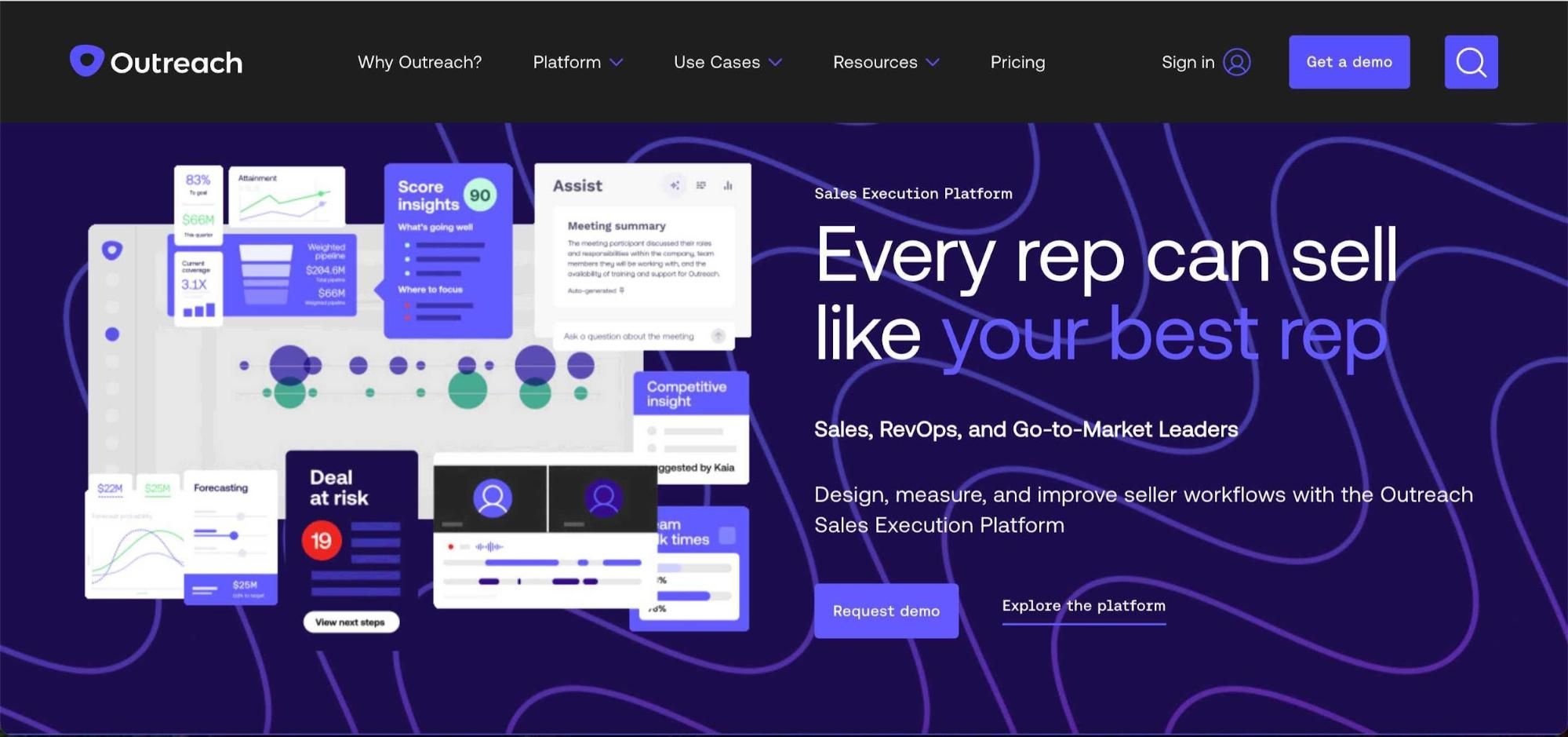
What if you could see which sales strategies work, which deals are at risk, and how your team performs in real-time? Outreach.io delivers AI-powered insights into deal velocity, pipeline conversion, and rep productivity, helping you make data-driven decisions.
With features like advanced pipeline management, AI-driven sales forecasting, and conversation intelligence, Outreach.io automates marketing workflows and improves sales efficiency.
Pricing is based on a per-user model. Outreach.io offers five different packages with custom pricing that you can request.
#3 - Sales forecasting tools
Without forecasting, sales teams can’t reach their full potential. Sales forecasting tools give teams a clear view of future performance by analyzing historical data, market trends, and current pipelines. These insights help sales leaders create accurate plans and set achievable goals.
With all that considered, working on actual sales becomes more focused and impactful.
Example: Weflow

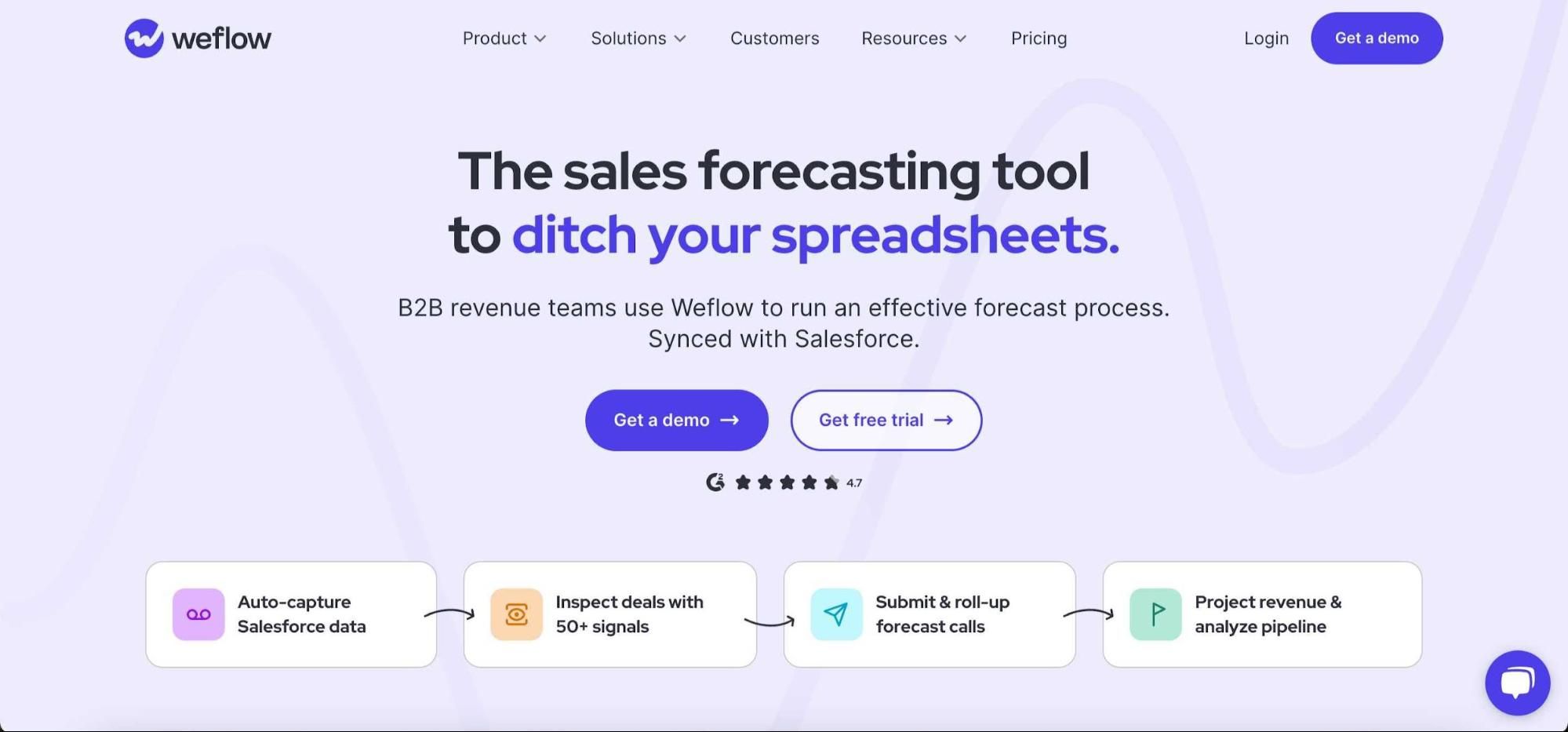
Among many sales forecasting tools, Weflow stands out with its ability to auto-capture emails, meetings, and contacts directly into your CRM, saving reps hours of manual data entry. It also provides detailed deal insights and warnings, like deal risks and health, ensuring your team stays proactive.
Weflow's AI-powered opportunity scoring and prediction models use 300 data points to provide actionable insights. Prices start at $20 per month.
#4 - Sales prospecting tools
Whenever you need to fill your pipeline with quality leads, sales prospecting tools do the heavy lifting. These platforms go beyond just finding contacts – they provide detailed insights for personalization, filter out low-quality leads, and automate follow-ups to keep your outreach consistent.
Example: Clearbit

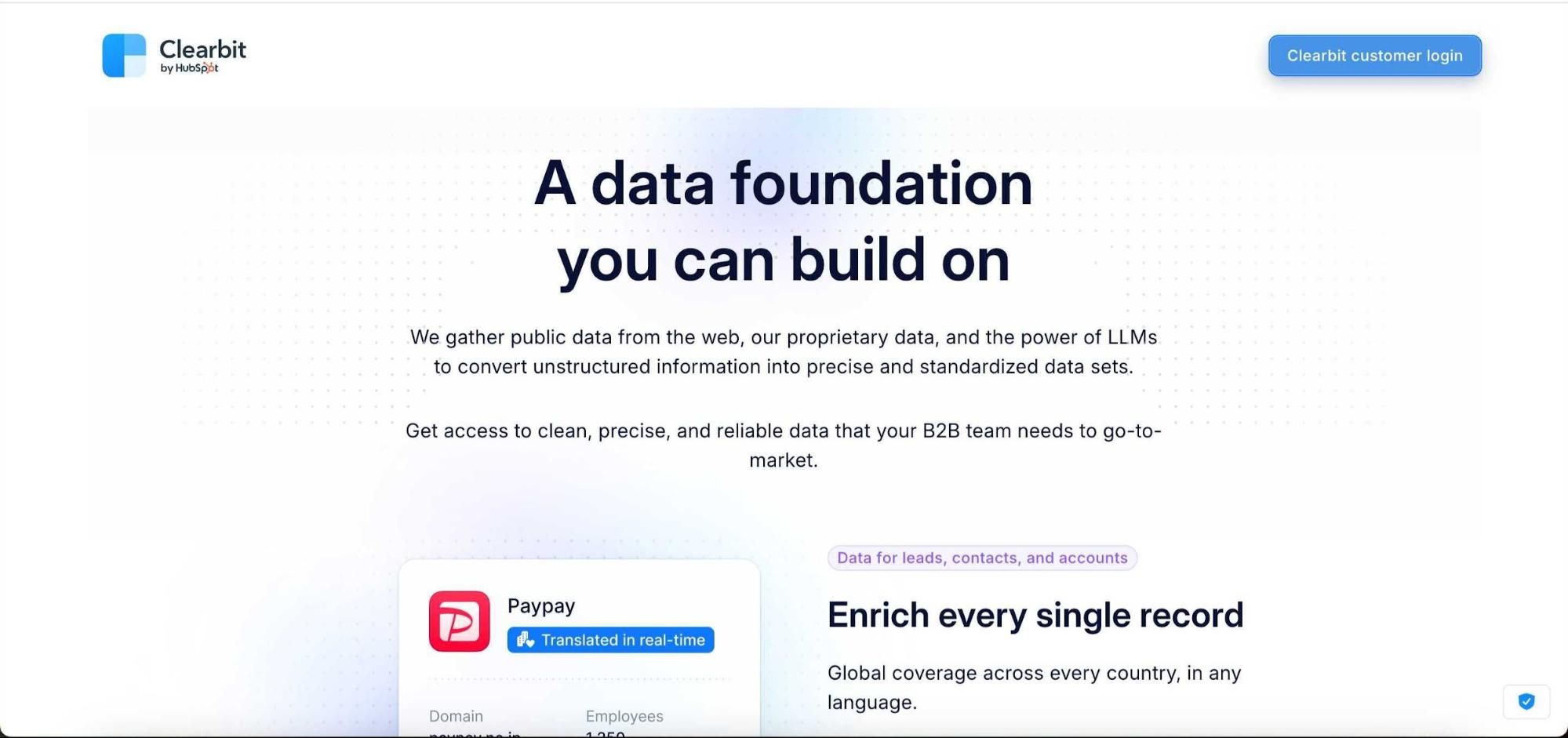
You might be struggling to find accurate lead data or improve the quality of your existing database – that’s where Clearbit comes in. Known as one of the world’s leading B2B data providers, Clearbit offers tools to build lists from scratch, enrich existing data, and uncover buyer intent.
Its global coverage and a blend of proprietary, public, and AI-sourced data ensures your sales team works with the most reliable information. Whether it's lead scoring, lead routing, or dynamic form shortening, Clearbit can help you scale your B2B activities.
#5 - Sales dialers
Sales dialers remain the most effective tools for closing deals as calls drive meaningful connections with prospects. These tools usually use VoIP technology to supercharge productivity. Your team can improve their approach with automatic call logs, call recordings, and detailed analytics provided by sales dialers.
Example: AirCall

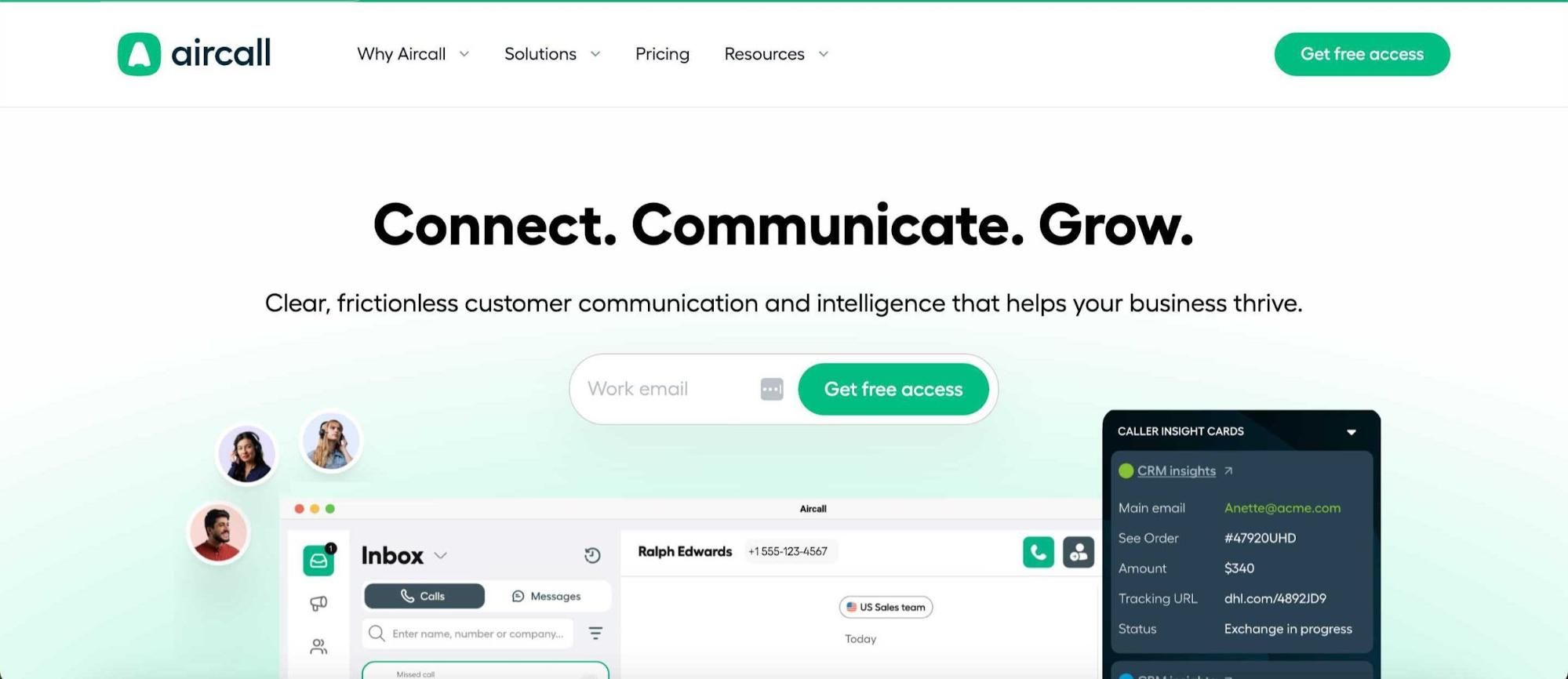
Aircall is built for sales teams that rely on high-volume calling and need efficiency at scale. It combines VoIP technology with smart features like local and international numbers, shared team inboxes, and CRM integrations to provide real-time customer context during calls.
Tools like IVR menus and call tagging simplify workflows for customer service, while audio quality controls ensure professional communication. Starting at $40 per license, Aircall is a cost-effective choice for teams looking to improve call management.
#6 - Cold email tools
Cold outreach has become more regulated and challenging, but when done right, it can still be a game-changer for sales. The problem? Manually managing cold outreach can eat up your team’s time and energy. That's where cold outreach tools come in handy - they automate the process, allowing you to scale your outreach efforts.
Example: Woodpecker

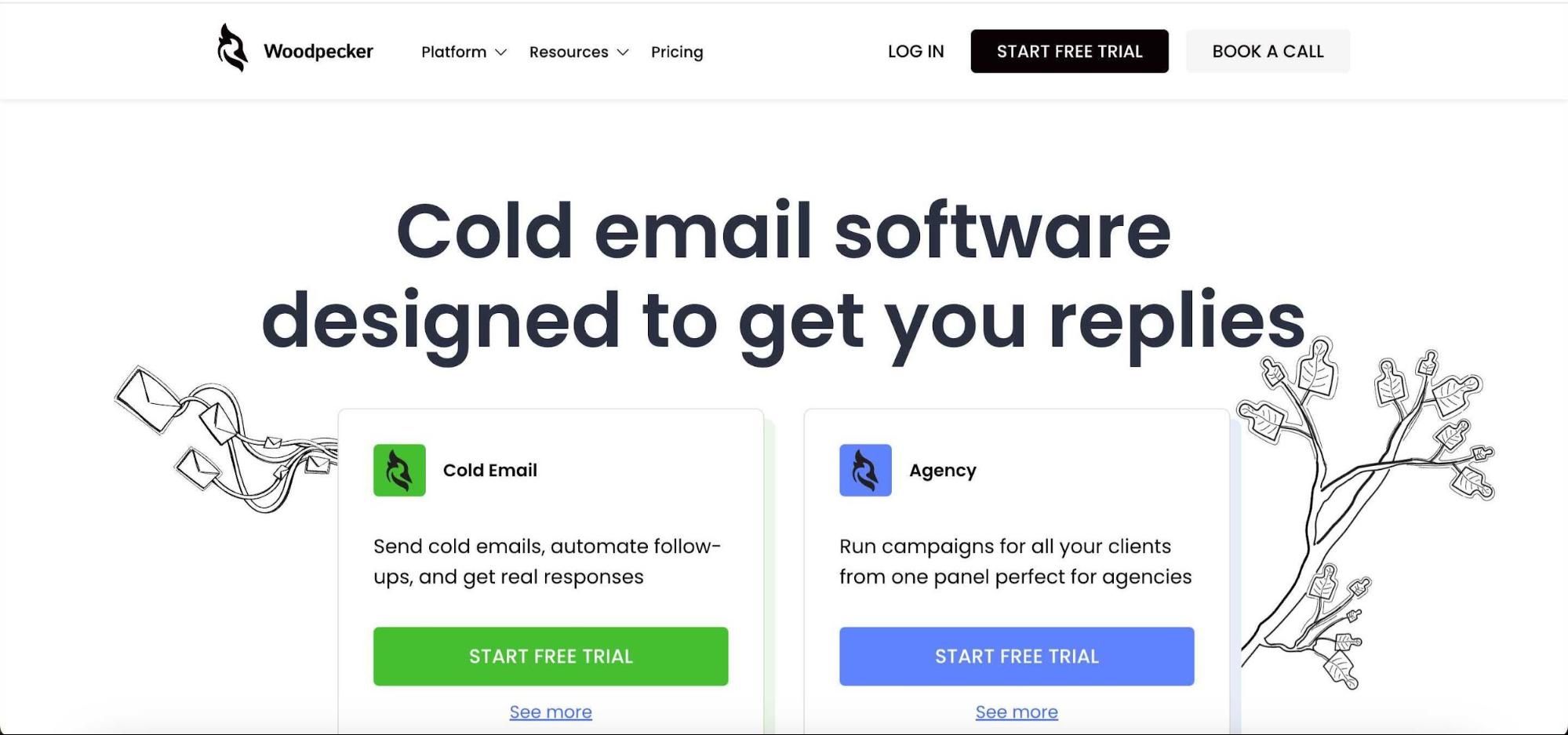
Woodpecker is designed to scale your cold email outreach while maintaining quality and personalization. It automates time-consuming tasks like email address validation, inbox rotation, and adaptive sending to ensure high deliverability and engagement.
With condition-based campaigns and centralized inboxes, sales teams can easily tailor reaching out to prospects.
Starting at $29 a month for 500 contacts, Woodpecker is a good choice for teams looking to save time spent on cold outreach.
#7 - Sales proposal tools
Sales proposal tools change how you respond to ‘Send me a proposal.’ Instead of relying on basic PowerPoint presentations or email attachments, these tools let you create sleek, high-converting proposals designed to impress and close deals faster.
Example: Better Proposals
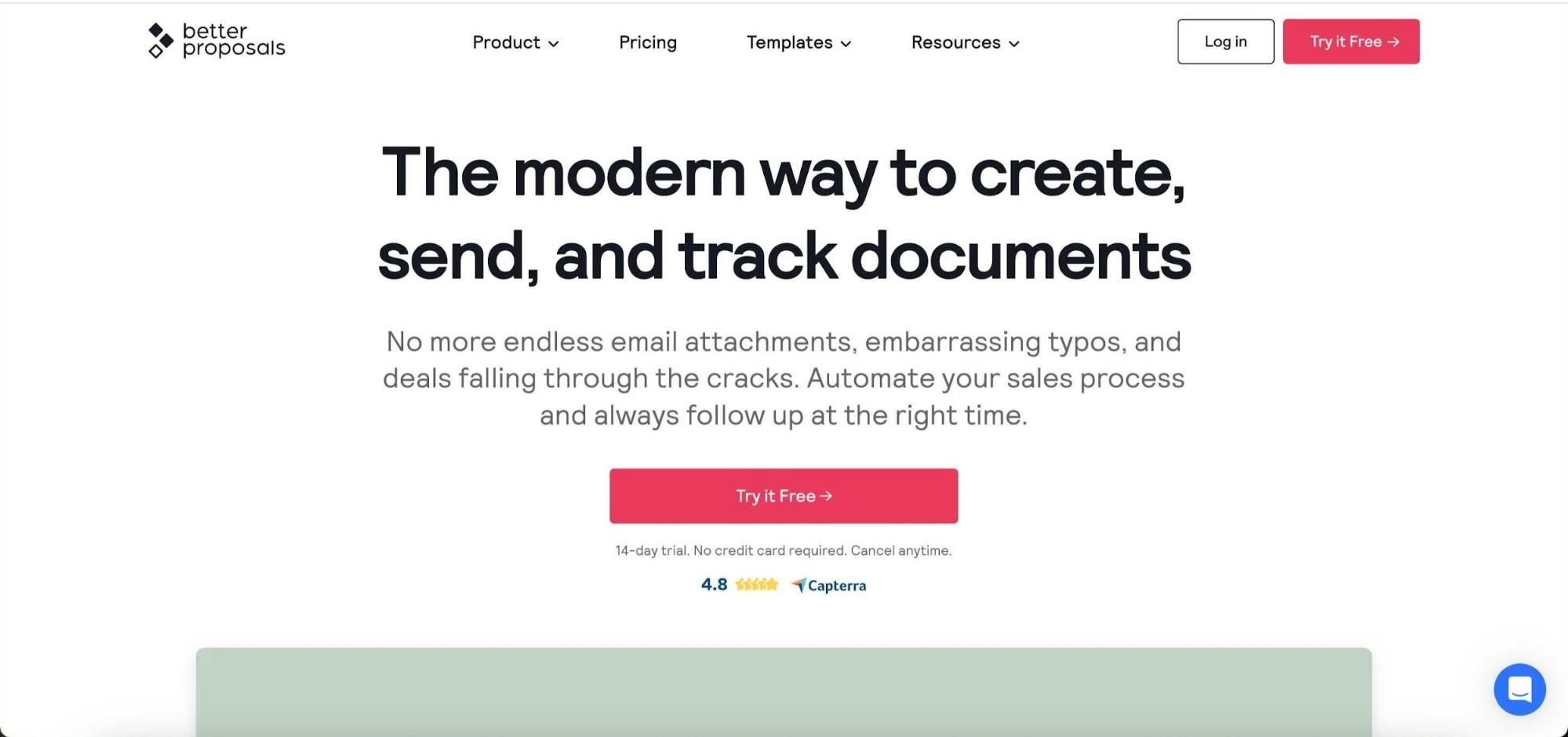
Better Proposals is a modern proposal tool designed to help businesses of all sizes create sleek, high-converting proposals with ease. This WYSIWYG editor and industry-based templates make creating professional documents a breeze.
Top features include proposal tracking to monitor who viewed your proposal, how long they spent on it, and which sections grabbed their attention. Integrations with CRMs and other sales tools ensure one-click data synchronization – while electronic signatures and online payment options remove friction from the customer decision-making process.
At just $19 per month for up to 50 proposals and a 14-day free trial, Better Proposals is a good choice for teams looking to win more deals.
#8 - Lead enrichment tools
Generating leads is just the beginning – truly effective sales require knowing everything about your prospects. Lead enrichment tools expand your knowledge by gathering, verifying, and appending valuable data points to your existing leads.
You can use these tools to enhance contact records with details such as phone numbers, emails, addresses, locations, and even social profiles, making connecting with your target audience easier. With enriched data, you can improve lead scoring, increase sales conversion rates, and save time on manual research while ensuring your database is accurate and actionable.
Example: Clay

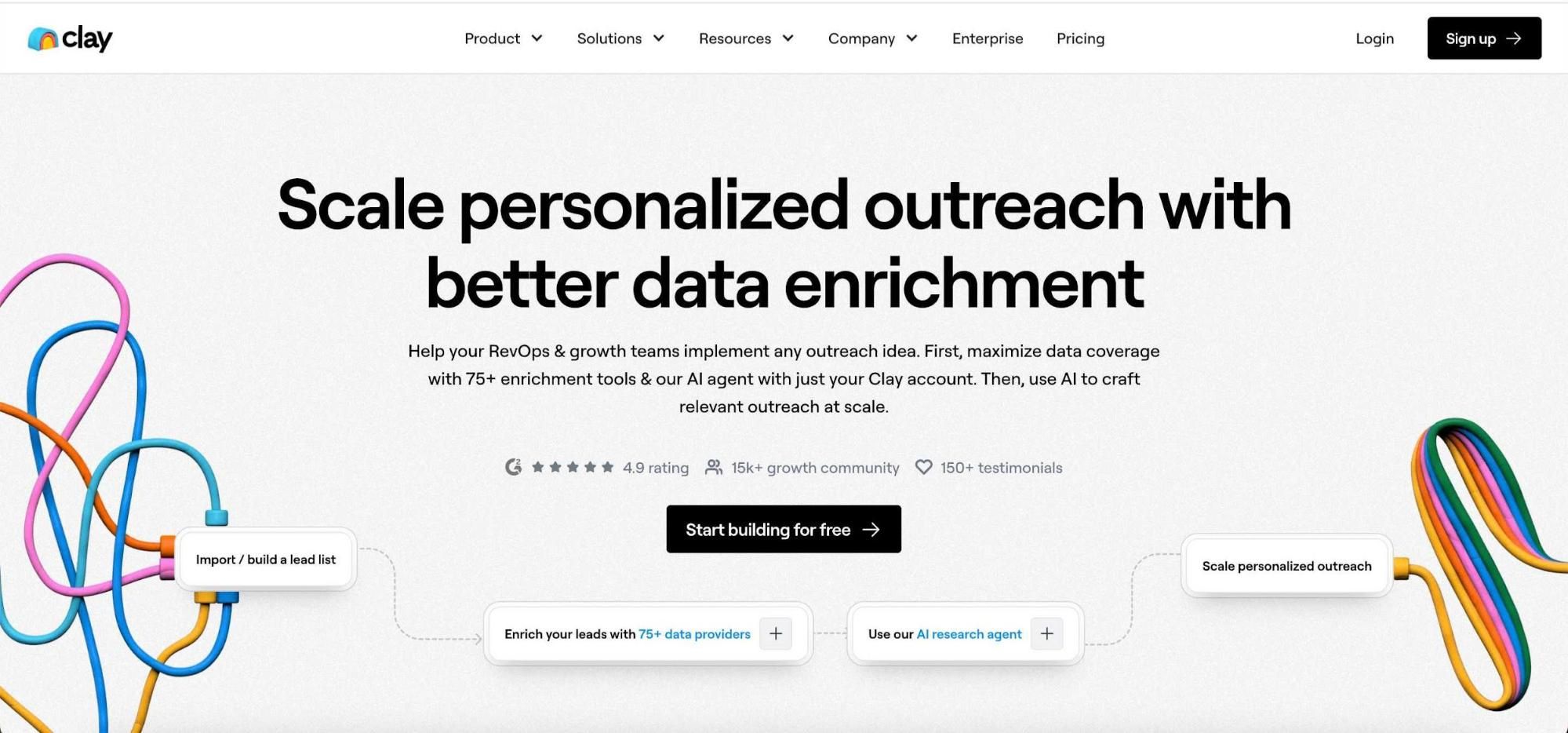
Clay is a lead enrichment tool built to provide your sales team with accurate, actionable data. Pulling from over 75 data sources enriches your existing leads or helps you create entirely new lists with detailed contact profiles.
Its key benefits include automated updates to CRM records, insights into buyer intent, and tools for identifying your Total Addressable Market (TAM). Pricing starts at $134 per month, with a free plan offering 1,200 credits for smaller teams to explore Clay’s features.
If you want to measure sales enablement success, you should start here — the data shows just how much time and money the right tools can save.
#9 - Time management tools
Ever feel like time slips away before you’ve tackled what matters? Each week, precious hours vanish, and many salespeople can’t pinpoint exactly ‘what’s on.’ Often, it’s sales procrastination – spending time on low-priority tasks instead of what drives results. Time management tools can change that. They help sales teams stay organized and track where their time goes, cutting down wasted hours.
Example: Clockify

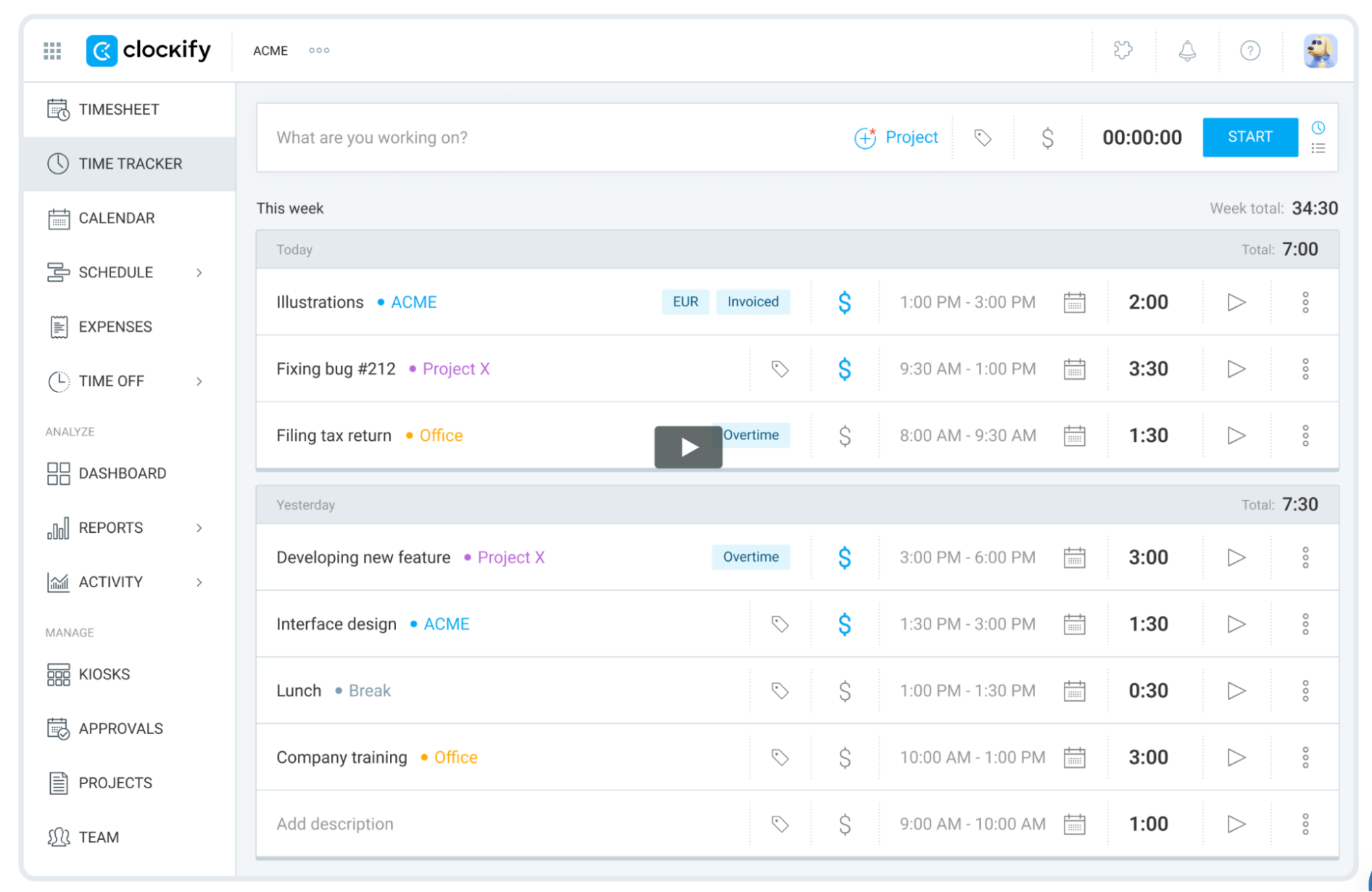
Time is money, and Clockify ensures none of it goes to waste. This time-tracking solution is perfect for businesses managing multiple projects or sales workflows. Tools like timesheets, real-time tracking, and calendar management make teams more productive and accountable.
Clockify provides detailed reporting to give you insights into productivity, project budgets, and team efficiency.
Best of all, Clockify is free forever for unlimited users. Premium plans start at just $4.99 per user per month for those needing advanced features like scheduling and expense tracking.
Sales communication tools
There’s no sales success without communication – both with customers and within your team. External communication drives deals forward, but internal communication ensures everyone is aligned, informed, and working efficiently. Modern sales communication tools do much more than send messages. Integrate them with other solutions to keep your team informed about new sales opportunities.
Example: Slack

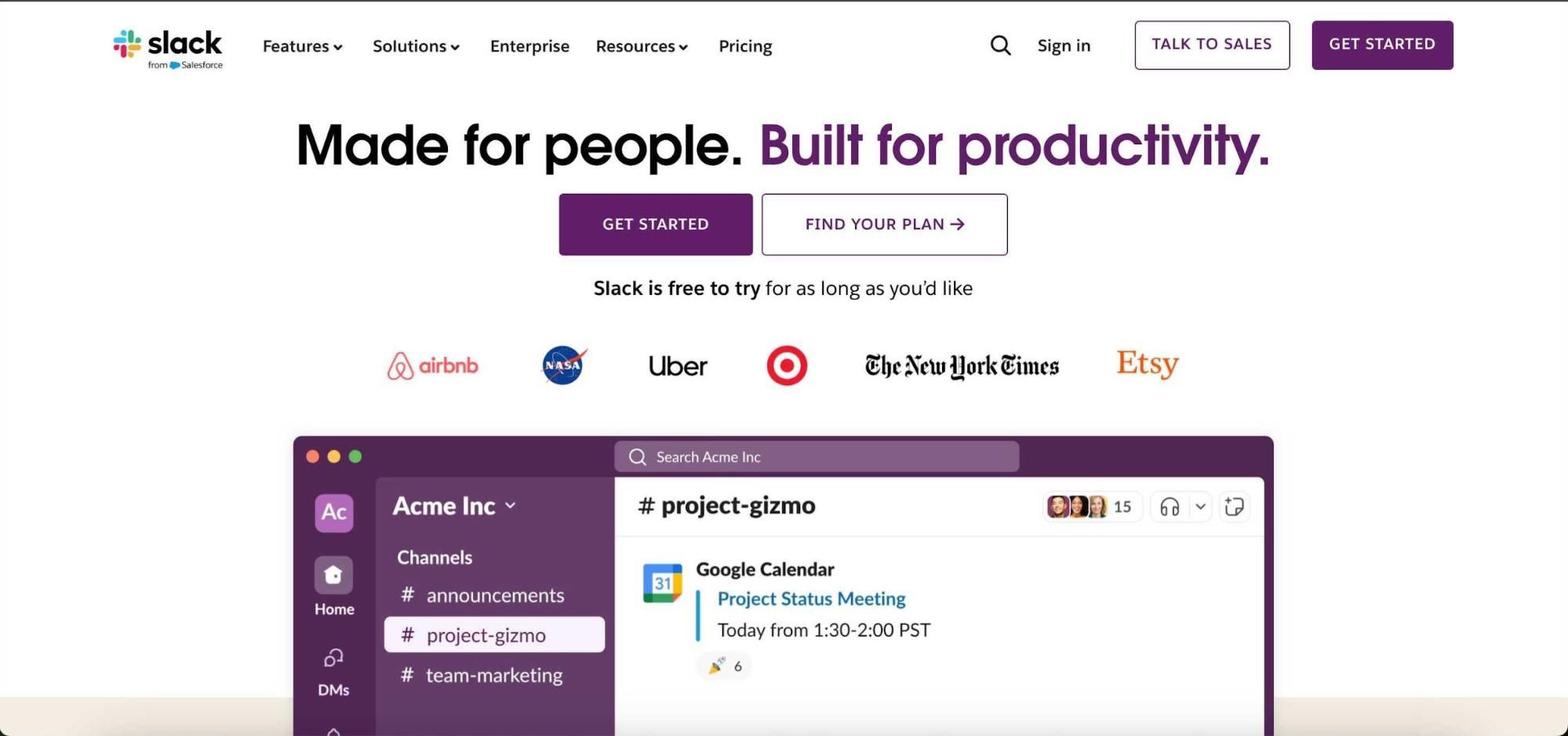
Slack can help sales teams increase productivity by centralizing communication and integrating with existing tools. It’s not just for chatting or sending sales snippets. Slack is a platform where teams can collaborate, share updates, and stay aligned on deals without wasting time switching between apps.
With functionalities such as CRM integrations, workflow automation, and shared channels, Slack makes it easy for every team member to access the necessary information. Document sharing, audio/video calls, and real-time notifications keep everyone in the loop. While the free plan is great for smaller teams, paid plans (starting at $7.25 per user per month) unlock advanced features and unlimited message history.
6 quick 15-minute practices to improve sales team productivity
Sales productivity does not usually improve because the team gets another motivational speech, a bigger dashboard, or a shiny new sales tool nobody asked for.
It improves when reps waste less time switching context, guessing what to do next, rewriting the same message, or carrying dead deals around like emotional baggage.
The good news? You do not need huge process changes to make the team sharper. A few 15-minute practices can make the sales day cleaner, faster, and easier to manage.
1. Start the day with a 15-minute pipeline reset
The first 15 minutes of the day should give reps clarity, not chaos.
Instead of opening the CRM and drowning in every deal, every reminder, and every “maybe later” opportunity, each rep should quickly scan their pipeline and decide what actually deserves attention today. The goal is not to fix the entire CRM. The goal is to remove obvious noise before the day starts.
A good pipeline reset means checking which deals moved forward, which deals need a next step, and which ones are probably no longer real. If a prospect has ignored four emails, missed the last call, and still has no clear pain or buying timeline, that deal should not sit in the forecast like it pays rent.
This 15-minute habit helps reps stop confusing activity with progress. It also gives managers cleaner data, which makes coaching easier. Instead of asking vague questions like “What’s happening with this account?”, managers can focus on deals with actual movement, risk, or opportunity.
Over time, this practice creates a healthier sales rhythm. Reps start the day with a short list of deals that matter, not a giant CRM swamp. That alone can improve focus before the first call even starts.
This is also where referral-driven leads deserve special attention because they often behave differently from cold inbound or outbound prospects. Platforms like ReferralCandy help ecommerce brands identify customers and advocates generating referral activity, which gives sales and partnership teams cleaner intent signals to prioritize.
2. Use 15 minutes to prepare for one important call properly
Not every call needs deep research. But every important call deserves more than a quick LinkedIn glance two minutes before joining Zoom.
A 15-minute pre-call preparation habit can completely change the quality of discovery. The rep should look at the company’s website, recent activity, role of the person they are meeting, possible business priorities, and one or two relevant customer examples they can mention naturally.
The point is not to stalk the prospect or arrive with a creepy amount of detail. The point is to avoid lazy questions.
There is a big difference between asking, “Can you tell me about your business?” and saying, “I saw you’re expanding your partner program, so I’m curious how your team currently handles lead routing from those channels.” The second version shows effort. It also gets the buyer into a more specific conversation faster.
Good preparation saves time during the call. Reps ask better questions, skip generic explanations, and avoid pitching features the buyer clearly does not care about. The prospect feels that the conversation was built for them, not pulled from a demo script with the company name swapped out.
This practice works especially well for mid-market and enterprise deals, where one strong discovery call can shape the rest of the sales process.
For teams looking to reduce reliance on cold calling altogether, zenbusiness has a useful breakdown of alternative prospecting approaches worth exploring alongside better call prep habits.
3. Run a 15-minute objection practice twice a week
Objections are where sales conversations often get interesting. They are also where many reps quietly start improvising.
A short objection practice gives the team a safe place to test better responses before they need them live. Pick one objection and spend 15 minutes breaking it down. For example: “It’s too expensive,” “We already use another tool,” “We need to think about it,” or “This is not a priority right now.”
The trick is to avoid turning this into a script-writing exercise. The team does not need one perfect line that every rep repeats like a chatbot in formal shoes. They need better ways to understand what the objection really means.
“It’s too expensive” might mean the buyer does not see enough value. It might mean the wrong person controls the budget. It might mean the rep presented pricing before the problem felt painful enough. Same sentence, different problem.
During the practice, reps can share what worked, what backfired, and what question helped them move the conversation forward. This creates a shared sales brain, especially when teams document and reinforce best practices through modern sales training software that keeps coaching consistent across the organisation. Newer reps learn faster, stronger reps sharpen their thinking, and managers start seeing where the team needs support.
After a few weeks, the team builds a practical library of real objection handling. Not theory. Not fluffy battle cards. Actual language from actual sales calls.
4. Spend 15 minutes after calls on sharper follow-ups
A follow-up email should not be an admin chore. It should move the deal forward.
The best time to write it is right after the call, while the conversation is still fresh. Reps should spend 15 minutes turning their notes into a clear, useful message. Not a generic “great speaking with you” email, because those deserve to be gently retired.
A strong follow-up reminds the buyer what they said mattered. It should reflect their pain, their priorities, the next step, and any useful resource promised during the call. The buyer should read it and think, “Yes, that’s exactly what we discussed.”
This practice improves productivity because it reduces future confusion. When the follow-up is clear, the next step becomes easier. The buyer knows what happens next. The rep has a written record of the conversation. The manager can review the opportunity without decoding cryptic CRM notes like “good call, follow up soon.”
It also helps with multi-stakeholder deals. Buyers often forward follow-up emails internally. If the message clearly explains the problem, value, and next action, it can sell inside the company even when the rep is not in the room. Teams can also use short video follow-ups to reinforce key points, especially for multi-stakeholder deals, using formats like interactive AI avatars to deliver clear, consistent, and engaging explanations.
Fifteen minutes here can save hours later.
5. Review one lost or stalled deal in 15 minutes
Most sales teams say they learn from lost deals. Fewer actually make time for it.
A 15-minute deal review keeps the habit light enough to happen. Choose one lost or stalled opportunity and ask what really happened. Did the buyer have a clear problem? Was there a real timeline? Did the rep reach the decision-maker? Did the deal slow down after pricing, demo, procurement, or legal review?
This practice works best when the team treats it like diagnosis, not a courtroom drama. The question is not “Who messed up?” The question is “What signal did we miss?”
Sometimes the answer is uncomfortable but useful. The deal was never qualified. The buyer liked the product but had no urgency. The team spent too long with a champion who had no internal influence. The demo focused on features instead of the business case. The next step was too vague.
A short review helps reps spot patterns before they repeat them across ten more deals. It also gives managers better coaching material than generic advice like “create urgency” or “build more value.” Those phrases sound nice on sales podcasts, but they do not help much unless they connect to a real deal.
Over time, these reviews make the whole team better at qualifying, prioritizing, and walking away from deals that only look alive from a distance.
6. Improve one sales asset in 15 minutes
Sales teams lose a surprising amount of time because their materials are slightly broken.
The deck is too long. The pricing explanation is unclear. The case study does not match the current ICP. The comparison sheet still mentions a competitor feature that changed six months ago. The email template sounds like it escaped from 2017 and has been hiding in the CRM ever since. If your team still writes every cold email from scratch, an AI-powered email writing tool can generate personalized outreach based on each prospect's profile, saving reps time while keeping messages relevant.
Instead of launching a huge “sales enablement refresh,” spend 15 minutes improving one small asset at a time.
One week, shorten a follow-up template. Another week, rewrite the first slide of the demo deck. Next time, add a stronger proof point to a case study. Then clean up the answer to a common competitor question.
This habit compounds because sales assets get reused constantly. A clearer email template saves time every time someone sends it. A sharper discovery question improves every call where it appears. A better case study gives reps more confidence when buyers ask for proof.
The key is to avoid overcomplicating it. You are not rebuilding the whole sales library. You are making one thing more useful, more current, or easier to use.
Small asset improvements are boring. They also work. Annoying combo.
Wrapping up
What if your sales team could spend more time selling and less time buried in admin work? Productivity tools don't help salespeople with just a few simple tasks. They open doors to efficiency you didn’t think possible.
Capsule allows you to unlock hidden potential in your processes, personalize outreach effortlessly, and give your reps the edge they need to make sales. Curious about what Capsule could do for your team? Try it free today and see the difference.