Google-integrated CRM
Working with Google? Meet Capsule CRM
Start your days with a plan. Connect your Google Calendar and Gmail inbox to centralize your work and shed the stress.

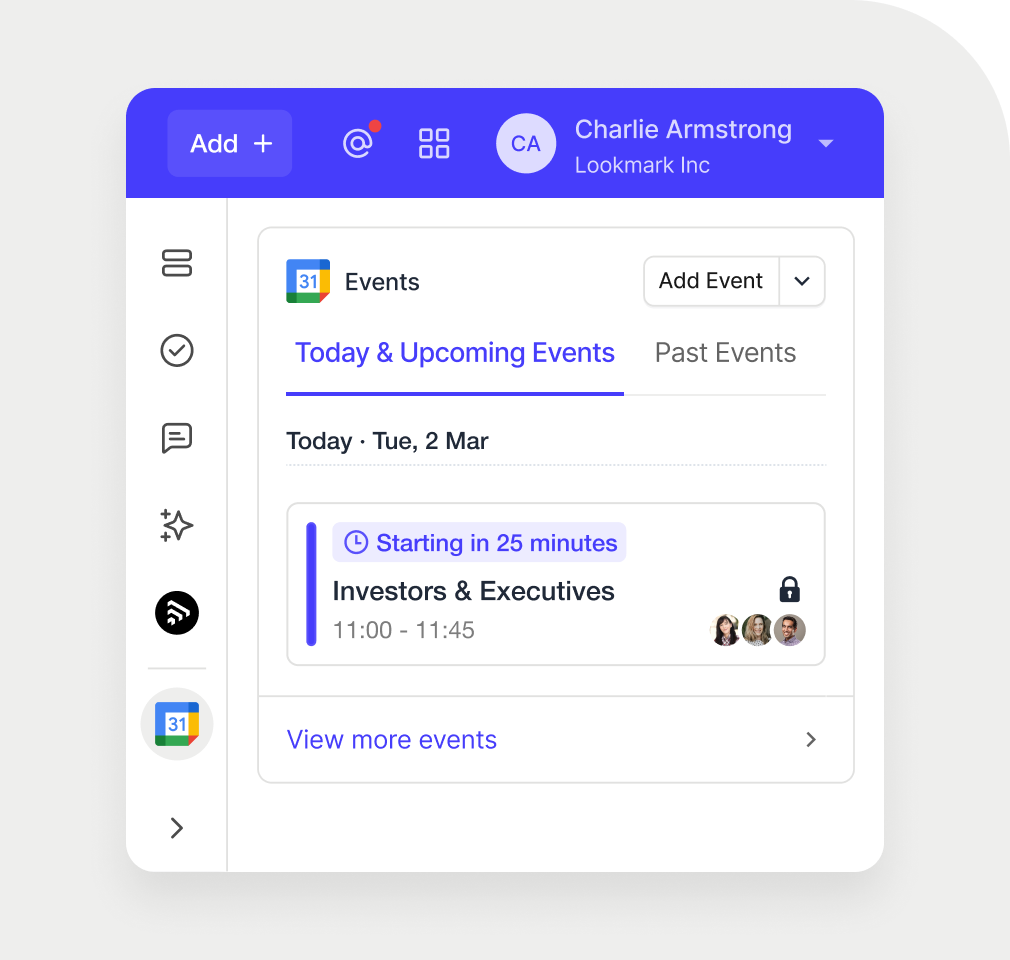
Combine Capsule CRM with your Google Workspace
Cut copy-pasting. Ditch tab-switching. Pull your Gmail calendar and inbox into your straightforward CRM. Central, seamless, stress-free.

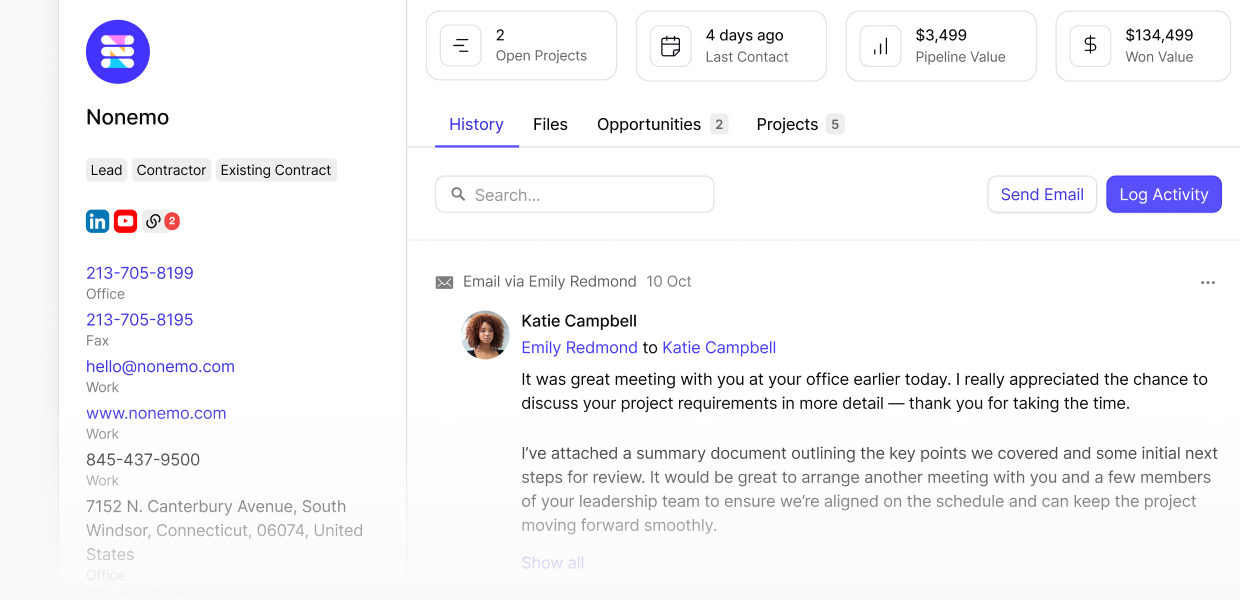
Sync your Gmail inbox
Automatically log emails sent and received with Gmail in the relevant contact record. Keep complete communication histories without the admin hassle.
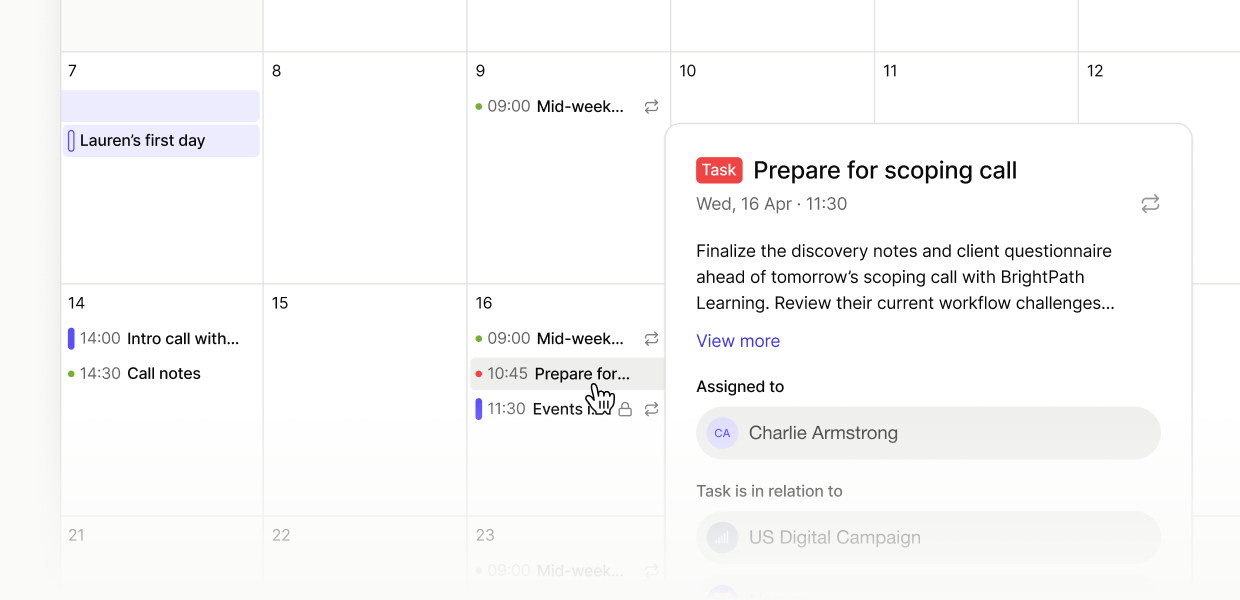
Connect your Google Calendar
Glance your full working day in one place. View imminent tasks, join calls, and update contact info all from Capsule's calendar. Stay in one place, stay focused.
Your smoothest days start here

Your work day, all in one app
Manage your sales, emails, tasks, and calls from one system. Ditch tab-switching and inbox deepdives. Stay focused.
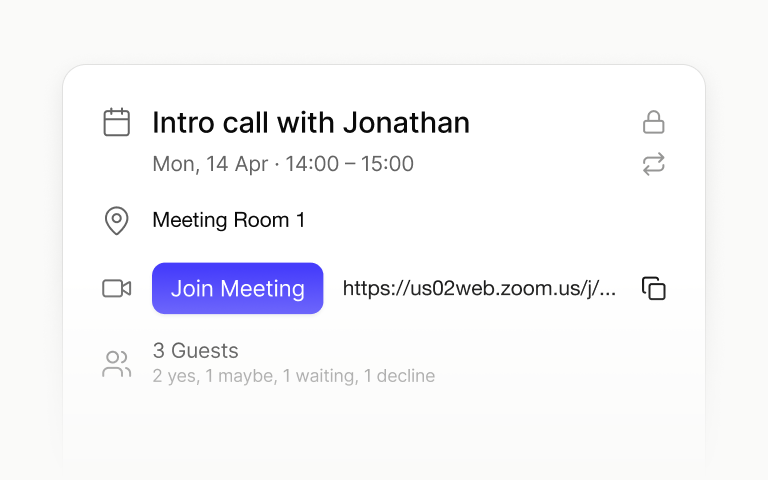
Context before your calls
Find previous emails, customer details, and historical engagement in seconds. Join customer meetings and make the right call.
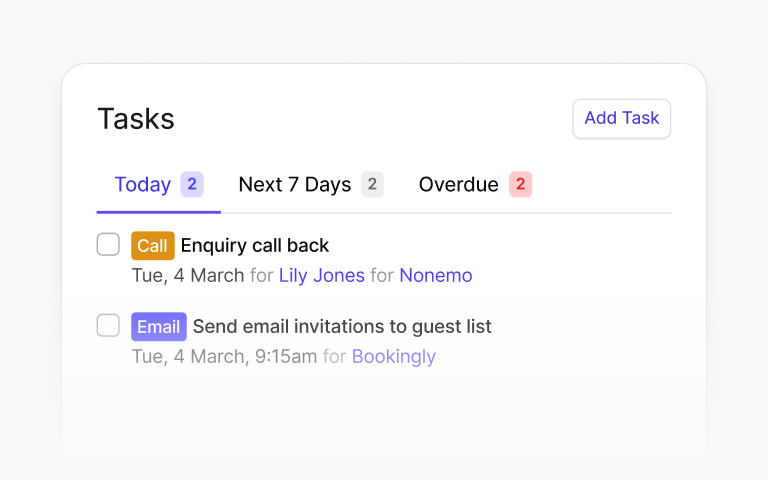
Clear heads clear to-do lists
Stay level-headed: everything's in arm's reach. All your emails, upcoming calls and, daily to-dos. You can focus on the big stuff.

"It's my go-to each morning to get my day organised and focused. My emails are also integrated, so all my calendar appointments pop up, and I never miss a meeting."
Robert M.
Customer review, G2
Why choose Capsule CRM?
Capsule CRM puts sales, projects, and customer service in one tidy place. Clarity, calm, control — how running your business should feel.
Get up and running. Fast.
Combing Google Contacts for info? Or are you using a CRM? Import it all in a few simple steps or use our one-click migration tool.
Powerful tools, simple starts
Sign up and settle in, fuss-free. Find all the tools you need and none of the fluff. Do what you do, only better, faster, and stress-free.
For people, by people
Any plan, any time you need us: we don’t limit our customer care. Always knowledgeable, speedy, human-led support.
No hidden fees; no surprises
Pay for the tools you need and nothing you don’t. No onboarding costs or sudden price hikes.
For small businesses with one to five employees.
Billed Annually.
Got a small sales team? This is the plan for you.
Billed Annually.
For big sales teams and fast-growing small businesses.
Billed Annually.
All features included, custom training & priority support.
Billed Annually.
Frequently Asked Questions
Yes, absolutely. Capsule CRM offers comprehensive and seamless integration with your Google Workspace environment. This means you can connect your Gmail, Google Calendar, and Google Contacts to the customer relationship management (CRM) software, making it easier to manage contacts, track sales activities, and monitor customer communication without leaving your essential business tools.
Setting up the Google Calendar integration is simple and self-service, ensuring effective data synchronization. Capsule generates a unique calendar feed URL for each user.
For more help with setup, visit our step-by-step guide to setting up the Google Calendar integration.
The core Gmail Add-on and the Google Calendar integration features are available on every plan. Capsule ensures that all users, regardless of their subscription level, can benefit from these essential integrations for enhanced customer relationship management.
However, automatic email storing is only available from the Growth plan and up.
Connecting Capsule CRM to your Google Workspace does not require technical know-how or assistance. The process is straightforward and guided through your preferences.
However, if you wish to enable Single Sign-On (SSO) for your entire domain, your account's Super Administrator will need to contact Capsule Support to facilitate the final steps.
Yes, you can automatically log emails from your Gmail inbox in Capsule CRM. Using the convenient Capsule Add-on for Gmail, you can select the option to "Store a conversation" on a contact's record.
Once activated, the current email and all future sent and received messages within that specific thread will be automatically stored, giving you a complete history of customer communication.
The integration remains a one-way sync. You can edit or schedule new events, but Capsule will open Google Calendar in a new tab to do this.
Once created or updated, you'll see them in the Capsule Calendar.
Yes. For effective tracking of sales activities and performance metrics, you can easily log an activity for a Google event (such as a meeting) using the integration.
Once logged in Capsule, the details will feed directly into your Activity Reporting as a 'Meeting' or your selected activity type, giving you a comprehensive view of team engagement.
Yes, you can easily pull your existing Google Contacts into Capsule. This is achieved by exporting your contacts from Google in a CSV format and then using the simple import tool within Capsule to upload contact information and ensure a seamless data migration.
Click to follow this visual guide.